

AI Purge Voice Generator
Step into the world of cinematic suspense with FineVoice AI purge voice generator. We’ve all heard that bone-chilling emergency broadcast—the calm, eerie tone announcing that all crime is legal for the next twelve hours. Now, you can recreate that exact atmosphere for your own projects. Customize tone, intensity, pitch, and filter effects for unmatched sound control. With a simple interface and an extensive library of purge-styled presets, FineVoice offers endless creative flexibility.
文字转语音历史记录
示例:
设置
AI语音

- Voice Name
- 0 使用次数
免费创建您的AI语音。
模型
 FineVoice TTS Max
Hear Our AI Purge Voice Samples
Morren Blackglass
Raspy and energetic. Fast speaking speed. Tone is wild, teasing, mischievous, and volatile.
Seraphine Dawnreaper
Clear, commanding, and firm. Medium-slow speaking speed. Tone is authoritative, confident, and unwavering.
Lysandra Veilthorn
Soft but sharp. Slow speaking speed. Tone is mesmerizing, lyrical, and unnervingly calm—almost tender.
Varek Ironstride
Deep, resonant, and steady. Medium speaking pace. Tone is confident, controlled, and grounded—quiet power rather than aggression.
Capture the Iconic Purge Sound with Unmatched Realism
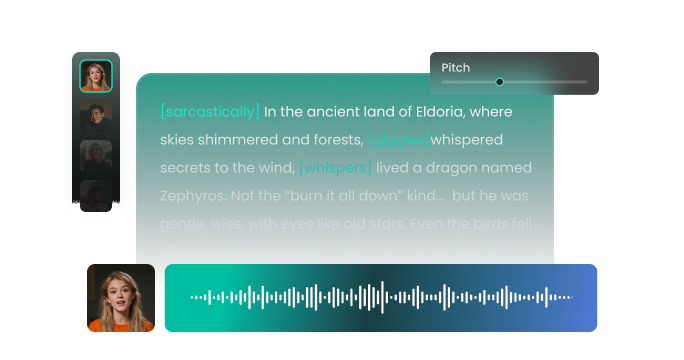
FineVoice AI purge voice generator gives you access to advanced voice transformation technology built specifically for purge-style effects. Your generated voice remains clear, intense, and polished while adding dystopian audio layers like metallic echoes, voice distortion, low-frequency boosts, and cinematic reverberation. You can adjust the pitch and speed to ensure your message sounds exactly like it’s coming through a high-stakes government frequency. This level of realism ensures your audience stays fully immersed in the world you are building, whether it's for a short film or a social media skit.
Perfect for Entertainment, Gaming, and Horror Content
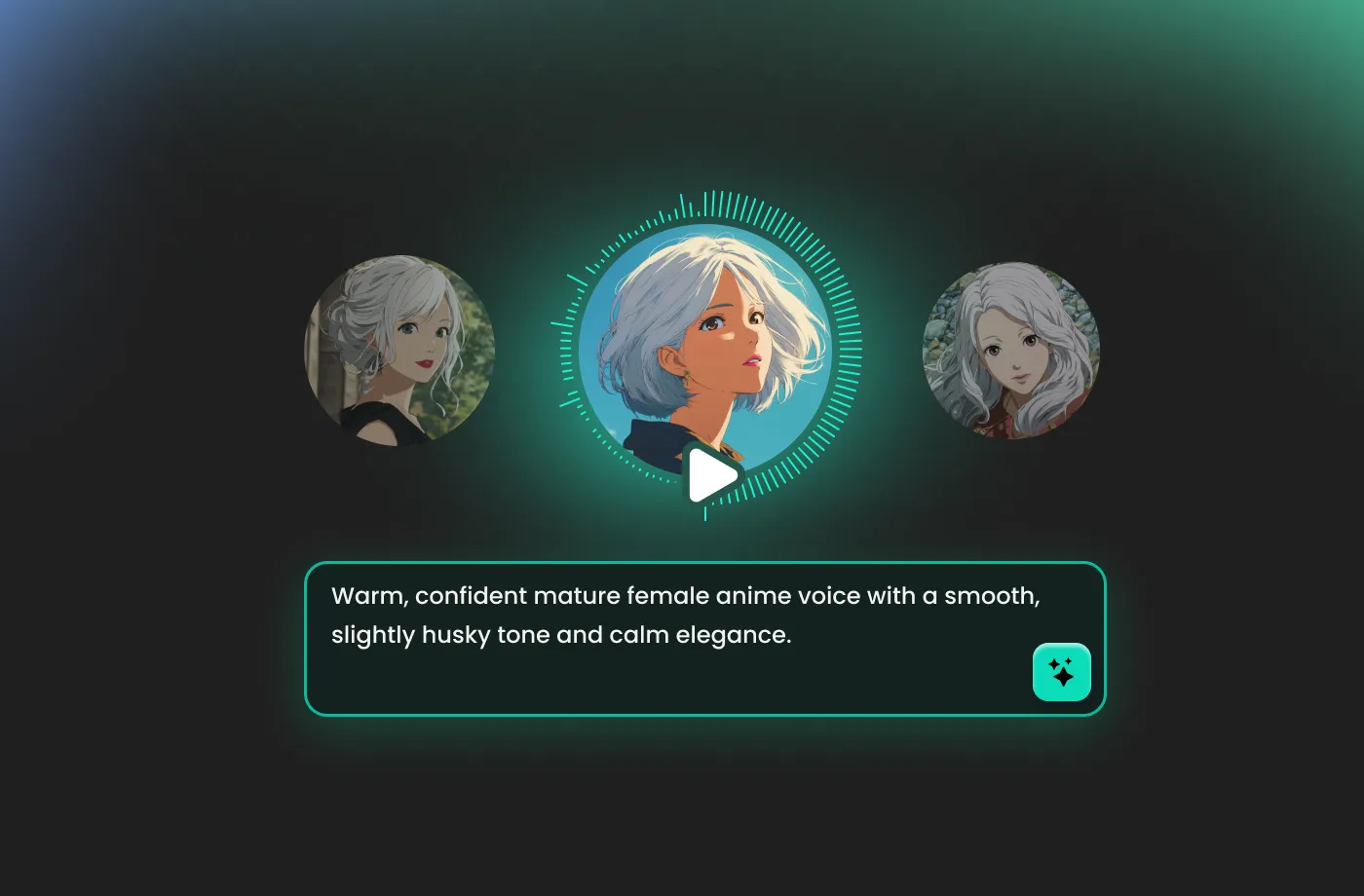
If you create horror stories, survival-themed games, thriller podcasts, or dark fantasy videos, FineVoice AI purge voice generator delivers voices that transport audiences into an immersive purge-like universe. You can generate voices for heroes, villains, narrators, AI systems, robots, or entire character casts. Gamers love using purge voices for streaming overlays, character roleplay, and voice chat effects. You can even export audio for use in games like GTA, Minecraft, or VR simulations. Whether you want whispers, warnings, announcements, or terrifying monologues—you’re covered.
Ideal for Creators, Businesses, and Professionals
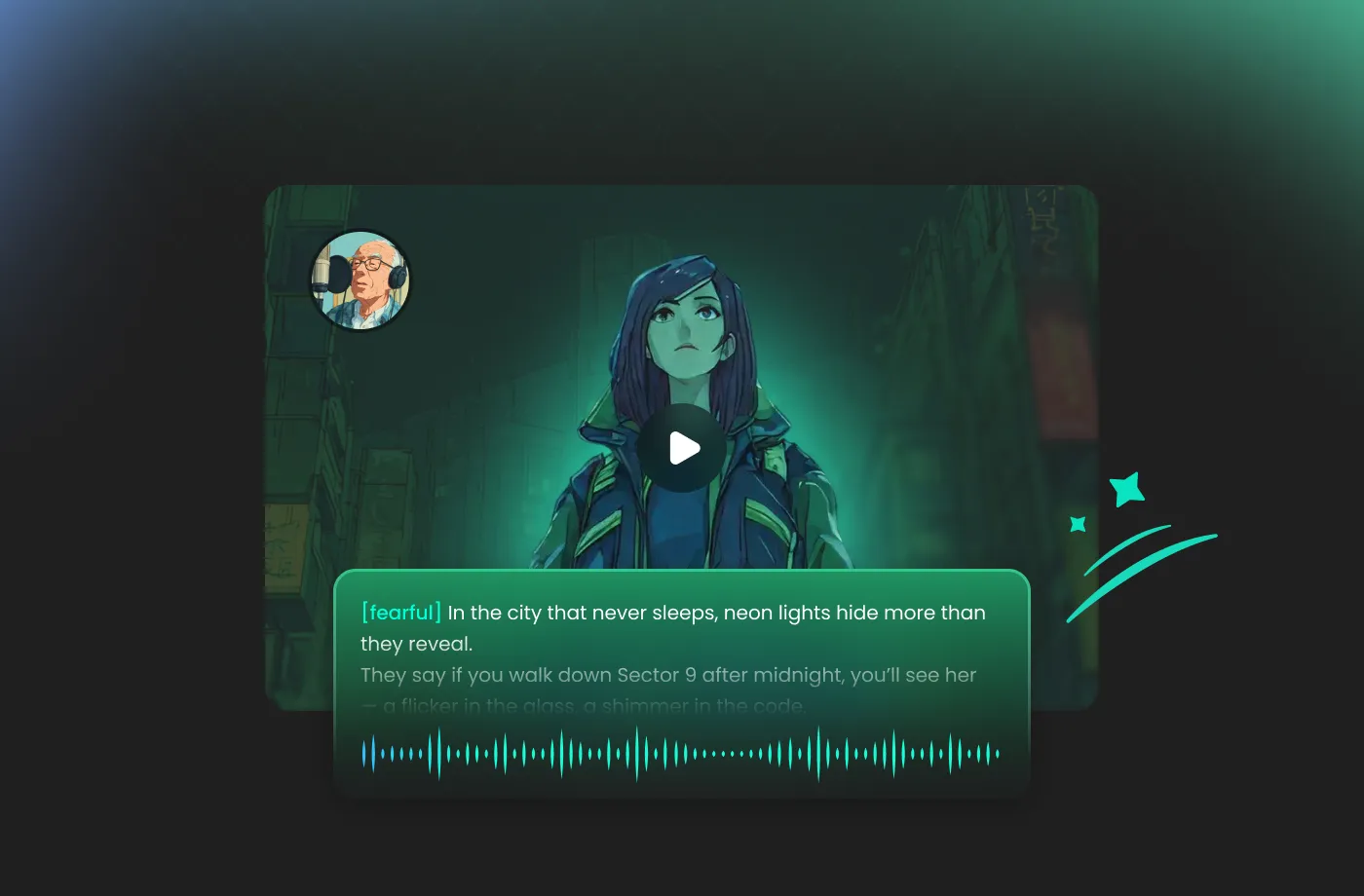
FineVoice AI purge voice generator is a tool trusted by content creators, video editors, marketers, educators, and audio producers. If you’re building social media content, branding, digital learning projects, or creative advertisements, adding purge voices can instantly elevate emotional impact and audience engagement. Educators and storytellers use purged voices to enhance dramatic narration, while brands use them for dynamic promotional videos. You don’t need any background in audio engineering to get amazing results. FineVoice empowers you to create custom announcements that fit your specific narrative needs, ensuring your project sounds unique every single time.

Full Customization for Unique Purge Voice Identity
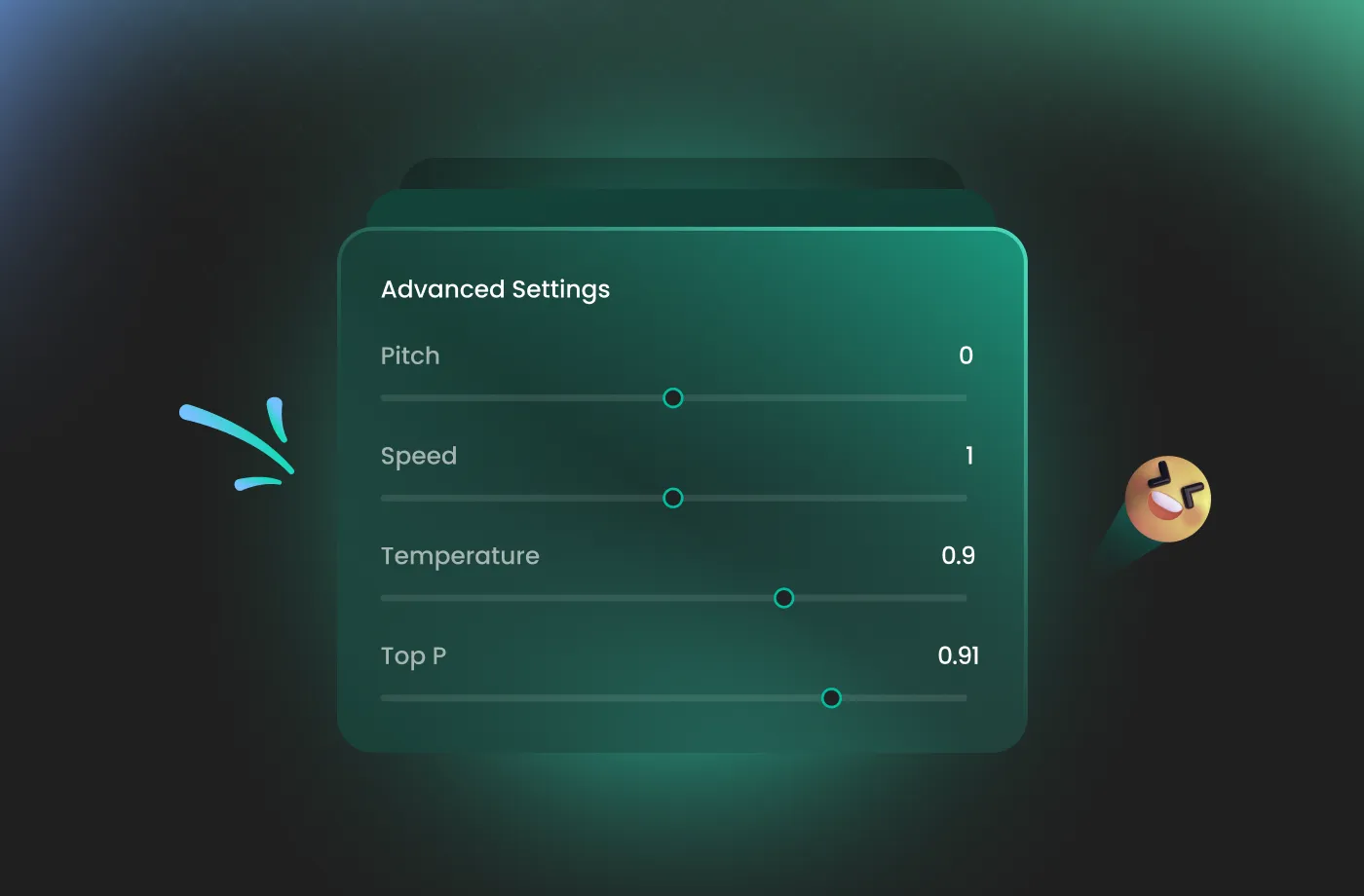
Unlike basic voice filters, FineVoice AI purge voice generator gives you full voice control. Adjust pitch, speed, distortion, tone, intensity, EQ shaping, and emotional depth. You can create futuristic, robotic, whispering, eerie, or powerful purge voices—all in your own style. Save presets, blend sound effects, and switch between dozens of purge-inspired voice models. If you want to experiment, remix audio, or produce signature sounds, FineVoice gives you total creative freedom.
How to Use the AI Purge Voice Generator
Creating enchanting purge voices has never been easier. With the FineVoice AI purge voice generator, you can turn any text into magical speech in just three simple steps.
1

Step 1: Input Content
Enter your text or import your script file (.txt, .docx, .srt) into the AI purge voice generator for quick conversion.
2

Step 2: Select Your Voice
Browse our extensive voice library to find the perfect purge AI voice. Then adjust settings such as pitch and speed, or add emotions or accents to match your project.
3
Step 3: Generate Purge Voice
Hit the “Generate” button to hear your script come to life. Once you’re satisfied, download your high-quality audio file in your preferred format, and it’s ready to be used in any video or stream.
More Than an AI Purge Voice Generator









Explore More Voice Categories
FAQs About FineVoice AI Purge Voice Generator
1. Is FineVoice AI purge voice generator free to use?
Yes. FineVoice offers free access with 2,000 text-to-speech conversion characters per month. You can try voice models, upload text, preview audio effects, and download samples at no cost.
2. How do I use the purge AI voice generator?
3. Can I use purge voices commercially?
4. Does the generator support different languages and accents?
5. Can I customize purge voice effects?
6. How fast does the purge voice generator produce audio?
7. Is the FineVoice AI purge voice generator beginner-friendly?
8. Can I create a custom purge voice?
 FineVoice
Start Creating Realistic AI Purge Voices
Generate purge voices instantly with our AI Voice Generator & Text-to-Speech. Easily create high-quality voiceovers for your projects in just a few clicks.
