

AI Horror Voice Generator & Scary Text to Speech
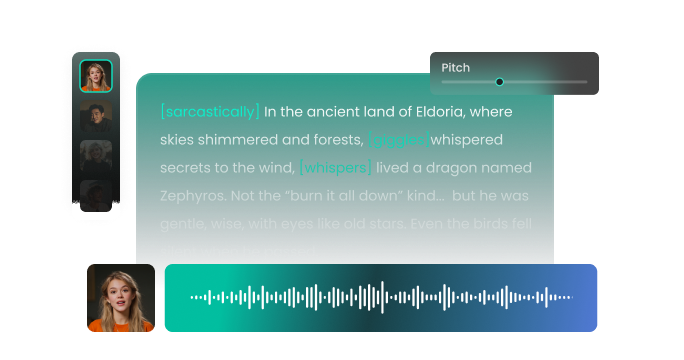
Transform text into spine-chilling horror voiceovers with FineVoice's AI horror voice generator. Whether you need scary voice text to speech for haunted videos, horror games, creepy stories, or terrifying narration, our horror TTS engine delivers realistic, bone-chilling audio in seconds. Choose from sinister narrators like Damien, ghostly whispers, and monstrous growls — fully customizable with pitch, speed, and emotion controls to bring your horror projects to life.
文字转语音历史记录
示例:
设置
AI语音

- Voice Name
- 0 使用次数
免费创建您的AI语音。
模型
 FineVoice TTS Max
Scary Voice Text to Speech — Create Spine-Chilling Horror Voiceovers
Transform ordinary text into terrifying audio with our scary voice text to speech horror voice generator. Whether you're crafting haunted house tours, horror podcasts, or chilling video scenes, FineVoice delivers realistic, scary AI voices that set the perfect creepy atmosphere for any spooky project. Effortlessly captivate audiences with immersive, spine-tingling narration.
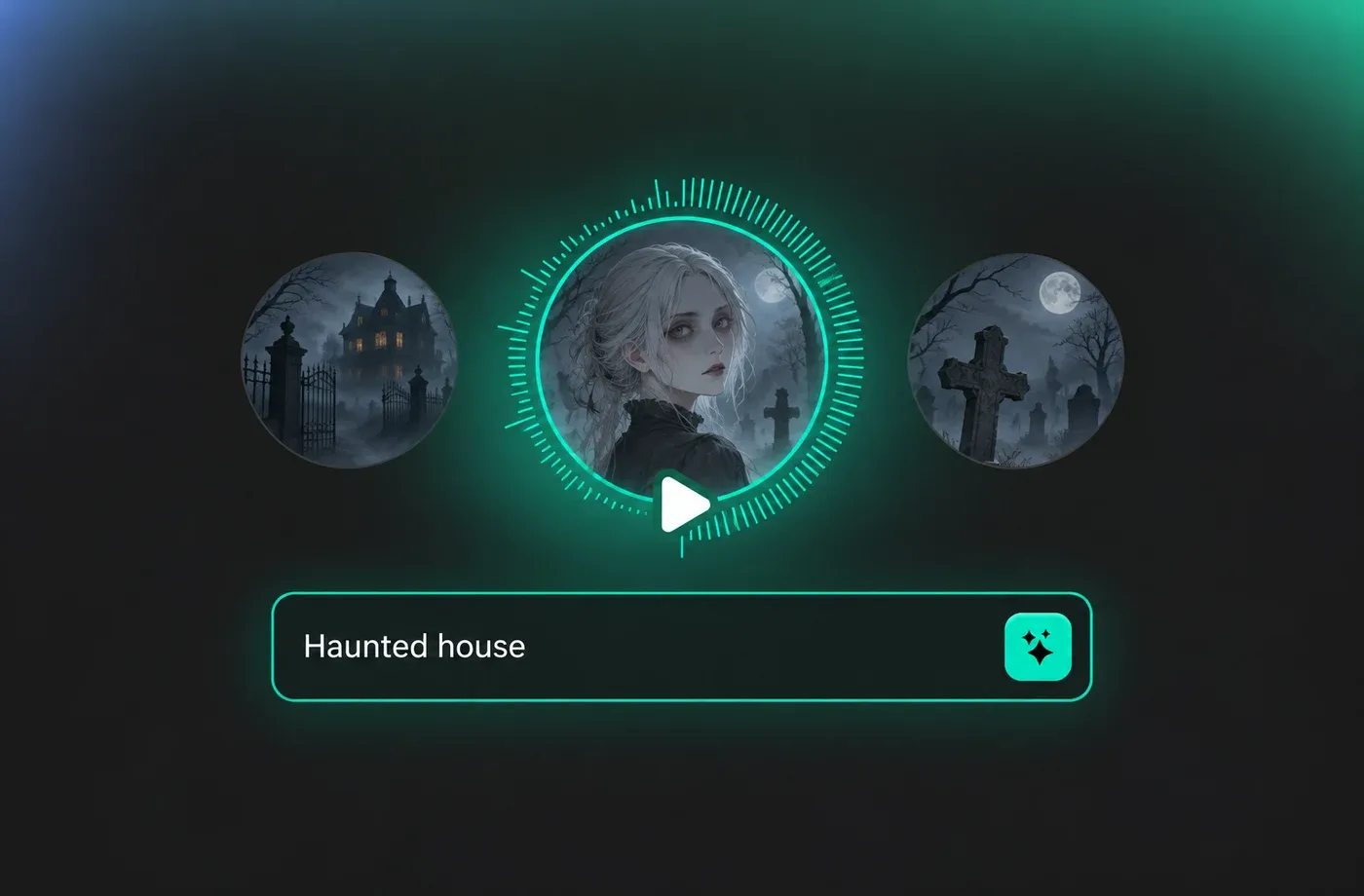
Wide Range of Horror & Scary Voice Styles
Choose from sinister narrators like Damien, ghostly whispers, monstrous growls, and creepy tones. FineVoice's AI horror voice generator lets you customize pitch, speed, and emotion, allowing you to evoke fear, suspense, or dread. Tailor audio to your story, game, or video, ensuring your horror and scary voice content is as chilling and atmospheric as you desire.
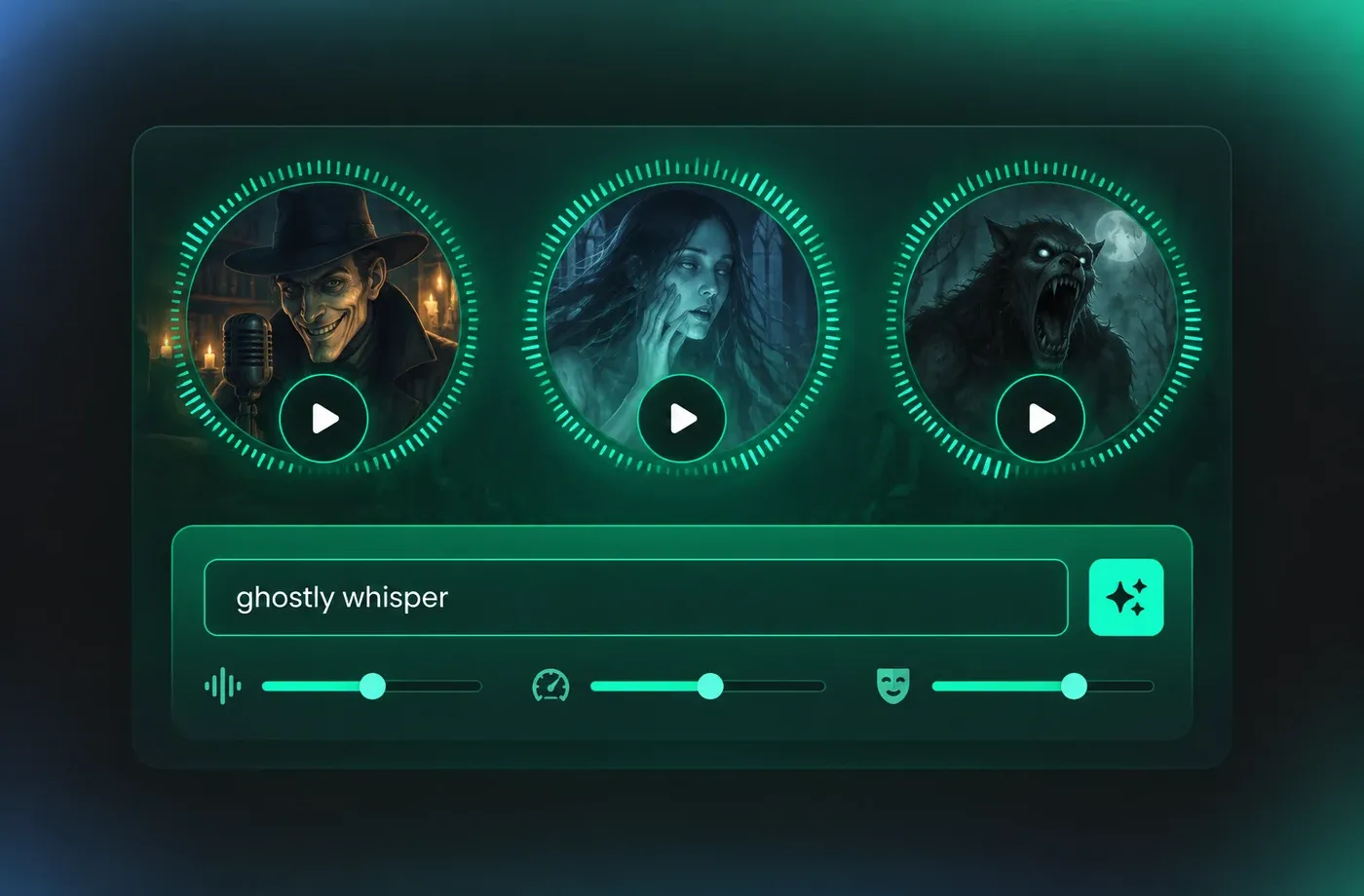
Flexible Text to Speech Horror Voice Settings
FineVoice's intuitive interface makes creating scary voice text to speech simple, even for beginners. Easily adjust voice effects and creepy tones to achieve your desired level of horror — whether you need jump scares, suspenseful storytelling, or immersive scary environments, our AI horror voice generator provides fast and flexible audio creation for all your horror TTS needs.
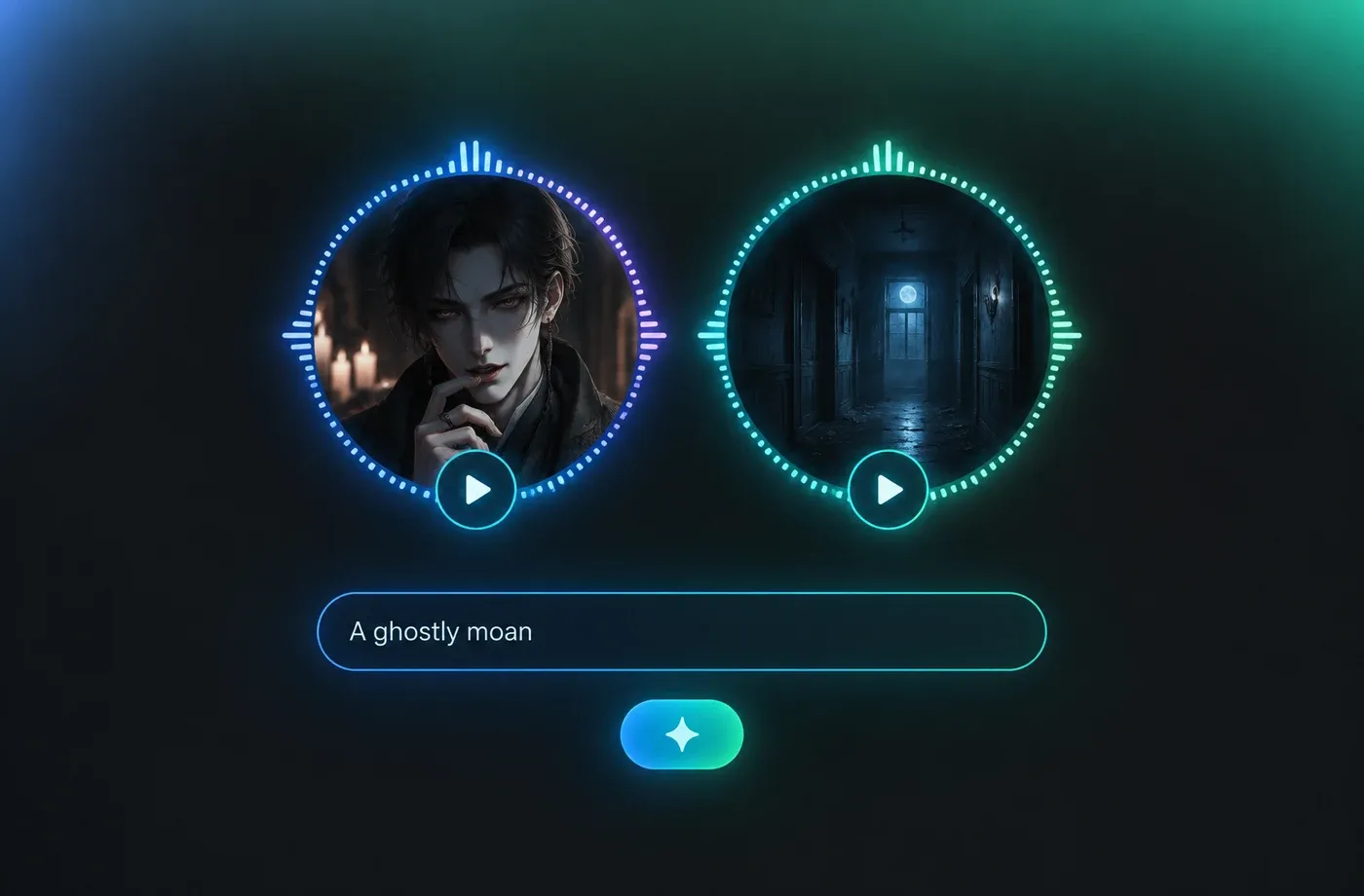
Perfect for Creators and Entertainers
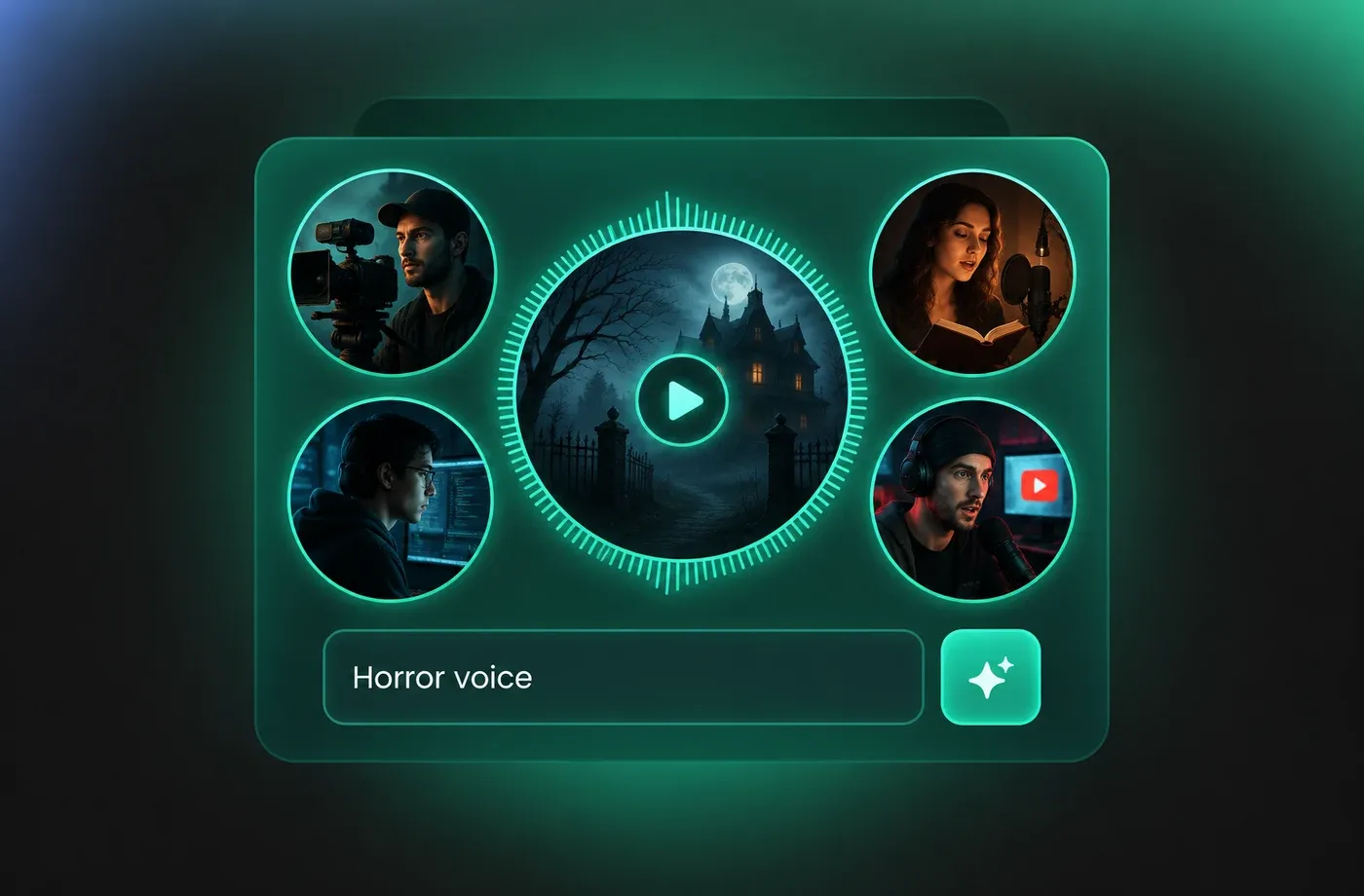
From filmmakers and game developers to storytellers and YouTubers, FineVoice's horror AI voice generator empowers anyone to produce high-quality scary voice-overs quickly. Use it as your go-to horror voice maker for creepy narration, haunted characters, and spine-tingling audio that captivates your audience and brings your horror content to life.
How to Use the AI Horror Voice Generator
Create scary voice text to speech in three simple steps: input your text, choose a horror AI voice, and generate spine-chilling audio for videos, games, and stories — all with the FineVoice AI horror voice generator.
1
Step 1: Input Your Scary Text
Enter your narrative text, horror dialogue, or upload your story document (.txt, .docx, or .srt) into the AI horror voice generator to begin creating scary voice text to speech.
2
Step 2: Select a Horror Voice
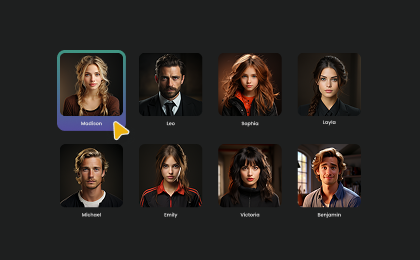
Choose an AI voice model like Damien or a creepy narrator from our voice library. Then adjust settings such as pitch and speed, or add emotions or accents to create your perfect scary voice.
3
Step 3: Generate AI Horror Voice
Click "Generate" to convert your text into expressive scary audio. Processing time varies based on file length, taking seconds to minutes — your horror TTS is ready fast.
t0529.tools.voiceCategory.moreThan












Explore More Voice Categories
FAQs About AI Horror Voice Generator & Scary Text to Speech
1. Is the horror voice generator free to use?
Yes, you can use our AI Horror Voice Generator for free with 2,000 text-to-speech conversion characters per month.
2. What languages does the horror text-to-speech support?
3. What horror voices can I generate with FineVoice?
4. How long does it take to generate a horror voice?
5. Can I customize the AI horror voice?
6. Can I create a custom horror voice?
7. Can I use the horror voices in my commercial project?
8. How do I create scary voice text to speech with a horror voice generator?
9. Can I use horror TTS for my videos and games?
10. What is the best AI horror voice for creepy narration?
 FineVoice
Start Creating Scary AI Horror Voices
Easily transform your text into spine-chilling horror voiceovers. Create scary voice text to speech, creepy narrations, and terrifying audio with FineVoice's AI horror voice generator today!
