

Epic AI Voice Generator
FineVoice's Epic Voice Generator transforms your text into powerful, dramatic voiceovers perfect for movie trailers, games, and storytelling. With our advanced AI voice generator, you can easily customize tone and intensity to create legendary narrators and fantasy characters. Instantly elevate your projects with cinematic, epic voices that captivate audiences and add a professional touch to any creative content.
文字转语音历史记录
示例:

设置
AI语音

- Voice Name
- 0 使用次数
免费创建您的AI语音。
模型
 FineVoice TTS Max
Create Cinematic Epic Voiceovers Instantly
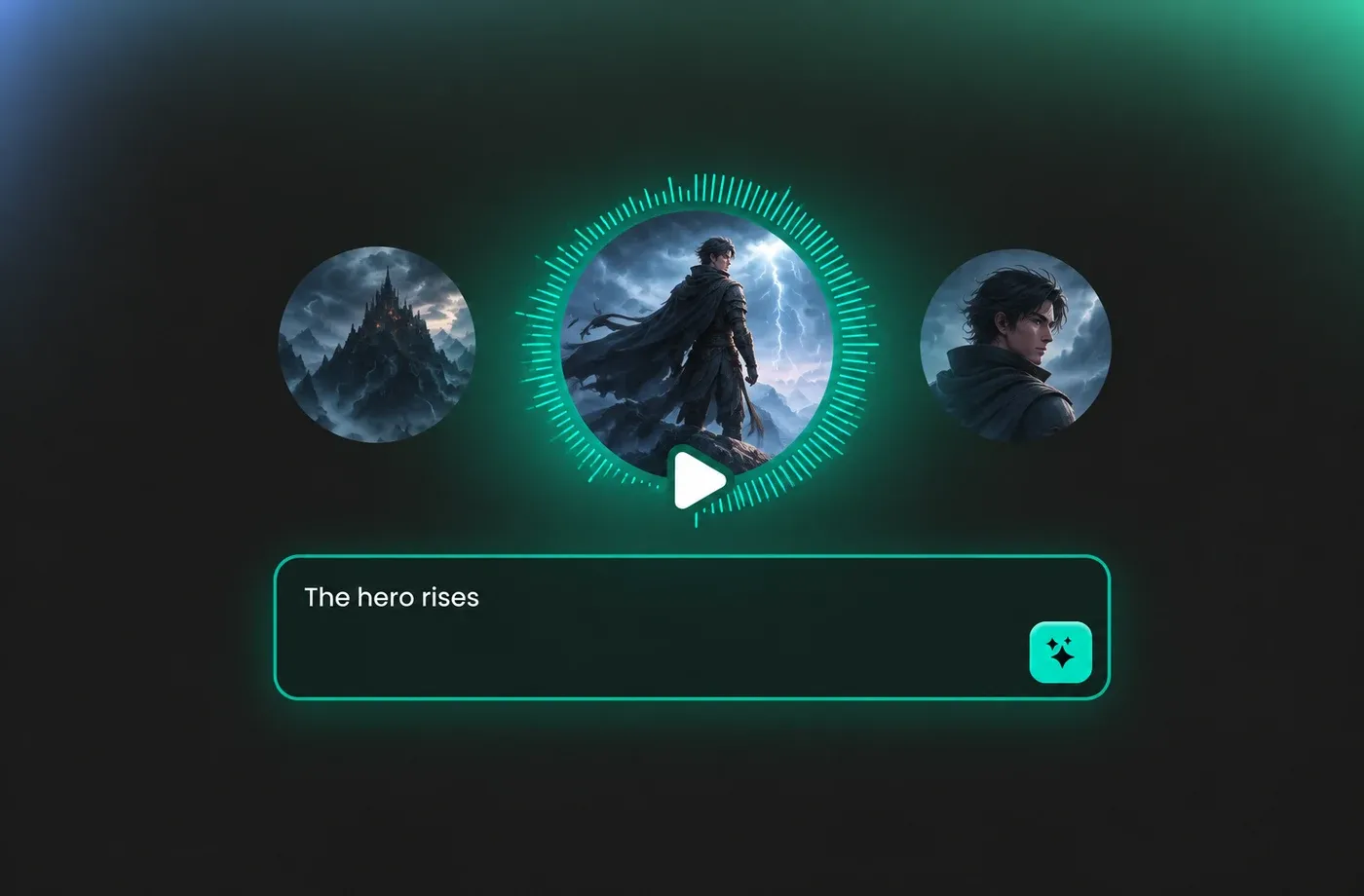
Turn ordinary text into bold, cinematic voiceovers with just a few clicks using FineVoice AI Epic Voice Generator. Deliver legendary narration that captures attention and sets the mood. Add drama and excitement to your creative projects with realistic and professional epic AI voices. Perfect for movie trailers, game intros, and storytelling.
Customizable Epic Voice Generator & Text to Speech
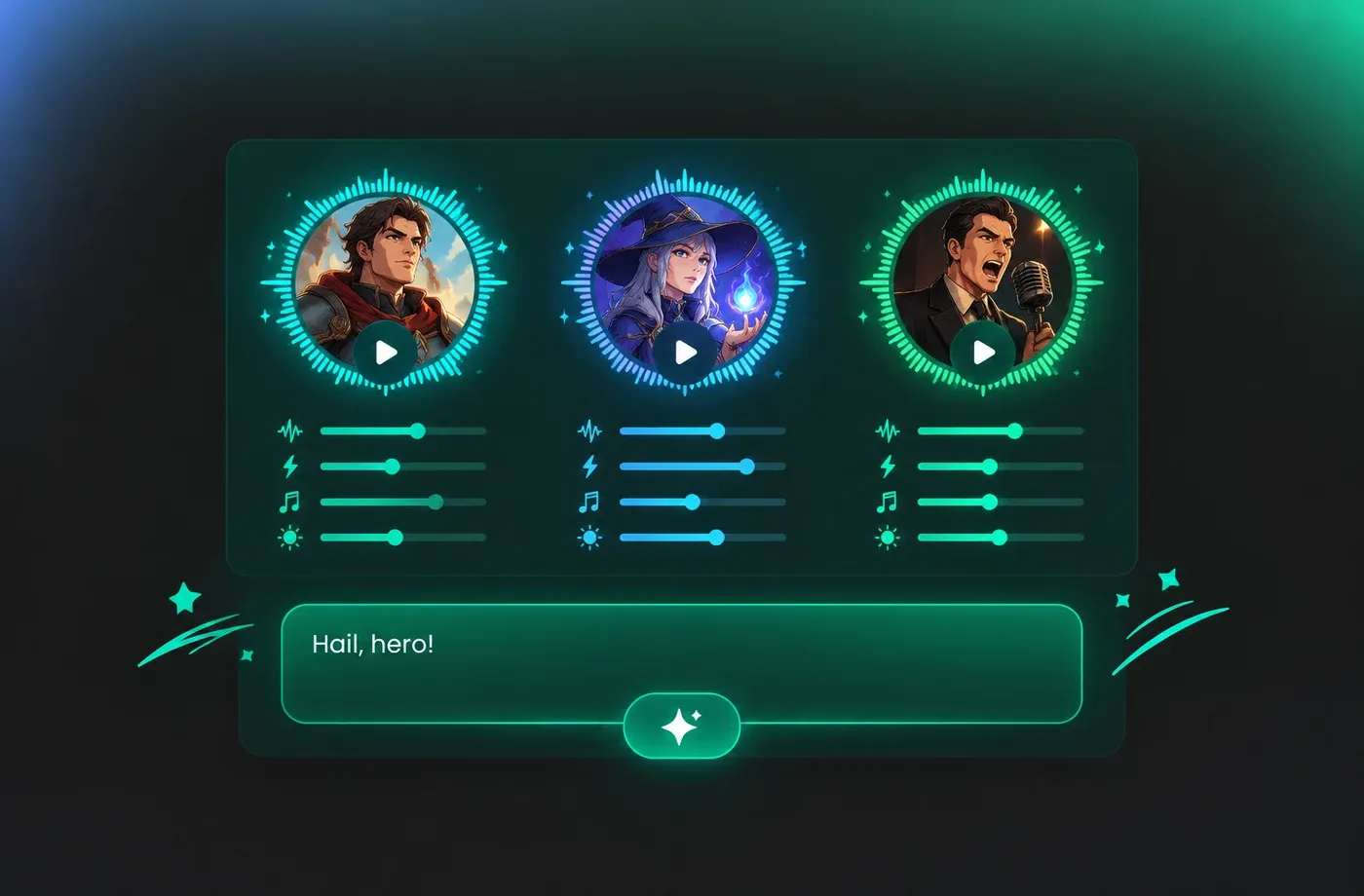
Customize every aspect of your epic voiceovers, including pitch, speed, tone, and intensity. Choose from heroic narrators, fantasy characters, and dramatic announcers to match your project's style. Our advanced AI voice tool ensures your text-to-speech results are authentic, engaging, and tailored to your specific needs for maximum impact.
Effortless Epic Voice Generation for Creators
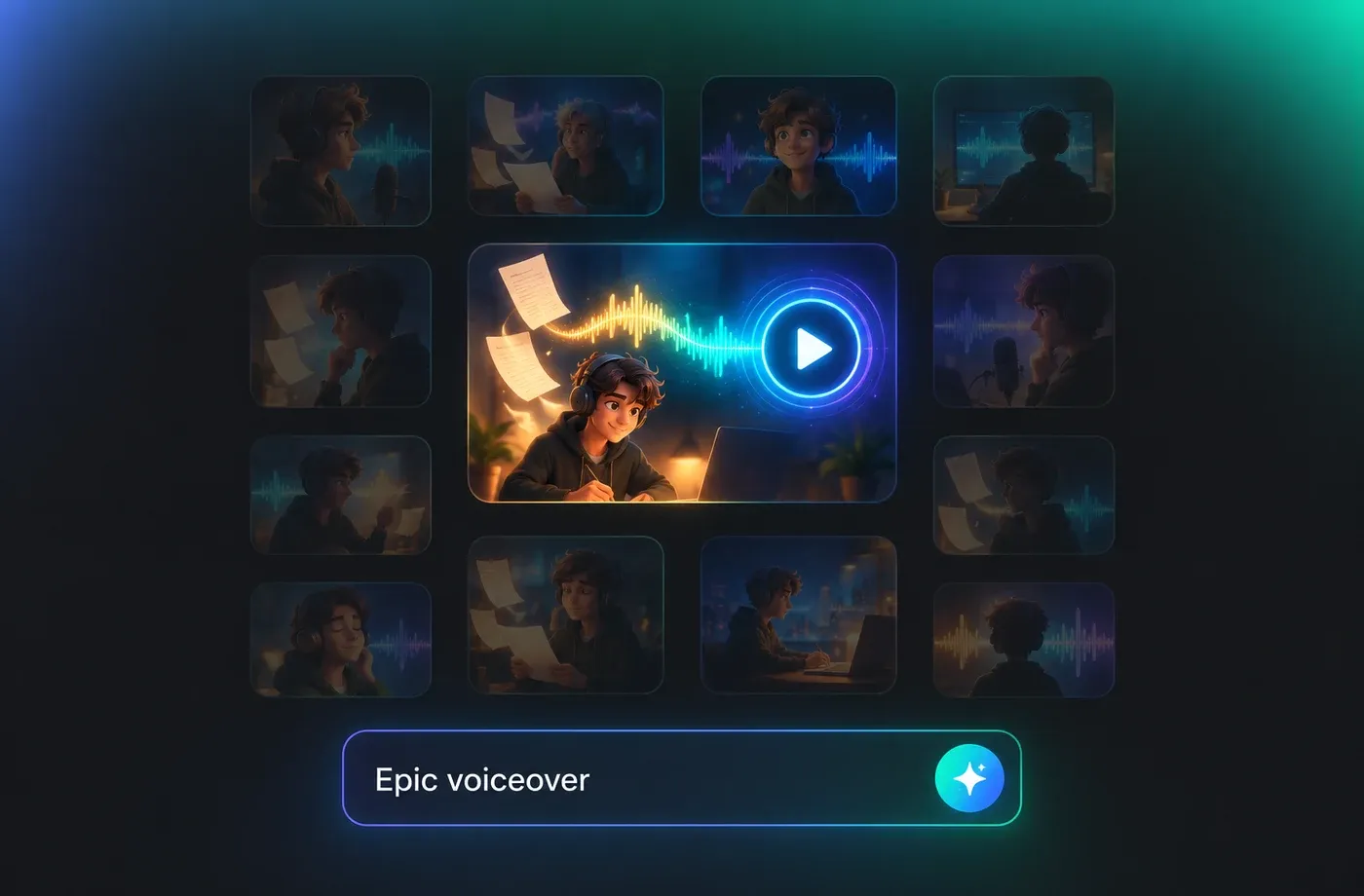
The intuitive platform makes generating epic voiceovers quick and easy for creators of all skill levels. Simply input your script and select your desired voice settings to produce high-quality audio in seconds. Streamline your workflow and achieve professional results, whether you're making videos, games, podcasts, or promotional content.
Ideal for Trailers, Games, and Storytelling
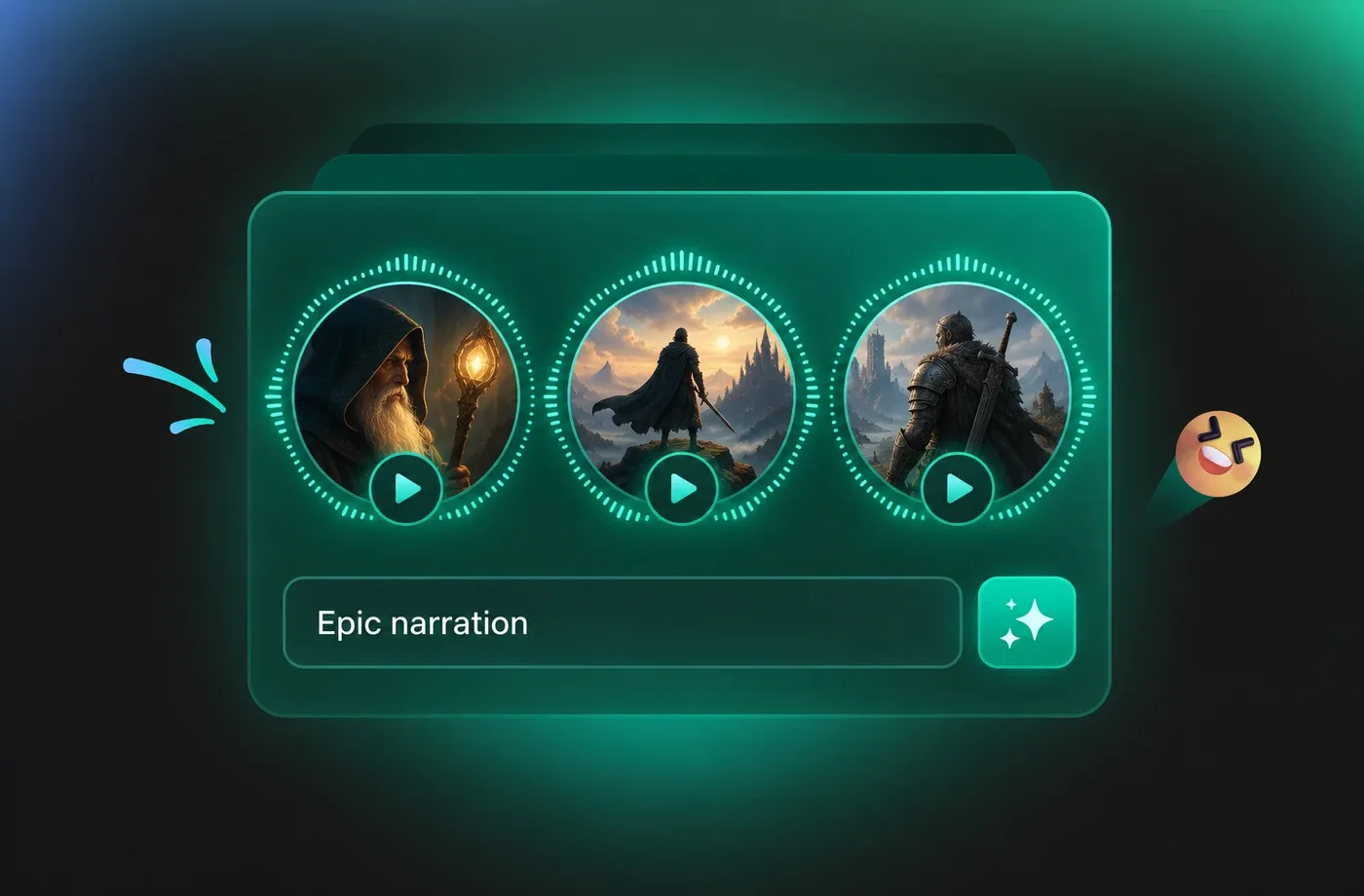
FineVoice's epic voice generator text-to-speech is perfect for filmmakers, game developers, and storytellers seeking powerful narration. Enhance trailers, cinematic scenes, and fantasy stories with deep, dramatic voices that captivate audiences. Boost your content's appeal and professionalism with epic voiceovers designed to elevate every project to blockbuster quality.
How to Use AI Voices for Epic Voice Generator
Bringing your epic characters to life with our AI voice generator is easy with just three simple steps!
1

Step 1: Input Text
Enter your text or import your script file (.txt, .docx, .srt) into the AI epic voice generator.
2

Step 2: Select Epic Voice
Choose an AI voice model you like from our voice library. Then adjust settings such as pitch and speed, or add emotions or accents to suit your needs.
3

Step 3: Generate Epic Voice
Click "Generate" to convert text into speech. Processing time varies based on file length, taking seconds to minutes.
t0529.tools.voiceCategory.moreThan












Explore More Voice Categories
FAQs About FineVoice Epic Voice Generator
1. Is the epic voice-over generator free to use?
Yes, you can use our Epic AI Voice Generator for free with 2,000 text-to-speech conversion characters per month.
2. What languages does the epic voice AI generator support?
3. What epic voices can I generate with FineVoice?
4. How long does it take to generate an epic voice?
5. Can I customize the AI epic voice?
6. Can I create a custom epic voice?
7. Can I use the epic AI voices in my commercial project?
 FineVoice
Start Creating Realistic AI Epic Voices
Generate epic voices instantly with our AI Voice Generator & Text to Speech. Start creating with FineVoice today!
