

Free Cop Voice Generator: Police Officer Text to Speech Voices
Discover the best Cop AI Voice Generator and Text to Speech tool! FineVoice turns scripts into a natural cop voice and police officer voice for briefings, radio-style narration, and training videos, with adjustable pitch, speed, and emotion. Preview the police officer voice library, then export MP3 or WAV in 154+ languages and accents.
文字转语音历史记录
示例:

设置
AI语音

- Voice Name
- 0 使用次数
免费创建您的AI语音。
模型
 FineVoice TTS Max
Instantly Create Cop Voiceovers
Generate a cop voice voiceover directly in your browser by pasting a script, choosing an adult narrator, and adjusting pitch, speed, and emotion before export. FineVoice provides a text to speech workflow for police officer voice lines used in safety briefings, training modules, and explainer videos. No install is required, and finished audio can be downloaded as MP3 or WAV.
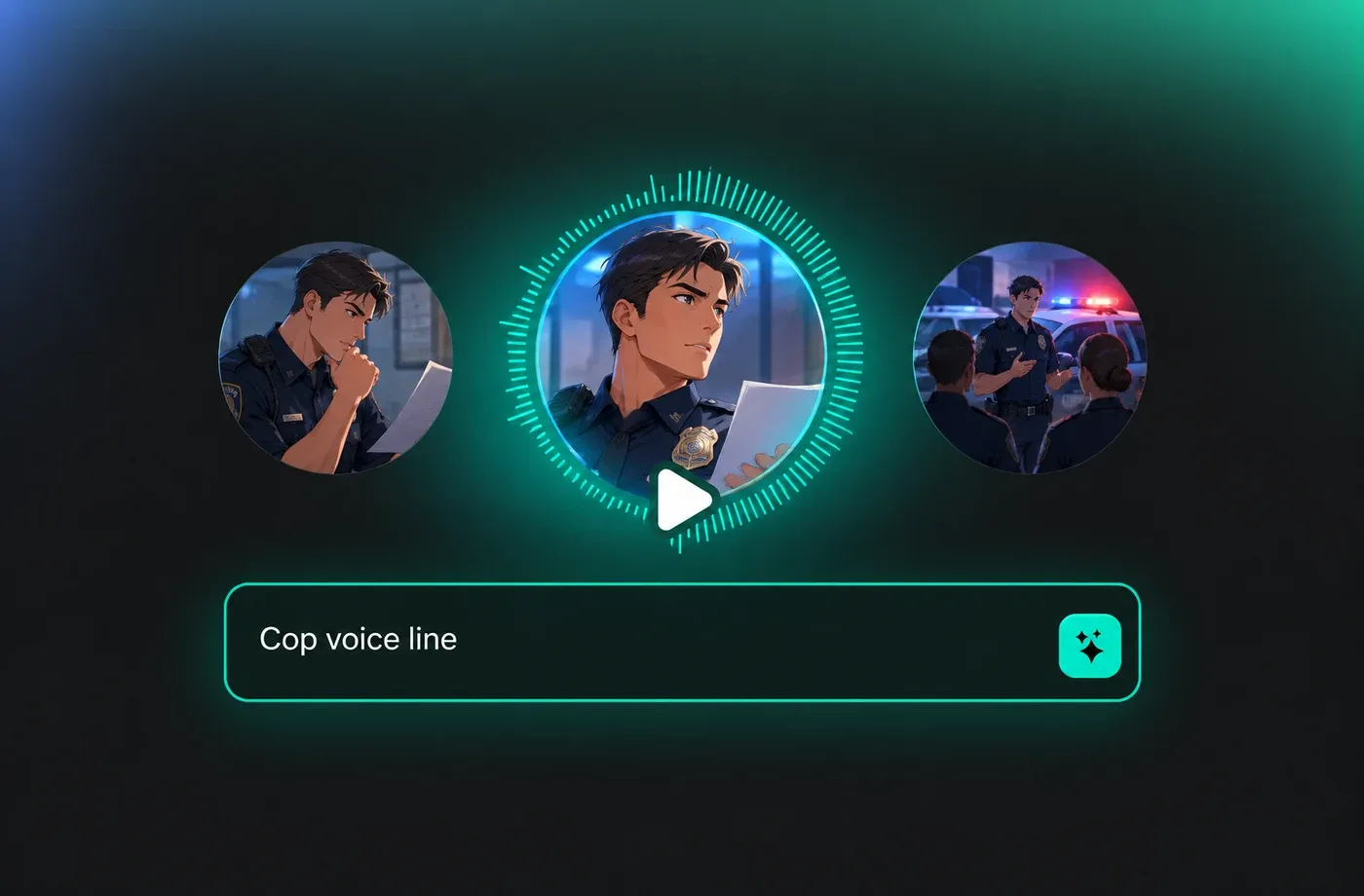
Text to Speech Cop Voices
Use text to speech to turn written police officer voice scripts into clear spoken audio without recording a session. FineVoice supports 154+ languages and accents, so you can adapt a cop voice track for local notices, multilingual public information, or narrated case-study videos. Adjust pacing and tone, then preview the result in the police officer voice library.
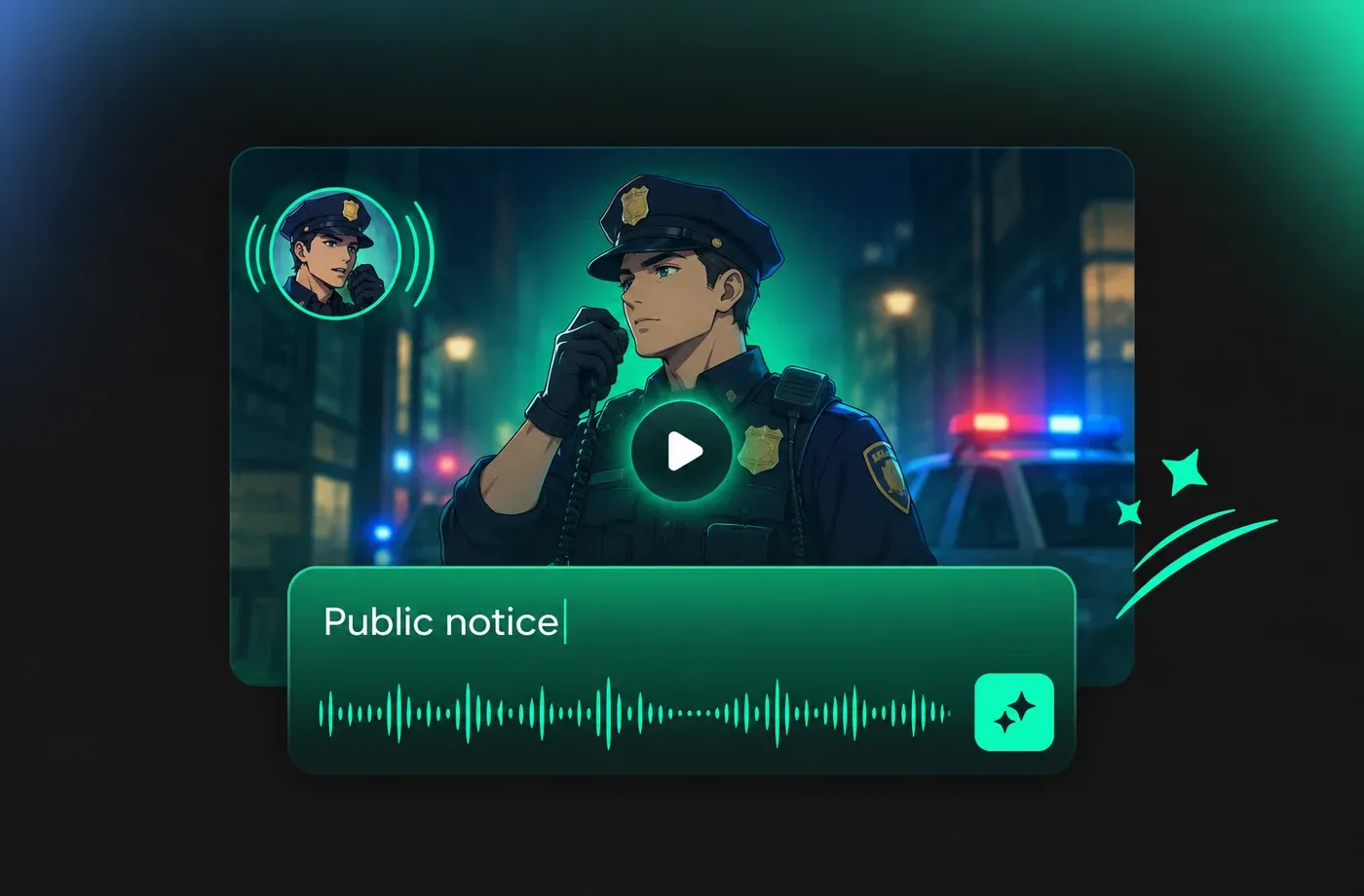
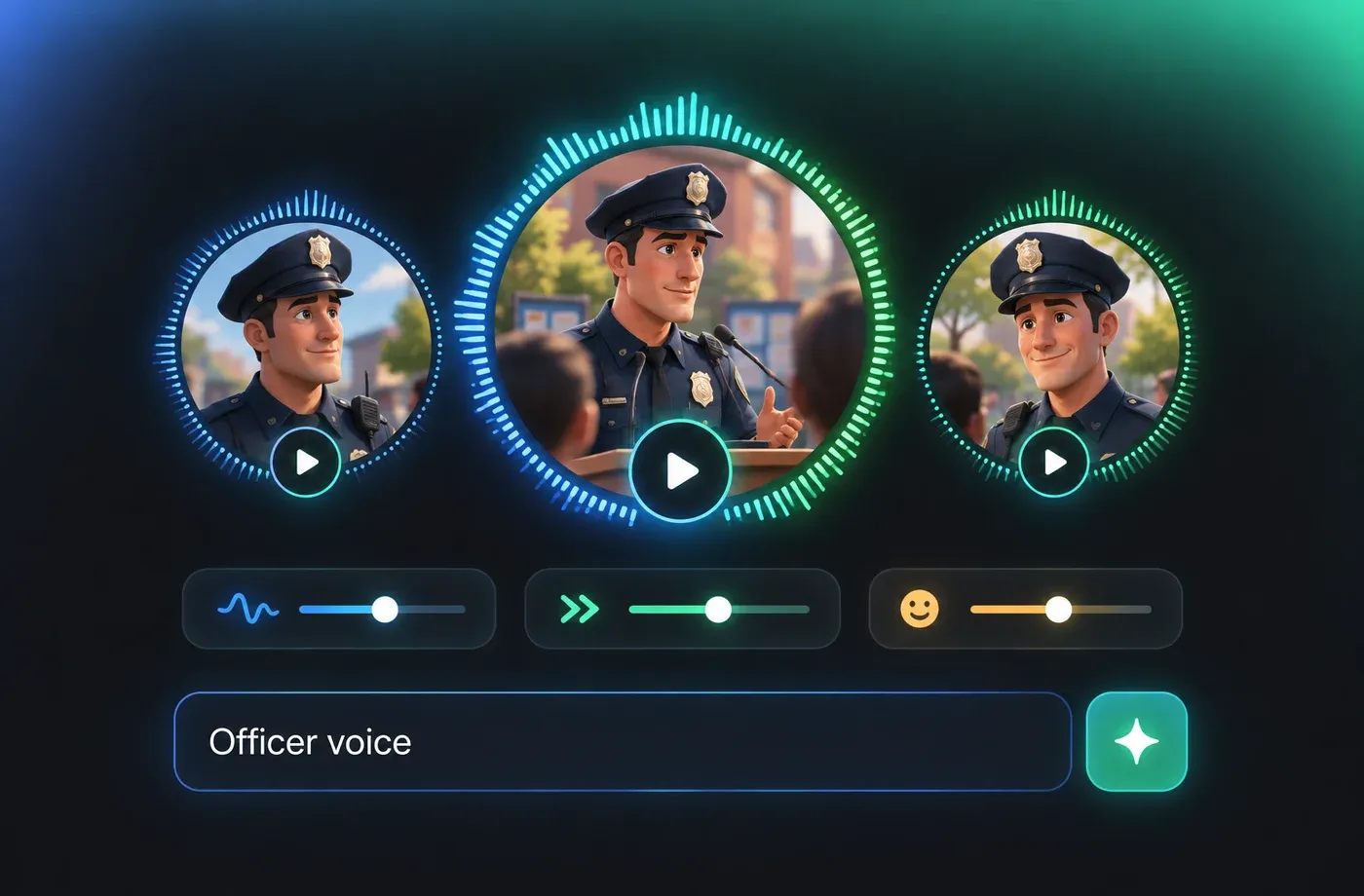
Shape Tone for Police Officer Voice
FineVoice lets you tune pitch, speed, and emotion to make a cop voice sound measured, clear, and natural for narration. This is useful for police officer voice content such as community updates, procedural training, and documentary-style segments where clarity matters more than dramatic acting. Start with a narrator voice in the Text to Speech editor and refine each line before download.
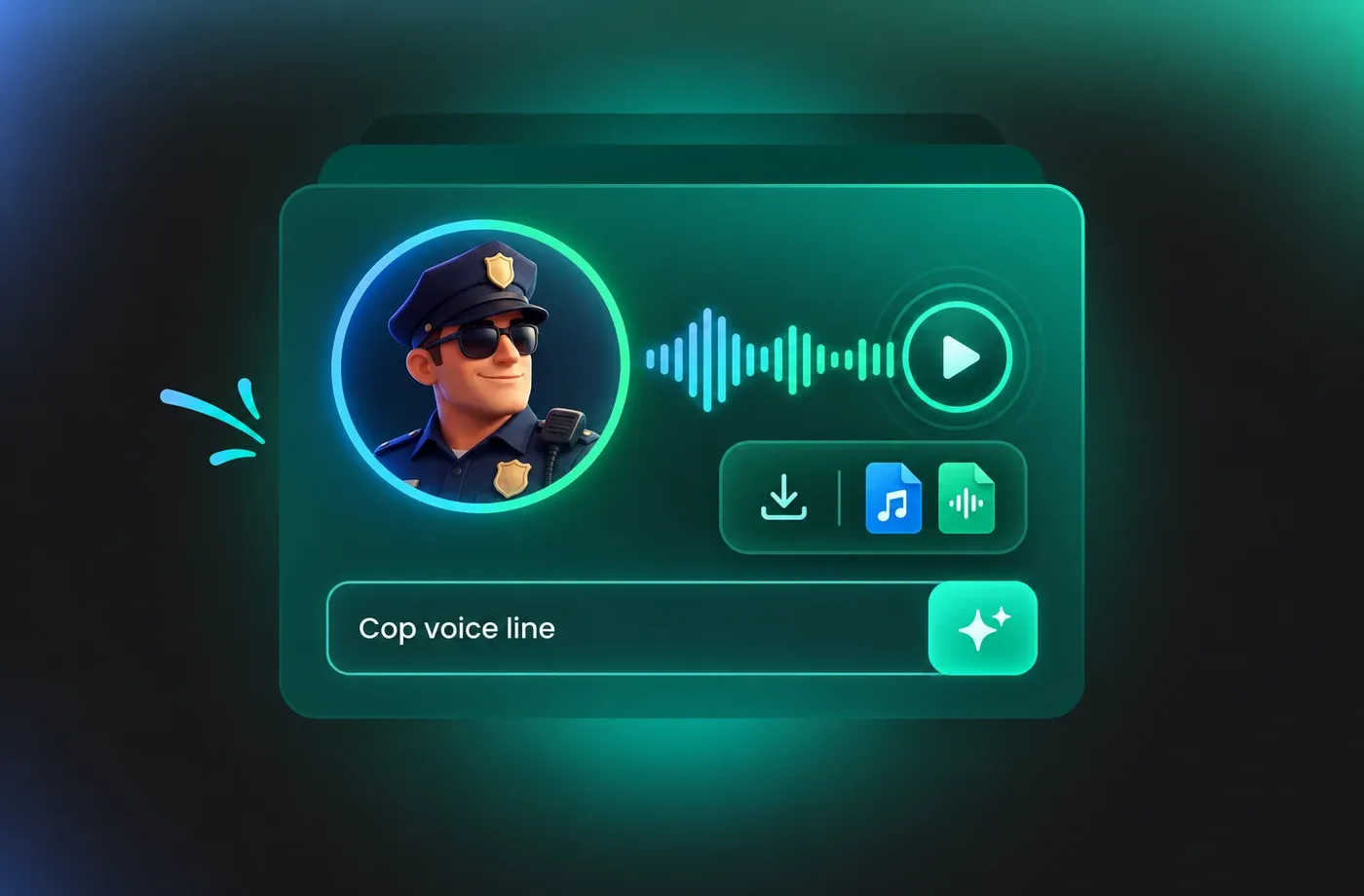
Download Cop Voice Audio
Export finished cop voice narration as MP3 or WAV after previewing the full line, paragraph, or script in the browser. FineVoice keeps the workflow simple for police officer voice projects that need consistent pronunciation, adjustable pacing, and multilingual output. Open the Cop Voice Generator page to test a voice and download the file you need.
How to Use AI Voices for Cop Voice Generator
Paste a police officer voice script, choose a cop voice, adjust pitch and speed, then generate and download MP3 or WAV audio in your browser.
1

Step 1: Paste Your Police Officer Voice Script
Open the FineVoice text to speech editor and enter the script for your cop voice project. Keep sentences clear and add notes for names or abbreviations that need consistent pronunciation.
2

Step 2: Choose and Adjust a Cop Voice
Select an adult narrator voice from the police officer voice library, then tune pitch, speed, and emotion. Preview the line to check clarity before generating the full cop voice track.
3

Step 3: Generate and Download Cop Voice Audio
Generate the narration, review the full police officer voice output, and download it as MP3 or WAV. The browser-based workflow lets you revise the script and export again when needed.
t0529.tools.voiceCategory.moreThan












Explore More Voice Categories
FAQs About Cop AI Voice Generator
1. What is a cop voice generator?
A cop voice generator converts written text into spoken audio that suits police officer voice narration, briefings, and informational videos. With FineVoice, you can type a script, choose an adult narrator, and use text to speech to preview and export the result.
2. Can I create a police officer voice with text to speech?
3. Does FineVoice offer a cop voice for training and public-safety narration?
4. How do I adjust pitch and speed for a police officer voice?
5. Which languages and accents are available for cop voice audio?
6. Can I download cop voice files as MP3 or WAV?
7. Is the cop voice generator usable in a browser without installation?
8. How should I write a script for police officer voice narration?
 FineVoice
Start Creating with AI Cop Voices
Turn a written script into clear cop voice narration with FineVoice text to speech. Choose a police officer voice, adjust the delivery, and download MP3 or WAV for briefings, training, and informational videos.
