

Free danger voice Generator: Menacing Villain & Cinematic Text to Speech Voices
Discover the best Danger AI Voice Generator and Text to Speech tool! FineVoice turns a short script into a low, tense danger voice in seconds: set pitch, pace and emotion, preview in the browser, then export MP3 or WAV. Compare ready-made danger voice presets for trailers, game teasers and dramatic narration.
文字转语音历史记录
示例:

设置
AI语音

- Voice Name
- 0 使用次数
免费创建您的AI语音。
模型
 FineVoice TTS Max
Instantly Create Danger Voiceovers
Paste a line of dialogue or narration, pick a low, controlled danger voice, and FineVoice renders it in seconds without any recording gear. You can preview several takes back to back and keep the one that lands the tension best. Start from the danger voice library and swap voices until the tone matches your scene.
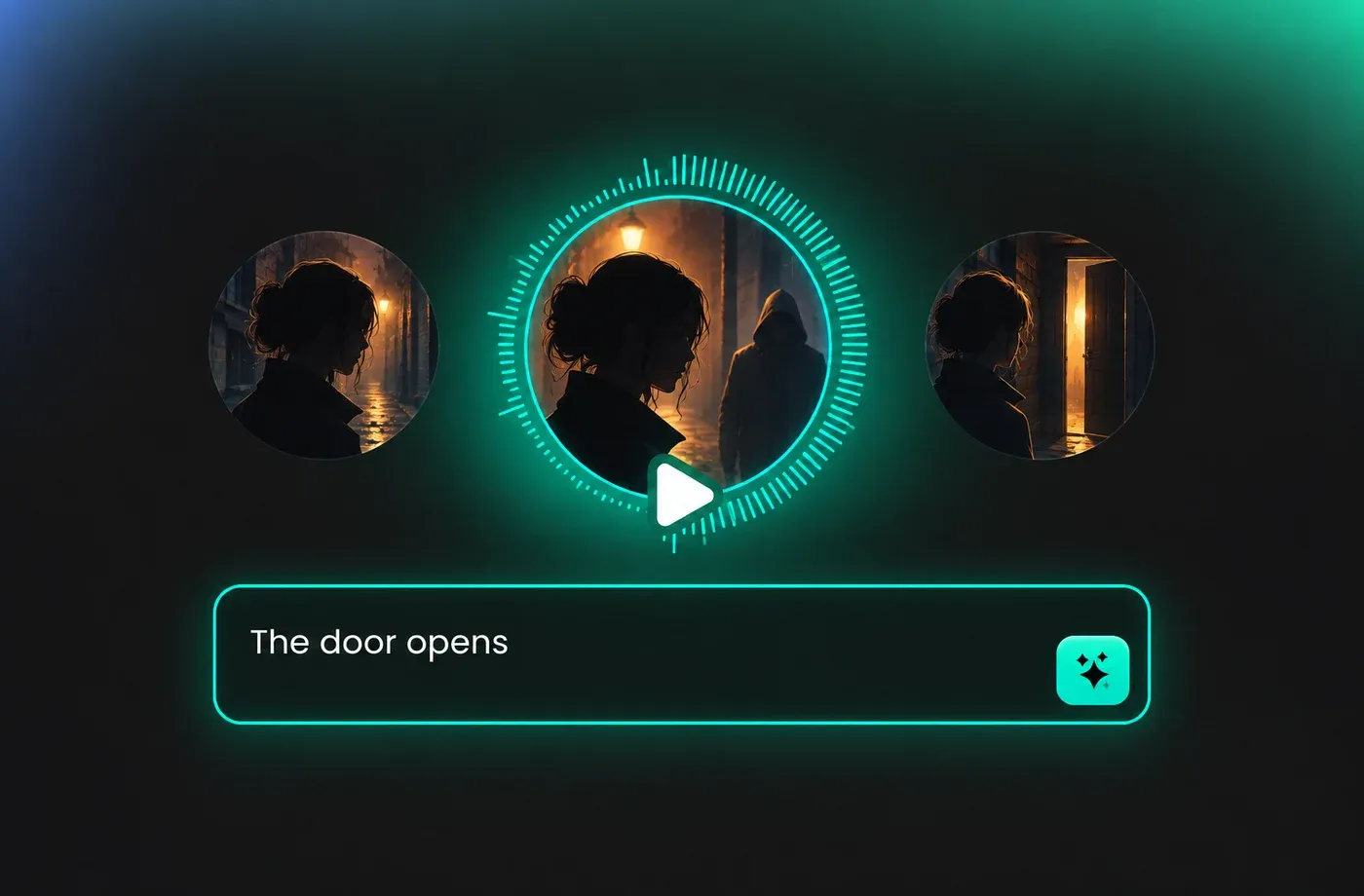
Text to Speech Danger Voices
The text to speech engine reads your script with natural pacing, pauses and emphasis instead of a flat robotic monotone, which is what makes a danger voice sound convincing. It covers 154+ languages and accents, so a threatening warning line can be delivered in English, Spanish or Japanese with the same weight. No install is required — everything runs in the browser.
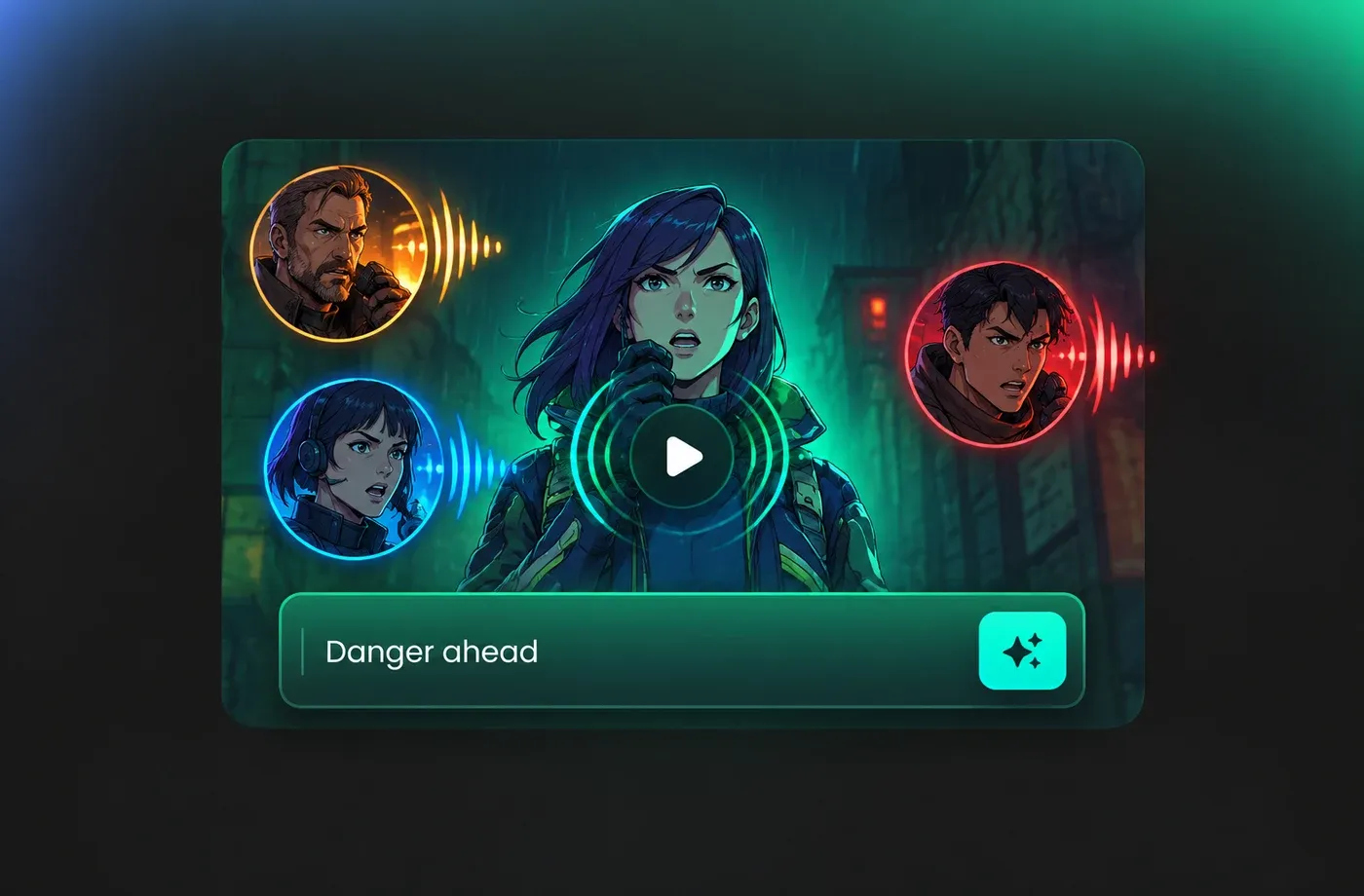
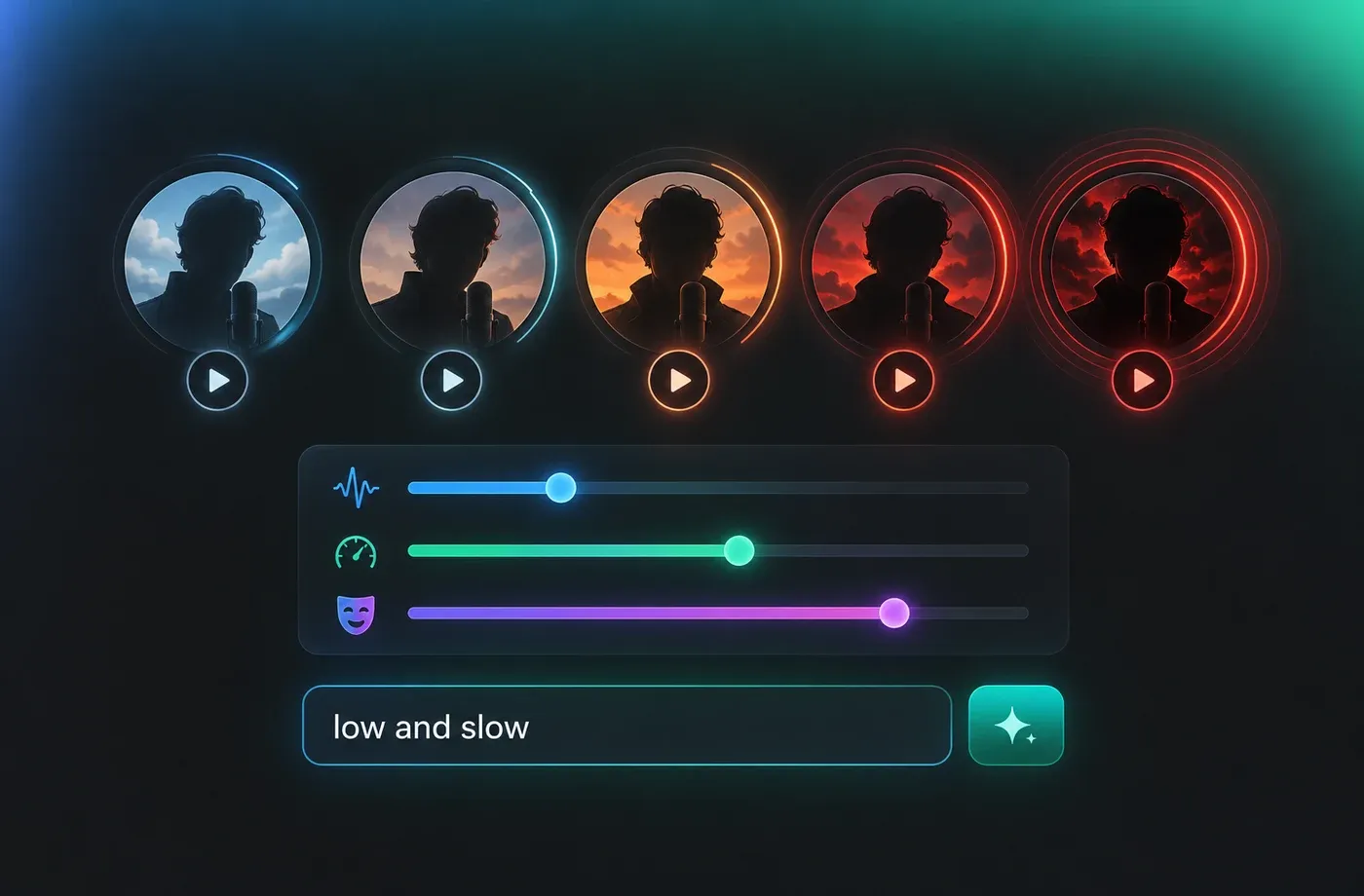
Control Pitch, Pace and Emotion for Real Tension
Lowering pitch and slowing the delivery is the fastest way to turn a neutral read into a danger voice, and both are adjustable sliders rather than fixed presets. You can also dial emotion up or down so a line sounds quietly threatening instead of theatrical. Save the settings you like and reuse them across an entire trailer or episode.
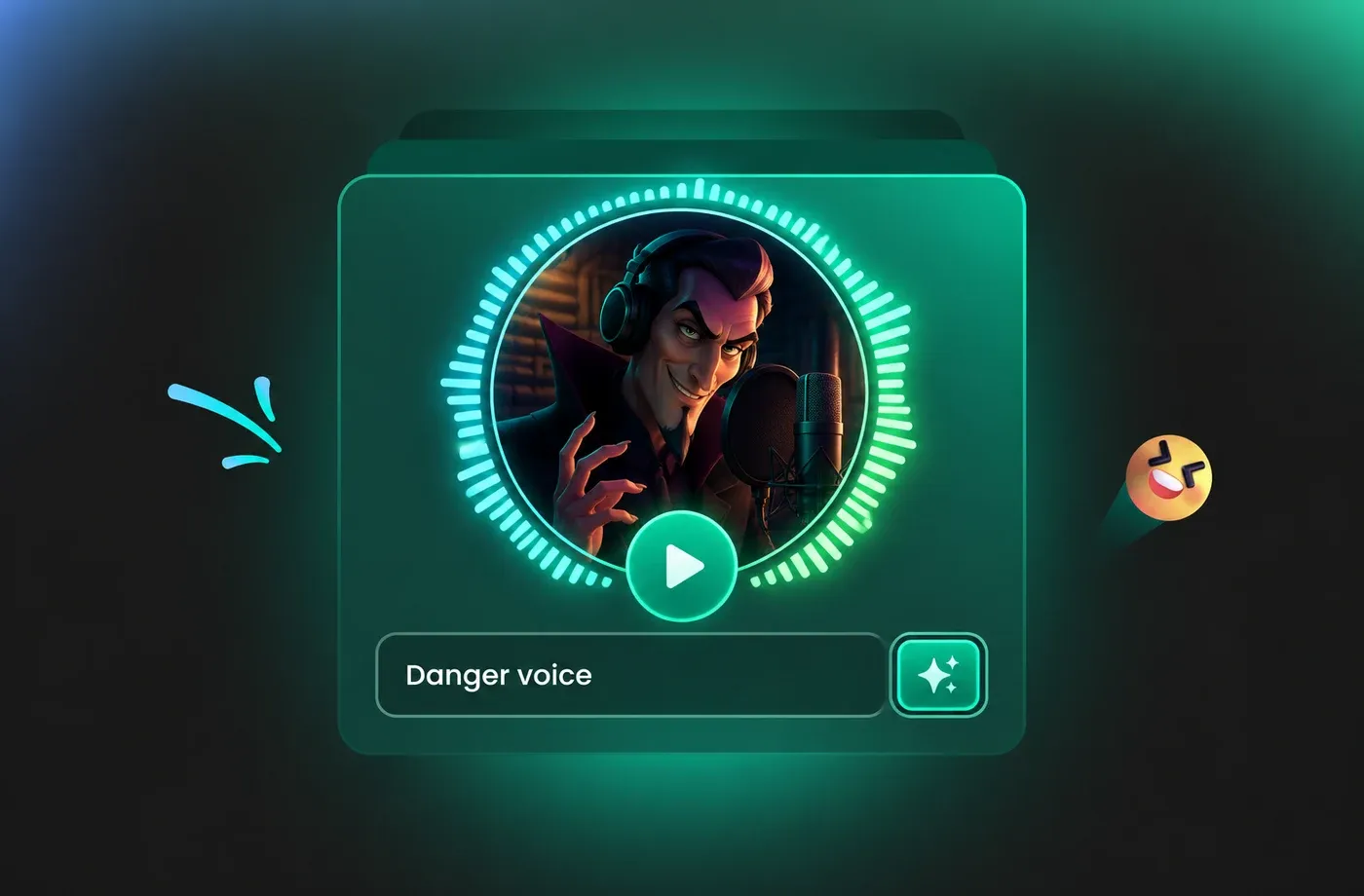
Download Danger Voice Audio as MP3 or WAV
When the take sounds right, export the danger voice as MP3 for quick edits or WAV for cleaner mixing in your video timeline. The files drop straight into trailers, game teasers, podcasts and short-form video without extra conversion. You can also design a custom voice from a text description if none of the presets fit your scene.
How to Use AI Voices for Danger Voice Generator
Write your line, choose a danger voice, adjust pitch, pace and emotion, then generate and download the audio as MP3 or WAV directly in your browser.
1

Step 1: Write or paste your danger voice script
Open the generator and paste the line you want voiced — a trailer tagline, a warning, or a full narration block. Short sentences with deliberate punctuation give the danger voice clearer places to pause and stress.
2

Step 2: Choose a danger voice and shape the delivery
Pick a low, controlled preset from the voice library, then adjust pitch, speed and emotion. Preview a few takes to hear how each setting changes the tension before you commit to one.
3

Step 3: Generate and download the audio
Click generate to render the danger voice, then download it as MP3 for quick edits or WAV for cleaner mixing. The file is ready for your trailer, game build, podcast or short-form video.
t0529.tools.voiceCategory.moreThan











Explore More Voice Categories
FAQs About Danger AI Voice Generator
1. What is a danger voice generator?
A danger voice generator is a text to speech tool that converts written lines into a low, tense, dramatic vocal delivery. With FineVoice you type the script, choose a danger voice, then adjust pitch, pace and emotion until the read carries the threat level your scene needs.
2. Do I need to install software to use the danger voice generator?
3. Can I change pitch, speed and emotion in the danger voice text to speech?
4. Which languages does the danger voice text to speech support?
5. How do I download the danger voice audio?
6. Can I clone a voice and use it as a danger voice?
7. What kind of scripts work best with a danger voice generator?
8. Is the danger voice useful for game trailers and animations?
9. How do I keep a danger voice from sounding exaggerated?
 FineVoice
Start Creating with AI Danger Voices
Turn a plain line of text into a low, controlled danger voice in seconds — adjust pitch, pace and emotion, preview the take, and download it as MP3 or WAV. Open the <a href='/voicelibrary/danger#topbanner'>danger voice library</a> to hear the presets first.
