

AI Analog Horror Voice Generator
FineVoice's Analog Horror Voice Generator creates eerie, distorted horror voices inspired by found footage, emergency broadcasts, and degraded recordings. Instead of clean cinematic narration, each preset captures the unsettling character of analog horror with tape compression, low-end hum, subtle pitch drift, and a worn, unstable sound that makes your script feel like it was pulled from a decaying cassette.
文字转语音历史记录
示例:

设置
AI语音

- Voice Name
- 0 使用次数
免费创建您的AI语音。
模型
 FineVoice TTS Max
AI Analog Horror EAS & Emergency Broadcast Voice Generator
Recreate the flat, unbothered tone of a mandatory announcement read by someone who has stopped caring. Ideal for fake emergency alerts, county-wide warnings and station ident stings in your ARG. The generated voice keeps broadcast diction while tape hum and slight wow-and-flutter do the unsettling work for you.
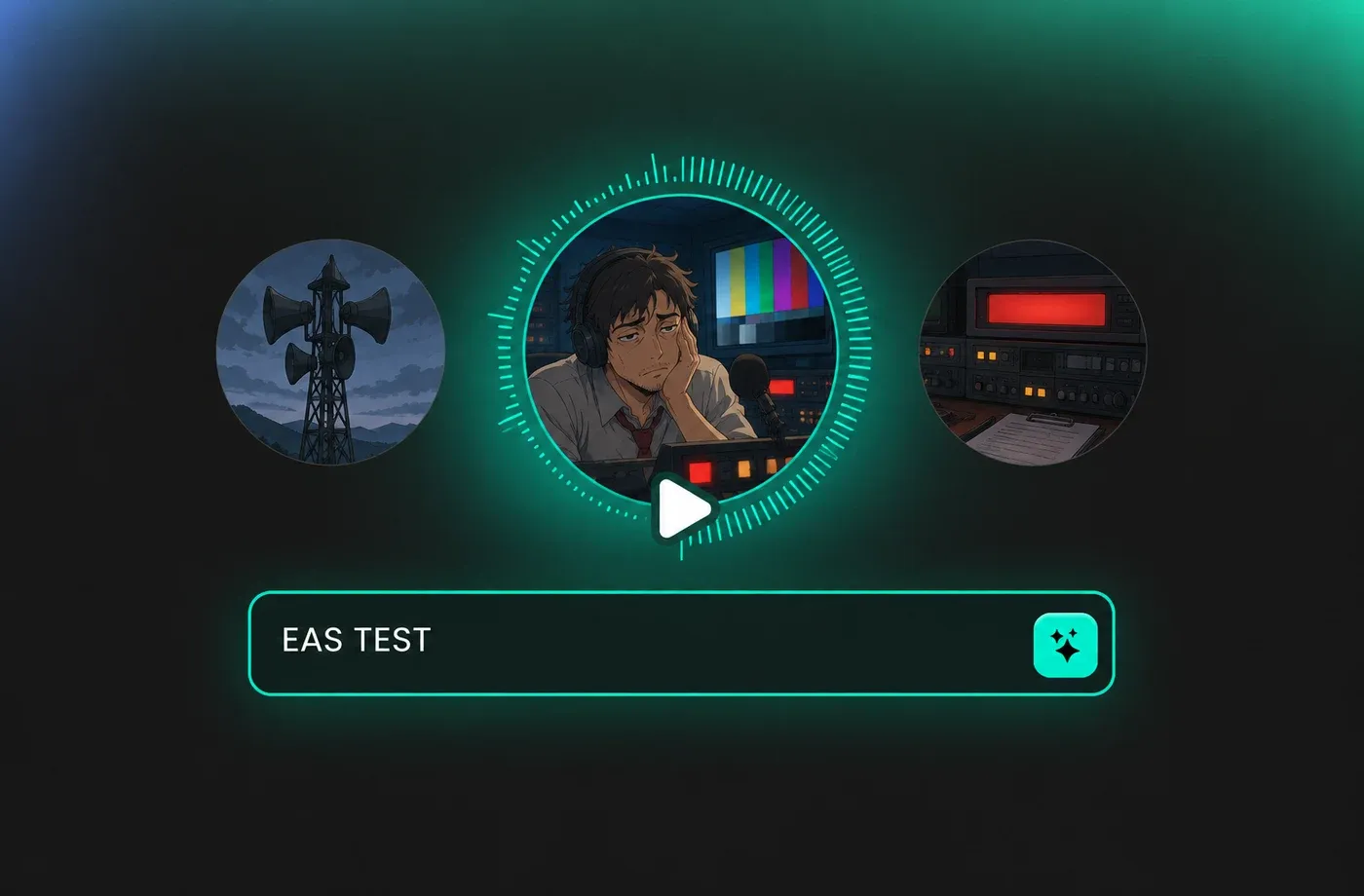
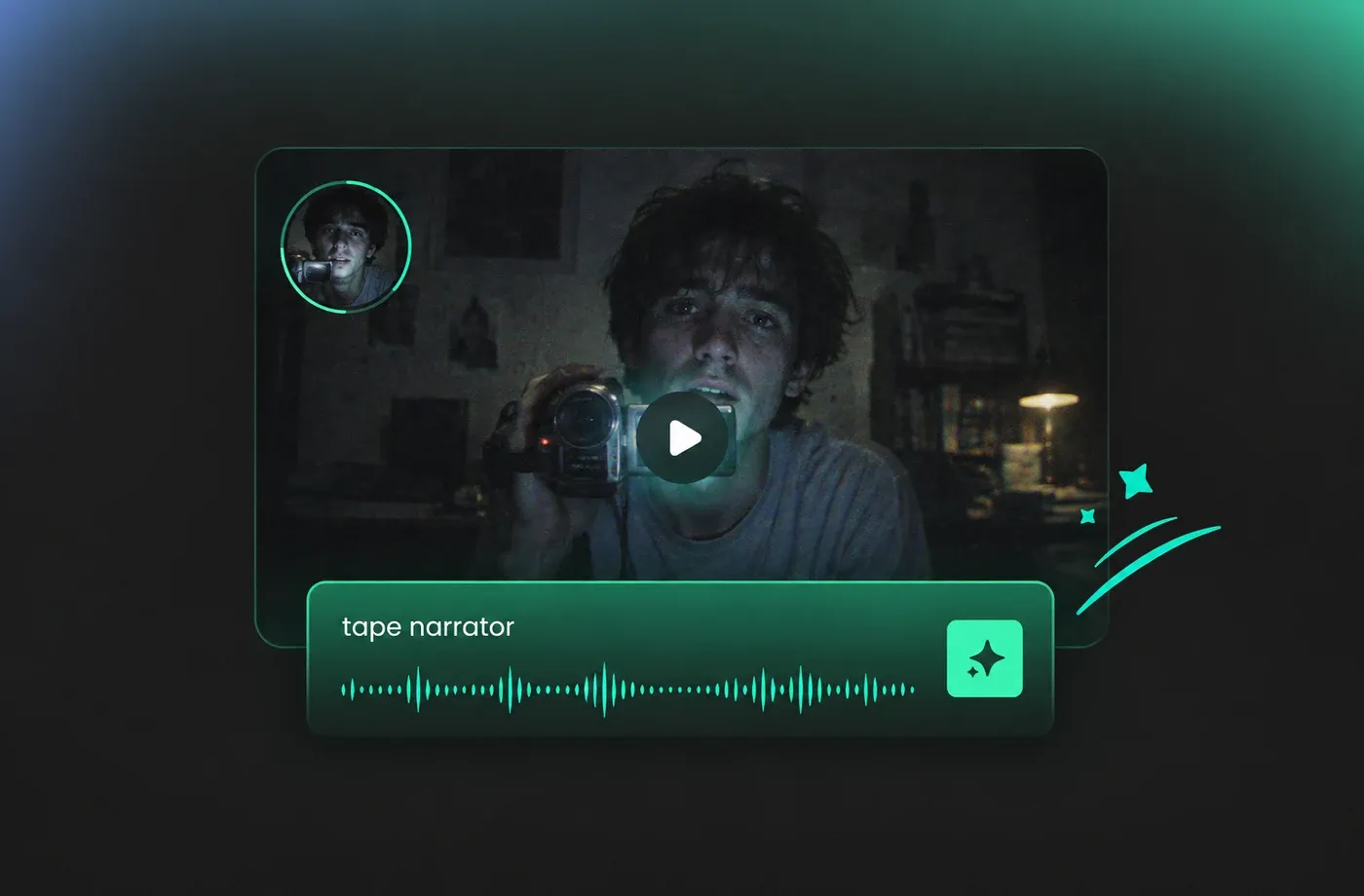
Tape-Degraded Narrator Voices for Analog Horror
Some analog horror lives or dies on the narrator alone - a lone voice on camcorder audio, breathing too close to the mic, explaining something it should not know. FineVoice gives you that close-room intimacy with breath noise and light dropout, so monologues feel like recovered evidence rather than a studio read.
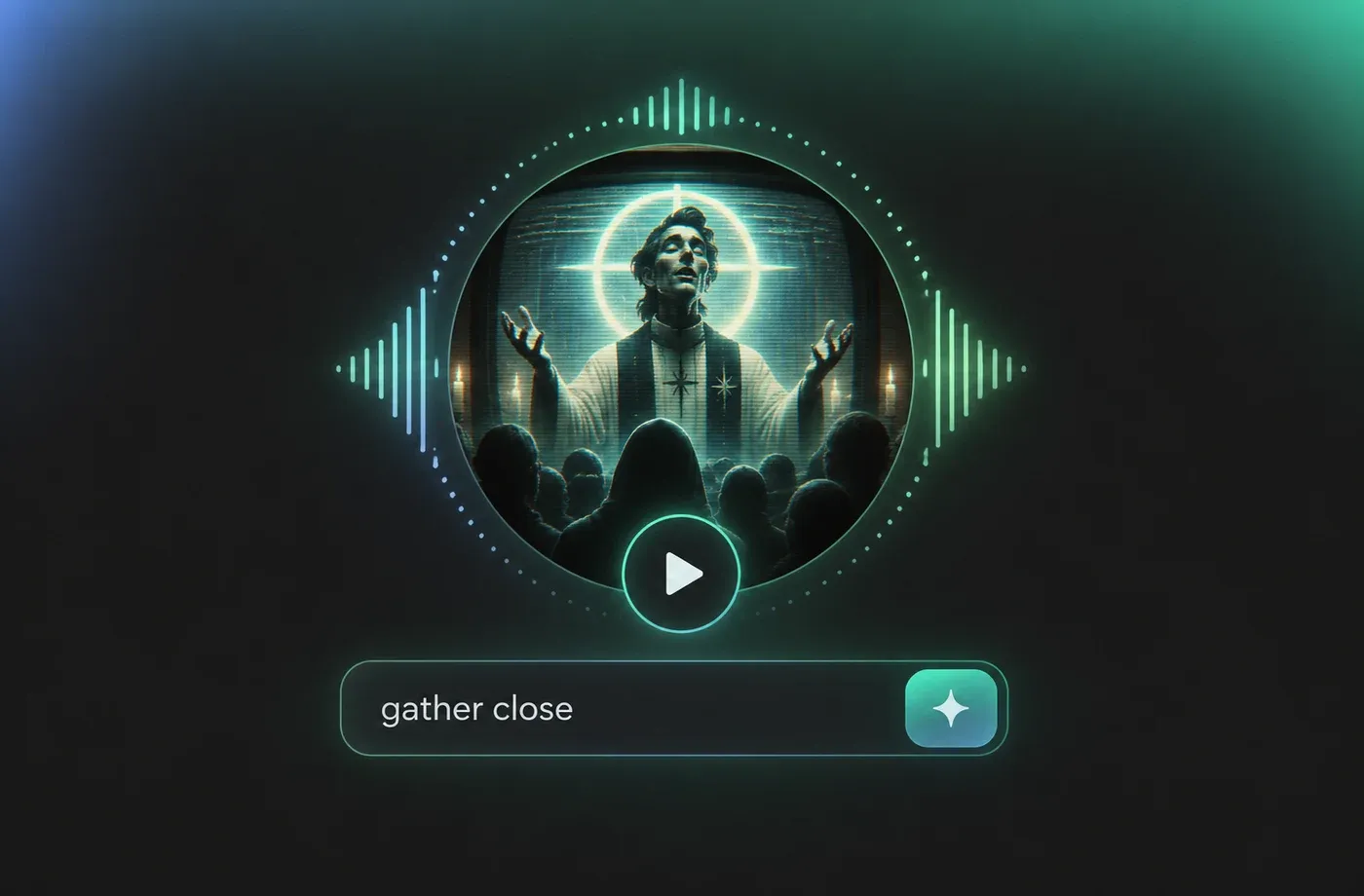
AI Cult Leader & Sermon Voices for Analog Horror
Slow, resonant, hypnotic delivery is the signature of every analog horror congregation. Our sermon presets stretch pauses, drop pitch on key phrases and add pulpit reverb so lines like 'gather close to the screen' land the way they should. Perfect for tapes preaching to an audience that never showed up.
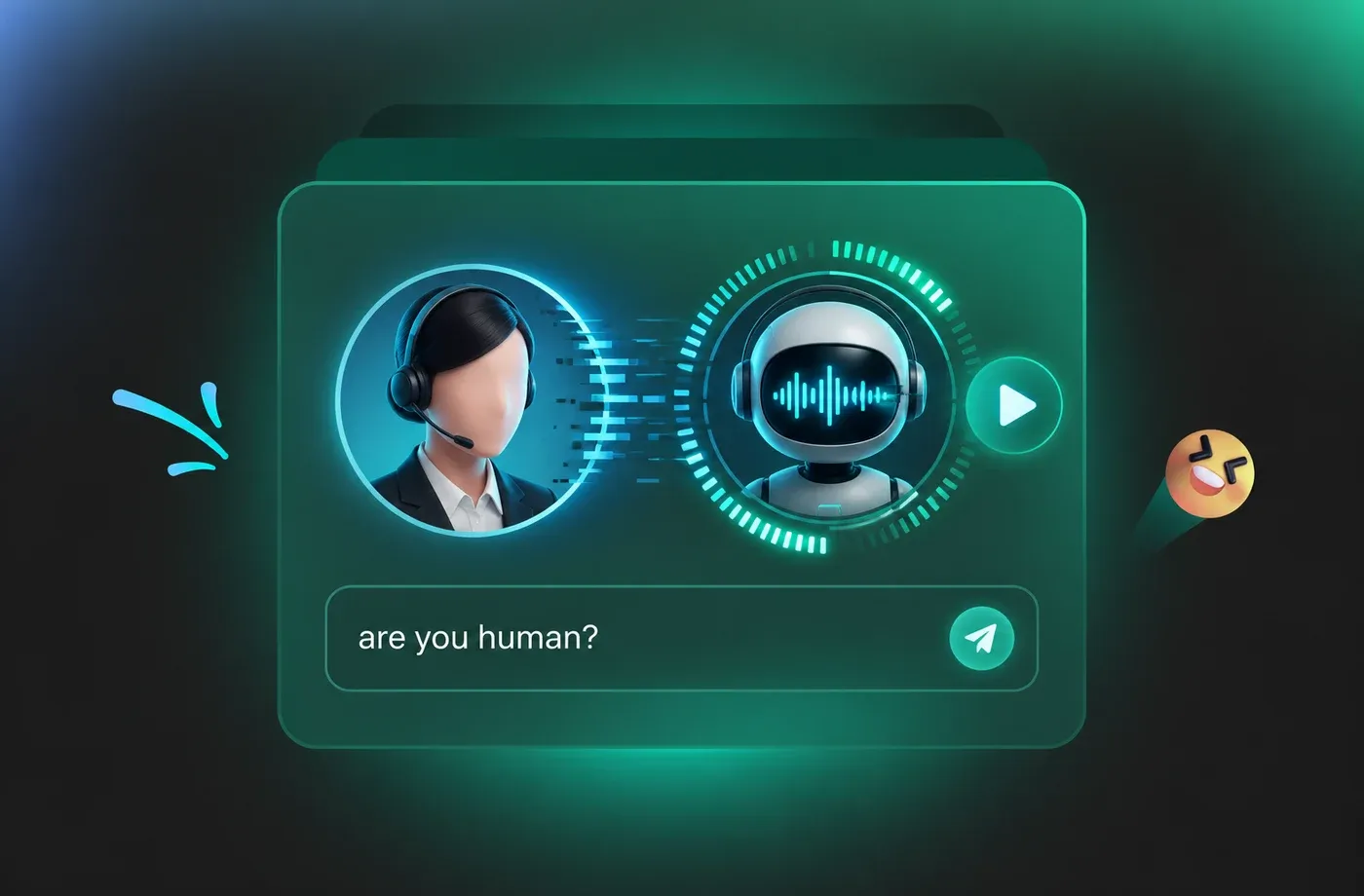
Synthetic System & ARG Entity Voices for Analog Horror
Build the villain that is not a person: an automated help line, a compliance bot, a signal that has started speaking on its own. These presets blend monotone delivery with vocoder shimmer and deliberate glitch artifacts, so the voice sounds correct right up until it doesn't.
How to Make an Analog Horror Voice in 3 Steps
Turn any script into a tape-degraded analog horror narration - no mic, no studio, no cleanup required.
1

Step 1: Choose your analog horror archetype
Browse the voice library and pick the role your tape needs: an emotionally flat emergency anchor, a breathy camcorder narrator, a hypnotic sermon leader or a distorted system entity. Each preset is pre-loaded with the right pacing, pitch and degradation character.
2

Step 2: Paste your script and tune the decay
Type or paste your lines, then adjust speed, pitch drift and tape noise to match the era you are imitating. Shorter sentences with deliberate repetition almost always sound more unsettling than long, well-written paragraphs.
3

Step 3: Preview, export and drop it into your cut
Listen back in the browser, regenerate any line that feels too natural or too clean, then download the audio and place it under your VHS overlay, countdown leader or black-frame transition. No microphone, interface or cleanup pass required.
t0529.tools.voiceCategory.moreThan











Explore More Voice Categories
Analog Horror Voice Generator FAQ
1. What is an analog horror voice generator?
It is a text to speech tool tuned specifically for the analog horror aesthetic - VHS and cassette-era audio full of hiss, hum, wow-and-flutter and narrow bandwidth. Instead of producing clean studio narration, it produces voices that sound like they were recorded onto magnetic tape, copied, and played back twenty years later on failing equipment.
2. How do I make my analog horror voice actually sound like a VHS tape?
3. Are these voices robotic or overly clean?
4. Which preset works best for fake emergency broadcast alerts?
5. Can I use FineVoice analog horror voices in a YouTube series or ARG?
6. Can I clone my own voice and degrade it for analog horror?
7. What languages does the analog horror voice generator support?
8. How long can a single analog horror clip be?
9. Do I need any audio gear or editing skills?
 FineVoice
Build the Voice Behind the Tape
Analog horror only works when the audio feels recovered rather than produced. Start from a broadcast-anchor, sermon, or system-voice preset, paste your script, and let pitch drift and tape hiss turn a normal read into something viewers wish they had not heard.
