

Free Annoying Voice Generator: Quirky & Comedic Text to Speech Voices
Discover the best Annoying AI Voice Generator and Text to Speech tool! FineVoice's Annoying Voice Generator converts scripts into playful, exaggerated, or deadpan speech, with pitch, speed, and emotion controls across 154+ languages and accents. Preview each line in the browser, compare styles in the annoying voice library, and download MP3 or WAV for comedic narration, prank-style skits, and social videos.
文字转语音历史记录
示例:

设置
AI语音

- Voice Name
- 0 使用次数
免费创建您的AI语音。
模型
 FineVoice TTS Max
Instantly Create Annoying Voiceovers
Use the annoying voice generator to turn a short script into a deliberately quirky narration in seconds. Adjust pitch, speed, and emotion to make the delivery land, then preview it in your browser before downloading. Open the annoying voice library to compare styles.
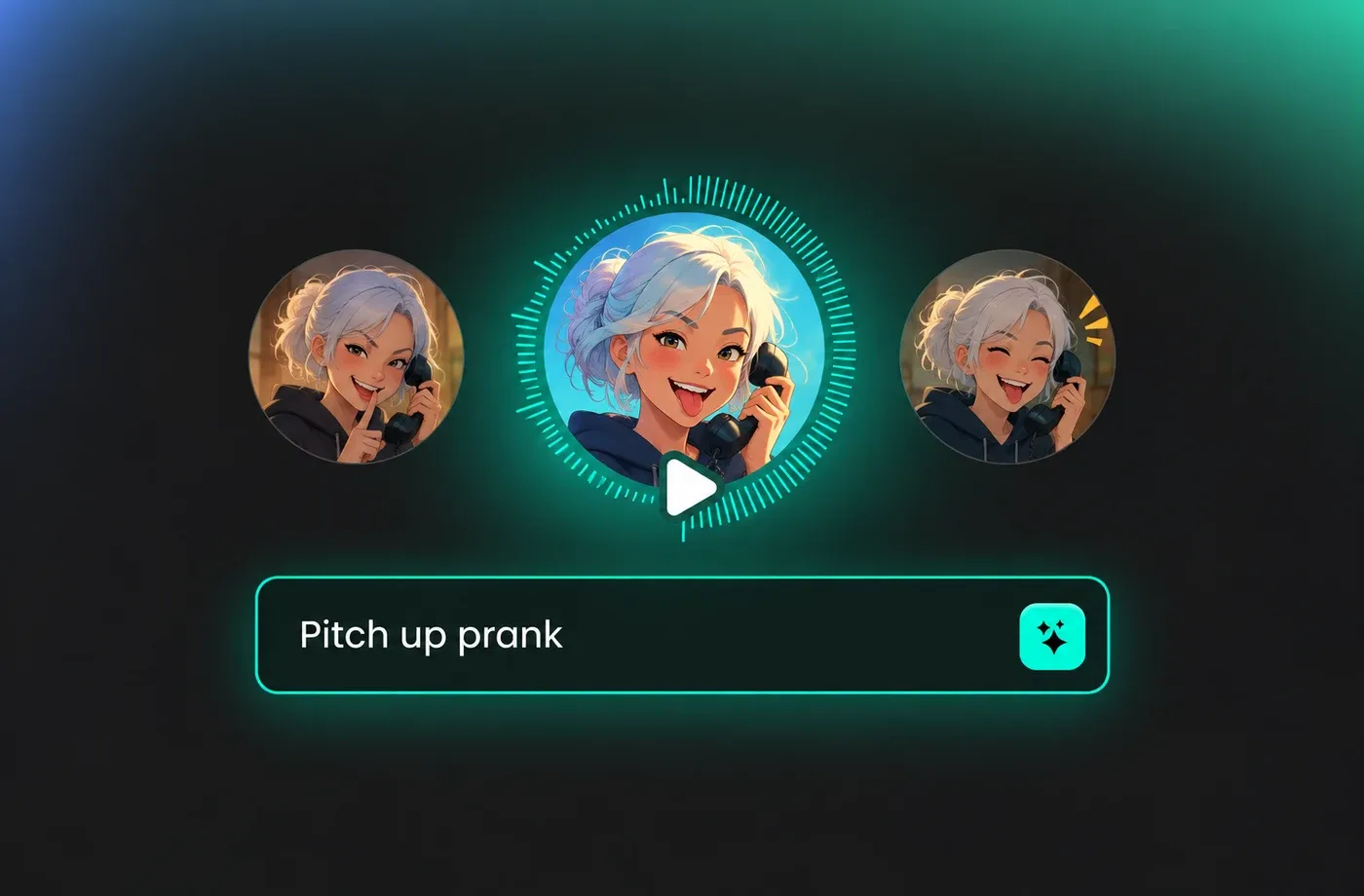
Text to Speech Annoying Voices
Type or paste text into the annoying voice text to speech workflow and choose a voice that fits the joke, complaint, or comedic reveal. You can tune pitch and pacing without recording a microphone. Visit text to speech to start with a clean script.
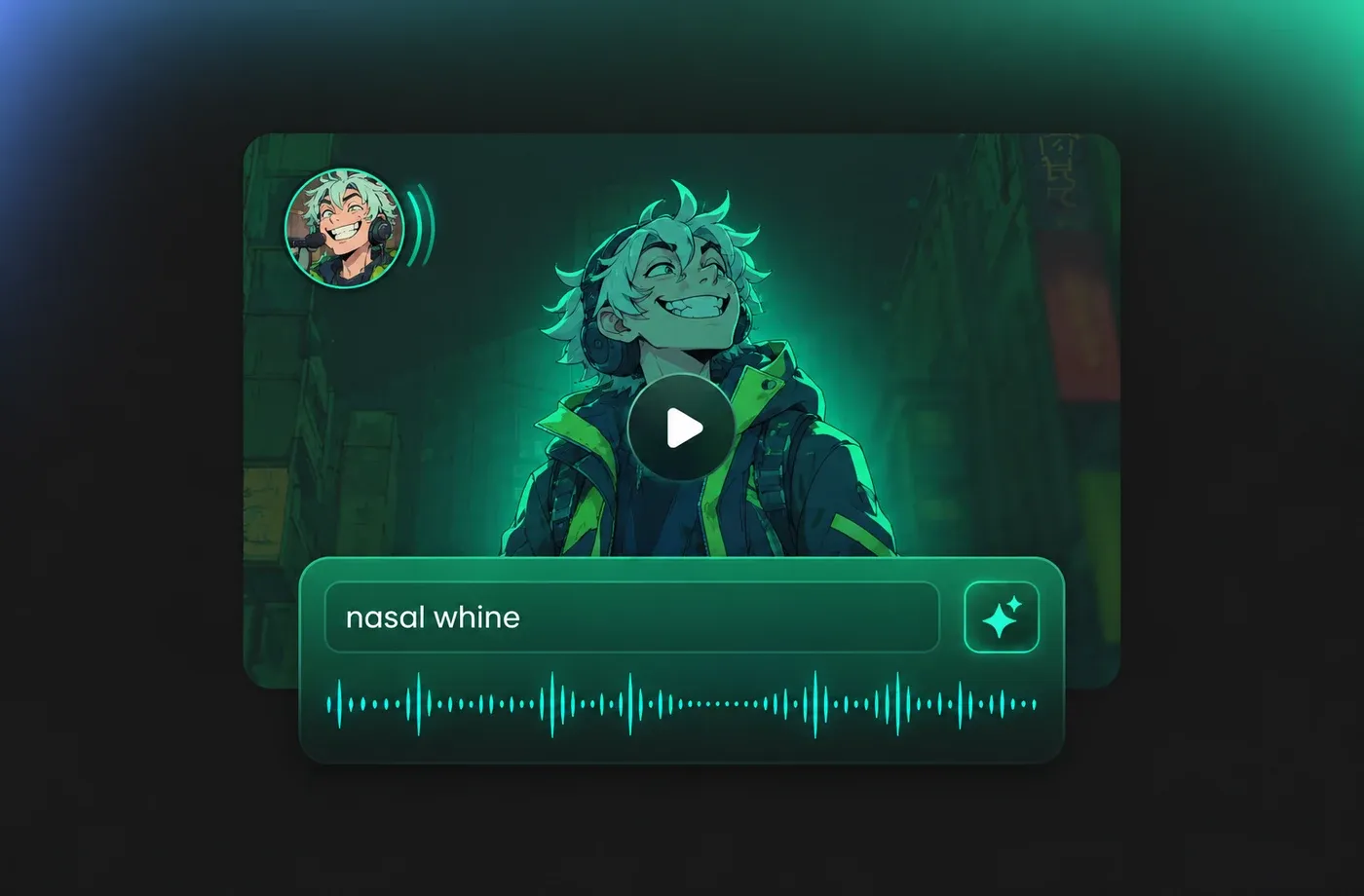
Tune Pitch, Speed, and Emotion
Small changes to pitch and speed can make an annoying voice sound playful, impatient, or comically flat. FineVoice keeps those controls next to the script so you can test variations before generating. Compare results in the Annoying Voice Generator preview.

Export MP3 or WAV for Videos
Once an annoying voice line sounds right, download it as MP3 or WAV for editing in video, podcast, or social projects. The browser workflow avoids installing a separate recorder. Start from text to speech or open the voice library.
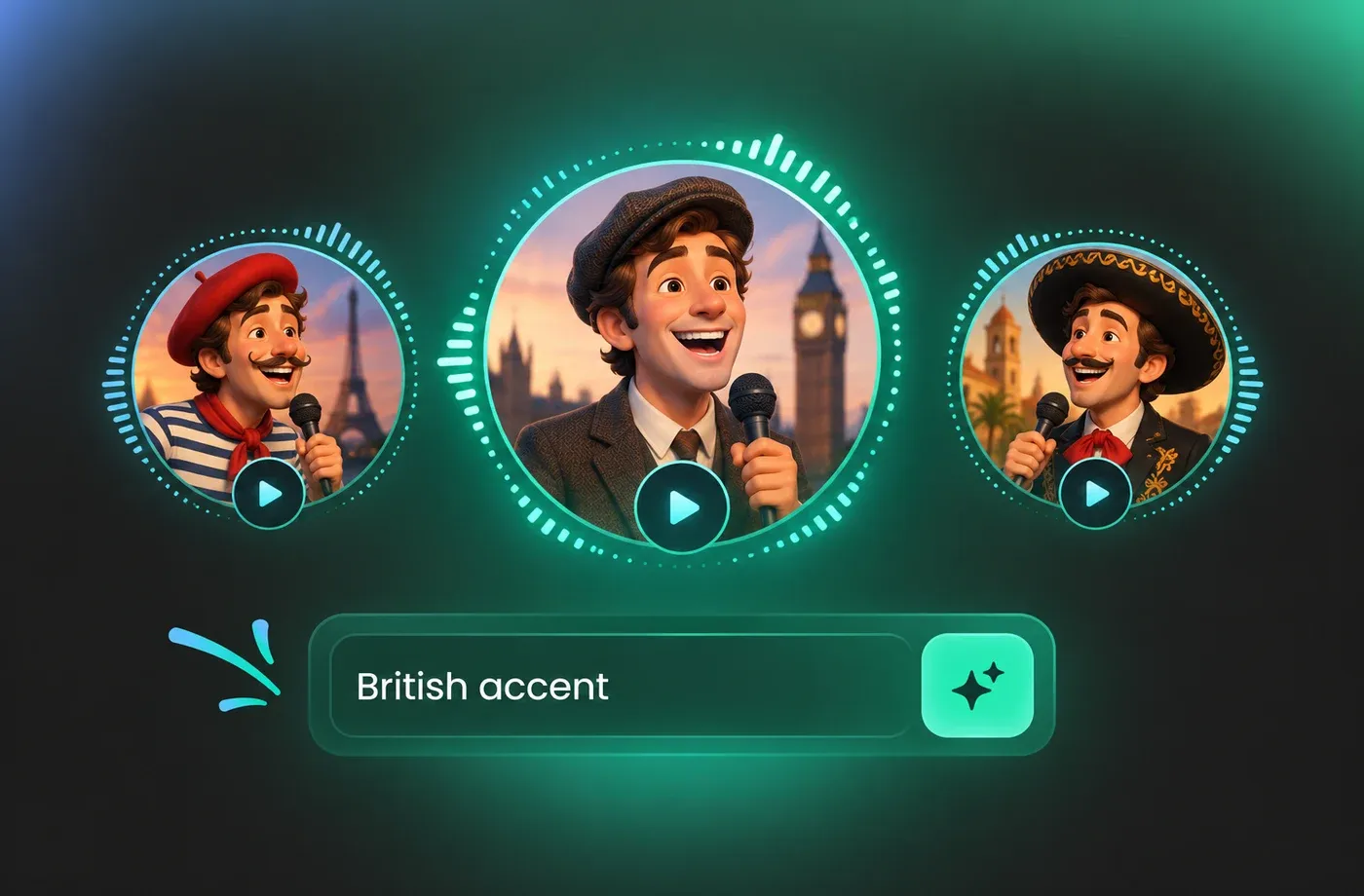
How to Use AI Voices for Annoying Voice Generator
Paste a script, pick an annoying voice style, adjust pitch, speed, and emotion, then preview and download your audio as MP3 or WAV.
1

Step 1: Enter Your Annoying Voice Script
Type or paste the line you want to hear, including punctuation for pauses and emphasis. Short, punchy sentences usually make an annoying voice joke easier to follow.
2

Step 2: Choose a Voice and Tune the Delivery
Select a voice, then adjust pitch, speed, and emotion to make the read playful, impatient, deadpan, or comically exaggerated. Preview the line and compare settings before generating the final audio.
3

Step 3: Generate and Download the Audio
Generate the annoying voice line, listen once in the browser, and download it as MP3 or WAV. The file is ready for video editing, podcast production, or social content.
t0529.tools.voiceCategory.moreThan












Explore More Voice Categories
FAQs About Annoying AI Voice Generator
1. What does an annoying voice generator do?
An annoying voice generator turns written text into speech with a delivery you can push toward playful, whiny, deadpan, or exaggerated. Use the preview to test short lines before you export them for a video, skit, or social post.
2. Can I use text to speech for an annoying voice?
3. How do I make a voice sound more annoying?
4. Which languages and accents are available?
5. Can I download annoying voice audio as MP3 or WAV?
6. Can I create a custom annoying voice with voice design?
7. What can I use annoying voiceovers for?
8. Do I need to install software to use the generator?
 FineVoice
Start Creating with AI Annoying Voices
Turn a short script into a playful, deadpan, or delightfully irritating line with FineVoice's annoying voice generator. Choose a voice, tune the delivery, and export MP3 or WAV from your browser.
