

AI Screaming Voice Generator – Text to Speech Screams & Yells
FineVoice AI screaming voice generator transforms your text into powerful screaming, yelling, and shouting voices in seconds. Whether you need a horror game scream, an anime battle cry, a viral meme sound, or a dramatic text to speech scream effect, this tool delivers intense emotion instantly. No voice acting skills or recording equipment needed—just type your text, select from screaming, yelling, and shouting voice styles, and generate audio online. With customizable pitch, speed, and emotional intensity, FineVoice gives you full creative control over every scream, yell, and shout.
文字转语音历史记录
示例:

设置
AI语音

- Voice Name
- 0 使用次数
免费创建您的AI语音。
模型
 FineVoice TTS Max
Realistic AI Screaming, Yelling & Shouting Voices with Extreme Emotion
FineVoice delivers raw, intense screaming, yelling, and shouting AI voices that sound natural—not robotic. Whether you need a text to speech scream for a horror game jump scare, a yelling AI voice for an anime battle cry, or a shouting text to speech effect for a viral meme, this tool captures urgency, anger, fear, and excitement with impressive realism. From subtle emotional outbursts to full-volume screams, it's ideal for horror games, reaction videos, animations, and storytelling. Skip the voice actors and vocal strain—get studio-ready screaming audio instantly.
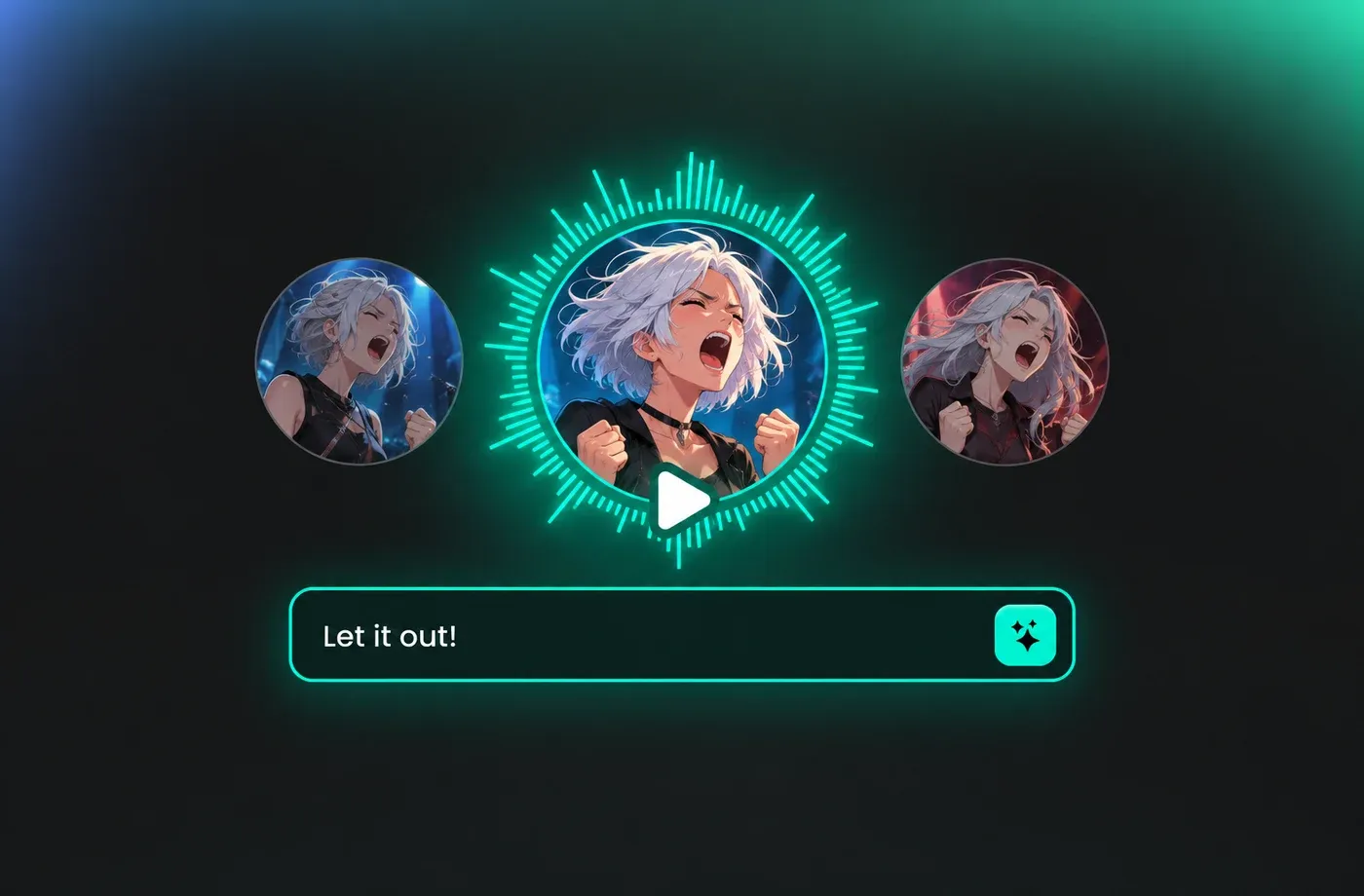
Screaming vs Yelling vs Shouting: Which Voice Style Do You Need?
Each vocal intensity serves a different creative purpose. Screaming is raw, high-intensity panic or terror—perfect for horror games and jump scares. Yelling conveys anger, authority, or urgency—ideal for action scenes and dramatic confrontations. Shouting projects power and distance—great for battle cries and crowd scenes. FineVoice lets you create all three with the same screaming text to speech tool. Just adjust the pitch, speed, and intensity sliders to switch between a piercing scream, an aggressive yell, or a commanding shout in seconds.
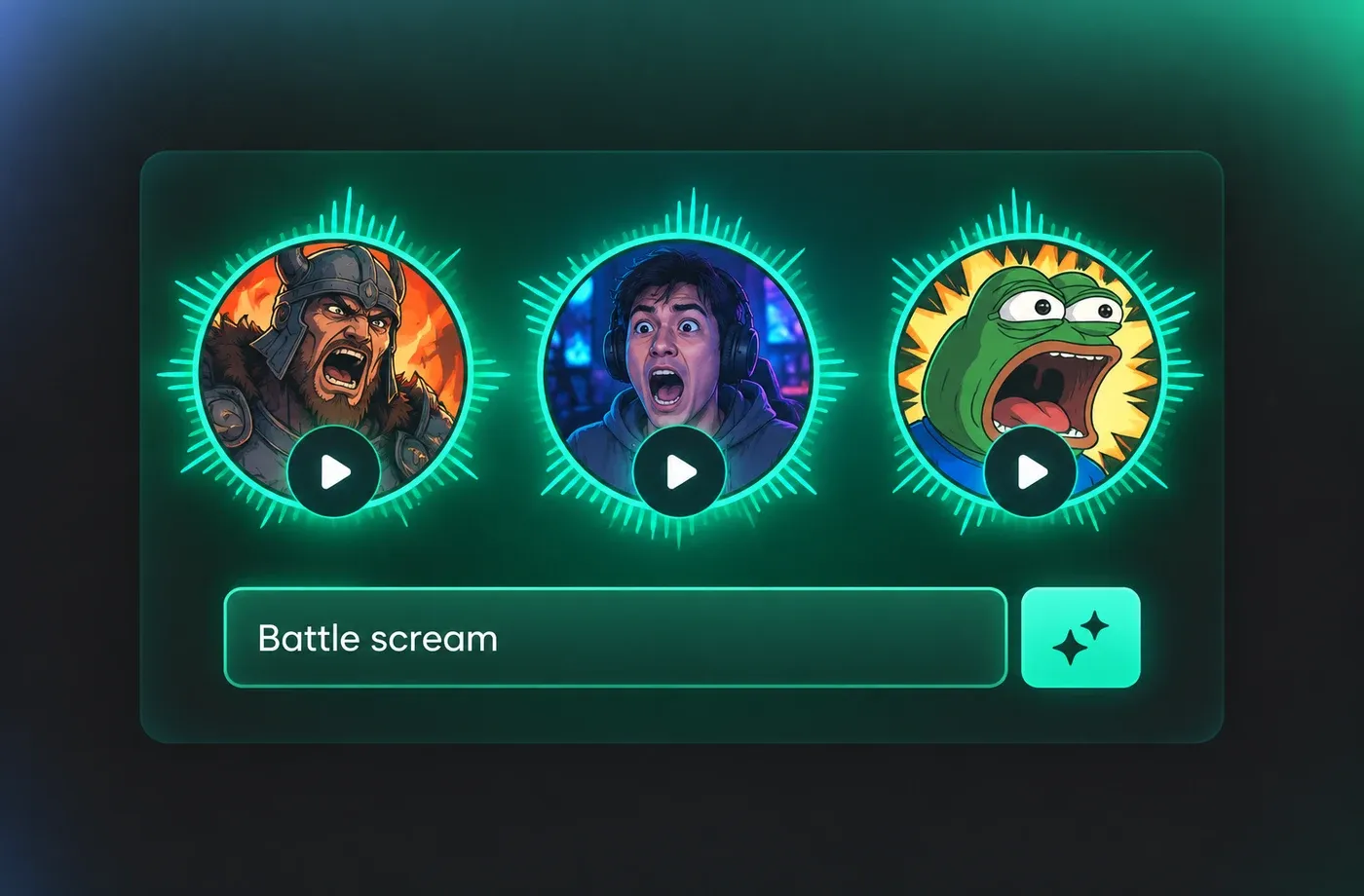
Full Voice Customization: Pitch, Speed & Intensity
FineVoice lets you adjust pitch, speaking speed, and emotional intensity to match your exact creative vision. Want a high-pitched panic scream? A deep, aggressive roar? A controlled but intense yell or shout? You can fine-tune every detail until it sounds right. This level of customization sets FineVoice apart as one of the best screaming AI voice generator tools available. Instead of one-size-fits-all output, you get unique, tailored screaming, yelling, and shouting voices that match your character, scene, or brand perfectly.
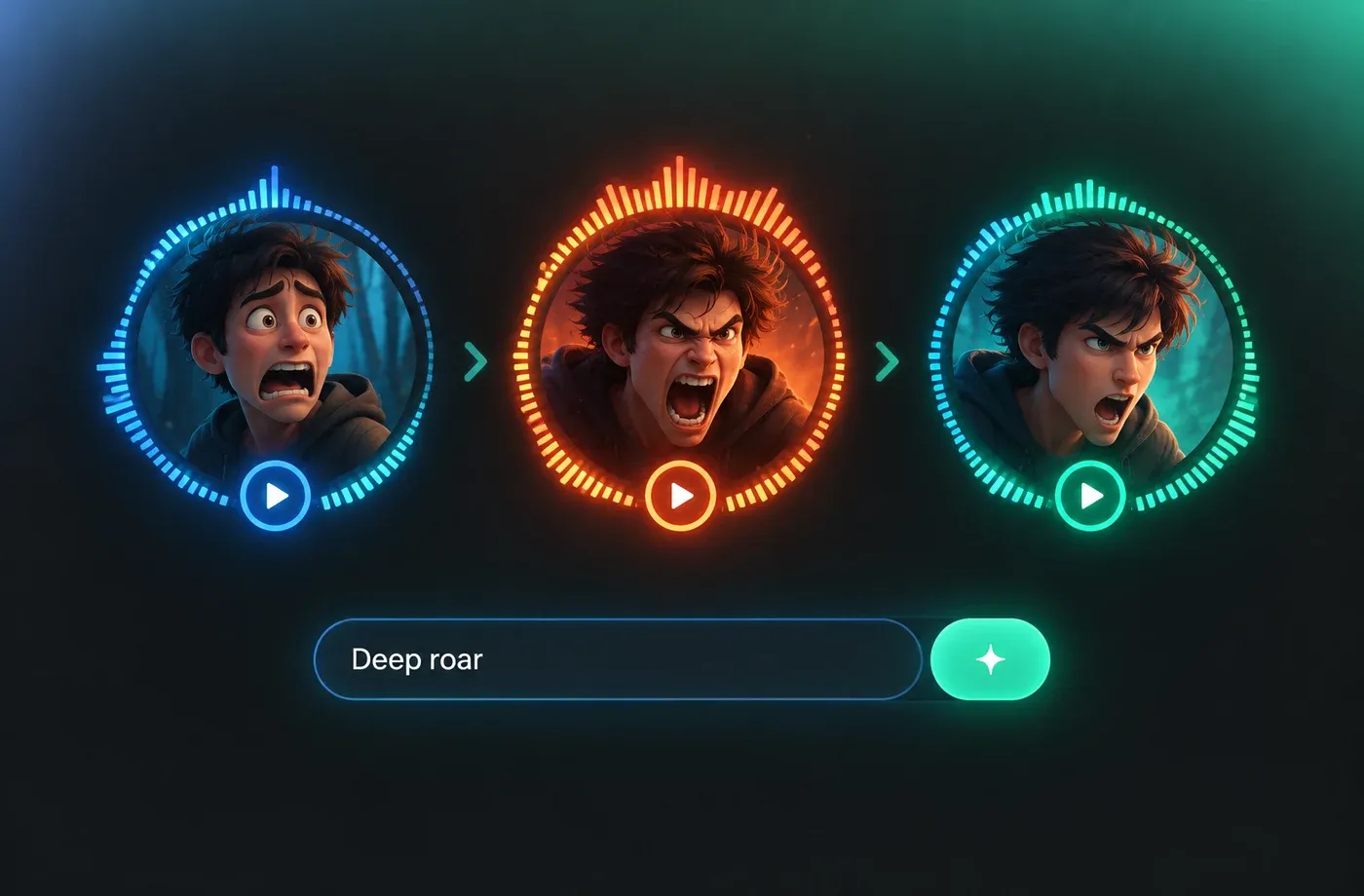
Use Cases: Games, Videos, Memes & Content Creation
Game developers use FineVoice for battle cries, character reactions, and horror game screams. Video creators generate yelling and shouting AI voices for dramatic scenes and jump scares. Meme creators love it for viral, over-the-top TikTok and YouTube shorts. Podcasters and storytellers use screaming text to speech for intense narrative moments. Whether you're working on an indie game, a YouTube reaction video, or a spooky podcast episode, this text to speech scream tool fits seamlessly into your workflow—no downloads, no complex setup, just fast results.
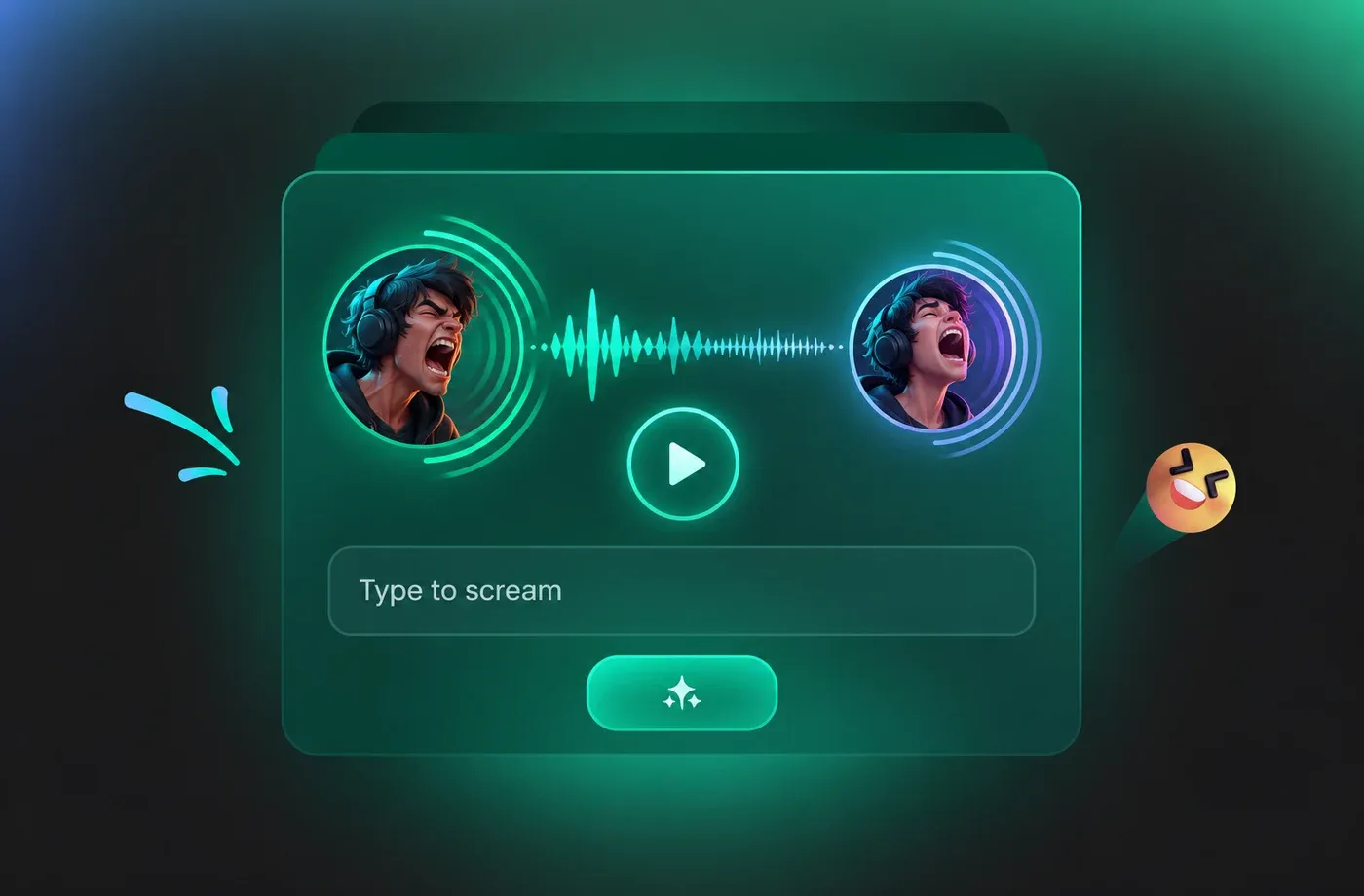
How to Create Screaming & Yelling Voices in 3 Steps
Create screaming, yelling, and shouting AI voices in three simple steps with FineVoice. Turn any text into intense vocal audio for games, videos, and content.
1

Step 1: Enter Your Text
Type or paste the text you want turned into a screaming, yelling, or shouting voice. You can also upload a script file (.txt, .docx, .srt) into the AI screaming voice generator.
2

Step 2: Choose a Screaming or Yelling Voice
Browse our voice library to find screaming, yelling, and shouting AI voices. Adjust pitch, speed, and intensity to switch between a high-pitched scream, an aggressive yell, or a commanding shout.
3

Step 3: Generate & Download Your Audio
Click 'Generate' and your screaming, yelling, or shouting voice audio is ready in seconds. Download it as MP3 or WAV and drop it straight into your game, video, or content project.
t0529.tools.voiceCategory.moreThan











Explore More Voice Categories
FAQs About FineVoice AI Screaming Voice Generator
1. Is there a screaming voice generator free version?
Yes! FineVoice offers a free plan that allows you to generate screaming, yelling, and shouting AI voices. You can use the screaming text to speech tool with free monthly characters. Paid plans unlock higher-quality downloads, longer audio, and commercial usage.
2. Can I use the AI screaming voice for commercial projects?
3. How do I make text to speech scream?
4. Can I generate a screaming kid AI voice?
5. What's the difference between screaming, yelling and shouting?
6. Can I use screaming voices in games and YouTube videos?
7. Does this screaming text to speech tool support multiple languages?
8. Can I create a custom screaming voice?
 FineVoice
Start Creating Realistic AI Screaming Voices
Generate screaming, yelling, and shouting voices instantly with FineVoice AI Voice Generator & Text-to-Speech. Create high-quality voiceovers for games, videos, and content in just a few clicks.
