

Free Multilingual AI Voice Generator for Voice Over in 154+ Languages
Create multilingual voice over with free AI voices in German, French, Spanish, Japanese, Hindi and 150+ more languages. Preview native-sounding voices by language, then turn your script into speech with our free text to speech tool.
文字转语音历史记录
示例:

设置
AI语音

- Voice Name
- 0 使用次数
免费创建您的AI语音。
模型
 FineVoice TTS Max
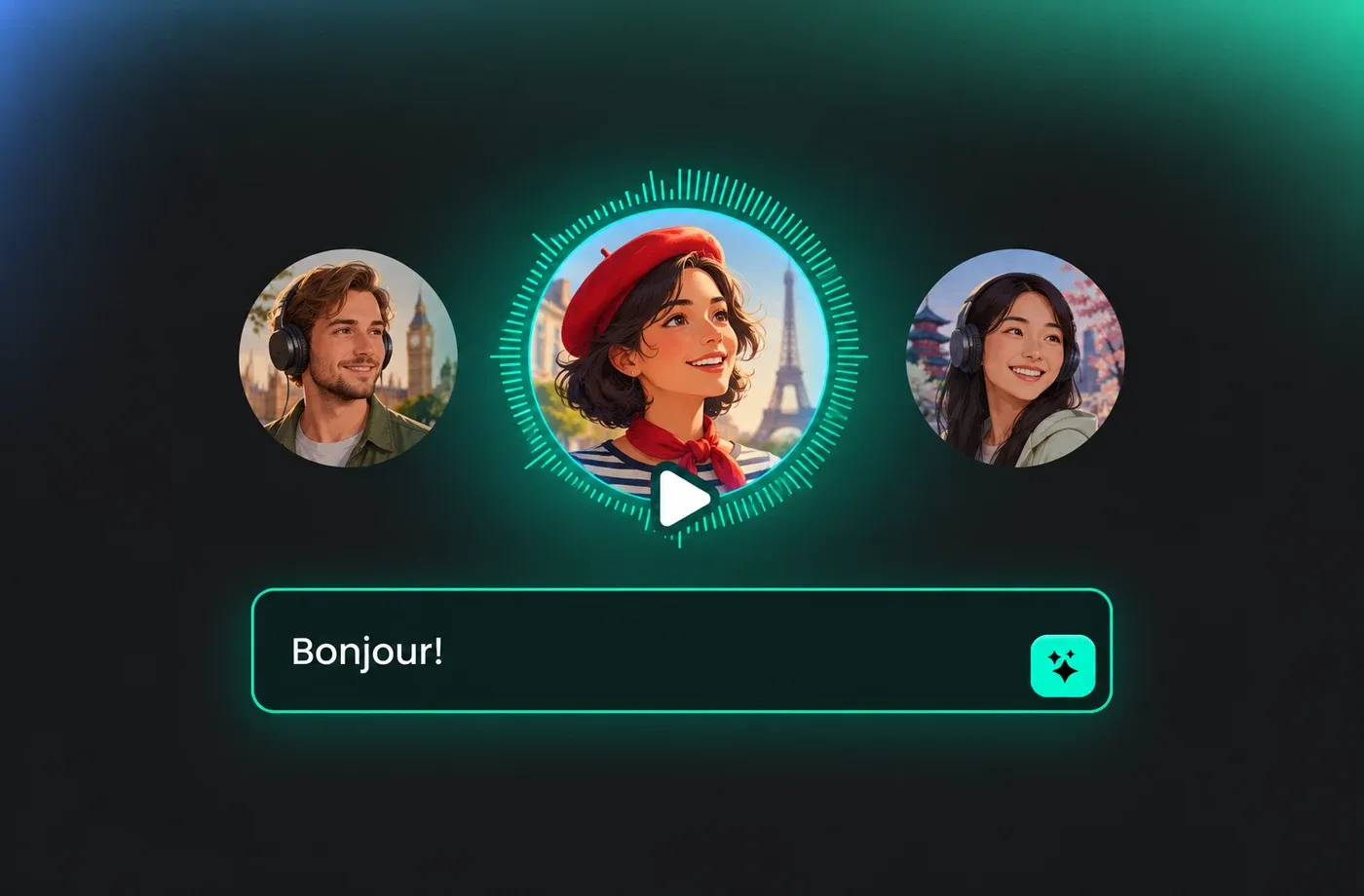
Multilingual Voice Over in 154+ Languages
Create multilingual voice over from one script, with free AI voices in German, French, Spanish, Japanese, Hindi, Arabic and more. Browse the library by language, preview each voice, then generate natural speech in seconds.
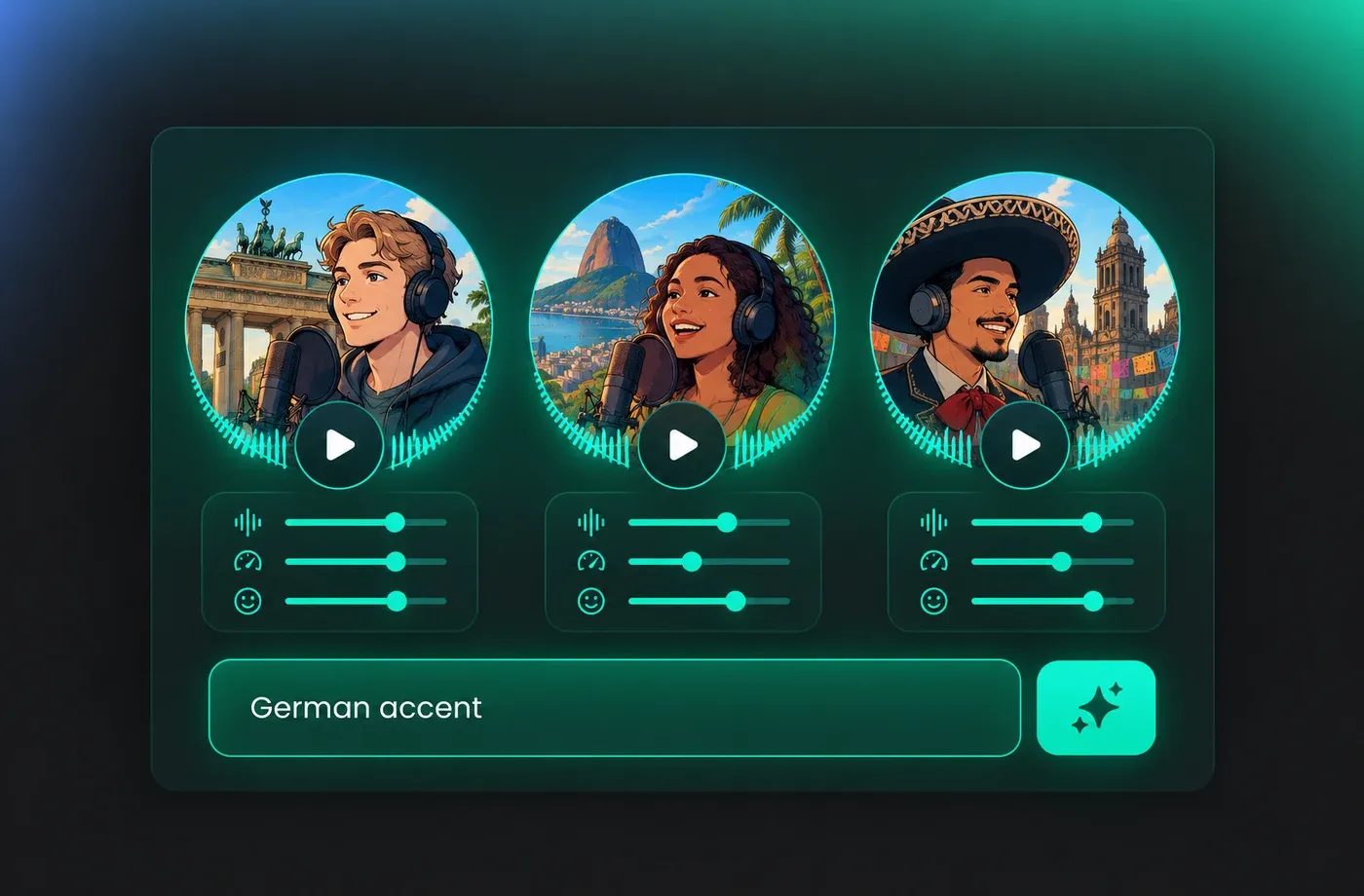
Native-Sounding Accents for Every Audience
Pick regional accents, ages and tones within a language, so a German explainer, a Brazilian Portuguese ad or a Mexican Spanish tutorial sounds local. Adjust pitch, speed and emotion to fit each voice over.
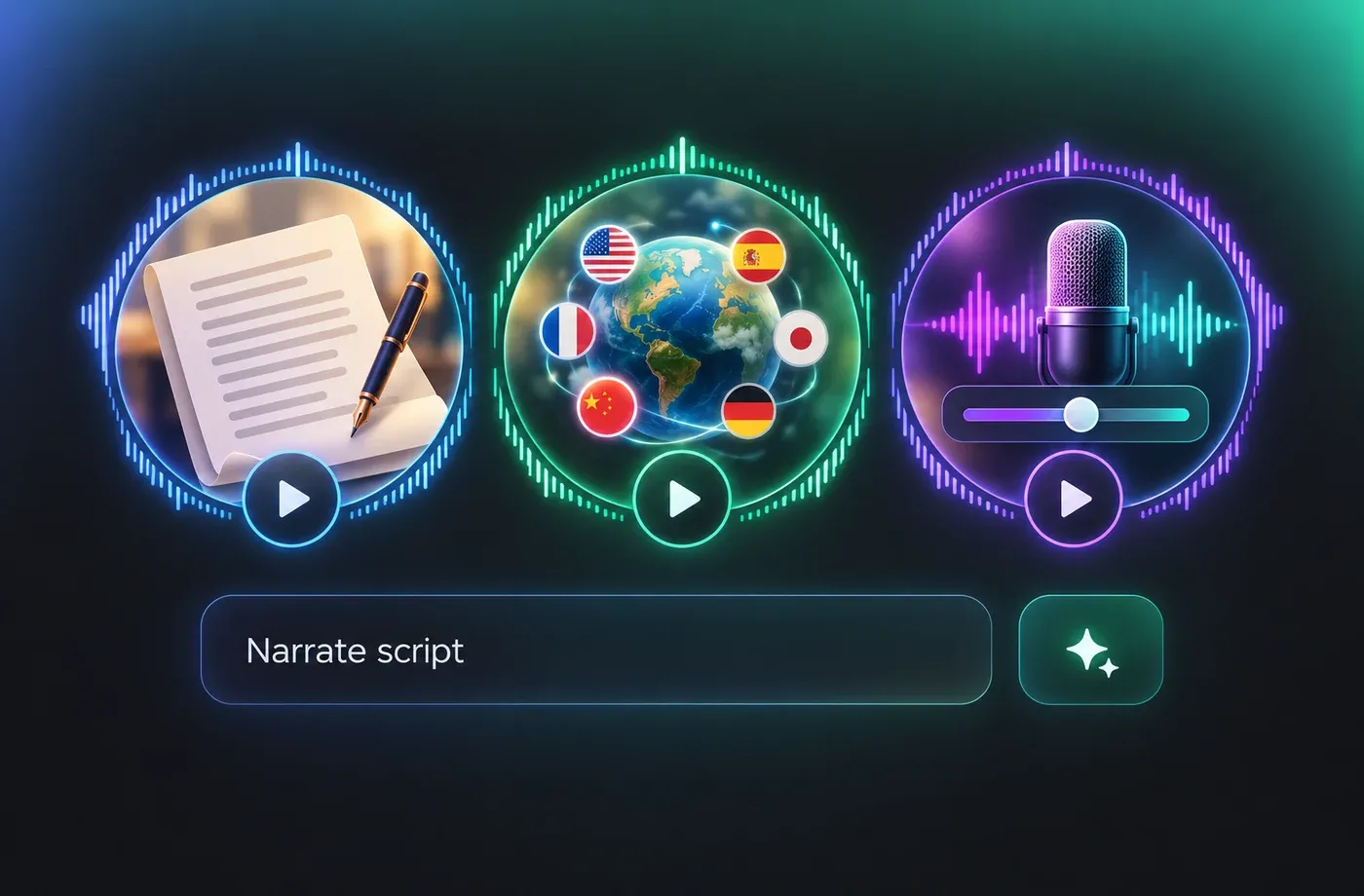
3 Steps to Multilingual Voice Over
1) Choose a language in the voice library. 2) Pick a voice and fine-tune pitch, speed or emotion. 3) Click Generate and download the voice over as MP3 or WAV for videos, courses and apps.
How to Create Multilingual Voice Over with AI
Choose a language, preview the voices and download your audio in three steps. The multilingual AI voice generator works in your browser, with 154+ languages available.
1

Step 1: Choose a Language
Open the voice library and select the language of your voice over, such as German, French, Japanese or Spanish.
2

Step 2: Pick a Voice
Preview the voices for that language, choose one, and adjust pitch, speed or emotion to suit your script.
3

Step 3: Generate & Download
Paste your text, click Generate and download the multilingual voice over as MP3 or WAV.
t0529.tools.voiceCategory.exploreAll


















Explore More Voice Categories
FAQs About Multilingual AI Voice Generator
1. What is a multilingual AI voice generator?
A multilingual AI voice generator turns text into natural-sounding speech in many languages. With FineVoice you can pick a language, preview its voices and create voice over from the same script in over 154 languages and regional variants.
2. Which languages can I use for multilingual voice over?
3. Can I choose a regional accent within a language?
4. Can I adjust speed, pitch and emotion in a voice over?
5. What formats can I download my multilingual voice over in?
6. Do I need to install software to generate voice over?
 FineVoice
Start Your Multilingual Voice Over Today
Find the right voice in any of 154+ languages and turn your script into natural-sounding audio in seconds. Try the free multilingual AI voice generator now.
