

Free Thai AI Voice Generator: Natural Expressive Text to Speech Voices
Generate Thai AI voices for clear, natural-sounding Thai speech, from everyday expressions to longer narration. Paste a Thai script, pick a native-sounding voice, then fine-tune pitch, speed and emotion to match narration or conversation. Convert Thai text to speech with attention to the five tones and vowel length that shape Thai pronunciation. When generating Thai audio, review how tones, long and short vowels, final consonants, and polite particles such as ครับ and ค่ะ sound in context. Export as MP3 or WAV straight from the browser, or browse the Thai voice library to audition tones before you commit. Need a quick text-to-speech conversion? Try our Text to Speech tool to convert Thai text into audio.
文字转语音历史记录

设置
AI语音

- Voice Name
- 0 使用次数
免费创建您的AI语音。
模型
 FineVoice TTS Max
Instantly Create Thai Voiceovers
Paste Thai text and the voice generator returns a finished read within seconds, so a single script can be re-rendered as many times as the tone needs to change. Every render keeps the original wording intact while you test pacing and emphasis. Start from the FineVoice text to speech studio and hear the first draft immediately.

Text to Speech Thai Voices With Tuning Controls
Thai text to speech output is not fixed: pitch, speaking rate and emotion can be adjusted per line to separate a calm explanation from an upbeat product line. That control matters in Thai, where tone marks and vowel length carry meaning and a rushed read can blur them. FineVoice's Thai voice engine keeps tone marks and short/long vowel distinctions in place instead of stripping them, so ใหม่, ไม่ and ไหม stay distinct when spoken. Compare settings side by side in the Thai voice library before exporting.
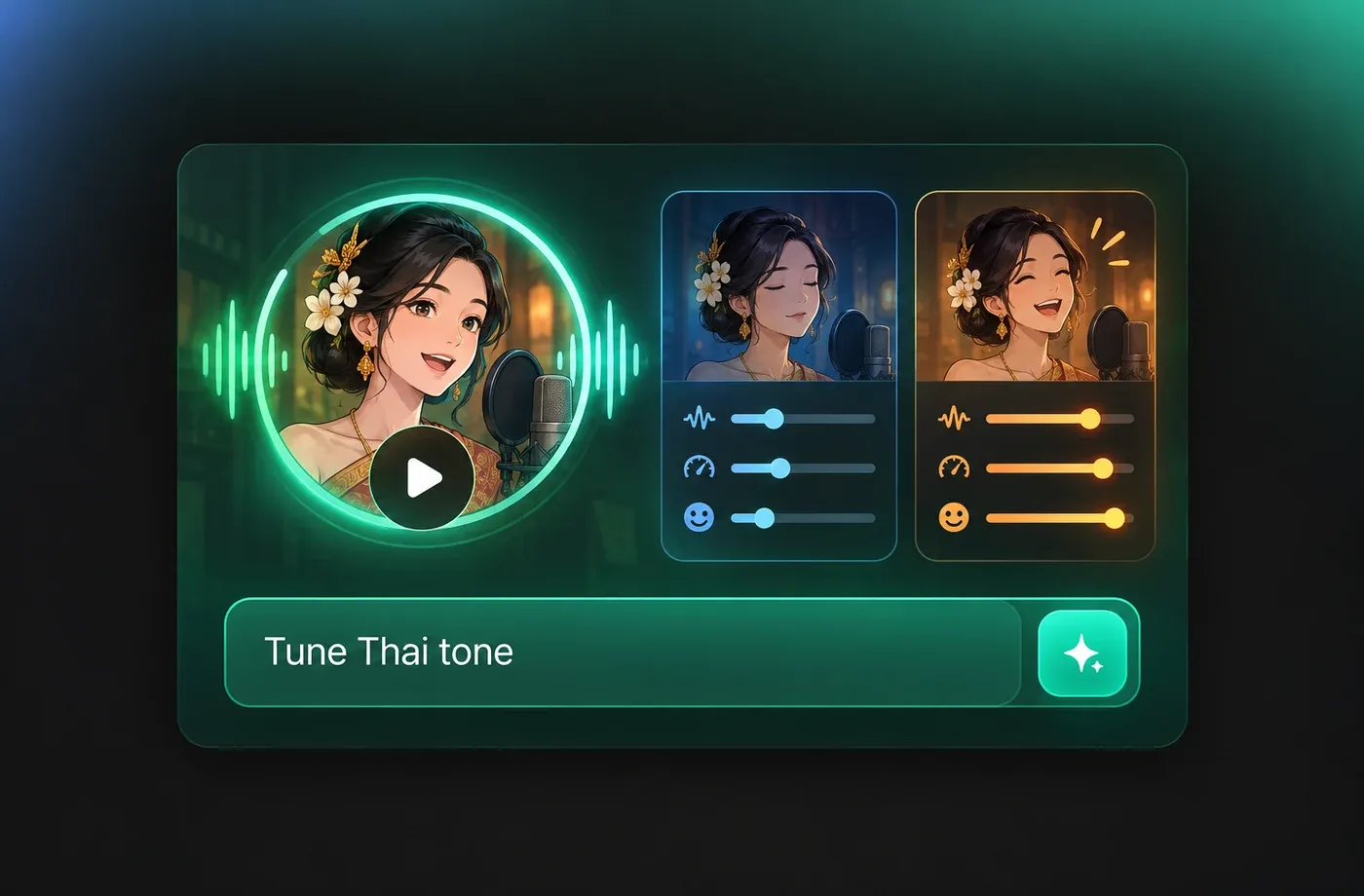
Thai Voice Generator for Narration and Dialogue
Use one Thai voice for a documentary read and a different one for conversational explainers, then keep each project in its own workspace. Pronunciation stays consistent across long scripts because the same voice model is reused for every paragraph. Export MP3 for quick review or WAV for editing in the text to speech tool.
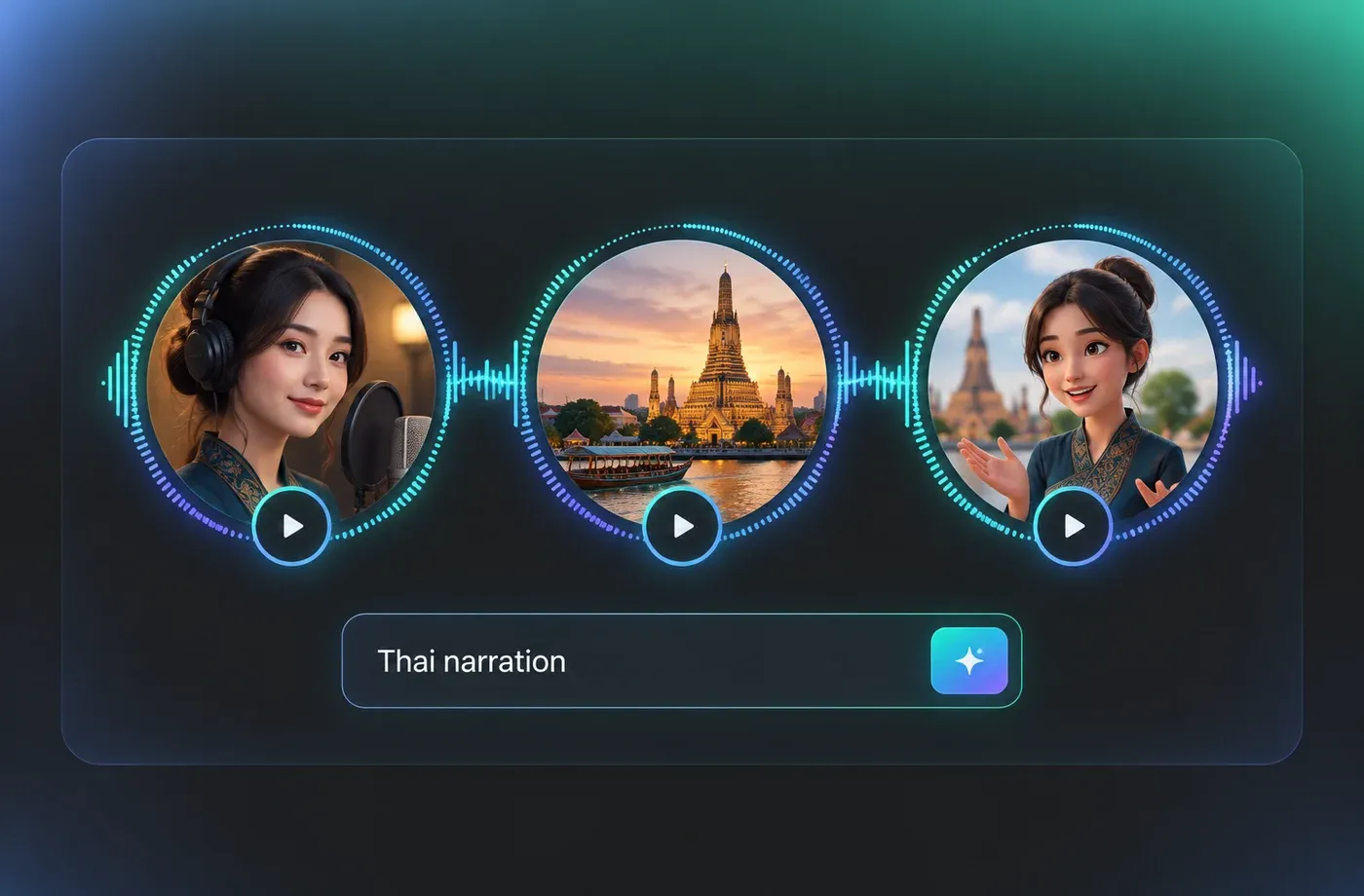
Clone and Design Thai Tones in the Browser
Beyond preset voices, FineVoice supports voice cloning from a reference recording and voice design from a written description, so a Thai narrator can match an existing brand read. Everything runs in the browser with no installation, and finished audio downloads as MP3 or WAV. Explore the wider FineVoice voice collection to hear how Thai sits alongside 154+ languages and accents.
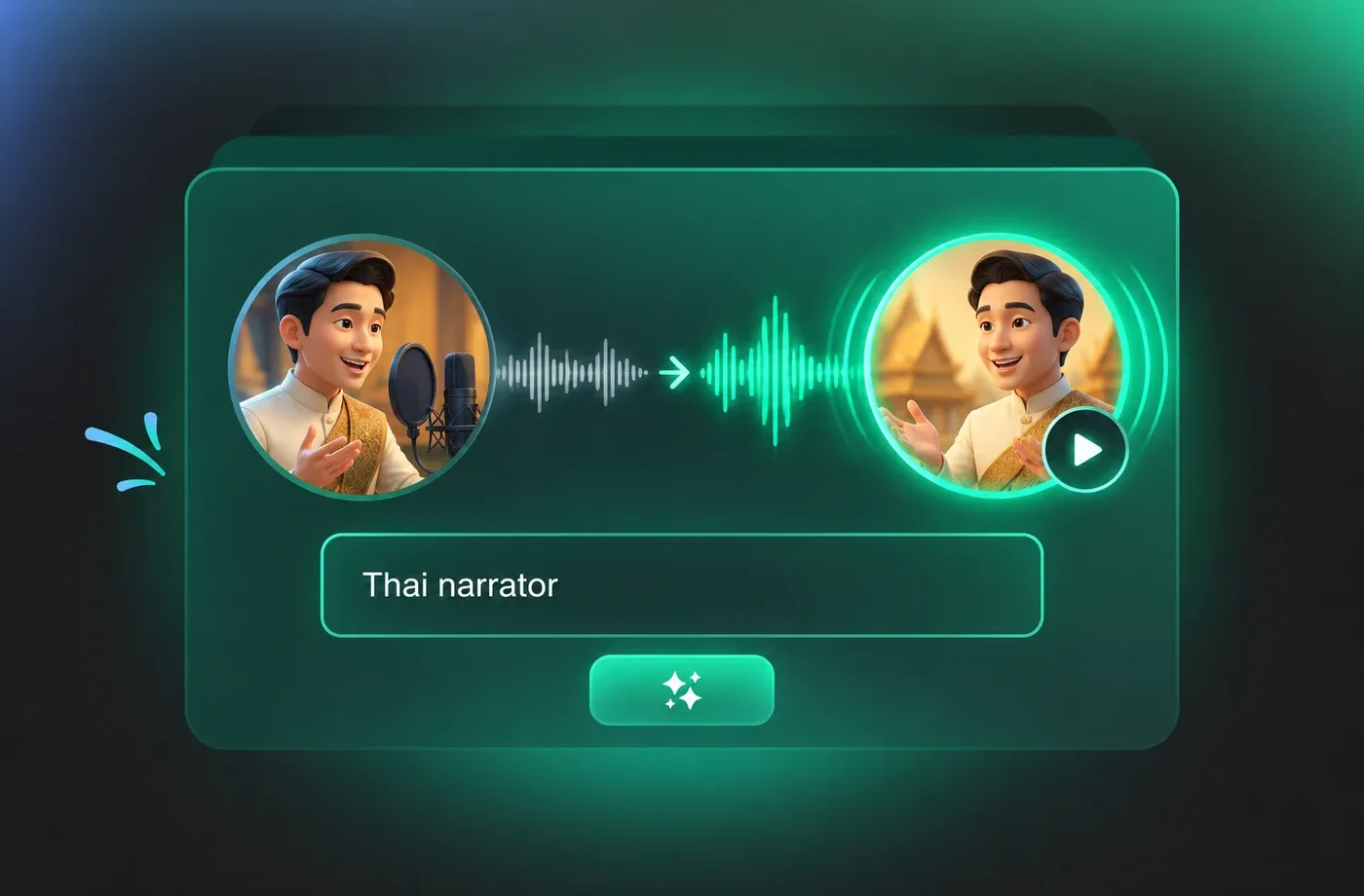
How to Use AI Voices for Thai Voice Generator
Type or paste Thai text, choose a voice, adjust pitch, speed and emotion, then export MP3 or WAV in your browser — no install required.
1

Step 1: Paste Your Thai Script
Type or paste Thai text into the editor. Keep sentences and paragraphs separated so each block renders cleanly and can be re-generated on its own.
2

Step 2: Choose a Thai Voice and Adjust It
Audition Thai voices, then set pitch, speaking rate and emotion to match narration or conversation. Preview a short line before rendering the full script.
3

Step 3: Generate and Download
Render the Thai speech, listen back in the browser, and download as MP3 or WAV. Re-render any block with different settings without starting over.
t0529.tools.voiceCategory.moreThan

















Explore More Voice Categories
FAQs About Thai AI Voice Generator
1. What is a Thai AI voice generator?
A Thai AI voice generator converts written Thai text into spoken audio using a synthesized voice, so you can produce narration, tutorials or product reads without booking a recording session. FineVoice runs the whole text to speech process in the browser and lets you download the result as MP3 or WAV.
2. Does the voice generator pronounce Thai tone marks correctly?
3. Can I change the speed and emotion of Thai text to speech?
4. Which audio formats can I download from the Thai voice generator?
5. Is the Thai text to speech tool free to try?
6. Can I clone my own Thai voice?
7. What are Thai AI voices best used for?
8. Does the voice generator handle long Thai scripts?
9. Can I use Thai voices alongside other languages?
10. Why is my Thai text written without spaces, and will that affect the audio?
 FineVoice
Start Creating with AI Thai Voices
Open the Thai voice generator, paste your script and hear a native-sounding read in seconds. Adjust pitch, speed and emotion, then download MP3 or WAV — all in the browser, no installation.
