

Free Bengali AI Voice Generator: Natural & Expressive Text to Speech Voices
Turn Bengali (বাংলা) text into spoken audio with AI voices designed for text-to-speech creation. Paste Bengali script, choose a female or male narrator, then shape pitch, speed and emotion and export a clean MP3 or WAV file in seconds. FineVoice runs in the browser with nothing to install, and the same workspace covers 154+ languages and accents — plus Bengali voice previews before you generate. Whether you're preparing Bengali videos, learning content, or stories, try our Bengali Text to Speech tool to preview your script and create audio for your audience.
文字转语音历史记录

设置
AI语音

- Voice Name
- 0 使用次数
免费创建您的AI语音。
模型
 FineVoice TTS Max
Instantly Create Bengali Voiceovers
Paste a script written in Bengali script, press play, and a finished voiceover comes back in seconds — no booth, microphone or studio time. FineVoice runs entirely in the browser, so you can draft, listen and re-render a line as many times as the edit needs. Browse Bengali voices to hear the range of narrators before you commit to one.
Text to Speech Bengali Voices for Video and Reels
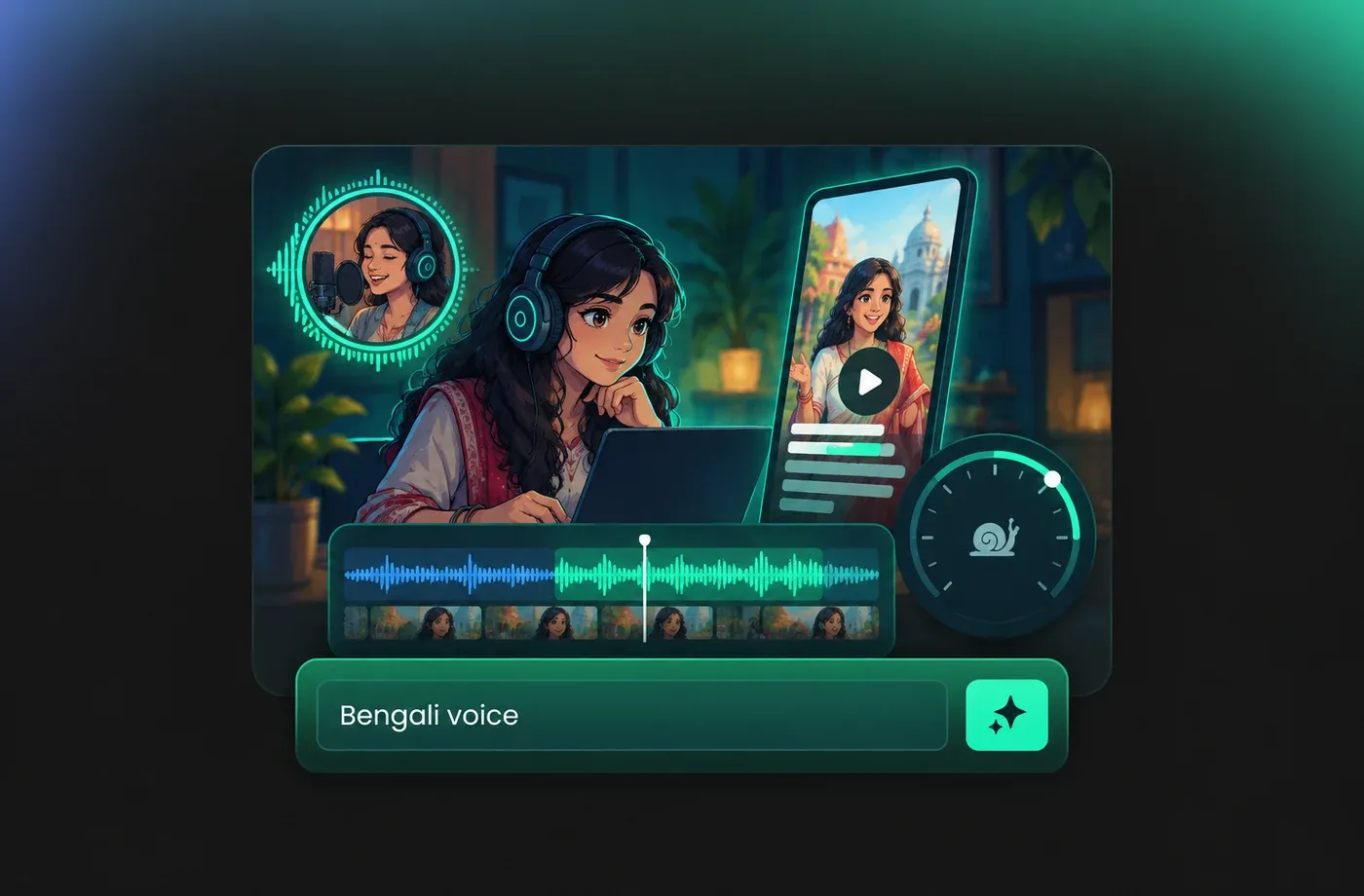
Short-form videos and explainer clips need narration that can be re-cut the moment a caption changes, and Bengali text to speech makes that a one-minute job. Slow the delivery down so the voice lands on the beat, then export MP3 for your editing software or WAV when you need a higher-fidelity master. Open the text to speech editor and keep every take in the same workspace.
Bengali Pronunciation Details You Can Control
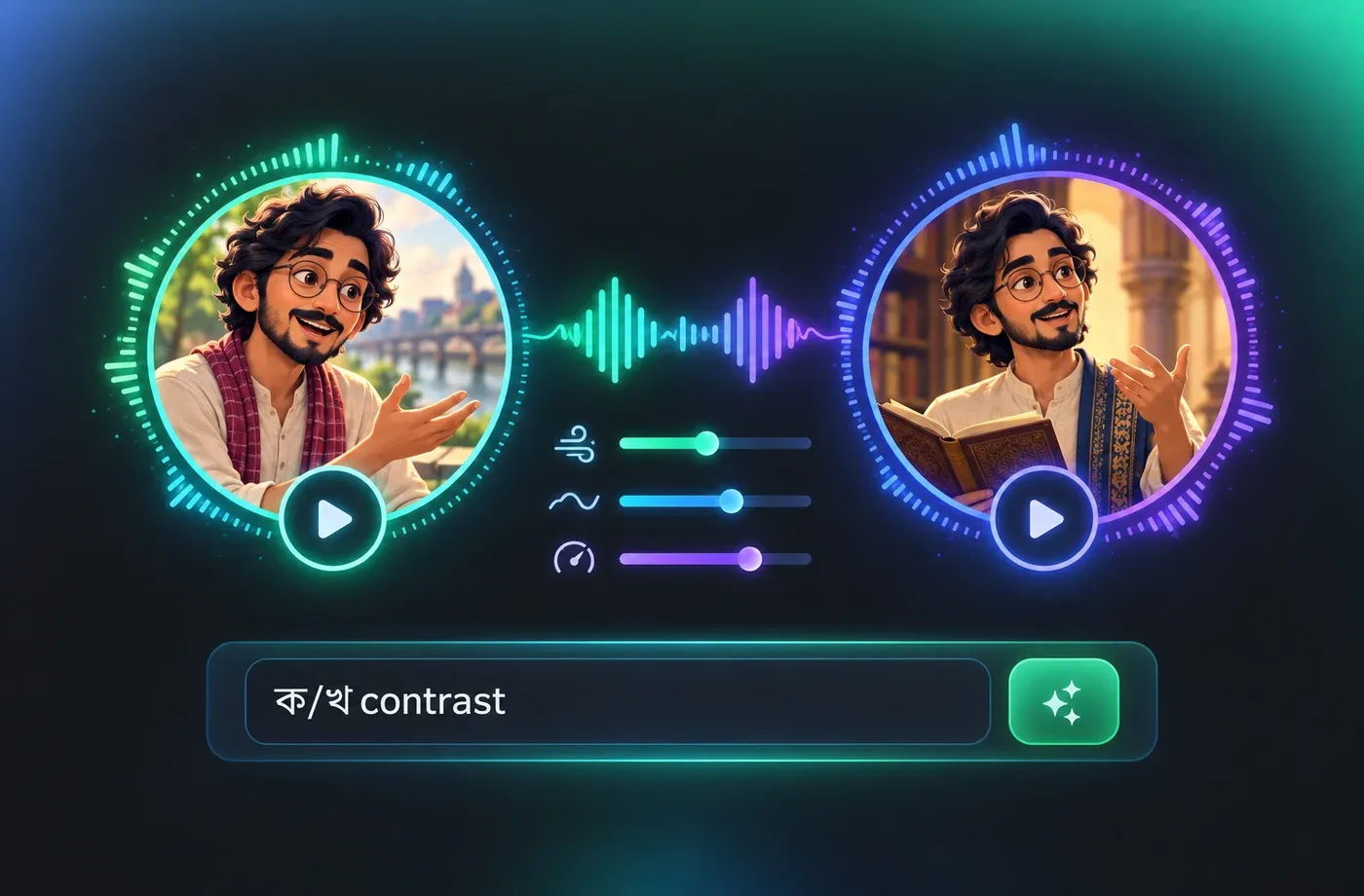
Bengali separates aspirated consonants such as ক/খ and ত/থ, carries nasalized vowels, and switches between the colloquial চলিত ভাষা and the literary সাধু ভাষা register. Match the narrator to the register of your script, then use pitch and speed controls to keep long compound words intelligible on small speakers. The Bengali voice library lets you compare deliveries side by side.
A Consistent Bengali Narrator Across Every Episode
Series work sounds better when the same narrator returns each time, so keep one Bengali voice and the same pitch and speed values for every new script. If a Bengali speaker is already on record, voice cloning can carry that timbre into new lines without booking another session. Start from AI voice generation and reuse the settings you settled on.
How to Use AI Voices for Bengali Voice Generator
Create Bengali voiceovers from typed text: pick a narrator, tune pitch, speed and emotion, preview the line, then download MP3 or WAV — all in the browser.
1

Step 1: Paste your Bengali script
Type or paste your text in Bengali script, keeping normal punctuation and full sentences so the narrator places pauses correctly.
2

Step 2: Choose a Bengali voice and adjust the delivery
Preview male and female Bengali narrators, then set pitch, speed and emotion until the read matches your video, lesson or story.
3

Step 3: Preview and download the audio
Listen to the generated line, re-render it with new settings if needed, and export the finished voiceover as MP3 or WAV.
t0529.tools.voiceCategory.moreThan

















Explore More Voice Categories
FAQs About Bengali AI Voice Generator
1. What is a Bengali AI voice generator?
A Bengali AI voice generator turns written text into spoken audio using a synthetic voice that follows Bengali pronunciation. You type or paste a script, pick a narrator, and the tool renders a voiceover you can download. FineVoice adds controls for pitch, speed and emotion so the same voice can sound neutral for a news read or warmer for a story.
2. Is Bengali the same as Bangla?
3. Can the Bengali text to speech read full paragraphs with punctuation?
4. Which Bengali accent or narrator style can I choose?
5. Can I change the pitch, speed and emotion of a Bengali voice?
6. What audio formats can I download?
7. How do I make Bengali TTS sound more natural?
8. Can I clone a Bengali voice for my own narration?
9. Does the Bengali voice generator work on mobile?
10. What are typical uses for Bengali text to speech?
 FineVoice
Start Creating with AI Bengali Voices
Turn a written Bengali script into a finished voiceover in the browser — pick a narrator, fine-tune pitch, speed and emotion, and download MP3 or WAV in seconds.
