

Free Irish AI Voice Generator: Natural Irish Accent Text to Speech Voices
Turn Irish (Gaeilge) text into speech with an AI voice generator designed for creating audio from written Irish. From fada-marked words like Gaeilge and Éire to Irish-language lessons, folklore, and cultural storytelling, bring written content into spoken form. Type or paste a script and get natural-sounding Irish English accents such as Irish (Gaeilge) pronunciation for Irish-language content in seconds. Adjust pitch, speed and emotion, then export MP3 or WAV straight from the browser — and browse ready-made Irish voice profiles if you want a starting point. Try Irish Text to Speech to hear your script aloud and create audio for your next project.
文字转语音历史记录

设置
AI语音

- Voice Name
- 0 使用次数
免费创建您的AI语音。
模型
 FineVoice TTS Max
Instantly Create Irish Voiceovers
Paste cript and the Irish AI Voice Generator returns finished narration in seconds, with no recording booth, microphone or editing session. Create audio for Irish-language lessons, folklore, and cultural storytelling, then export the take immediately. Every voice you hear is generated in the browser at FineVoice, so nothing needs installing.
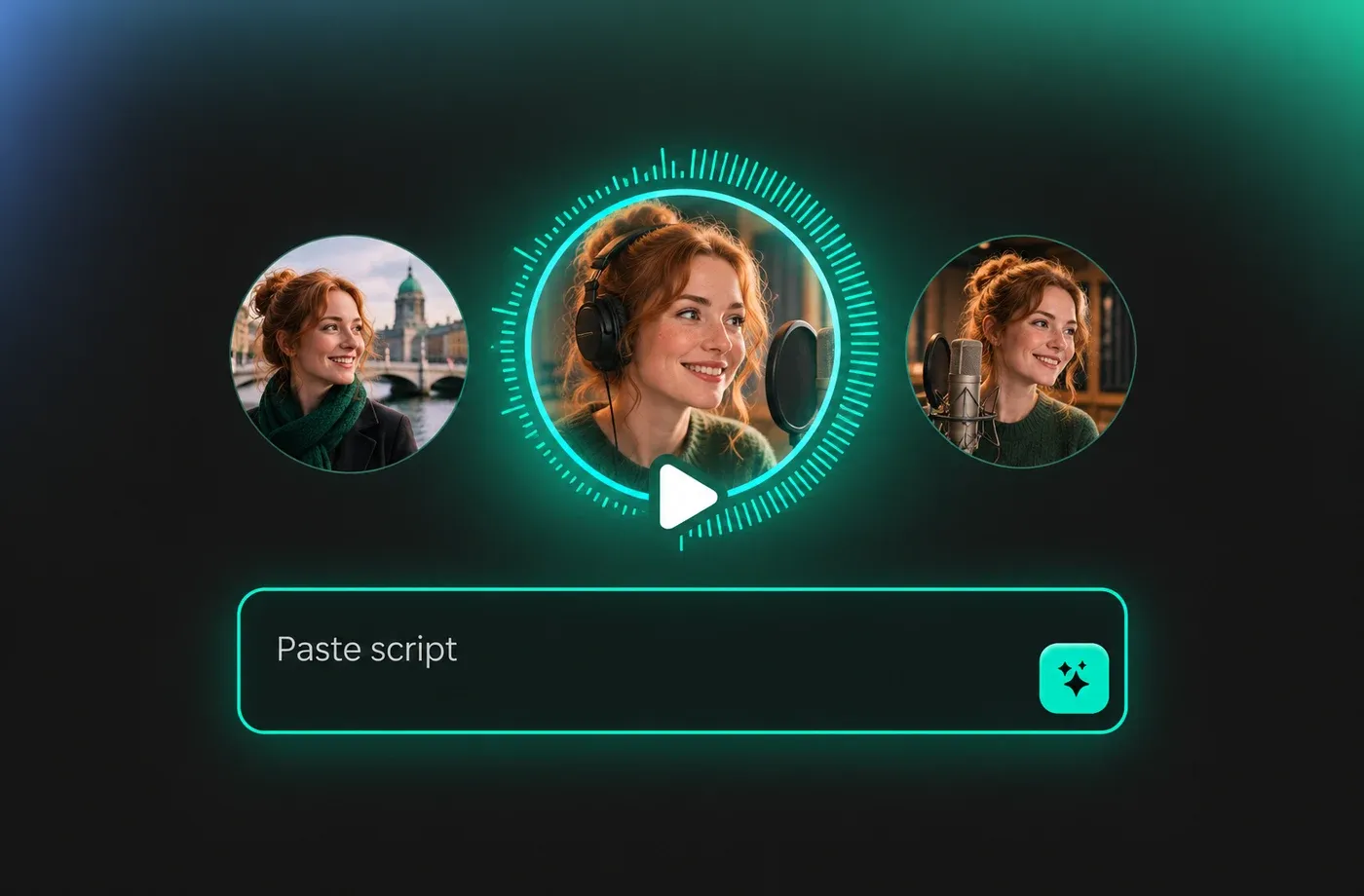
Text to Speech Irish Voices
Irish text to speech works the same way as any other language in the library: type the words, choose the accent and press generate. The engine handles Irish English spelling, placenames such as Dún Laoghaire or Cobh, and Irish-language (Gaeilge) phrases with síneadh fada marks. Compare results side by side with the broader text to speech toolkit before you commit to a voice.

Irish English Accents and Gaeilge Pronunciation
Irish speech is not one sound: Dublin vowels are rounded and quick, Cork carries a rising melodic tail, and Connacht keeps a softer, slower rhythm. The library lets you choose between these colours instead of dumping every line into a single generic accent, and it also supports Irish-language words inside an otherwise English script. Open the Irish voice library to audition the different options.
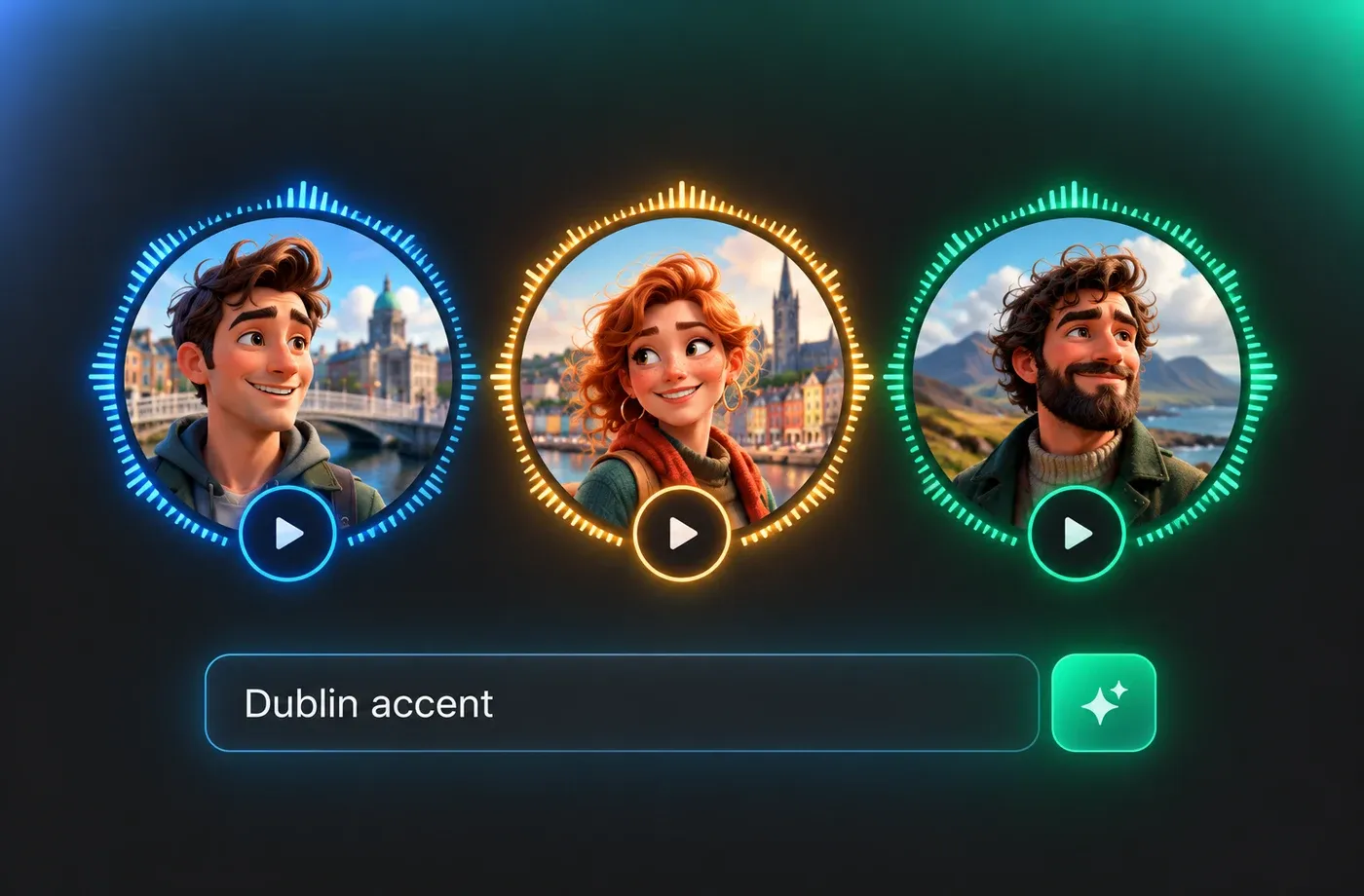
Fine-Tune Irish Voice Tone, Pace and Emotion
Each Irish voice can be pushed in pitch, slowed down for a tutorial or brightened for a radio-style read, and set to a calm, cheerful or serious emotion. That control matters for Irish narration, where a small change in pace can shift a line from dry instruction to friendly storytelling. FineVoice also offers voice cloning and voice design if you want a custom Irish timbre rather than a preset.
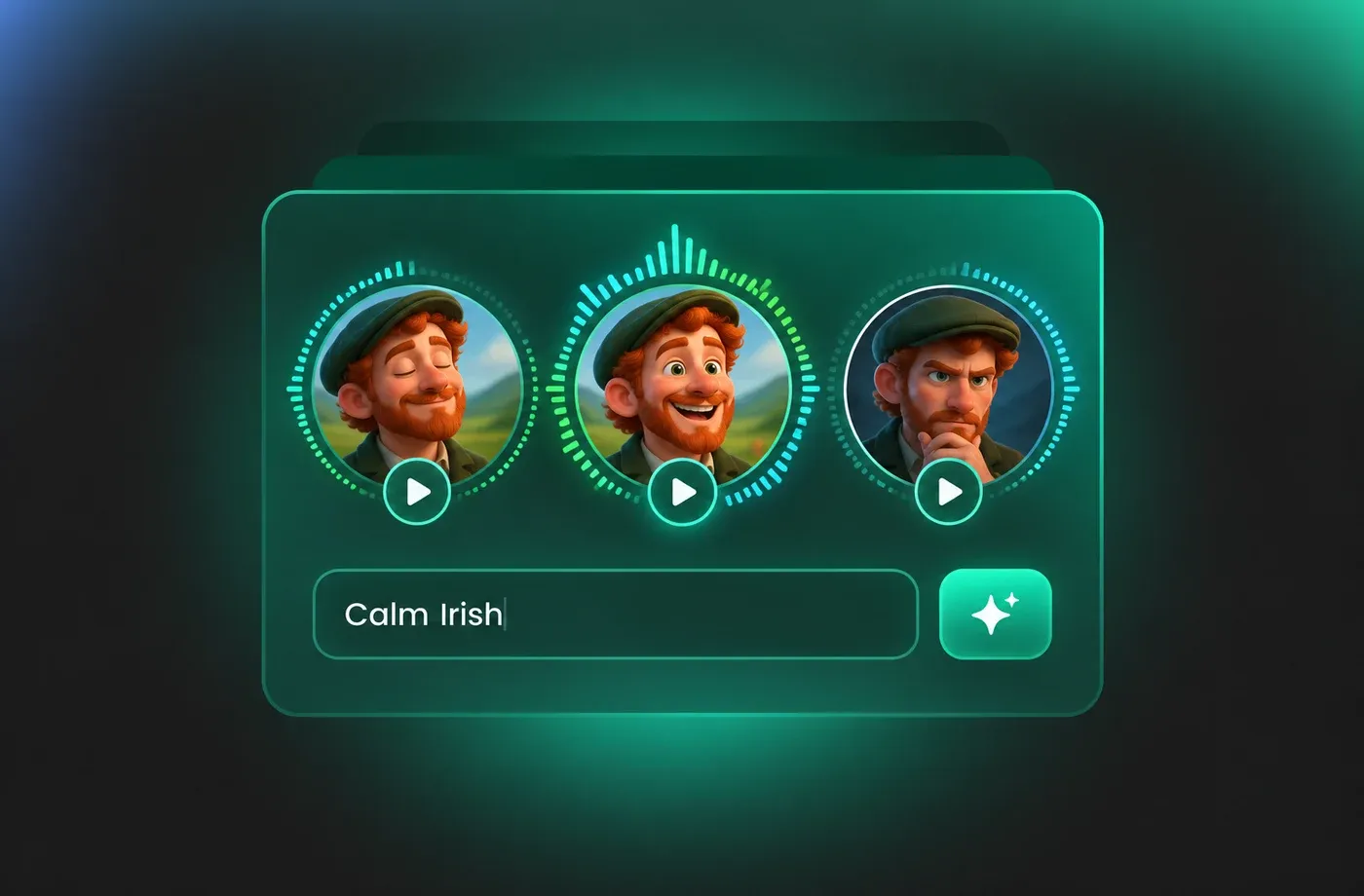
How to Use AI Voices for Irish Voice Generator
Paste your script, choose an Irish English or Gaeilge voice, fine-tune pitch and pace, then download clean MP3 or WAV audio in seconds — all inside your browser.
1

Step 1: Paste Your Irish Script
Type or paste the text you want spoken — an ad read, a museum guide script, a tutorial or a bilingual line with Gaeilge phrases. Add punctuation where you want natural pauses, since commas and full stops shape the rhythm more than any slider.
2

Step 2: Choose an Irish Voice and Adjust Tone
Audition available options from the Irish voice library, then set pitch, speed and emotion. Generate one short sentence first to check pronunciation of placenames or Irish-language words before you commit to the full script.
3

Step 3: Generate and Download the Audio
Press generate and the Irish voiceover is rendered in seconds. Preview it, switch voices or tweak the pace if needed, then download as MP3 for editing or WAV for a clean master file.
t0529.tools.voiceCategory.moreThan












Explore More Voice Categories
FAQs About Irish AI Voice Generator
1. What is an Irish AI voice generator?
An Irish AI voice generator turns written text into spoken audio using a synthetic voice that carries Irish English or Irish-language pronunciation. You paste a script, choose a voice, press generate, and the tool returns a finished audio file you can drop into a video, podcast or e-learning module. With FineVoice text to speech the whole process runs in the browser.
2. Can I generate Irish English accents such as Dublin, Cork or Galway?
3. Does the tool support Irish (Gaeilge) text to speech?
4. How do I make Irish text to speech sound natural?
5. Can I change pitch, speed and emotion for Irish voices?
6. What file formats can I download Irish voiceovers in?
7. Can I clone my own voice with an Irish accent?
8. Which projects are Irish AI voices best suited for?
9. Do I need to install software to use Irish voices?
10. Can I choose between a male and a female Irish voice?
11. Does the tool speak Irish (Gaeilge) as well as Irish-accented English?
 FineVoice
Start Creating with AI Irish Voices
Turn any script into natural Irish speech, or add Irish-language phrases to an English voiceover, without booking a studio. Adjust the tone, preview the result and download MP3 or WAV in seconds.
