

Free Portuguese AI Voice Generator: Natural, Accent-Rich Text to Speech Voices
Create natural-sounding Portuguese AI voices for video voiceovers, narration, and multilingual content. FineVoice's Portuguese Voice Generator turns a written script into natural European or Brazilian Portuguese speech in seconds, with adjustable pitch, speed and emotion so a single line can sound calm, upbeat or informative. Explore Portuguese text to speech and turn your scripts into audio for audiences in Brazil, Portugal, and beyond. Preview male and female voices right in your browser, then export the finished audio as MP3 or WAV without installing anything. Create Portuguese AI voiceovers for videos, narration, and dialogue, or use Text to Speech tool to turn Portuguese text into spoken audio.
文字转语音历史记录

设置
AI语音

- Voice Name
- 0 使用次数
免费创建您的AI语音。
模型
 FineVoice TTS Max
Instantly Create Portuguese Voiceovers
Paste a script and the Portuguese voice generator returns finished narration in seconds, so a one-minute video no longer waits on a recording session. Brazilian Portuguese and European Portuguese differ in rhythm, vowel reduction and everyday vocabulary, and a single "Portuguese voice" rarely fits both. FineVoice lets you match the accent to your audience, so a São Paulo product demo and a Lisbon training module each sound local rather than translated. FineVoice runs in the browser, which means nothing to install and no audio interface to configure before you hear the first take.
Text to Speech Portuguese Voices
FineVoice text to speech engine reads Portuguese text aloud with natural pacing, correct sentence breaks and clear consonant endings rather than a flat word-by-word recital, including accented characters such as ã, õ, ç and á, so words like "informação" and "coração" keep their correct stress instead of flattening out. You can swap between male and female Portuguese voices on the same line to compare delivery before committing to one.
Tune Portuguese Pitch, Speed and Emotion
Pitch and speed controls let you slow a phrase for a language lesson or lift the energy for a short promo, while emotion settings shift the same Portuguese voice from neutral to warm or lively. Every adjustment can be previewed instantly, so you hear the difference on your own text instead of a stock demo.

Download Portuguese Audio as MP3 or WAV
Export the finished Portuguese track as MP3 for quick sharing or WAV when an editor needs an uncompressed file, then drop it straight into a video timeline or podcast session. FineVoice also covers 154+ languages and accents, so the same project can carry Portuguese, Spanish and English versions of one script.
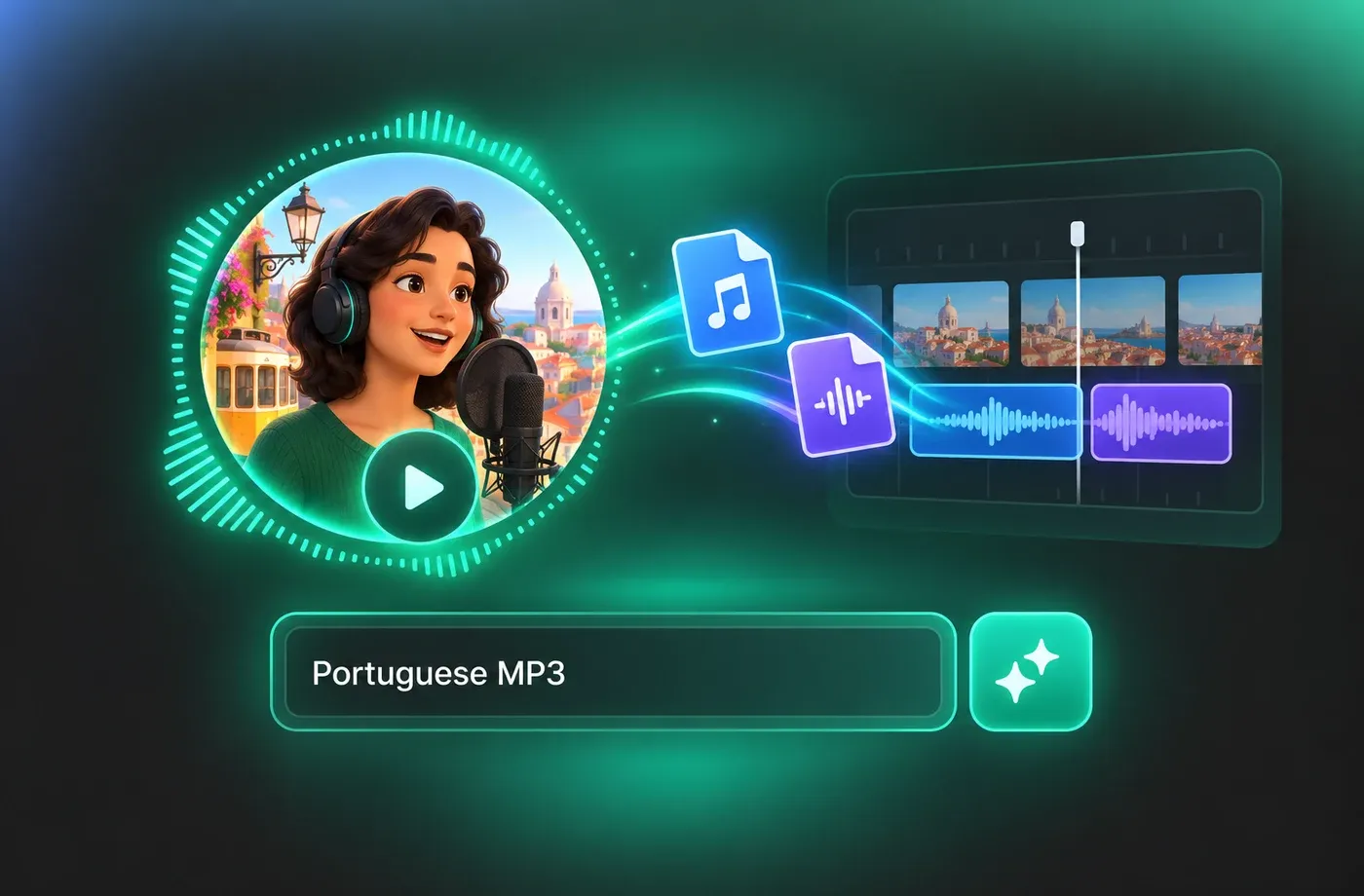
How to Use AI Voices for Portuguese Voice Generator
Paste your Portuguese script, pick a voice, tune pitch, speed and emotion, then export MP3 or WAV — three steps, entirely in the browser.
1

Step 1: Paste Your Portuguese Script
Type or paste the Portuguese text into the editor. Sentences and paragraph breaks are detected automatically, which keeps pauses and intonation natural in the generated narration.
2

Step 2: Pick a Portuguese Voice and Adjust It
Choose a male or female Portuguese voice from the library, then move the pitch and speed sliders and set the emotion to match the tone of the script. Preview the line before generating the full track.
3

Step 3: Generate and Download the Audio
Generate the Portuguese voice track and export it as MP3 or WAV. The file is ready for your video editor, presentation deck or podcast project right away.
t0529.tools.voiceCategory.moreThan

















Explore More Voice Categories
FAQs About Portuguese AI Voice Generator
1. What is a Portuguese AI voice generator?
A Portuguese voice generator is a text to speech tool that converts written Portuguese into spoken audio. With FineVoice you paste a script, choose a male or female Portuguese voice, adjust pitch, speed and emotion, then download the finished file as MP3 or WAV — all in the browser.
2. Can I use the Portuguese voice generator without installing software?
3. Does the voice generator support both European and Brazilian Portuguese?
4. Can I change the pitch and speed of a Portuguese voice?
5. Which file formats can I download from the Portuguese voice generator?
6. Is this Portuguese text to speech useful for e-learning and explainer videos?
7. Can I create a custom Portuguese voice with voice cloning?
8. How long does it take to generate Portuguese audio?
9. How does the tool handle Portuguese nasal vowels and sounds like nh and lh?
 FineVoice
Start Creating with AI Portuguese Voices
Turn any Portuguese script into finished narration with adjustable pitch, speed and emotion, then export MP3 or WAV straight from the browser.
