

Free Vietnamese AI Voice Generator: Natural Narration & Text to Speech Voices
Turn Vietnamese text into speech with FineVoice's AI voice generator, creating voiceovers for videos, lessons, and stories. Since Vietnamese tones can change word meanings, preview how your tone-marked script sounds aloud before using the generated audio. FineVoice converts Vietnamese text into natural narration with support for six-tone diacritics and accents, plus pitch, speed, and emotion controls. Preview Vietnamese voice styles, then download MP3 or WAV from your browser—no install. Try our Vietnamese Text to Speech tool to transform your written content into audio for your audience.
文字转语音历史记录
示例:

设置
AI语音

- Voice Name
- 0 使用次数
免费创建您的AI语音。
模型
 FineVoice TTS Max
Instantly Create Vietnamese Voiceovers
Paste a Vietnamese script and FineVoice renders a spoken draft in seconds, preserving đ/Đ, vowel clusters, and the six tone marks that change meaning. Choose a Northern, Central, or Southern voice before you fine-tune pitch and pace for the scene. Preview Vietnamese voice options in the voice library.
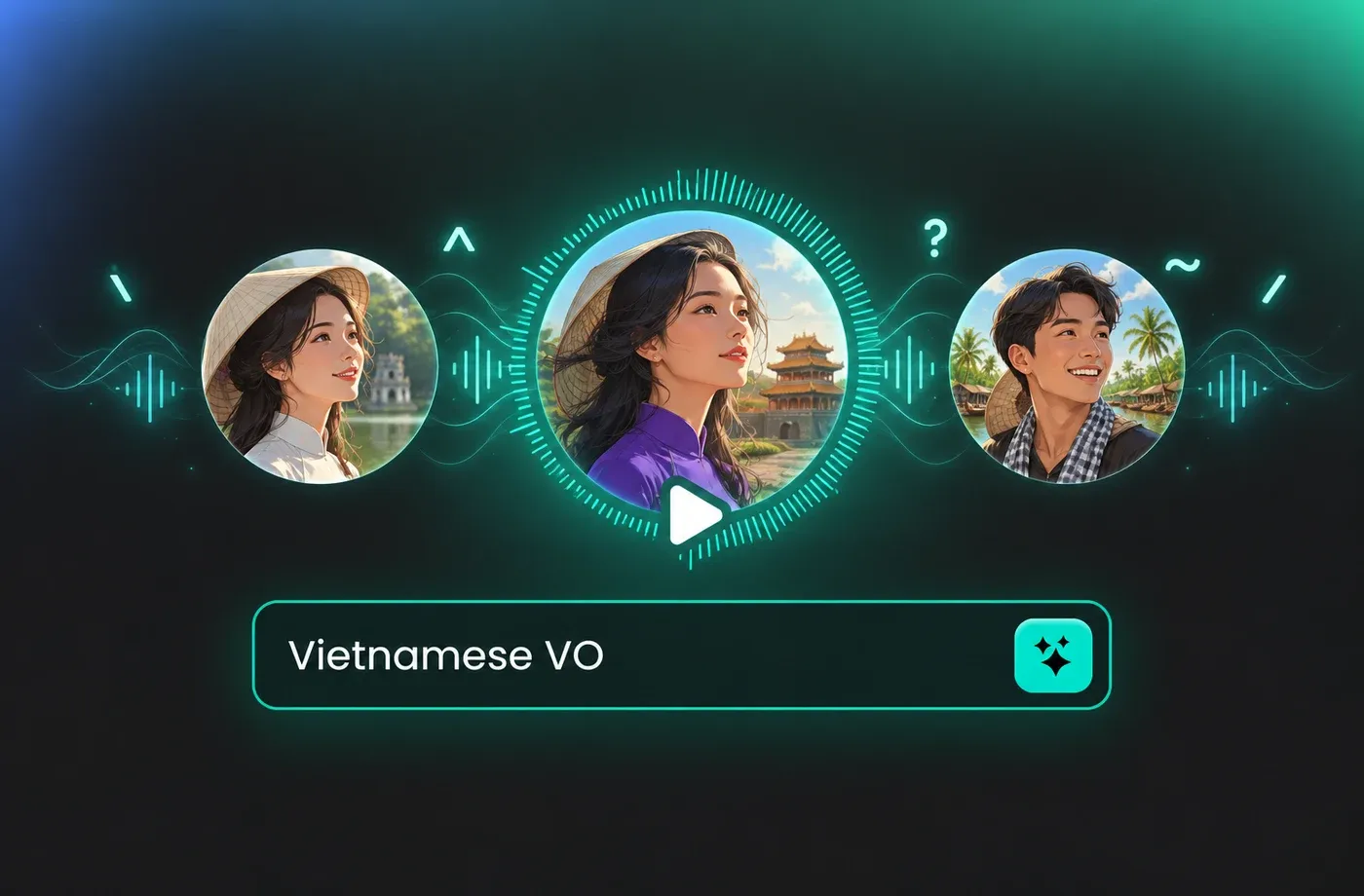
Text to Speech Vietnamese Voices
FineVoice's text to speech workflow converts Vietnamese text into audio for YouTube explainers, language lessons, audiobook drafts, and product demos. You can set pitch, speed, and emotion so a Hanoi-style narration sounds steady while a Saigon-style read feels more conversational. The same script can be reused with different Vietnamese voice styles for A/B tests.

Vietnamese TTS for E-learning and Video
Use voice cloning to build a Vietnamese voice from a clean sample, or voice design to describe the age, tone, and pacing you need without hiring a narrator. FineVoice keeps the workflow in the browser, so you can test a Vietnamese voice on a short paragraph before recording a full script. This helps teams keep a consistent narrator across episodes or modules.
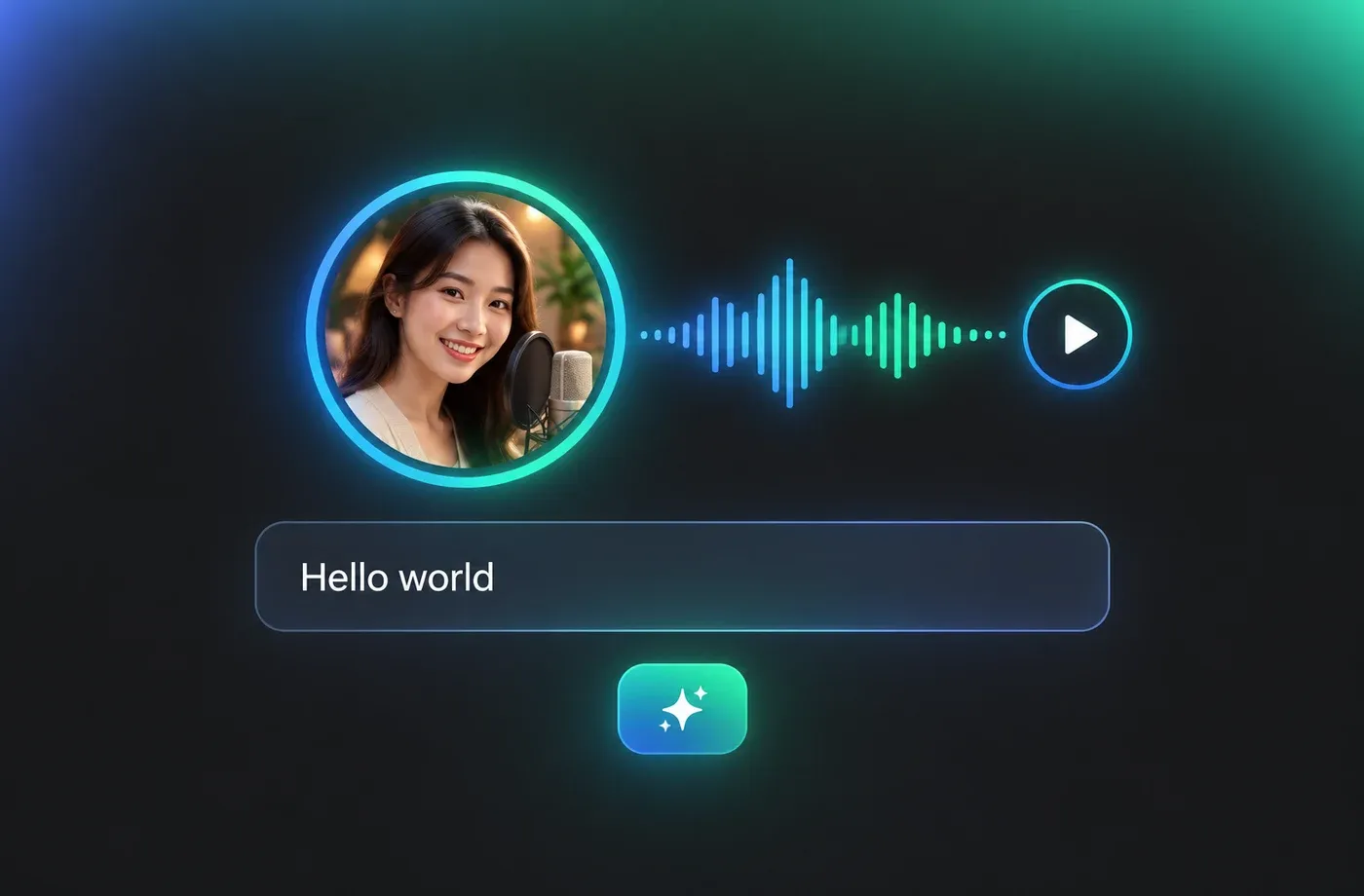
Tune Pitch, Speed and Emotion for Vietnamese
Vietnamese is a tonal language, so small changes in pitch and pacing alter meaning and naturalness more than they do in English. With 154+ languages and accents, you can produce a Vietnamese version alongside English or other localized tracks from the same dashboard. Adjust speed for pronunciation practice or slow down dense Vietnamese technical terms before download.
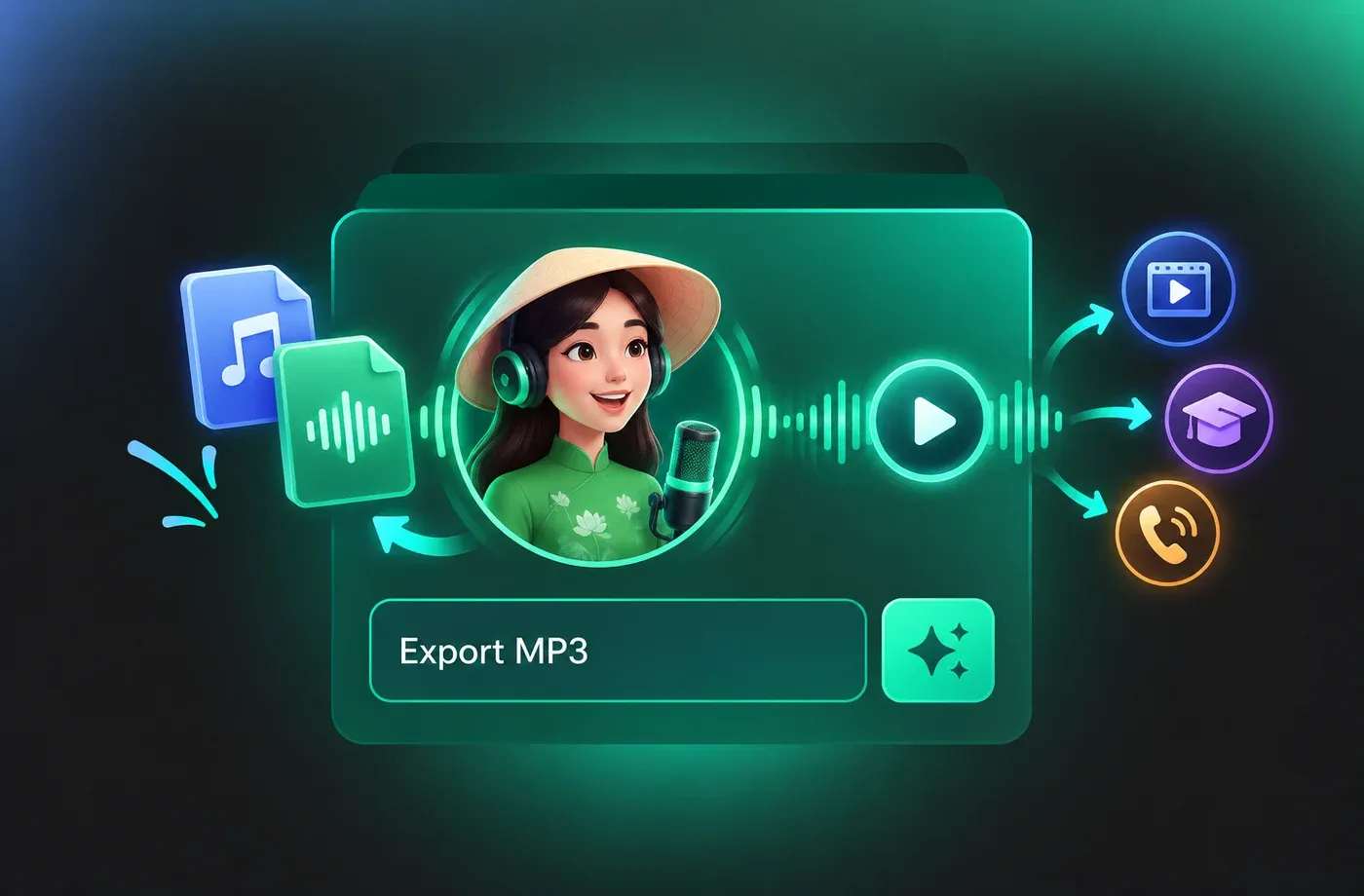
How to Use AI Voices for Vietnamese Voice Generator
Follow three steps to turn Vietnamese text into natural speech: paste your script, choose an accent and voice, tune pitch, speed, and emotion, then download MP3 or WAV.
1

Step 1: Enter Your Vietnamese Script
Type or paste Vietnamese text with full diacritics. Mark names, numbers, and English terms that need special pronunciation, then select a Northern, Central, or Southern Vietnamese voice.
2

Step 2: Preview and Tune the Voice
Generate a preview and adjust pitch, speed, and emotion. Listen for tone accuracy, sentence rhythm, and how the voice handles Vietnamese final consonants and code-switched words.
3

Step 3: Download and Use the Audio
Export MP3 or WAV and drop the file into your video editor, LMS, podcast timeline, or IVR system. Keep the script and settings for future Vietnamese updates.
t0529.tools.voiceCategory.moreThan

















Explore More Voice Categories
FAQs About Vietnamese AI Voice Generator
1. What is a Vietnamese AI voice generator?
A Vietnamese AI voice generator turns written Vietnamese into spoken audio using text to speech. FineVoice lets you paste a script, choose a Vietnamese voice style, adjust pitch, speed, and emotion, then export MP3 or WAV from the browser. It is useful for narration, lessons, product demos, and audio drafts.
2. How do Vietnamese tones affect text to speech?
3. Does the Vietnamese voice generator support Northern and Southern accents?
4. Can I use Vietnamese text to speech for YouTube, e-learning, and ads?
5. Why does Vietnamese TTS mispronounce some names or abbreviations?
6. Can I clone my own Vietnamese voice?
7. What audio formats can I download?
8. Do I need to install software to generate Vietnamese voices?
9. How do I choose the right Vietnamese voice for narration?
10. Can I adjust speed and pitch for Vietnamese pronunciation practice?
 FineVoice
Start Creating with AI Vietnamese Voices
Turn Vietnamese scripts into narration for videos, lessons, product demos, and audio guides with FineVoice's browser-based voice generator. Choose an accent, adjust tone and pace, preview the result, and export MP3 or WAV.
