

Free Turkish AI Voice Generator: Natural & Expressive Text to Speech Voices
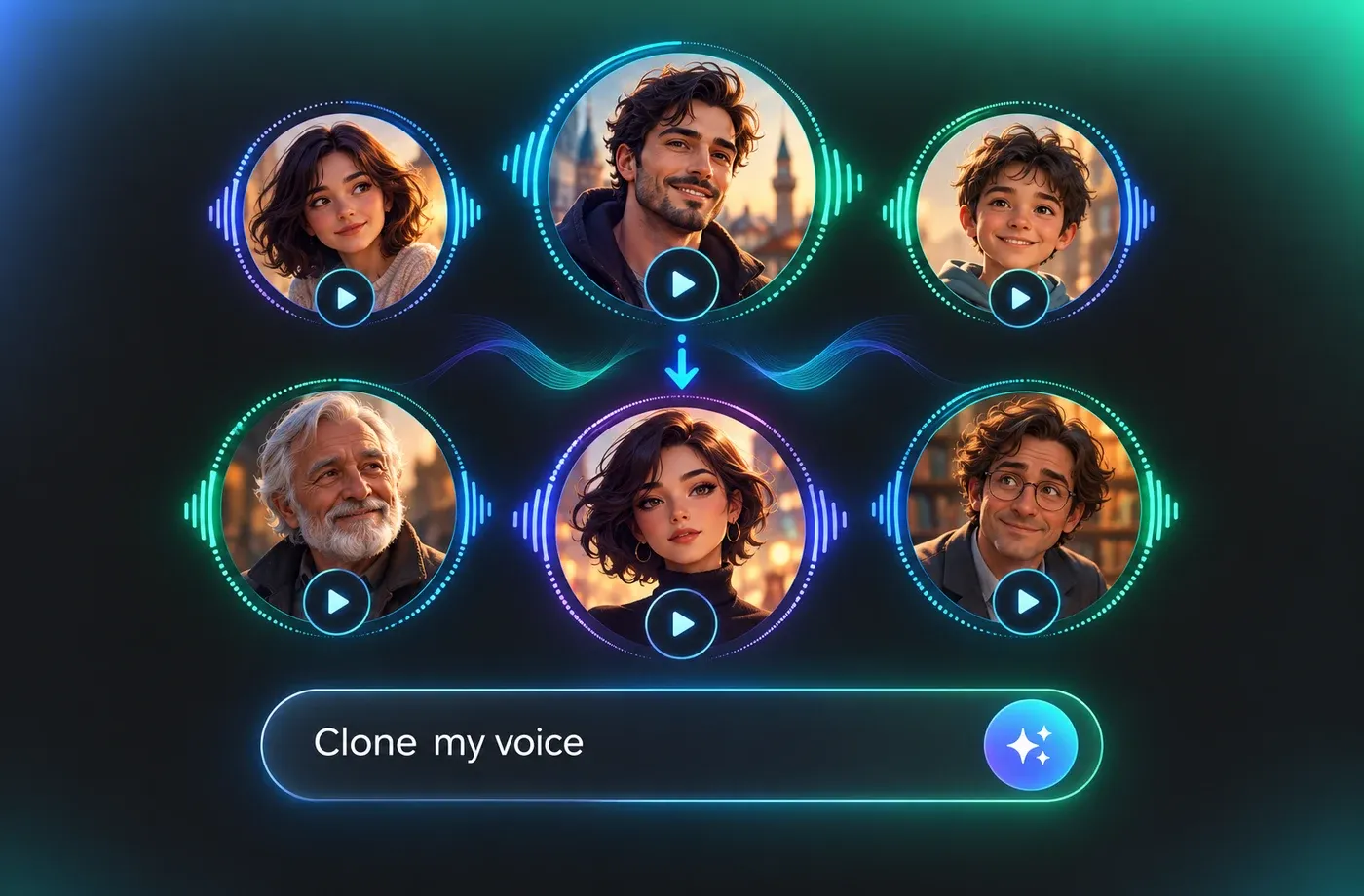
Generate Turkish AI voices with natural-sounding speech for a range of spoken content. Type or paste Turkish text, pick a native-accented voice, then adjust pitch, speed and emotion before exporting MP3 or WAV straight from your browser. Every voice follows Turkish vowel harmony and syllable stress, so narration for videos, e-learning modules and product demos sounds local rather than translated. You can also clone your own Turkish voice or design a new one in the Turkish voice library. Turn Turkish text into natural-sounding speech with FineVoice, or explore our Text to Speech tool to convert text into spoken audio.
文字转语音历史记录

设置
AI语音

- Voice Name
- 0 使用次数
免费创建您的AI语音。
模型
 FineVoice TTS Max
Instantly Create Turkish Voiceovers
Paste a script into the Turkish Voice Generator and get finished narration in seconds, with no recording booth or scheduling. Adjust speed and pitch to match a 30-second ad slot or a long-form explainer, then export MP3 or WAV directly from the browser. Start from the Turkish voice library to hear every option first.
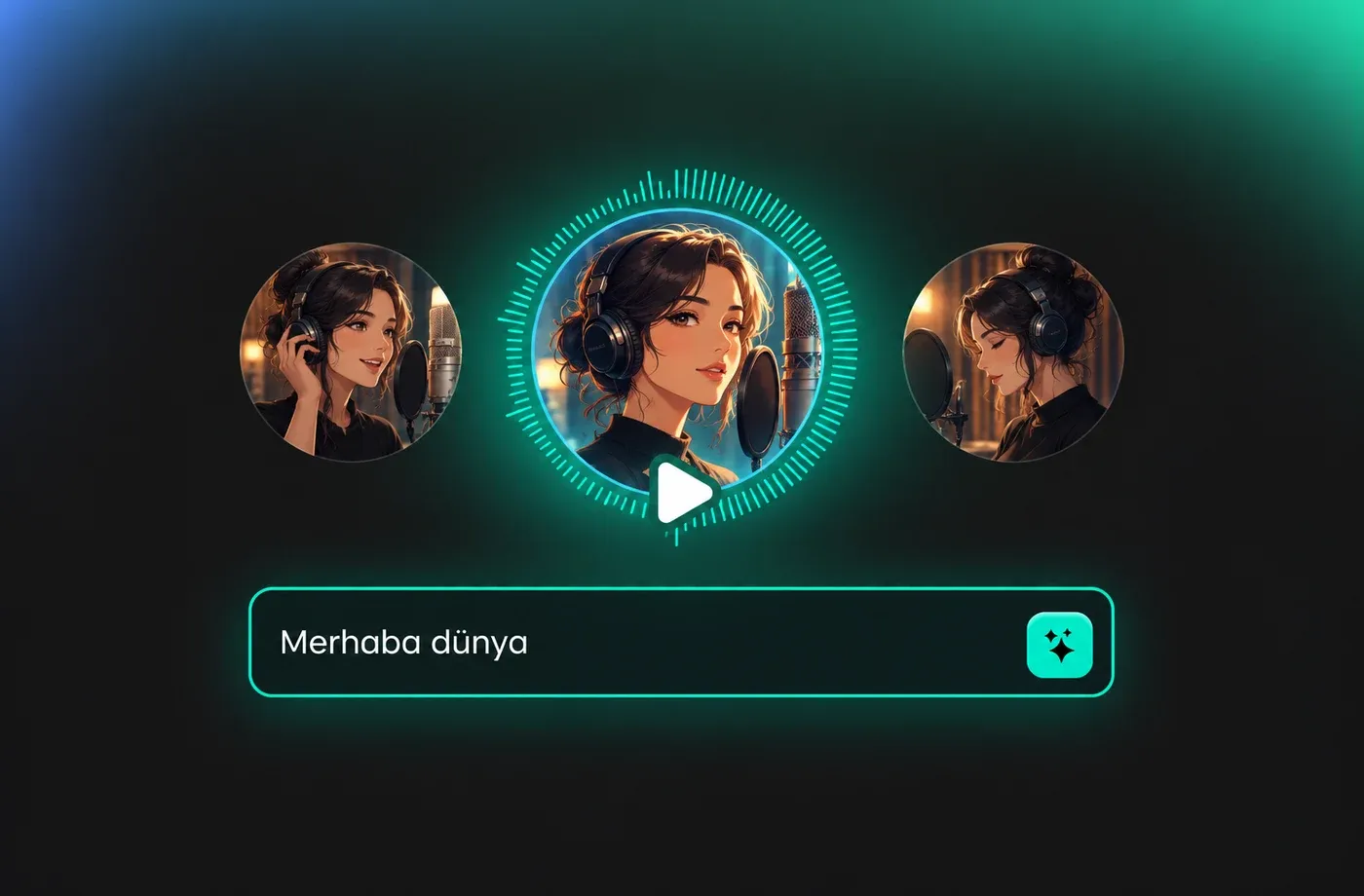
Text to Speech Turkish Voices
Turkish text to speech in FineVoice reads numerals, dates and abbreviations the way a native speaker would, which matters for news-style scripts and product specs. Choose a male or female voice, then fine-tune emotion so a support tutorial stays calm while a launch trailer sounds energetic. The same workflow powers more than 154 languages from one FineVoice account.
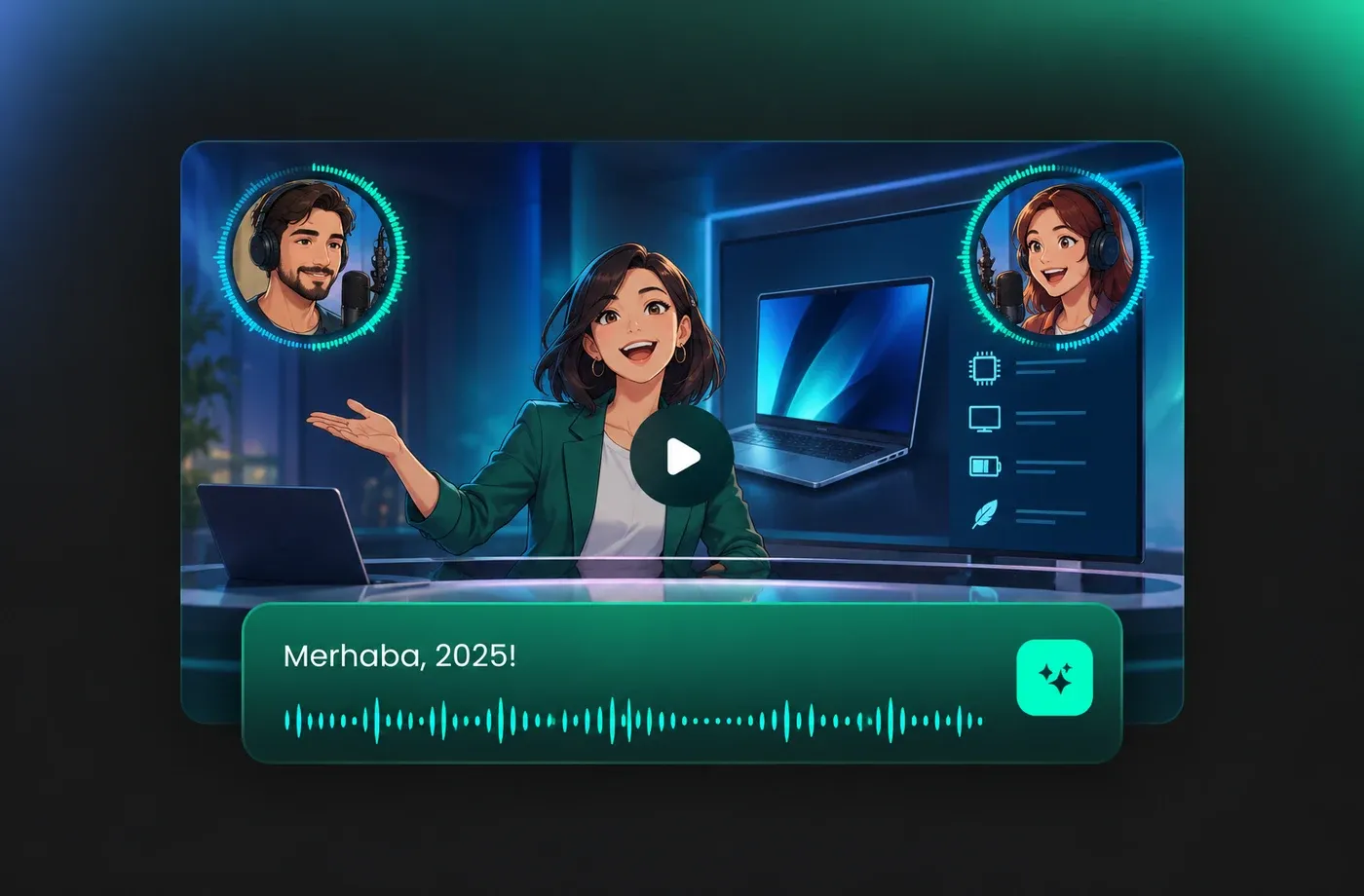
Adjust Turkish Pitch, Speed and Emotion
Turkish stacks suffixes onto a single word, so long forms such as yapabileceklerimizden are common; slowing the pace slightly helps listeners follow them in narrated content. Use the pitch, speed and emotion controls to soften a warm ad read or sharpen a news-style delivery, and audition each change instantly with Turkish text to speech. Stress usually falls late in a Turkish word, so small timing tweaks keep that rhythm intact.
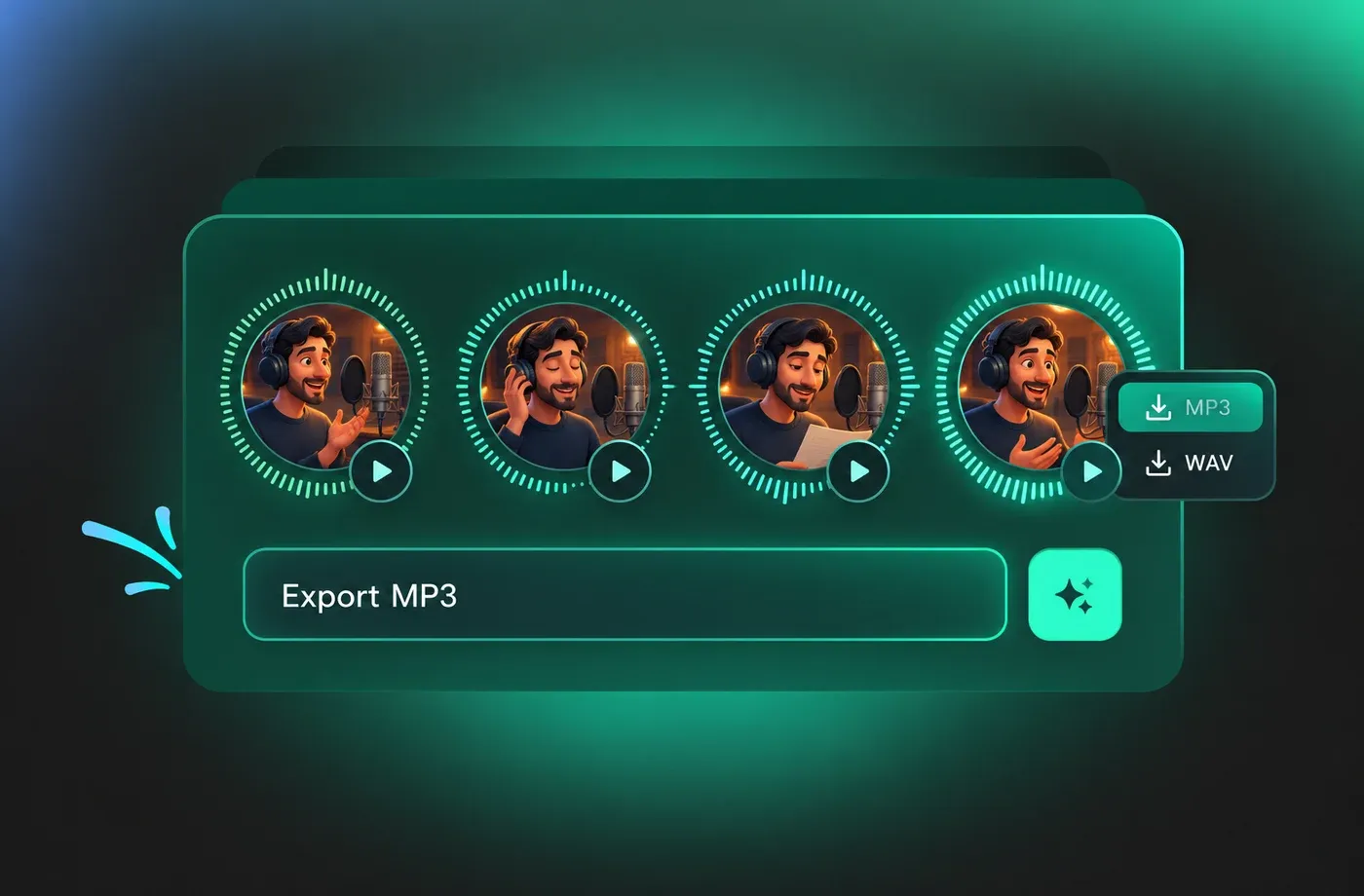
Export Turkish Audio for Any Project
Finished Turkish audio downloads as MP3 for quick social edits or WAV when a video editor needs uncompressed audio for mixing. Use it for YouTube narration, e-learning modules, IVR prompts, app onboarding or podcast intros, and generate each take separately to compare pacing. Everything runs in the browser, so there is nothing to install before you generate Turkish speech.
How to Use AI Voices for Turkish Voice Generator
Paste Turkish text, choose a male or female Turkish voice, tune pitch, speed and emotion, then download the audio as MP3 or WAV — all in the browser.
1

Step 1: Paste Your Turkish Script
Open the Turkish voice generator and type or paste your text. Punctuation and numerals are read naturally, so write the script the way it should be spoken, including commas where you want a short pause.
2

Step 2: Choose a Turkish Voice and Adjust It
Preview male and female Turkish voices from the library, then set pitch, speed and emotion to match the tone of your video, lesson or ad. Generate a second take with different settings if you want options to compare.
3

Step 3: Generate and Download the Audio
Click generate to produce the Turkish voiceover, listen back in the browser, then download it as MP3 or WAV and drop it into your editor, slide deck or publishing tool.
t0529.tools.voiceCategory.moreThan

















Explore More Voice Categories
FAQs About Turkish AI Voice Generator
1. What is a Turkish AI Voice Generator?
A Turkish AI Voice Generator converts written Turkish text into spoken audio using synthetic voices. With FineVoice you paste a script, choose a male or female Turkish voice, then export the result as MP3 or WAV — useful for narration, tutorials, ads and app prompts.
2. Does the Turkish text to speech sound native?
3. Can I change the speed and emotion of Turkish voices?
4. Which file formats can I download?
5. Can I clone my own Turkish voice?
6. Do I need to install software to use the voice generator?
7. What can I use Turkish AI voices for?
8. How many languages does FineVoice support besides Turkish?
9. How does the Turkish text to speech engine handle vowel harmony and suffixes?
10. Does Turkish text to speech support long scripts?
 FineVoice
Start Creating with AI Turkish Voices
Turn your next Turkish script into finished audio in the browser: pick a native-accented voice, tune pitch, speed and emotion, then export MP3 or WAV for video, e-learning or app narration.
