

Free Kannada AI Voice Generator: Natural Text to Speech Voices
Turn Kannada text into spoken audio with FineVoice's AI voice generator. Bring written Kannada to life, from everyday sentences to longer passages in ಕನ್ನಡ script. Paste Kannada script, choose a male or female voice, then adjust pitch, speed and emotion before exporting MP3 or WAV. The same browser workspace covers 154+ languages plus voice cloning and voice design, so one project can hold Kannada narration, English subtitles and regional accent variants. Open the Kannada voice library to compare narration, conversational and news-style tones before you render. Explore available Kannada AI voices and try Kannada Text to Speech online for clear, accessible narration and audio content.
文字转语音历史记录

设置
AI语音

- Voice Name
- 0 使用次数
免费创建您的AI语音。
模型
 FineVoice TTS Max
Instantly Create Kannada Voiceovers
Kannada voiceovers usually mean booking a studio and a native speaker, but a browser-based generator removes that wait. Paste your script, preview several Kannada voices, and render a finished take in the same session. Start from the FineVoice AI voice platform and keep every version of the read in one project.
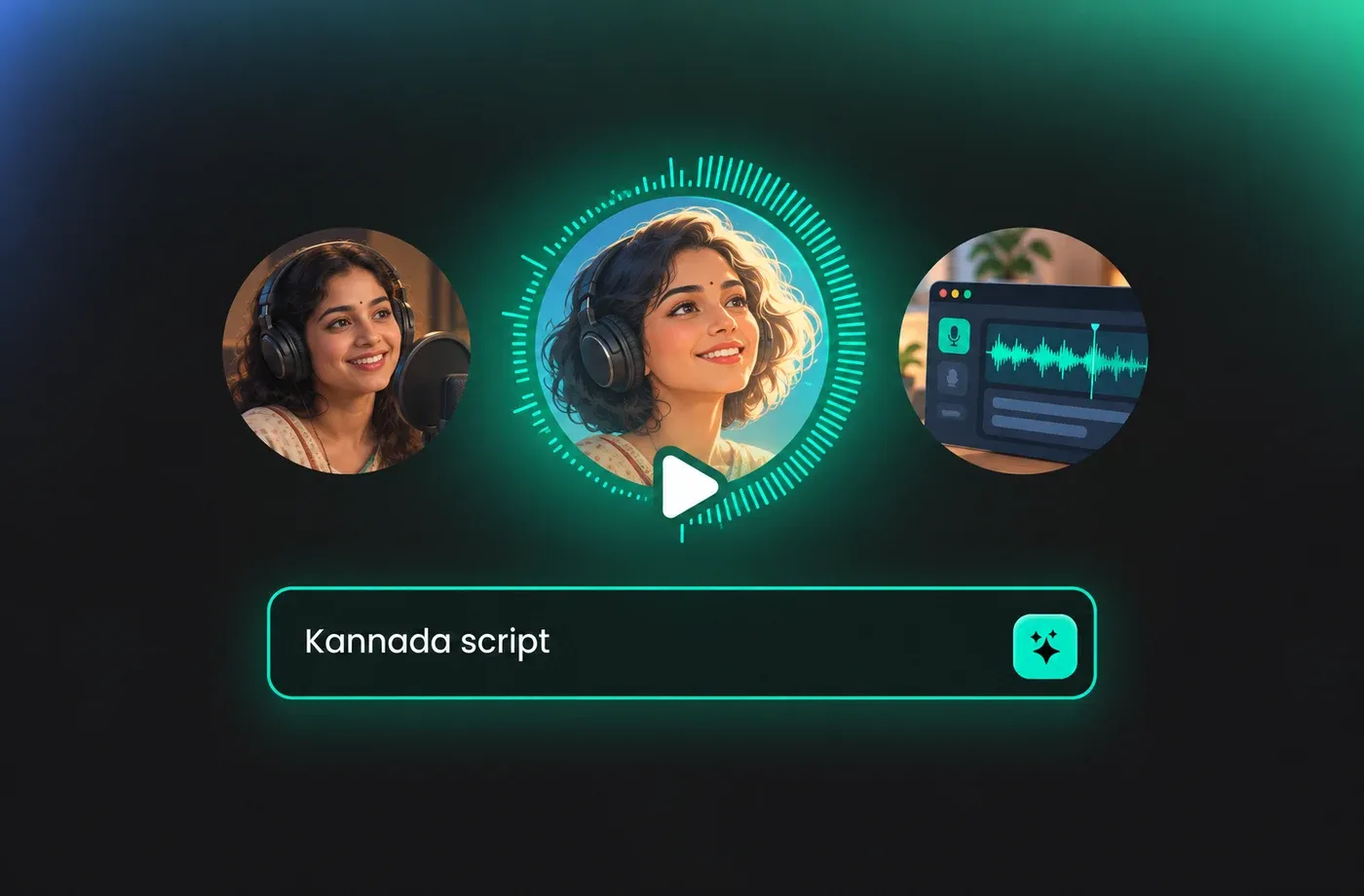
Text to Speech Kannada Voices
Kannada is written in the Kannada script, an alphasyllabary where consonant symbols carry an inherent vowel, so pasting the original script is the most reliable way to get accurate output. FineVoice reads Kannada text directly and returns speech you can reuse across video, slides and audio lessons. Compare tone options in the Kannada voice collection before you commit to a narrator.
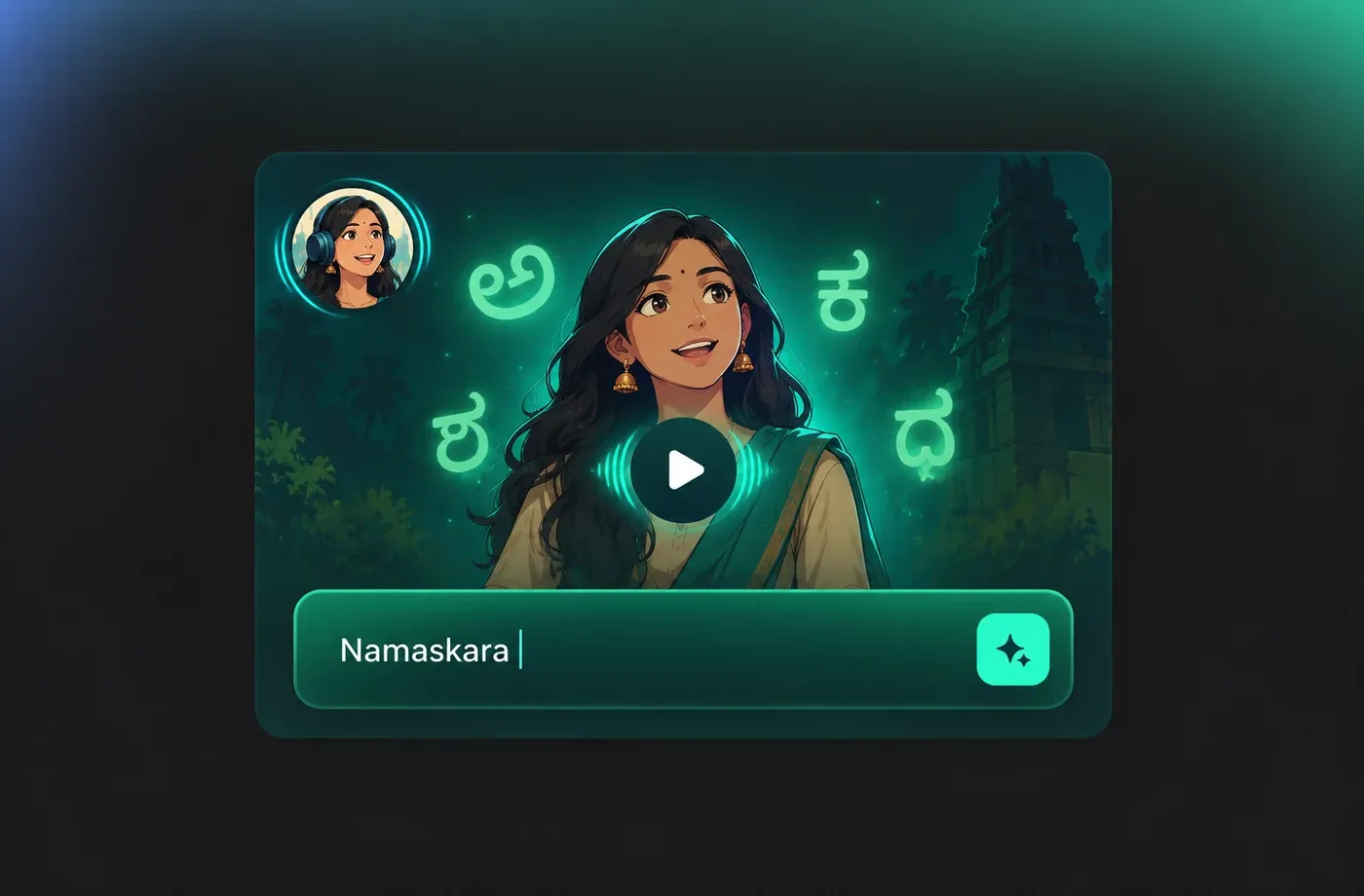
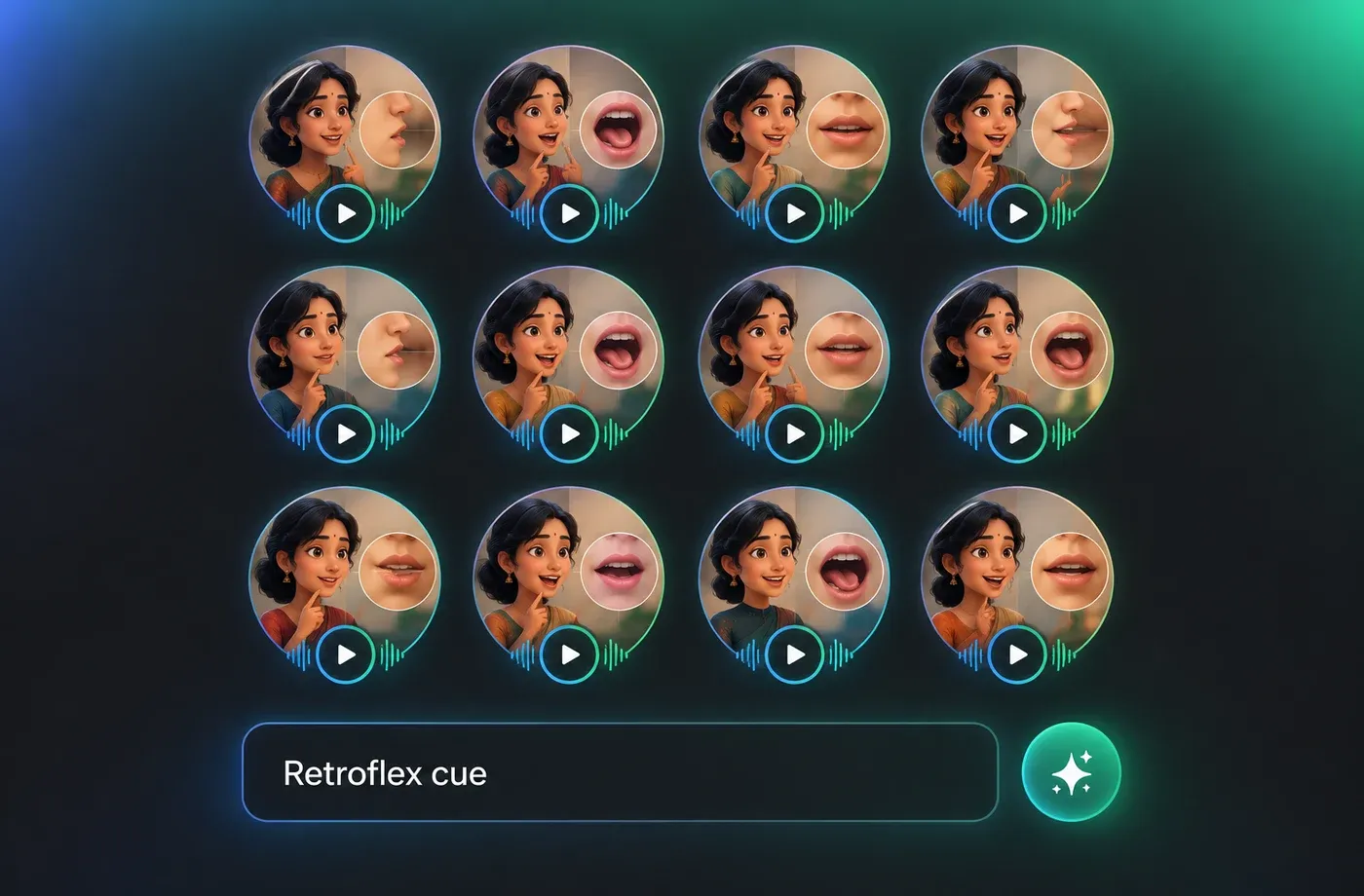
Kannada Pronunciation You Can Fine-Tune
Kannada distinguishes retroflex and dental consonants, aspirated and unaspirated stops, and long versus short vowels, and those details change meaning. FineVoice lets you slow the speech rate for dense sentences, lift or lower pitch to match a character, and shift emotion between calm and upbeat. Read more about the controls on the text to speech page.
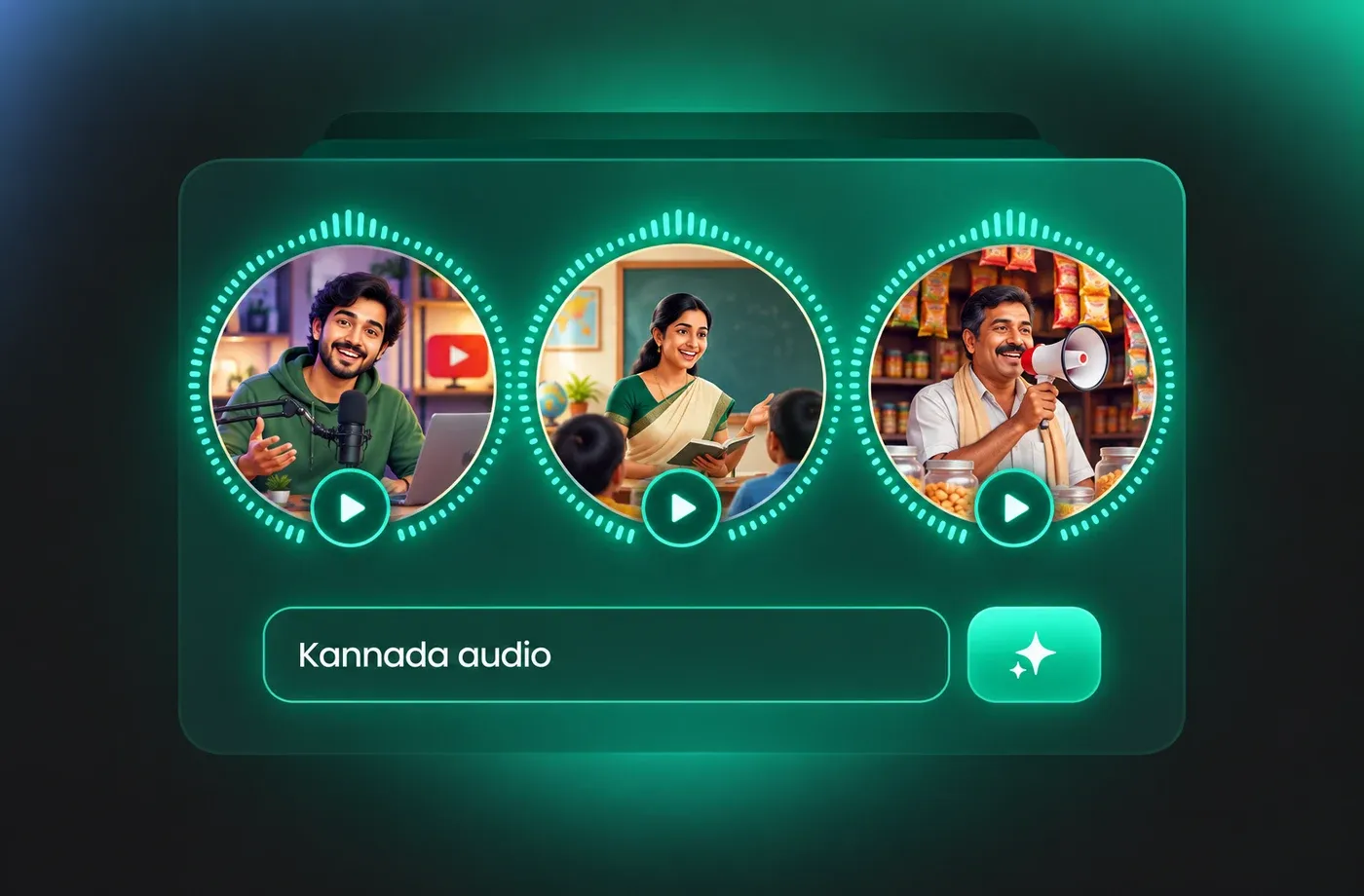
Kannada Audio for YouTube, E-Learning and Local Business
Kannada narration is used for YouTube explainers, school lessons, audiobook chapters, museum guides, in-store announcements and IVR prompts across Karnataka. FineVoice exports MP3 for quick uploads and WAV when an editor needs a cleaner track. Browse Kannada AI voices to match the register each project needs.
How to Use AI Voices for Kannada Voice Generator
Three short steps: paste your Kannada script, choose and tune a voice, then generate and download the audio as MP3 or WAV — all in the browser.
1

Step 1: Paste Your Kannada Script
Open the Kannada voice generator in your browser and paste the script in Kannada script. Keep sentences short, spell out numbers that could be read two ways, and break long paragraphs into lines so each one is easy to preview.
2

Step 2: Choose a Voice and Tune It
Pick a male or female Kannada voice from the library, then set speed, pitch and emotion for the register you need — slow and steady for lessons, brighter and quicker for social clips. Preview a single line before rendering the whole script.
3

Step 3: Generate and Download the Audio
Generate the full Kannada voiceover, listen back for pacing and pronunciation, then download as MP3 for uploads or WAV for editing. If a line needs work, adjust the text or settings and render again in the same project.
t0529.tools.voiceCategory.moreThan















Explore More Voice Categories
FAQs About Kannada AI Voice Generator
1. What Is a Kannada AI Voice Generator and How Does It Work?
A Kannada AI voice generator converts written Kannada into spoken audio using a text to speech model trained on natural speech. You paste or type your script, select one of the Kannada voices, and the engine returns a rendered audio file. No microphone, studio or native speaker session is required, and you can re-render the same script as many times as you need while you refine wording, pacing or tone.
2. Which Kannada Text to Speech Voices Sound Most Natural?
3. Can I Type Kannada Text in the Kannada Script?
4. How Do I Adjust Speed and Pitch for Kannada Voiceovers?
5. Can I Download Kannada Audio as MP3 or WAV?
6. Can I Use My Own Voice for Kannada Audio?
7. Is There a Free Kannada Voice Generator I Can Try in the Browser?
8. How Do I Fix Mispronounced Kannada Names, Numbers and English Loanwords?
9. What Are Common Use Cases for Kannada TTS Audio?
10. Does FineVoice Support Other Indian Languages Besides Kannada?
 FineVoice
Start Creating with AI Kannada Voices
Paste Kannada text, choose a natural male or female voice, tune speed and emotion, and download MP3 or WAV — all in the browser, no installation needed. Preview as many takes as you like before you export the one that fits your video, course or announcement.
