

Free German AI Voice Generator: Natural AI Text to Speech Voices
Generate German voice over with a natural accent. FineVoice turns your script into German speech with adjustable pitch, speed and emotion - browse the voices, then use our free German text to speech tool. FineVoice makes it easy to convert German text to speech (German TTS) with AI voices for videos, podcasts, audiobooks, and more. Explore German voice options across Standard German, Austrian German, and Swiss German, then generate and download your audio as an MP3 - free to use, with no sign-up or watermark.
文字转语音历史记录

设置
AI语音

- Voice Name
- 0 使用次数
免费创建您的AI语音。
模型
 FineVoice TTS Max
Natural German Accent Voices from Any Script
Paste a script and generate German speech with a natural accent in seconds. Choose from German AI voices with different ages and tones, then adjust pitch, speed and emotion before you export. Open the German voice library to preview voices first. Explore available German voice options for your target market, from Standard German for broad audiences to Swiss and Austrian varieties where supported. Choose a voice that fits your audience, content, and regional preferences.
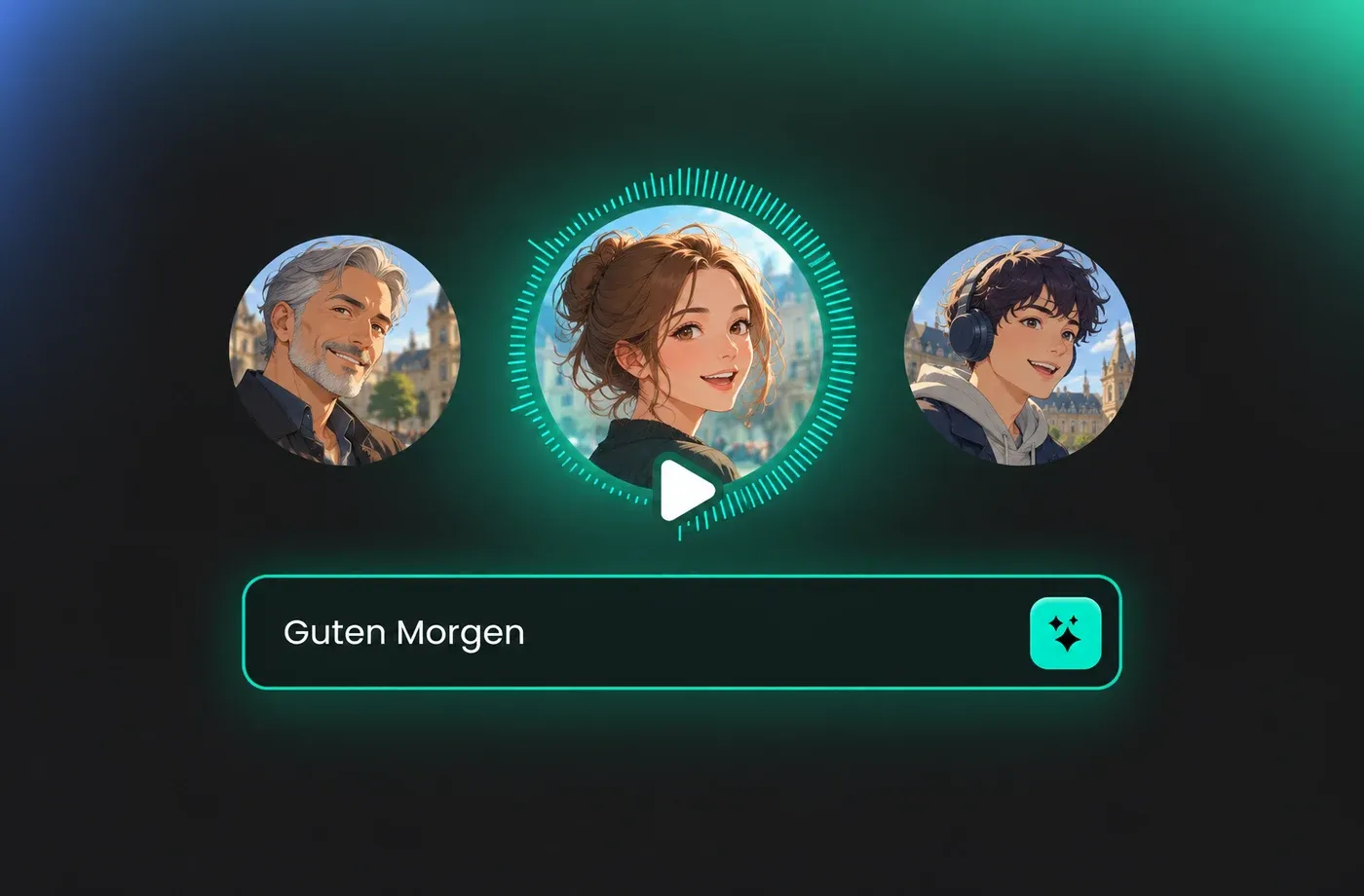
German Voice Over for Videos, Courses and Ads
Use a German accent voice generator for explainer videos, e-learning modules, product ads and podcasts. Keep one script and swap voices until the German voice over fits your audience, from a calm narrator to an upbeat presenter.
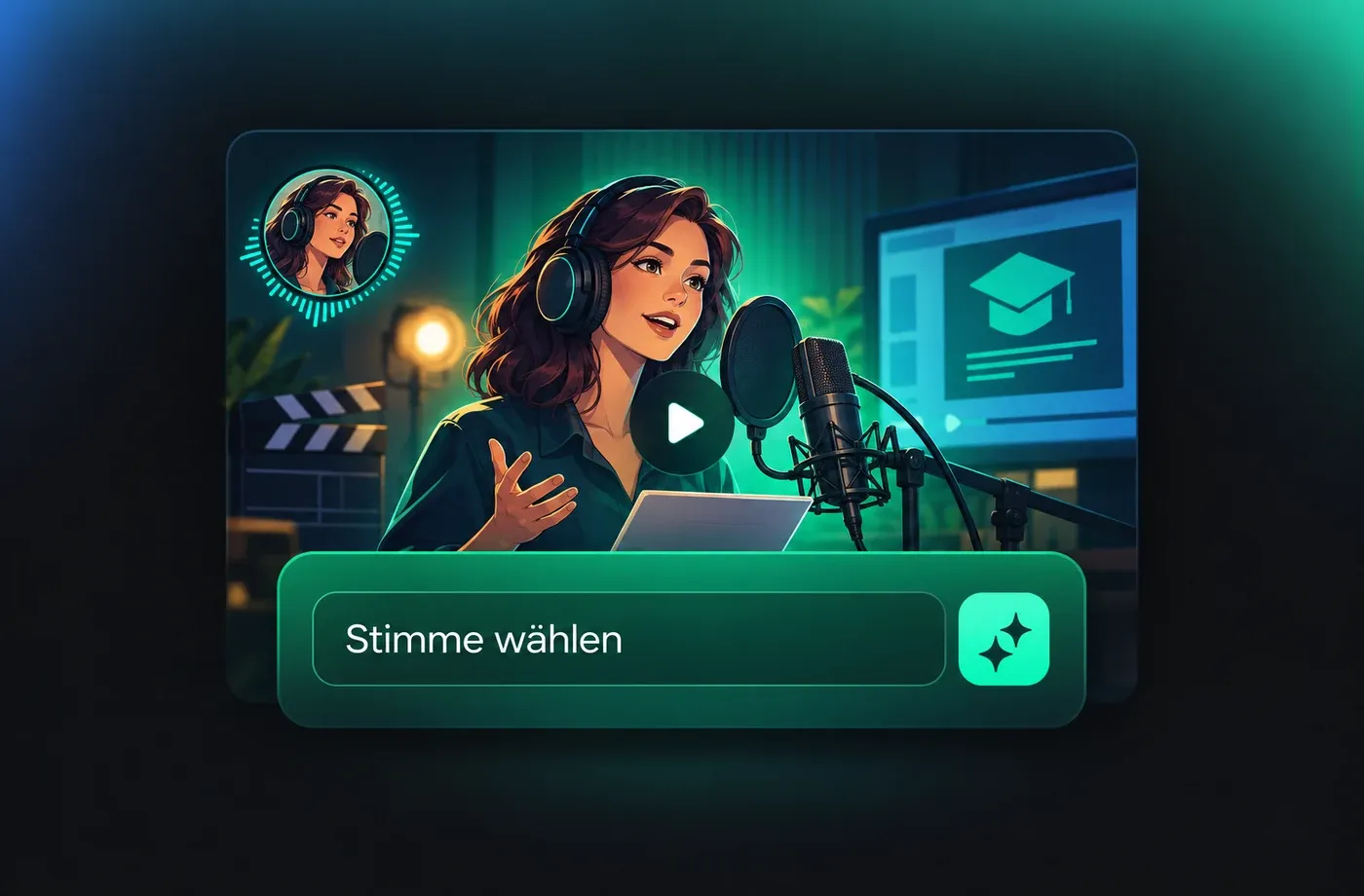
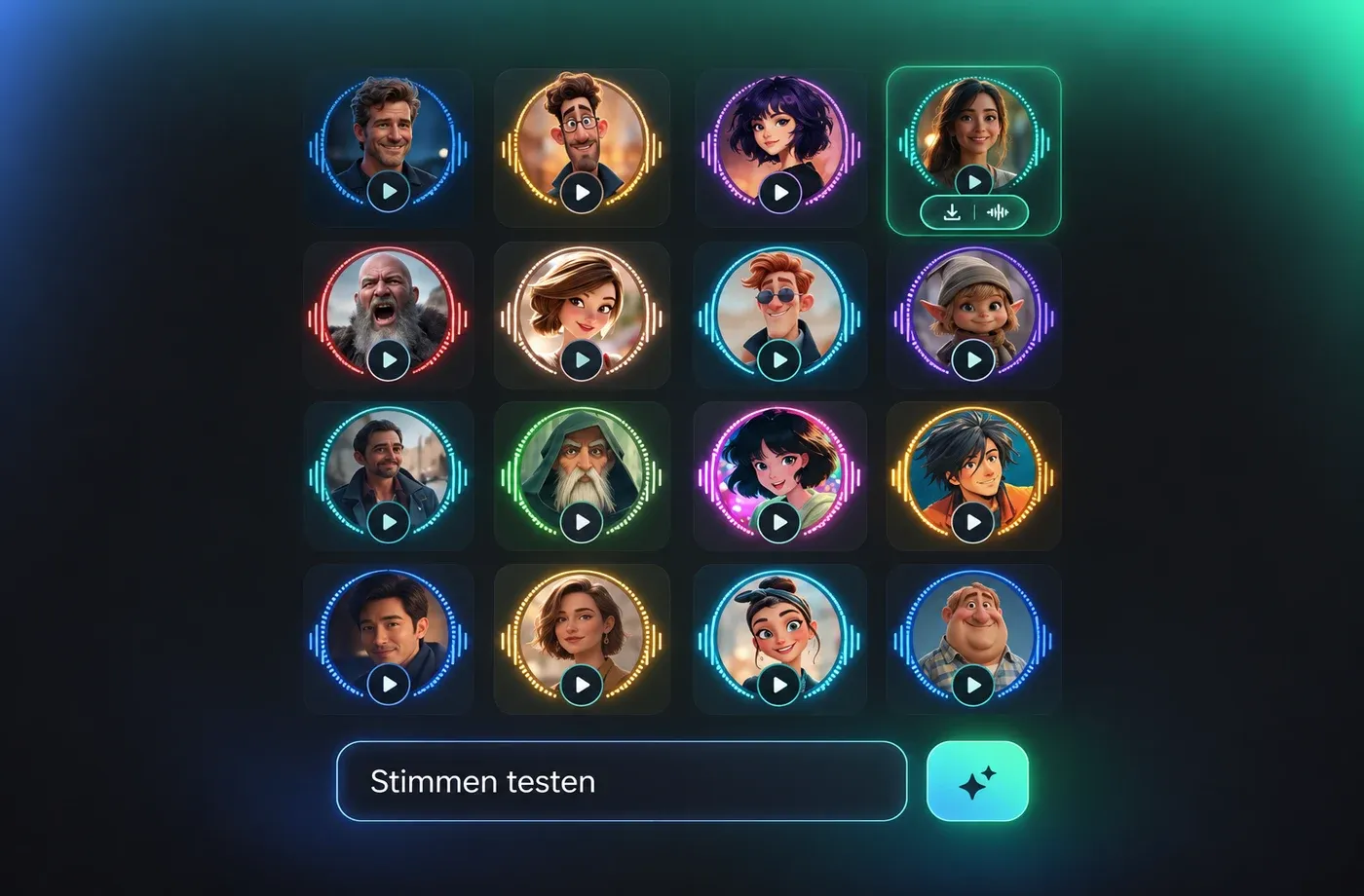
Preview, Compare and Download as MP3 or WAV
Listen to several German voices on the same line, compare the takes in the player and keep the one that sounds right. Download the finished German voice over as MP3 or WAV straight from your browser, with no software to install.
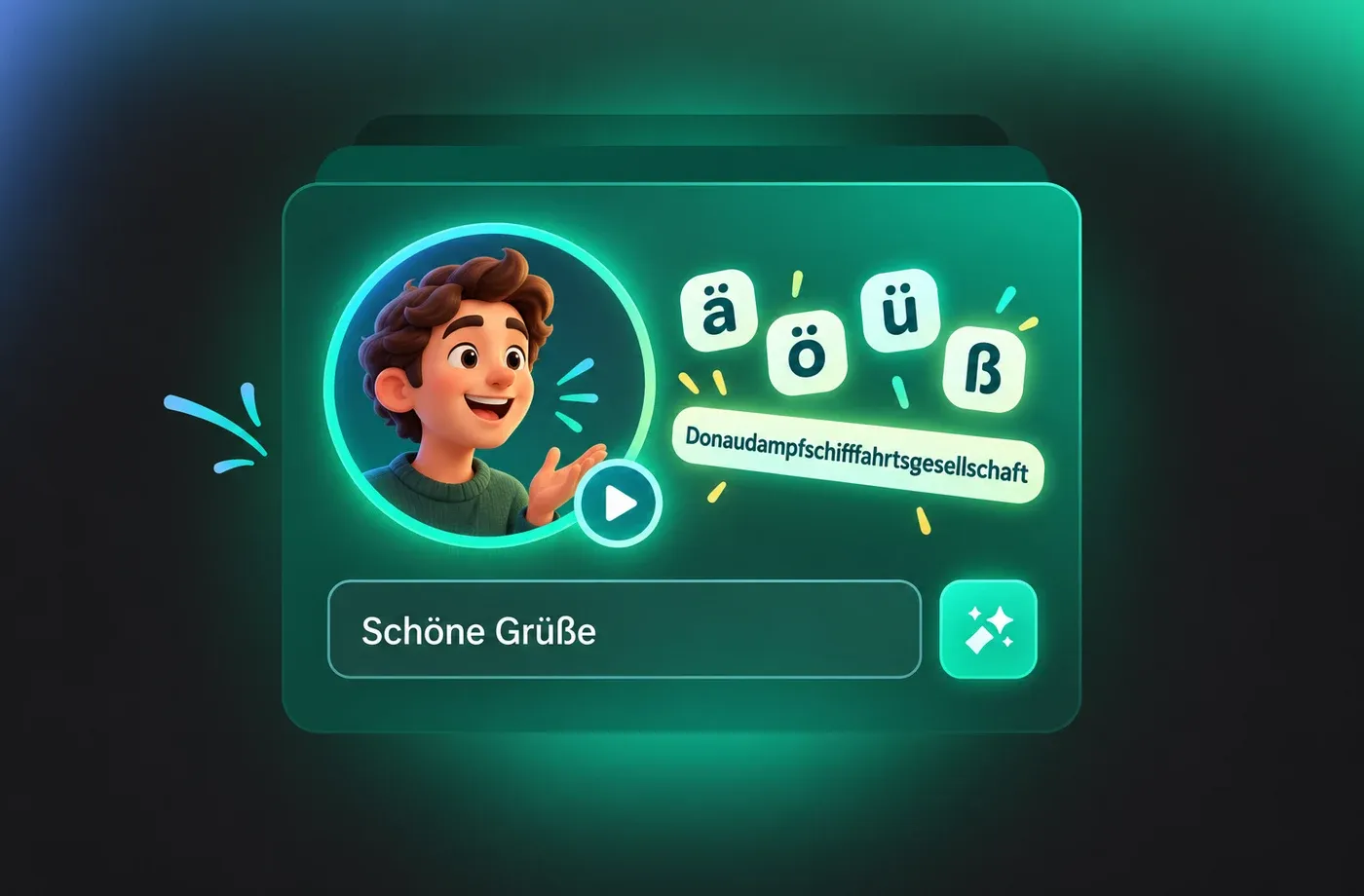
Built for How German Is Actually Spoken
Create German speech with attention to the language's distinctive sounds and spelling. FineVoice helps turn German text into spoken audio, including words with ä, ö, ü, ß, and long compound nouns. Whether you're creating educational narration, product explainers, or video voiceovers, listen to the generated speech and review pronunciation, pacing, and clarity before publishing.
Emotion Control for Expressive German Text to Speech
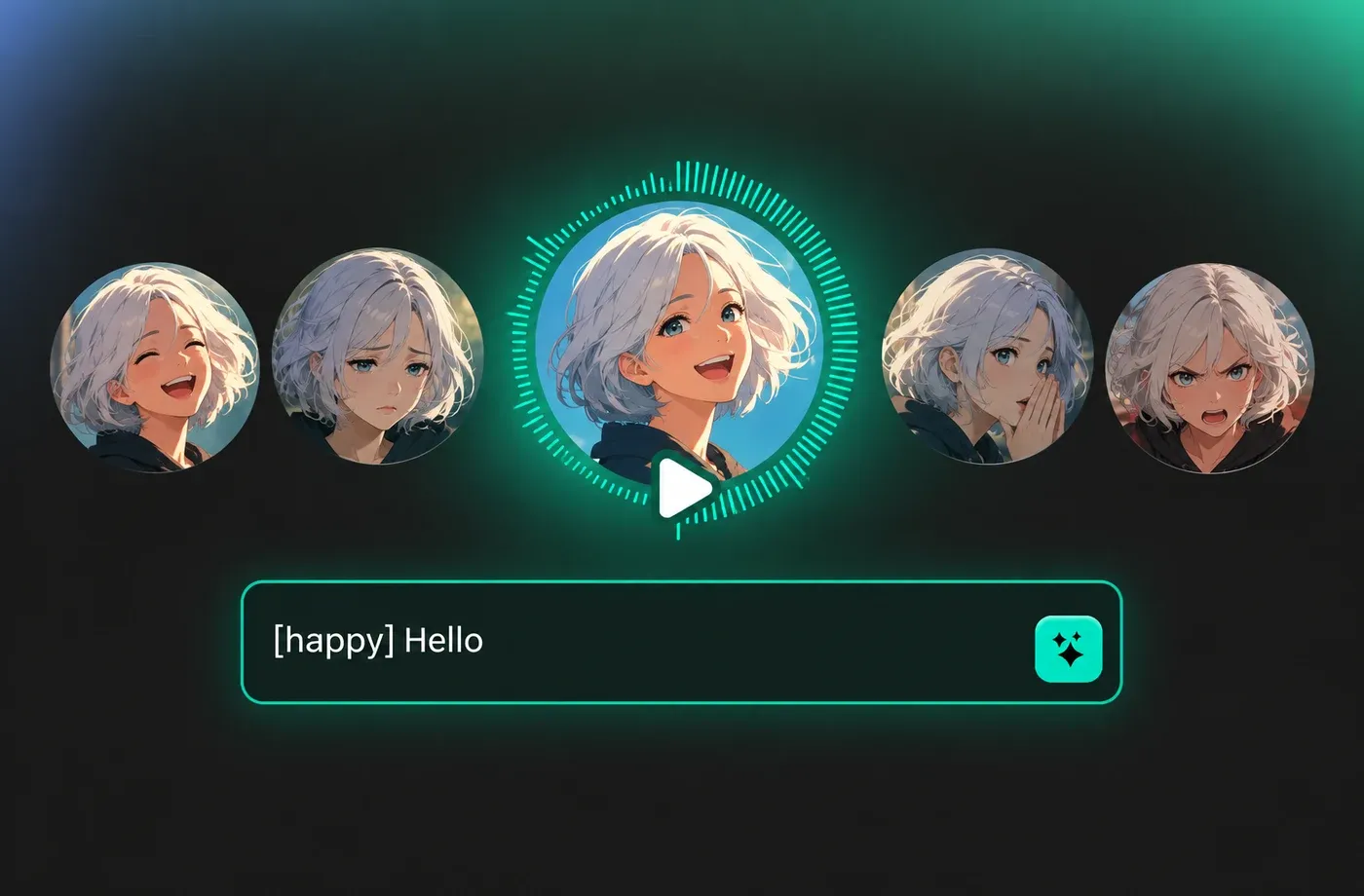
Make German text to speech more expressive with emotion tags and vocal effects. FineVoice lets you shape German AI speech for different content styles, from clear, informative narration to emotional storytelling. Use supported tags such as [happy], [sad], [whispering], [excited], and [angry], along with vocal effects such as [laughing], [sighing], and [pause], to add variation to your script. Bring audiobook characters to life with expressive dialogue, make German e-learning narration more engaging, or create video voiceovers with a delivery that better fits your message. Rather than relying on the same flat tone throughout, explore different vocal expressions to make your German narration more engaging and appropriate for its intended audience.
How to Use the German Accent Voice Generator
Paste your German script, choose a voice, set pitch, speed and emotion, then generate and download the audio as MP3 or WAV.
1

Step 1: Enter or Paste Your German Script
Type or paste your German text into the editor. Keep sentences short and add punctuation where the voice should pause.
2

Step 2: Choose a German Voice and Settings
Pick a voice from the German voice library, preview it, then adjust pitch, speed or emotion to suit your script.
3

Step 3: Generate and Download
Click Generate, listen to the result and download the German voice over as MP3 or WAV.
t0529.tools.voiceCategory.moreThan














Explore More Voice Categories
FAQs About German Accent Voice Generator
1. What is a German accent voice generator?
A German accent voice generator is a text to speech tool that reads your script with a natural German voice and accent. With FineVoice you can paste text, choose a German voice, adjust pitch, speed and emotion, and download the audio.
2. How do I generate a German voice over from text?
3. Can I use the German voices for videos and courses?
4. Can I change the speed, pitch and emotion of a German voice?
5. Are there different German voices to choose from?
6. Do I need to install software?
7. Is there a free German AI voice generator?
8. How natural does the German AI voice sound?
 FineVoice
Start Creating with German AI Voices
Turn your next script into a finished German voice over with pitch, speed and emotion you control, then export MP3 or WAV from the browser. No install needed.
