

Free Chinese AI Voice Generator: Mandarin & Cantonese Text to Speech Voices
Bring Chinese text to life with AI-generated voices that capture the rhythm and tonal character of spoken Chinese. Paste a script, pick a Mandarin or Cantonese voice, then fine-tune pitch, speed and emotion before exporting MP3 or WAV. Open the Chinese voice library to preview tones that range from calm narration to lively social media reads. Try our Text to Speech tool to hear how your written Chinese sounds when spoken aloud.
文字转语音历史记录

设置
AI语音

- Voice Name
- 0 使用次数
免费创建您的AI语音。
模型
 FineVoice TTS Max
Instantly Create Chinese Voiceovers
Type or paste a Chinese script and FineVoice returns a finished voiceover in seconds, so a thirty-second product intro no longer needs a recording session. Choose a voice, set the pace, and export the audio directly from the browser at finevoice.ai.
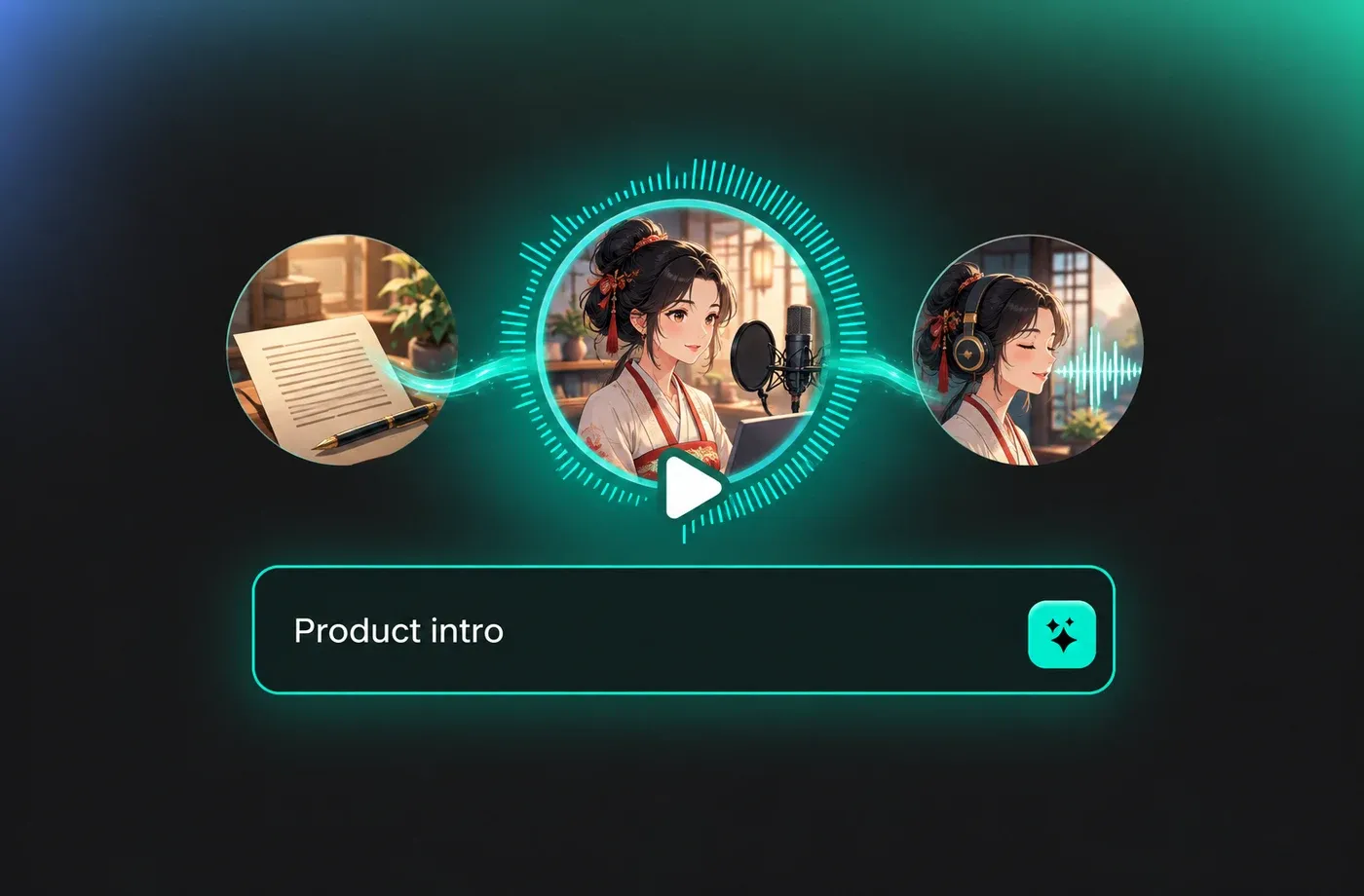
Text to Speech Chinese Voices
The Chinese text to speech engine reads Chinese characters and punctuation and converts them into natural spoken audio you can drop straight into a video timeline. FineVoice's text to speech workspace lets you regenerate a single sentence without re-recording the whole file.
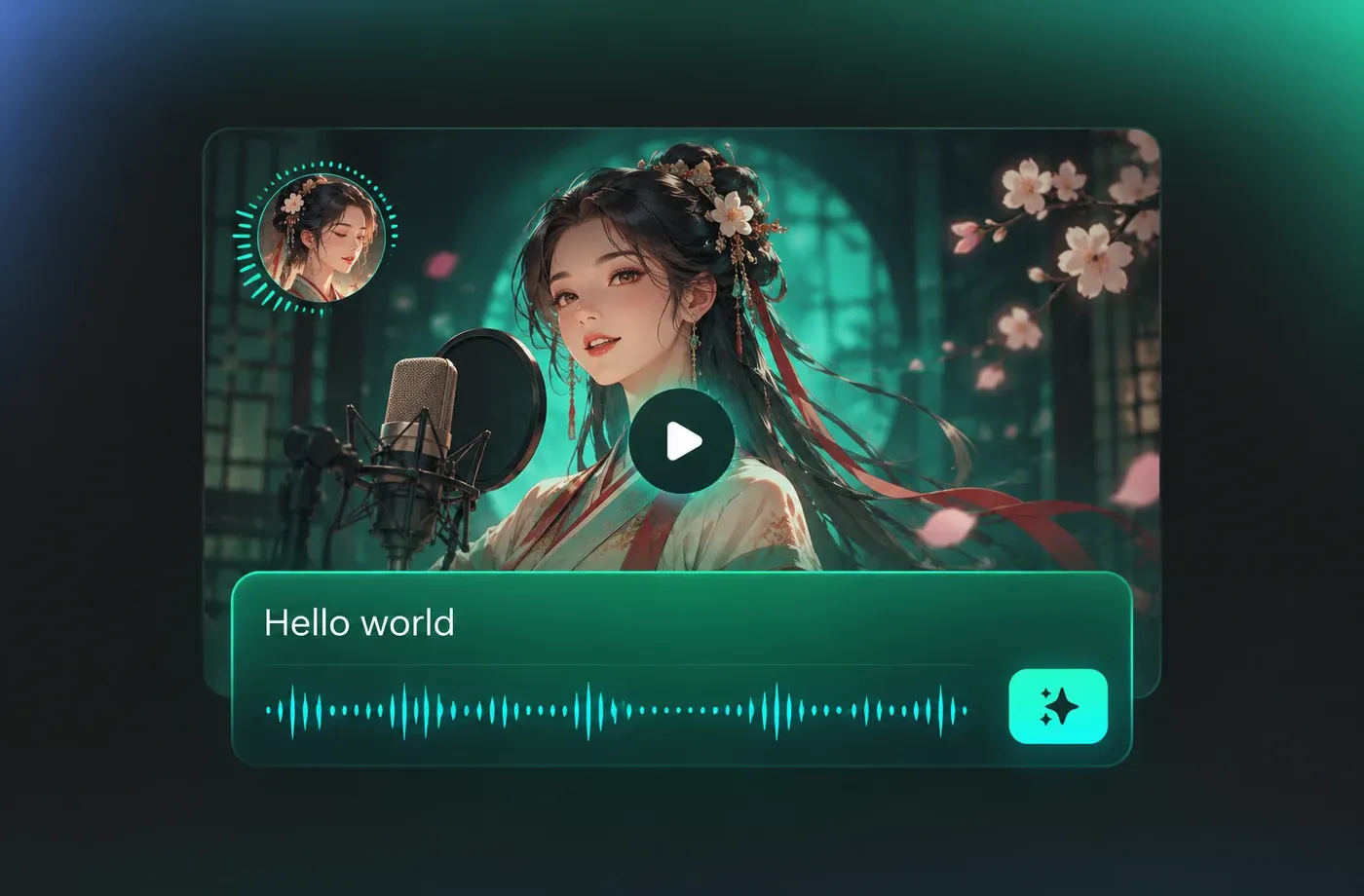
Mandarin and Cantonese Voice Options
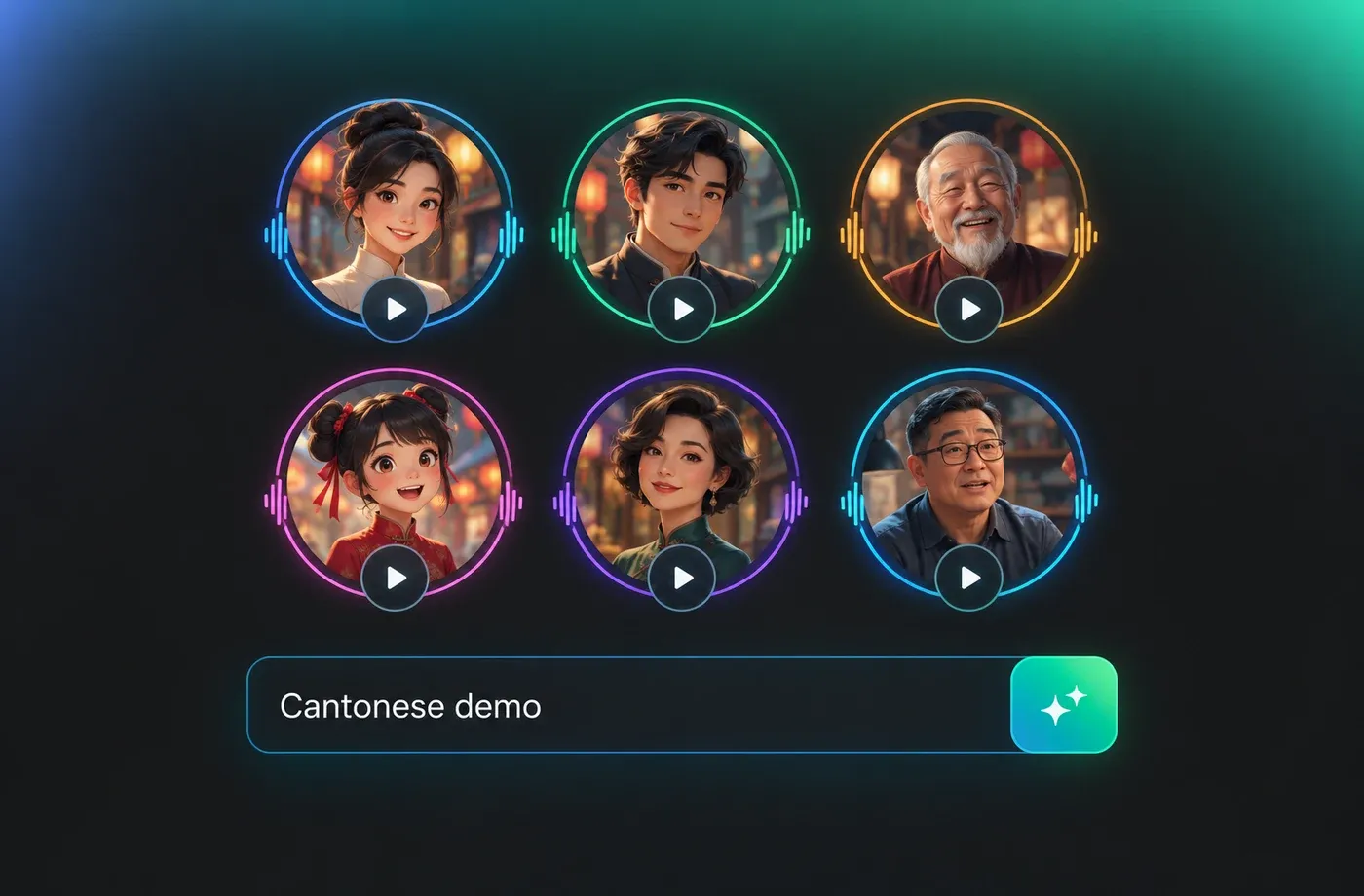
FineVoice covers 154+ languages and accents, and the Chinese selection includes Mandarin and Cantonese voices across genders, ages and delivery styles. Preview each candidate in the Chinese voice library before you commit a full script to one of them.
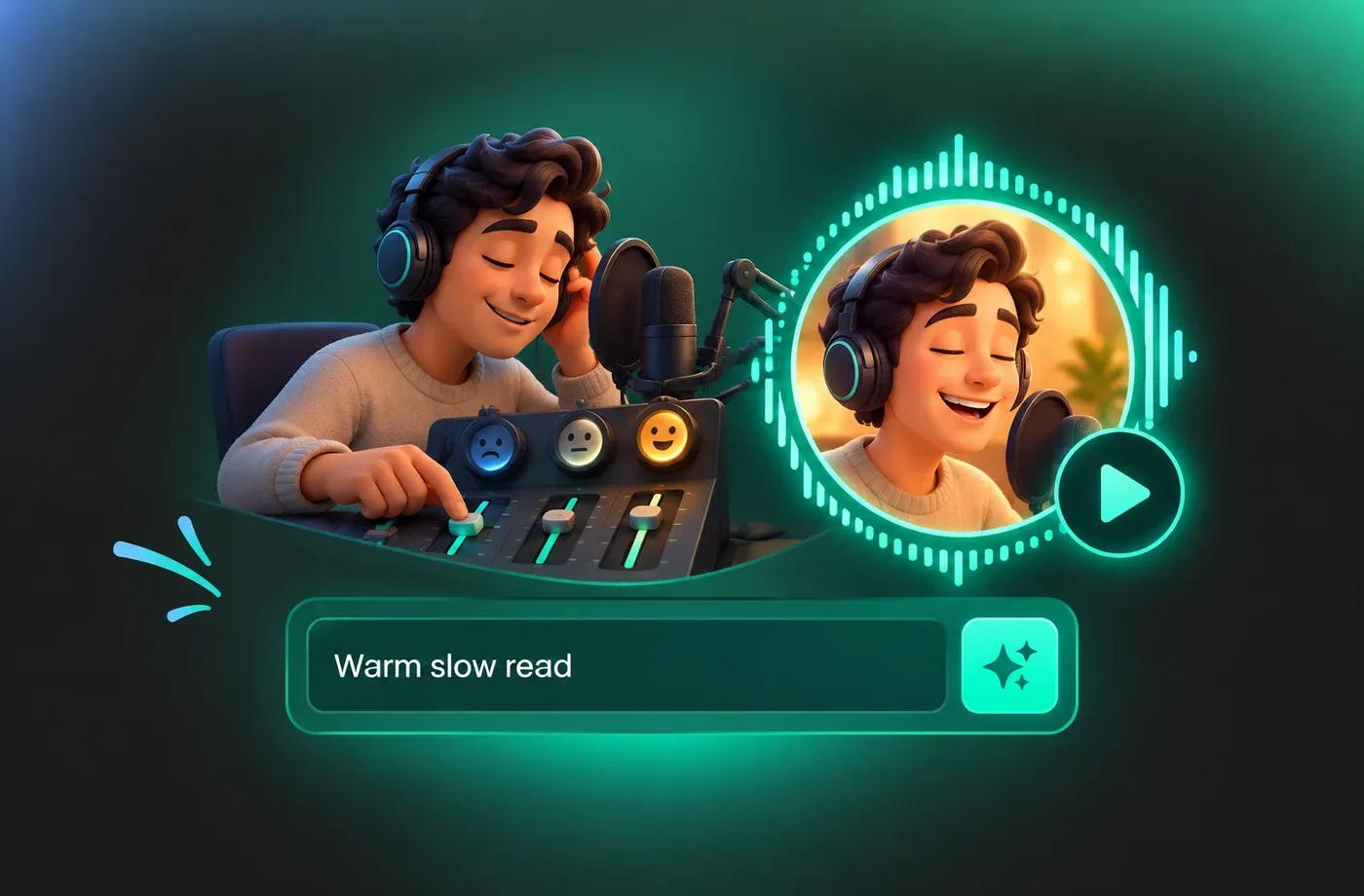
Adjust Tone, Speed and Emotion Before Export
Pitch, speed and emotion controls let you match the read to the scene, from a slow instructional pace for tutorials to a brighter delivery for short promos. When the take sounds right, download it as MP3 or WAV and move on with your edit.
How to Use AI Voices for Chinese Voice Generator
Three steps: paste your Chinese script, choose a Mandarin or Cantonese voice and adjust pitch, speed and emotion, then export the finished audio as MP3 or WAV.
1

Step 1: Paste your Chinese script
Open the text to speech editor and type or paste the Chinese text you want spoken. Keep punctuation in place so the voice generator can place natural pauses.
2

Step 2: Choose a Chinese voice and adjust it
Pick a Mandarin or Cantonese voice from the library, then set pitch, speed and emotion to match your video, lesson or promo.
3

Step 3: Generate and download the audio
Preview the take, regenerate any line that needs a different read, and download the finished Chinese voiceover as MP3 or WAV.
t0529.tools.voiceCategory.moreThan

















Explore More Voice Categories
FAQs About Chinese AI Voice Generator
1. What is a Chinese AI voice generator?
A Chinese AI voice generator turns written Chinese text into spoken audio using synthetic voices. In FineVoice you paste a script, choose a Mandarin or Cantonese voice, adjust pitch and speed, then download the result as MP3 or WAV — all in the browser, with nothing to install.
2. Is this a free Chinese AI voice generator?
3. Does the text to speech tool cover both Mandarin and Cantonese?
4. Can I change pitch, speed and emotion in the Chinese voice generator?
5. Which audio formats can I download?
6. Do I need to install software to use the Chinese voice generator?
7. Can I clone my own voice for Chinese narration?
8. How do I get more natural-sounding Chinese text to speech?
9. What are Chinese AI voices commonly used for?
 FineVoice
Start Creating with AI Chinese Voices
Paste a script, pick a Mandarin or Cantonese voice, and export a finished Chinese voiceover as MP3 or WAV in the time it takes to write a brief.
