

Free Italian AI Voice Generator: Natural, Expressive & Clear Text to Speech Voices
Create Italian AI voices for speech that brings out the language's distinctive sounds, from crisp vowels to meaningful word stress and double consonants. FineVoice's Italian voice generator turns scripts into natural narration, capturing the open vowels, crisp double consonants and the rhythmic cadence that make Italian sound natural. Adjust pitch, speed, and emotion line by line to create expressive Italian speech for videos, podcasts, e-learning, and more. Preview accents, download MP3 or WAV, and work directly in your browser across 154+ languages - see the full range in the Italian voice library. Generate Italian speech for voiceovers and narration, or try our Text to Speech tool to convert Italian text to audio and hear your words spoken aloud.
文字转语音历史记录

设置
AI语音

- Voice Name
- 0 使用次数
免费创建您的AI语音。
模型
 FineVoice TTS Max
Instantly Create Italian Voiceovers
Paste an Italian script, choose a voice, and adjust pitch, speed, and emotion before previewing the result. FineVoice's text to speech workflow keeps Italian pronunciation and pacing easy to check before you export MP3 or WAV.
Text to Speech Italian Voices
Convert Italian articles, lesson notes, or product scripts into spoken audio and compare voices in the browser. The editor supports 154+ languages and accents, so you can keep an Italian track separate from other language versions and fine-tune delivery for Italian TTS projects.
Italian Pronunciation and Regional Accents
Italian pronunciation relies on clear open vowels, doubled consonants, and word stress, and small changes can affect meaning. Slow the speed for names or technical terms, preview several Italian voices, and use Italian text to speech to hear stress and rhythm before publishing.
Italian TTS for Video, Learning, and Product Demos
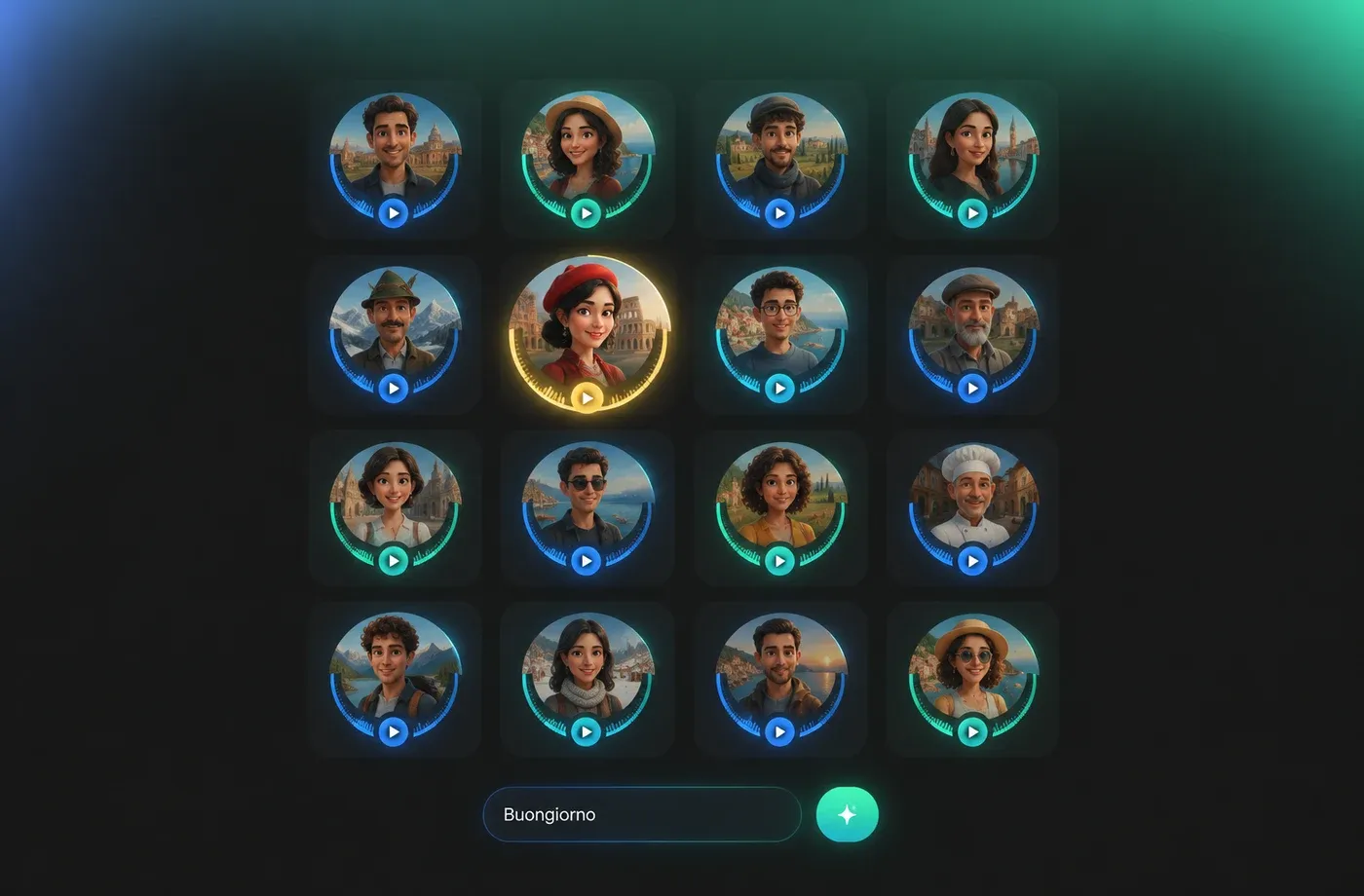
Use Italian narration for YouTube explainers, language lessons, product demos, and accessible reading, then download MP3 or WAV for editing. FineVoice also includes voice cloning and voice design tools for custom narration, all in a browser without installation.
How to Use AI Voices for Italian Voice Generator
Create Italian text to speech in your browser, adjust the delivery, and export MP3 or WAV for videos, lessons, and product demos.
1

Step 1: Enter Your Italian Script
Type or paste your Italian text into the editor. Add punctuation where you want pauses, and check names, numbers, and stressed words before generating the first preview.
2

Step 2: Pick an Italian Voice and Adjust Delivery
Preview Italian voices, then tune pitch, speed, and emotion to match your video, lesson, or product demo. Use a slower pace for technical terms and listen for clear vowels and doubled consonants.
3

Step 3: Preview and Download
Listen to the full Italian voiceover, make final edits, and export MP3 or WAV for your editing workflow. The browser-based editor keeps your voice settings easy to reuse across similar scripts.
t0529.tools.voiceCategory.moreThan















Explore More Voice Categories
FAQs About Italian AI Voice Generator
1. What is an Italian AI voice generator?
An Italian AI voice generator converts written Italian text into spoken audio using natural-sounding synthetic voices. FineVoice lets you type or paste a script, choose an Italian voice, adjust pitch, speed, and emotion, then preview and export the result as MP3 or WAV in your browser.
2. How can I make Italian text to speech sound natural?
3. Can I download Italian voiceovers as MP3 or WAV?
4. Does FineVoice support Italian regional accents?
5. What are common use cases for Italian TTS?
6. How is Italian pronunciation different from Spanish in text to speech?
7. Can I adjust pitch, speed, and emotion for Italian voices?
8. Do I need to install software to use the Italian voice generator?
9. Is the Italian AI voice generator free to use?
10. Which Italian voices and accents can I choose?
 FineVoice
Start Creating with AI Italian Voices
Turn Italian scripts into natural narration for videos, e-learning, and product demos. Preview voices, adjust pitch, speed, and emotion, then download MP3 or WAV in your browser.
