

Free Japanese AI Voice Generator: Natural, Clear & Expressive Text to Speech Voices
Use the Japanese AI Voice Generator to turn a Japanese script into speech. Paste a Japanese script — kanji, kana or katakana loanwords — and hear it read back with natural pitch accent and mora-timed rhythm, then adjust pitch, speed and emotion before exporting MP3 or WAV. The same workspace covers 154+ languages and accents, so you can audition a Japanese read next to English in the Japanese voice library. Explore our Text to Speech tool to turn Japanese text into spoken audio.
文字转语音历史记录

设置
AI语音

- Voice Name
- 0 使用次数
免费创建您的AI语音。
模型
 FineVoice TTS Max
Instantly Create Japanese AI Voice Generator Voiceovers
Japanese is mora-timed, so each kana unit should take roughly the same length, with long vowels (おう, えい), the small っ pause and devoiced vowels handled consistently. This Japanese AI Voice Generator keeps that rhythm stable across a full paragraph instead of losing timing after the first sentence. Paste your script, pick a voice and hear a clean read in the browser with no installation.
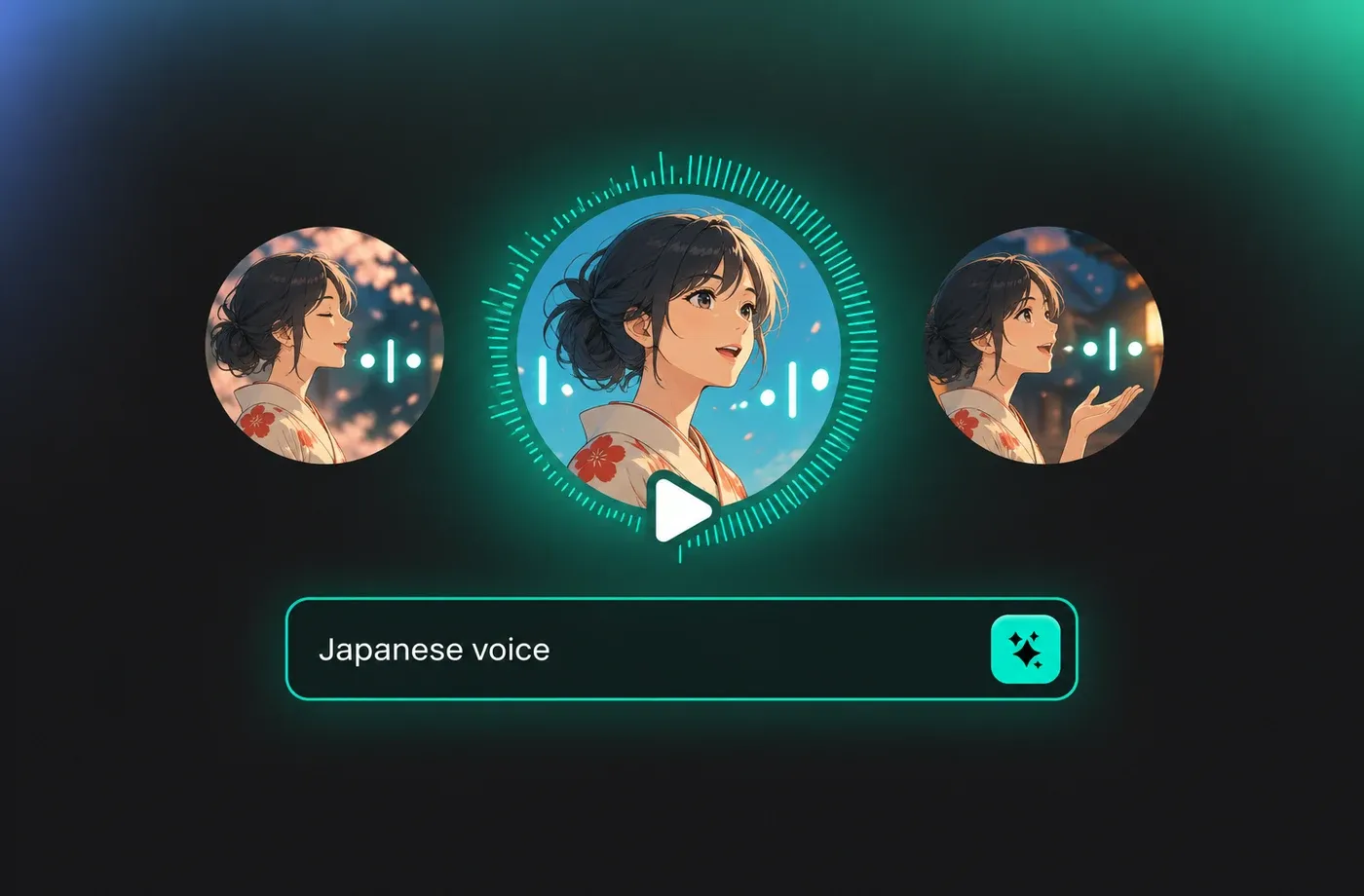
Text to Speech Japanese AI Voice Generator Voices
Kanji with several readings, counters such as 一本 and 三本, and long numbers are the places where Japanese text to speech usually breaks down. The text to speech editor lets you keep the original kanji or swap in kana where you want a specific reading, and numbers are spoken in their standard Japanese form. Katakana loanwords are read at a natural length rather than stretched syllable by syllable.
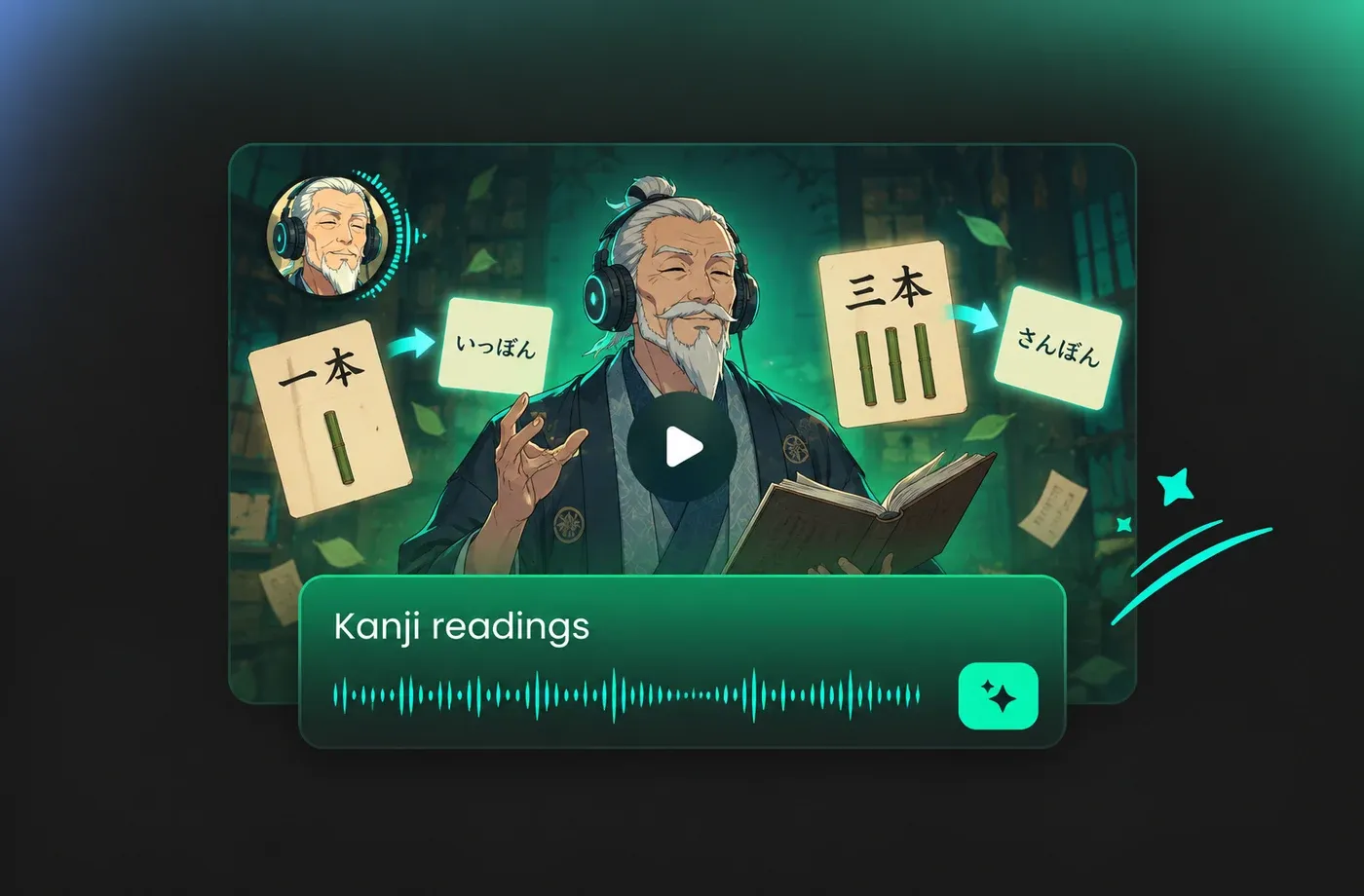
Natural Pitch Accent, Speed and Emotion Control
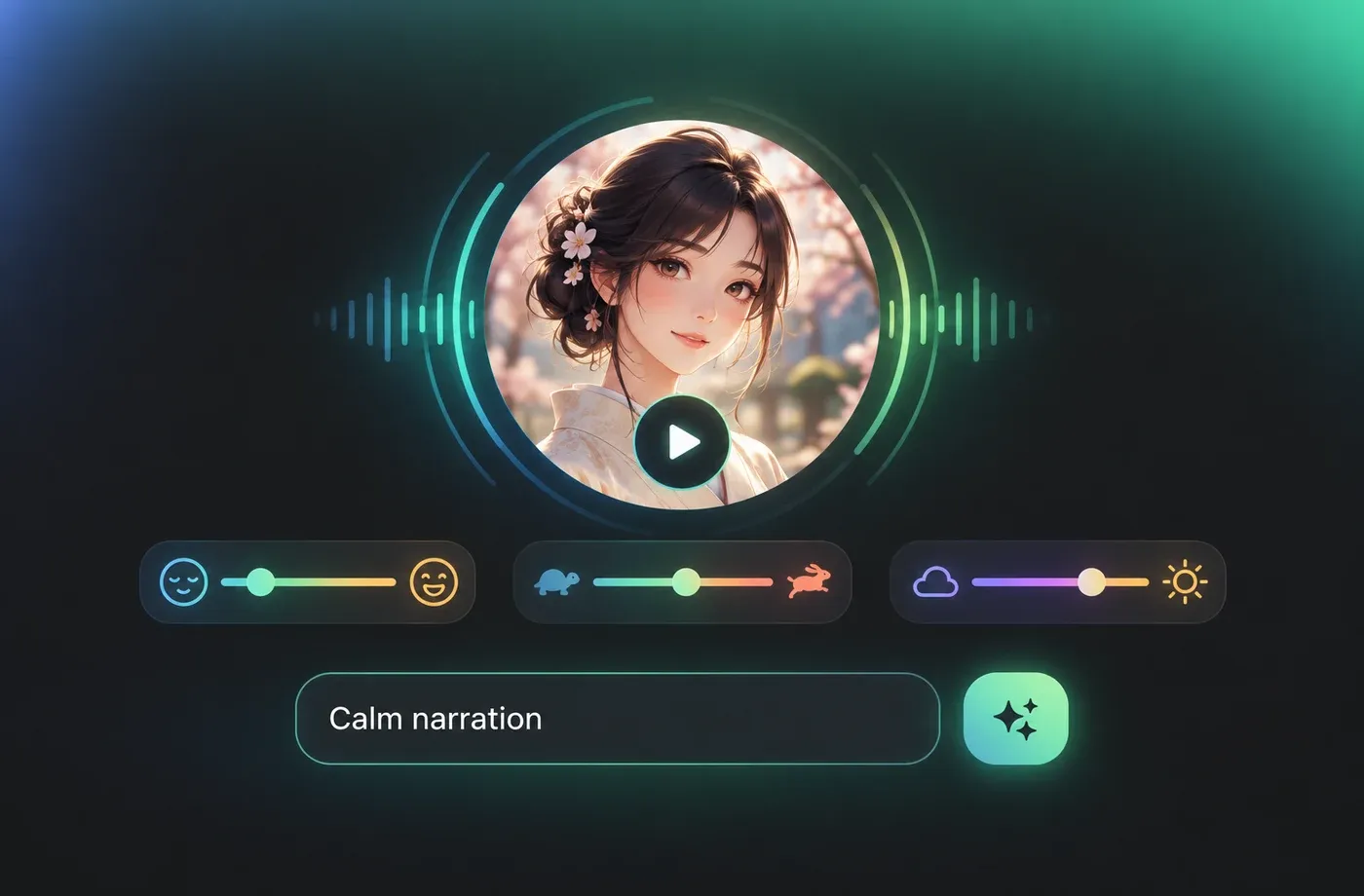
Japanese meaning shifts with pitch accent rather than stress, which is why flat, robotic reads sound wrong even when every word is correct. Adjust pitch, speaking speed and emotion on top of a native-style voice so a calm narration stays calm and an explainer stays lively without cartoon exaggeration. Slowing the tempo down is useful for language learners who need to hear where the accent falls.
Download Japanese AI Voice Generator Audio as MP3 or WAV
Once a line sounds right, export it as MP3 for quick sharing or WAV for editing into video, e-learning modules and audio guides. The same account also renders 154+ languages and accents, so bilingual projects can keep one consistent workflow instead of switching tools. Voice cloning and voice design are available when you need your own timbre rather than a preset.
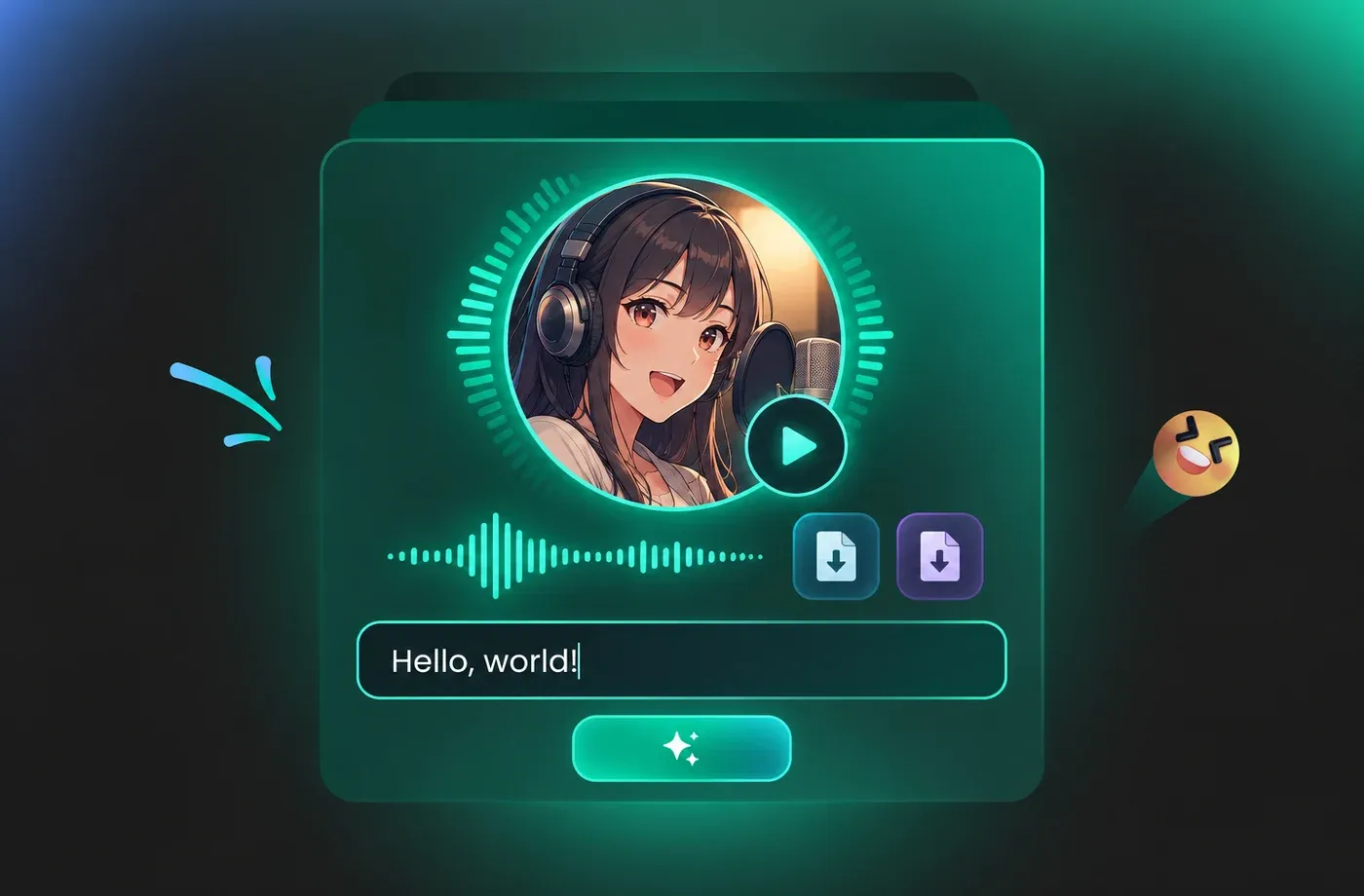
How to Use AI Voices for Japanese AI Voice Generator Voice Generator
Paste Japanese text, pick an adult native-style voice, fine-tune pitch, speed and emotion, then generate and download your Japanese text to speech audio as MP3 or WAV — directly in the browser.
1

Step 1: Paste your Japanese script
Type or paste your text into the editor in kanji, hiragana or katakana. Replace any word with kana where you need a specific reading, and split long paragraphs into shorter lines so pauses land where you want them.
2

Step 2: Choose a Japanese voice and adjust it
Pick an adult voice from the Japanese voice library, then set pitch, speaking speed and emotion to match the scene. Preview a sentence or two and compare versions before you render the full script.
3

Step 3: Generate and download your audio
Render the line and listen back for pitch accent and timing, then export as MP3 for quick use or WAV for editing into video, e-learning modules and audio guides.
t0529.tools.voiceCategory.moreThan
















Explore More Voice Categories
FAQs About Japanese AI Voice Generator
1. What is a Japanese AI voice generator?
A Japanese AI voice generator is a text to speech tool that converts written Japanese into spoken audio using a synthetic voice. You paste kanji, hiragana or katakana text, choose a voice, and the generator produces an audio file you can play or download. With a voice generator built for Japanese, the output follows mora timing and pitch accent rather than English-style stress patterns.
2. Does the Japanese voice generator sound natural or robotic?
3. How does it handle kanji with multiple readings, numbers and counters?
4. Can I change the pitch, speed and emotion of the Japanese voice?
5. Can I try the Japanese AI voice generator online without installing anything?
6. What file formats can I download, and what are the audio used for?
7. Can I clone my own voice and speak Japanese with it?
8. Which languages and accents are available besides Japanese?
9. Why does Japanese pitch accent matter for text to speech?
10. Can I use the Japanese AI Voice Generator for narration and e-learning?
 FineVoice
Start Creating with AI Japanese AI Voice Generator Voices
Paste Japanese text, choose an adult native-style voice, adjust pitch and speed, and export MP3 or WAV in minutes — all in the browser, no installation required. Voice cloning, voice design and 154+ languages are available in the same workspace.
