

Free British AI Voice Generator: Authentic UK Accent Text to Speech Voices
Turn your text into British English speech with AI voices suited to clear narration, storytelling, and video voiceovers. From crisp British pronunciation to the measured rhythm of English narration, give your content a distinctly British voice. FineVoice's British voice generator converts scripts into British-accented speech, with pitch, speed and emotion controls plus MP3 or WAV downloads in the browser. Preview options in the British voice library before you generate narration for videos, lessons or audio guides. Use British Text to Speech tool to create audio with a British accent for content, presentations, and English listening practice.
文字转语音历史记录

设置
AI语音

- Voice Name
- 0 使用次数
免费创建您的AI语音。
模型
 FineVoice TTS Max
Instantly Create Clear British Voiceovers
Generate British-accented voiceovers directly in your browser by pasting a script, selecting a British English voice, and previewing the result. FineVoice turns the text into speech without installing desktop software, so you can test drafts quickly. Start from FineVoice and move from script to audio in one workflow.
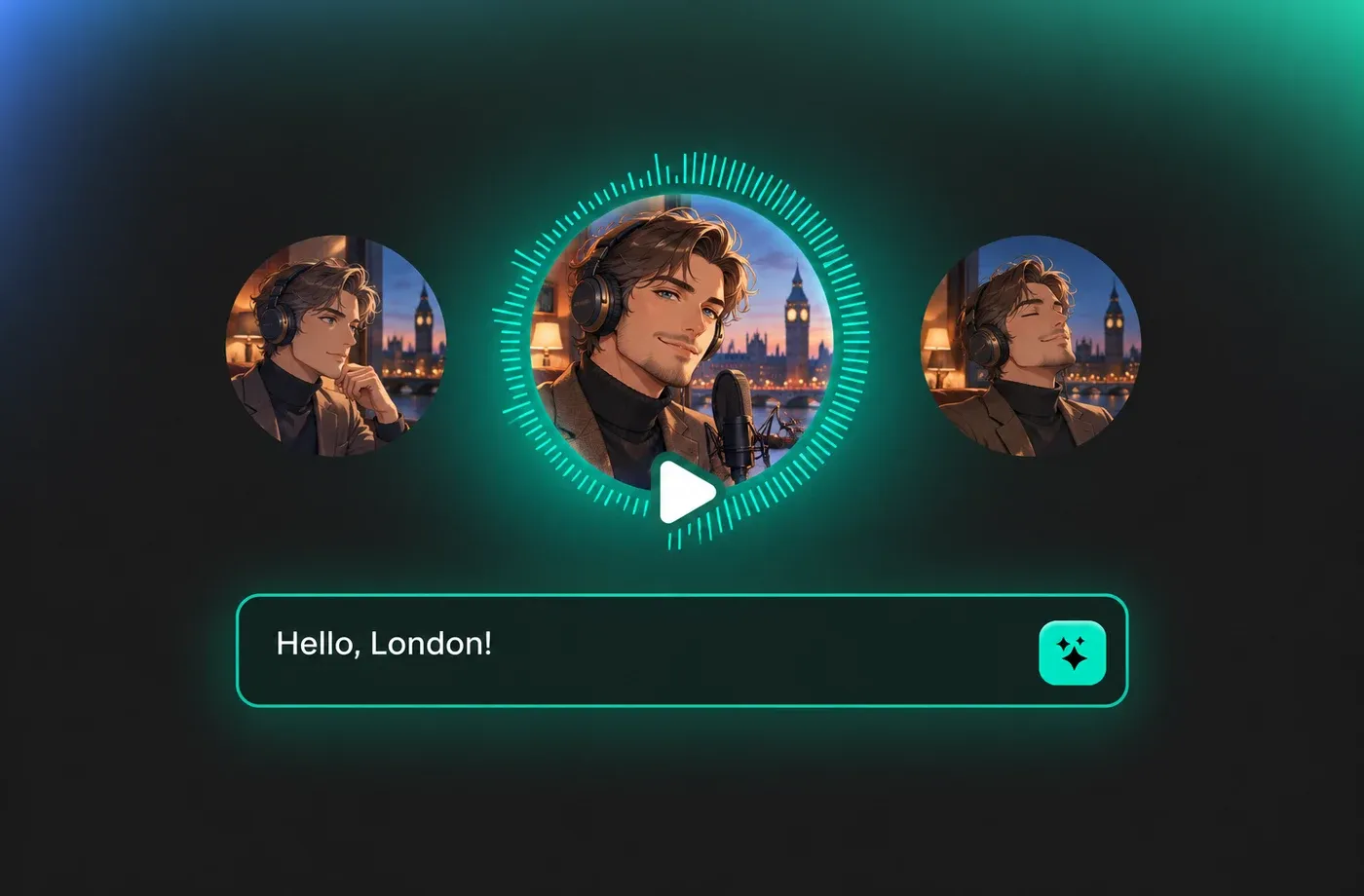
Text to Speech British Voices
Convert scripts into British English text to speech for explainer videos, audiobook samples, podcasts, and training modules. British English text to speech follows UK pronunciation rules: 'schedule' is read as /ˈʃedjuːl/, 'tomato' takes a long /ɑː/, and the final 'r' in 'car' or 'water' is dropped. FineVoice lets you audition several British accents so the read matches your audience instead of guessing. Choose a voice, then use pitch, speed and emotion controls to match a calm, formal, friendly, or energetic read. Preview British voice options in the British voice library before generating.
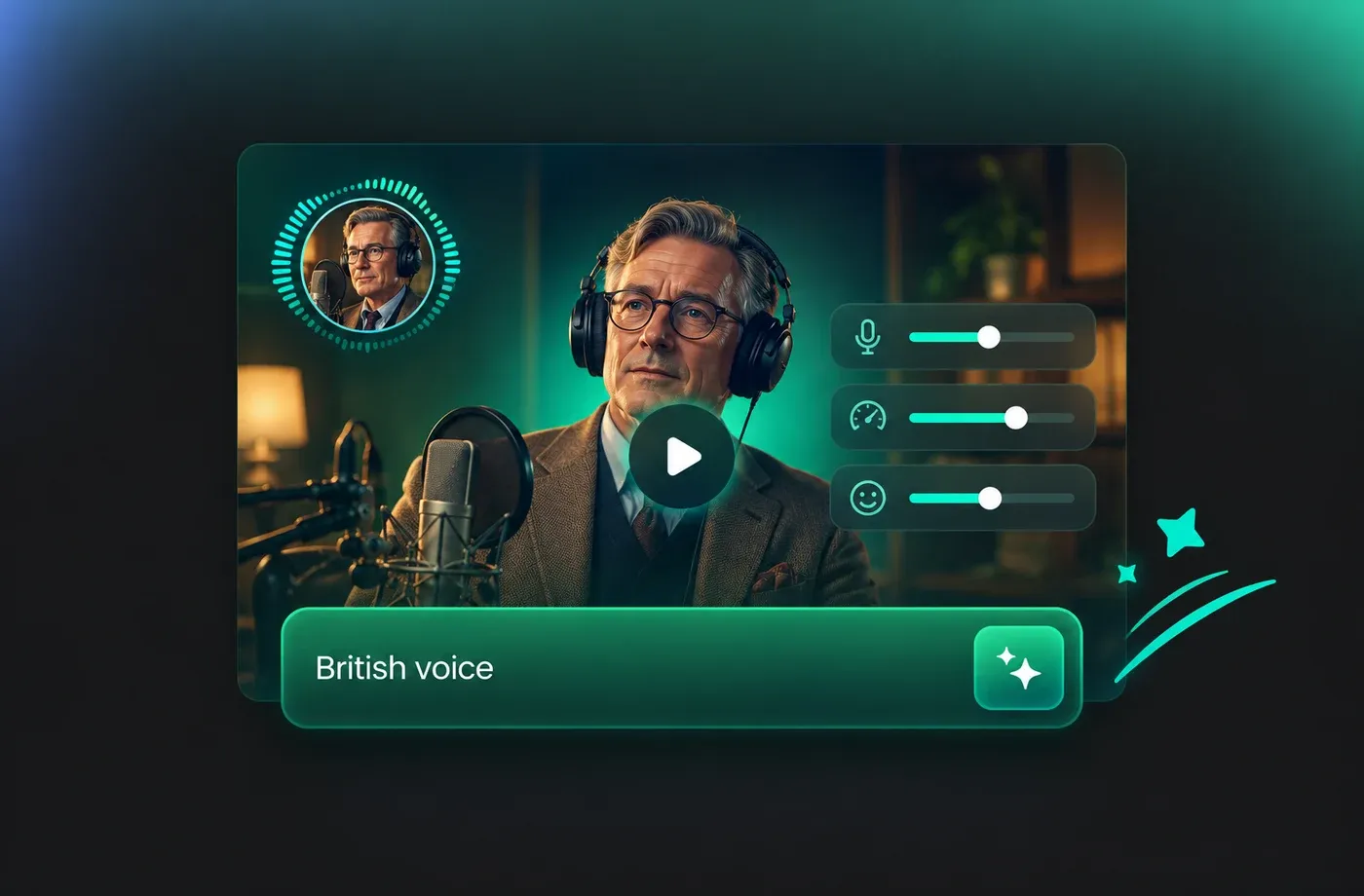
Tune British Delivery with Voice Controls
Adjust speed for clear British narration, pitch for a deeper or lighter tone, and emotion for a warmer or more authoritative delivery. These controls help British text to speech fit short social clips, longer tutorials, and guided product demos. Use the text to speech tool to compare settings before downloading.
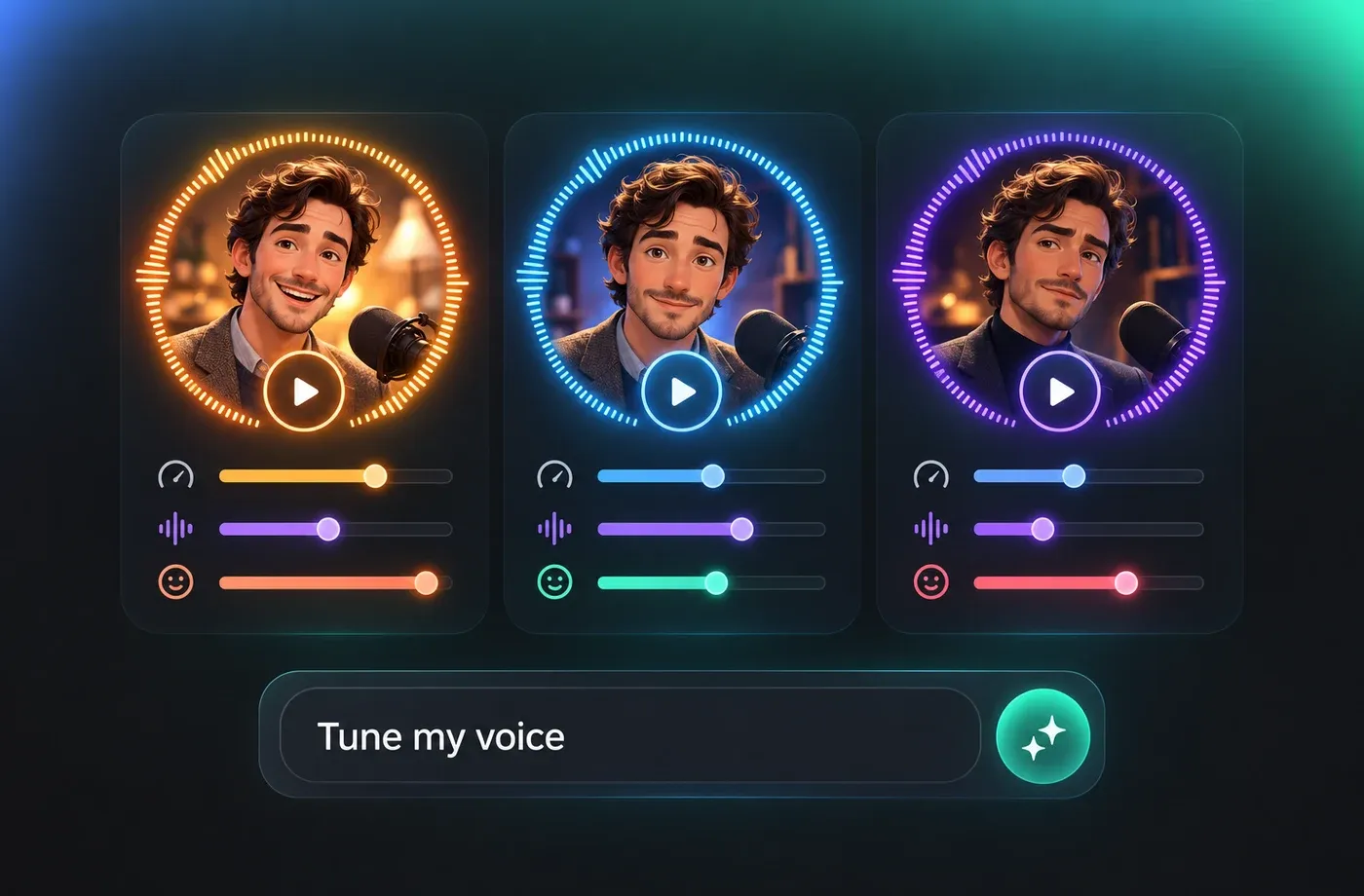
British TTS for E-Learning, IVR and Audio Guides
British English text to speech is commonly used for course modules, phone menus, museum guides and audiobook drafts where listeners expect UK pronunciation of place names, dates and currency. Generate each line, slow the pace slightly for clarity, then export MP3 for your LMS or WAV for editing. FineVoice supports voice cloning and voice design alongside ready-made British voices, and you can review options in the British AI voice collection. Keep samples clear and use voices you have permission to clone.
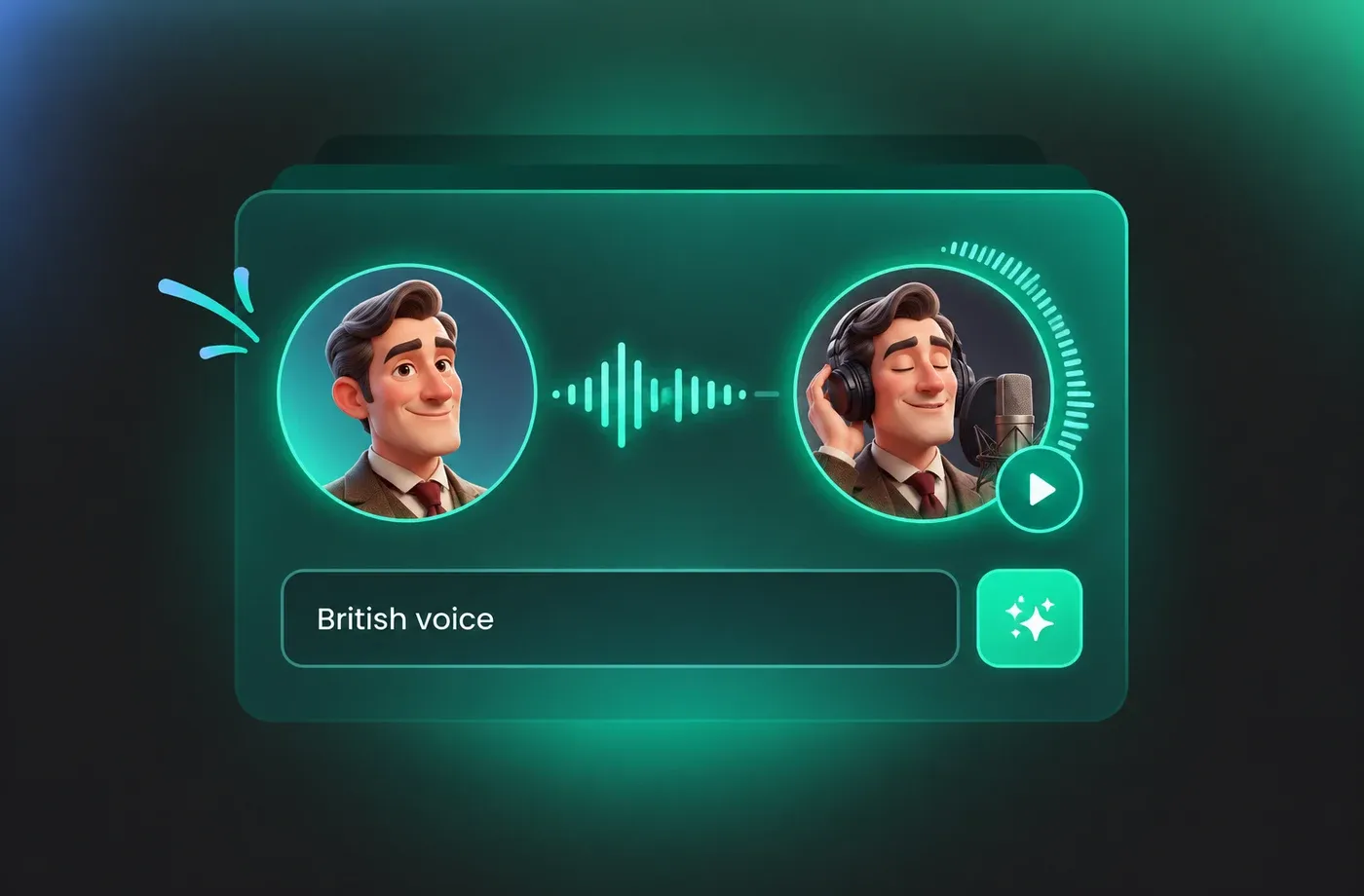
How to Use AI Voices for British Voice Generator
Follow three steps: enter your script, choose a British voice and tune pitch, speed and emotion, then preview and download your British text to speech audio.
1

Step 1: Enter your British script
Paste or type the text you want spoken in British English. Keep punctuation and line breaks to help the voice generator phrase sentences naturally.
2

Step 2: Select a British voice and tune delivery
Choose a British English voice from the library, then adjust pitch, speed and emotion for narration, tutorials or promos. Preview short sections before generating the full script.
3

Step 3: Generate and download audio
Generate the British text to speech track, review the result, and download it as MP3 or WAV for your editing workflow. Use the same voice and settings for consistent episodes or lessons.
t0529.tools.voiceCategory.moreThan

















Explore More Voice Categories
FAQs About British AI Voice Generator
1. What is a British AI voice generator?
A British AI voice generator converts written text into spoken English with a British accent. With FineVoice, you can paste a script, choose a British English voice, adjust pitch, speed and emotion, and export the result as MP3 or WAV for narration, learning content and videos.
2. How do I turn a script into a British accent voiceover?
3. Can I use British text to speech for YouTube videos and e-learning?
4. How do I make a British AI voice sound natural?
5. Does the British voice generator support different British accents?
6. What audio formats can I download from the British text to speech tool?
7. Can I adjust pitch, speed and emotion for British narration?
8. Is there a free British AI voice generator?
9. How many languages and accents does FineVoice support?
10. Can I clone my own British voice?
11. Why does British English TTS sound different from American English TTS?
 FineVoice
Start Creating with AI British Voices
Turn your next script into polished British narration with FineVoice's AI British voices. Preview British English options, adjust pitch, speed and emotion, and download MP3 or WAV in your browser.
