

Free Russian AI Voice Generator: Natural Male & Female Text to Speech Voices
Create Russian AI voices for narration, videos, and spoken content, with attention to the rhythm and intonation of Russian speech. Paste your script, pick a male or female Russian voice, then fine-tune pitch, speed and emotion and export MP3 or WAV in seconds. Compare samples in the Russian voice library before you generate. Explore Russian voice styles, then try our Text to Speech tool to hear how your written Russian sounds aloud.
文字转语音历史记录

设置
AI语音

- Voice Name
- 0 使用次数
免费创建您的AI语音。
模型
 FineVoice TTS Max
Instantly Create Russian Voiceovers
Paste a Russian script and get a finished voiceover in seconds, without booking a studio or a native speaker. The generator reads Cyrillic and Latin-transliterated text, so you can move from draft to audio in one pass. Start in the Russian voice library to hear the tone before you commit.
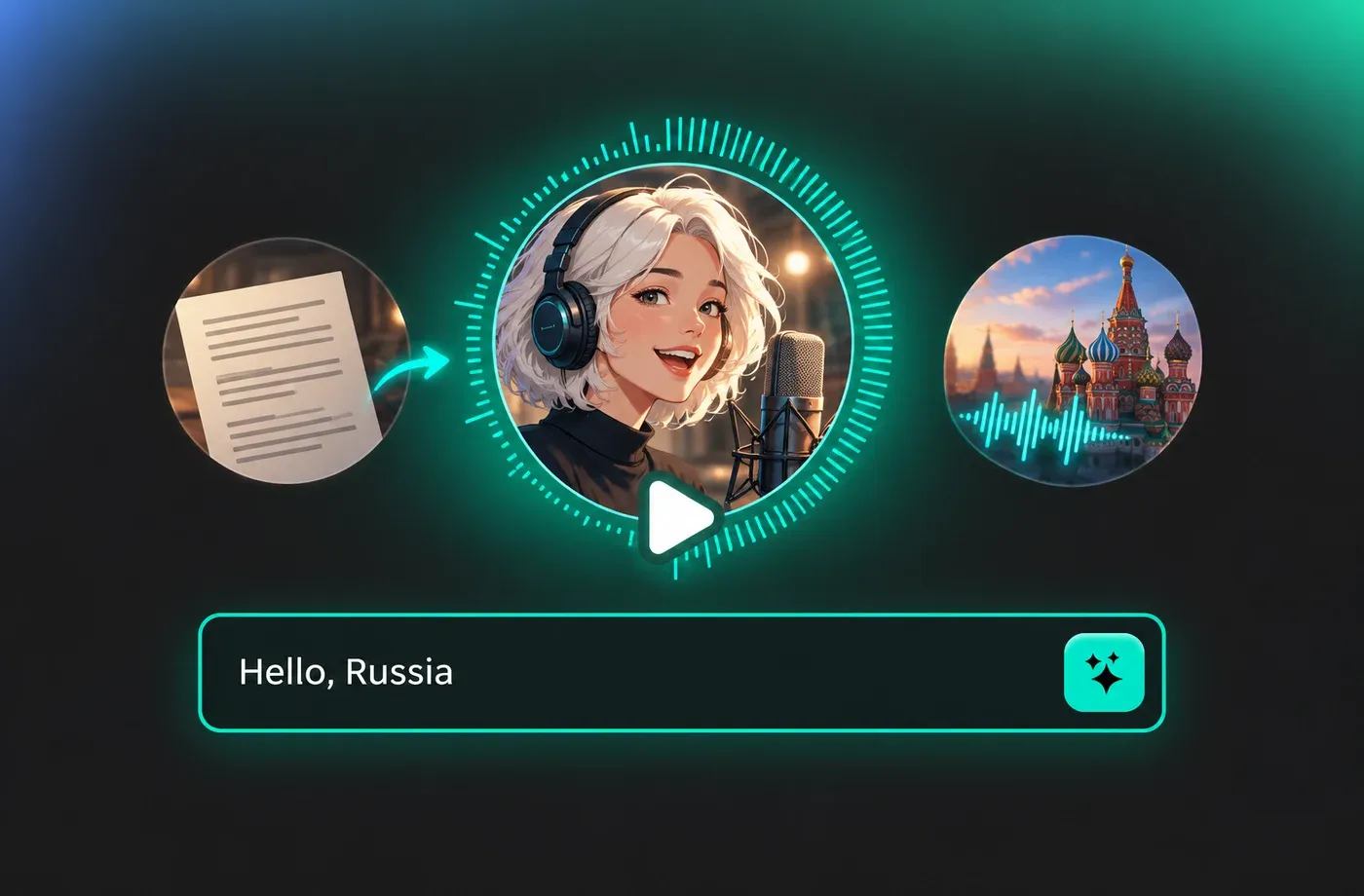
Text to Speech Russian Voices
Russian text to speech here is built around adult male and female narration voices with natural pacing and clear stress placement, not a single robotic default. Each voice keeps consistent pronunciation across long paragraphs, which matters for audiobooks and course modules. Open the text to speech studio to test a paragraph of your own.
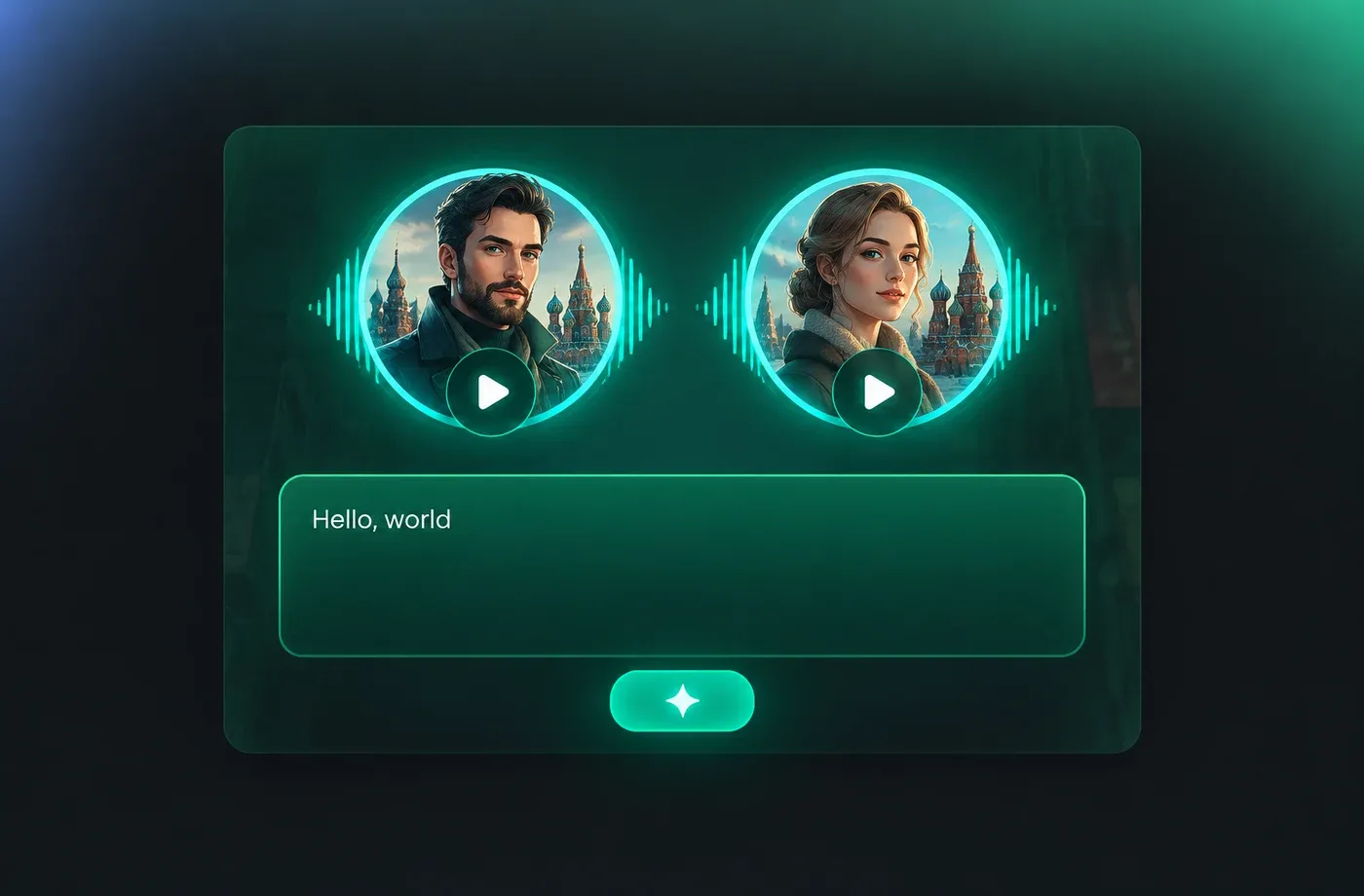
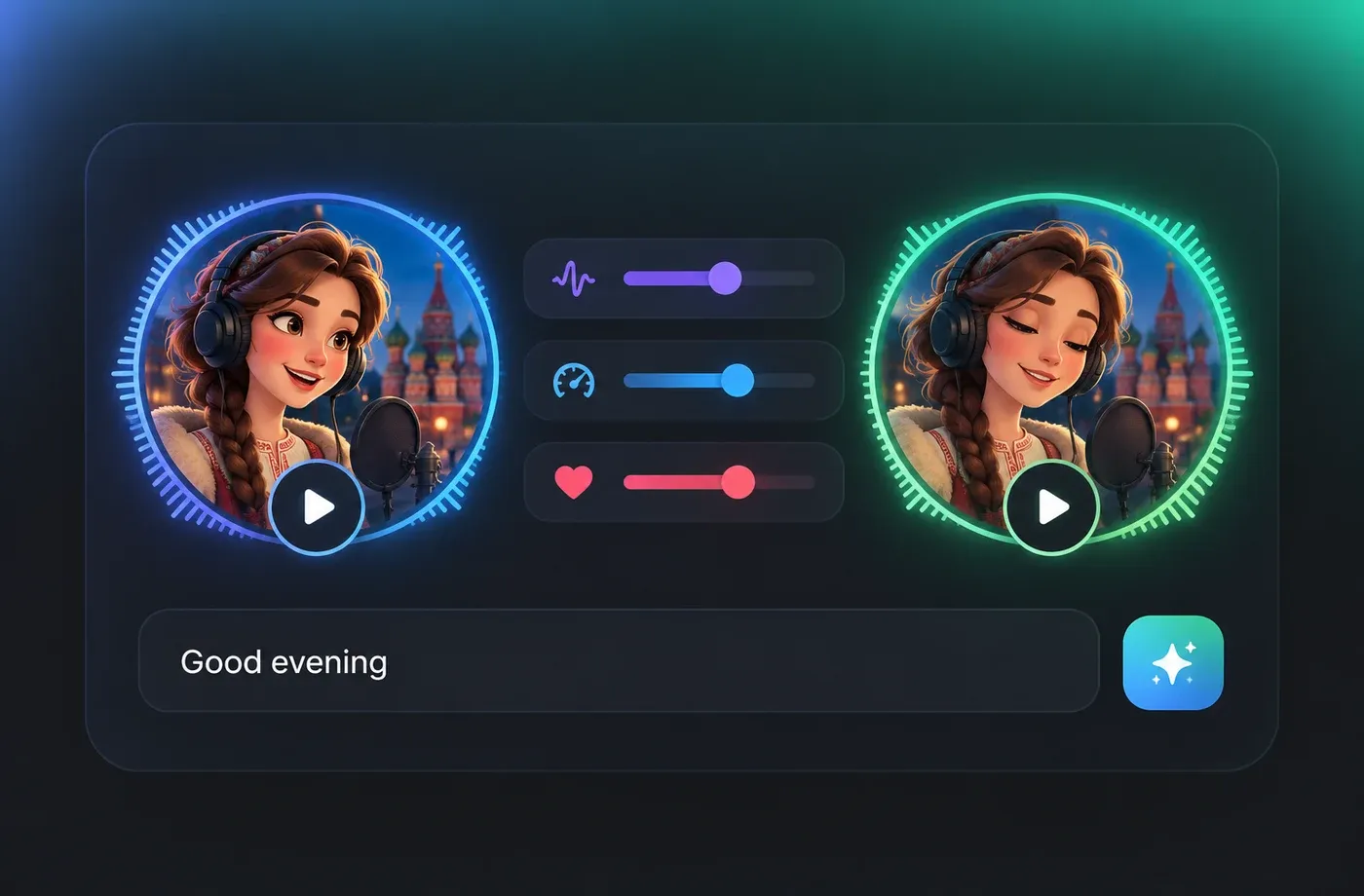
Adjust Pitch, Speed and Emotion in Russian
Every Russian voice can be tuned before rendering: slow the pace for language learners, lift the pitch for a lighter read, or set a calmer emotion for documentary lines. Changes apply instantly, so you can compare two versions of the same Russian sentence side by side. FineVoice runs entirely in the browser, so nothing needs to be installed.
Download Russian MP3 or WAV for Video and E-Learning
Render your Russian voice track and export it as MP3 for quick sharing or WAV for editing in a video or audio timeline. The same script can be regenerated with a different Russian voice or speed, which helps when you localise one course into several tones. FineVoice covers 154+ languages and accents if the project also needs other markets.
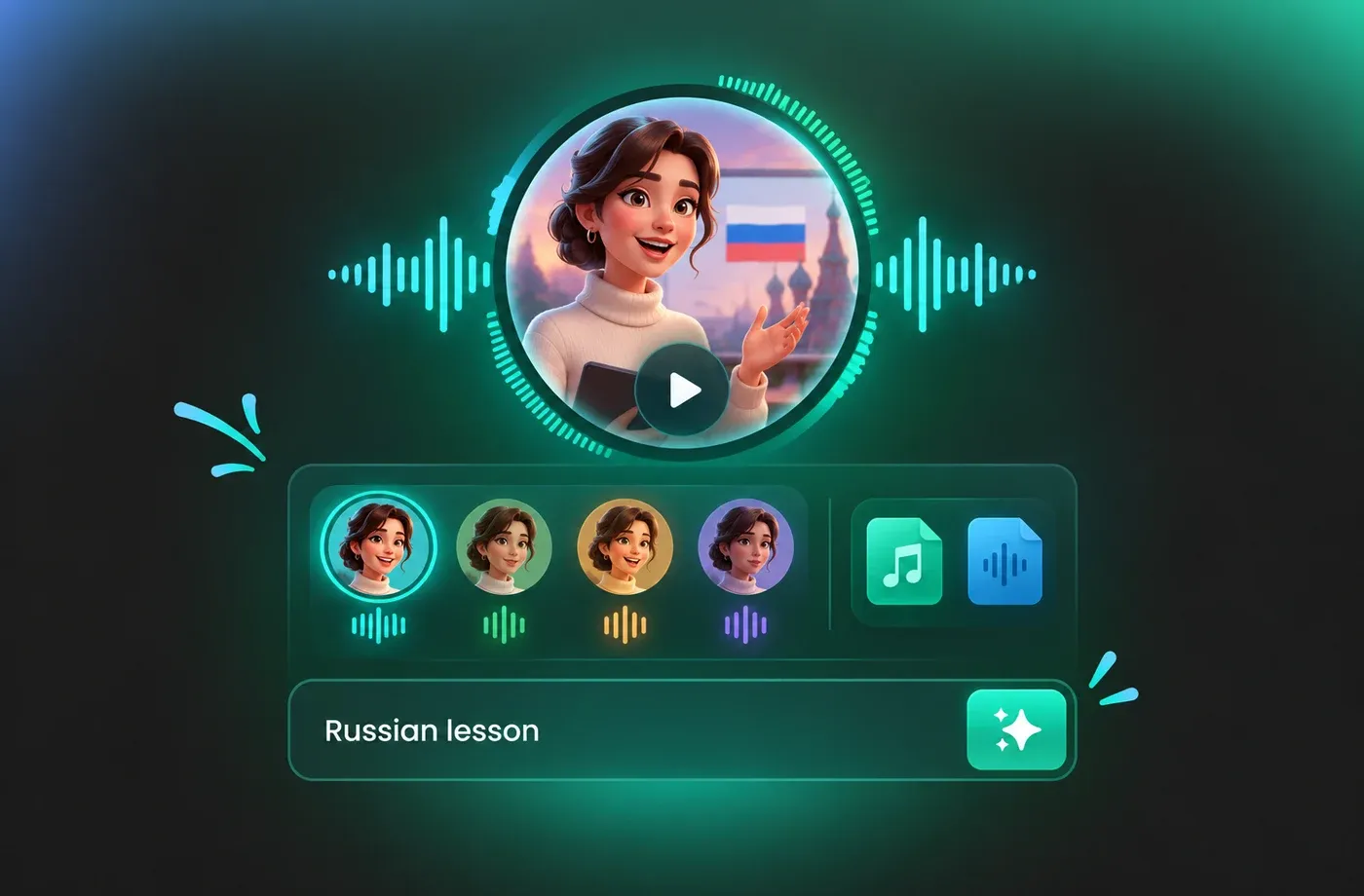
How to Use AI Voices for Russian Voice Generator
Write or paste your Russian script, choose a voice from the library, adjust pitch, speed and emotion, then generate and download the audio as MP3 or WAV.
1

Step 1: Add Your Russian Script
Type or paste your Russian text into the editor. Paragraph breaks and punctuation are kept, so the voice generator pauses in the right places and stresses words naturally.
2

Step 2: Pick a Russian Voice and Adjust It
Choose a male or female Russian voice, preview it with your own sentence, then set pitch, speed and emotion to match the tone of your video, course or narration.
3

Step 3: Generate and Download the Audio
Render the Russian voiceover, listen back to the full track, and export it as MP3 or WAV. If the read is not right yet, change the voice or speed and render again.
t0529.tools.voiceCategory.moreThan

















Explore More Voice Categories
FAQs About Russian AI Voice Generator
1. What is a Russian AI voice generator?
A Russian AI voice generator is a text to speech tool that converts written Russian into spoken audio using synthetic voices. With FineVoice you paste or type your Russian script, choose a male or female voice, adjust pitch, speed and emotion, and download the result as MP3 or WAV.
2. How do I turn Russian text into speech?
3. Which Russian voices can I choose from?
4. Can I change the speed and pitch of Russian speech?
5. Can I download Russian voiceovers as MP3 or WAV?
6. Can I clone a voice and use it for Russian text to speech?
7. Do I need to install software to use the Russian voice generator?
8. What can I use Russian AI voices for?
9. What Russian pronunciation details should I check in a TTS voice?
10. How does Russian text to speech handle stress and intonation?
11. Does FineVoice support other languages besides Russian?
 FineVoice
Start Creating with AI Russian Voices
Paste a Russian script, choose from natural male and female voices, tune the delivery and download the finished audio as MP3 or WAV — all in the browser, with no installation.
