

Free Arabic AI Voice Generator: Dialects & Text to Speech Voices
Turn Arabic text into speech with FineVoice Arabic AI voice generator. Arabic pronunciation can vary between Modern Standard Arabic (MSA) and regional dialects such as Egyptian, Levantine, and Gulf Arabic. FineVoice reads Arabic text - from Modern Standard Arabic to everyday script - with accent options, turn Arabic scripts into natural male or female voiceovers, adjust pitch, speed and emotion, then download MP3 or WAV from your browser. Explore Arabic AI voices for narration, e-learning, ads and social clips, with 154+ languages and accents. Explore regional voice options and use Arabic Text to Speech tool to create audio for videos, educational content, storytelling, and more.
文字转语音历史记录

设置
AI语音

- Voice Name
- 0 使用次数
免费创建您的AI语音。
模型
 FineVoice TTS Max
Instantly Create Arabic Voiceovers
Paste an Arabic script and generate a ready-to-review voiceover in the browser, with no software install. Use pitch, speed and emotion controls to match a calm explainer, a lively promo or a clear training module, then export MP3 or WAV. Audition Arabic AI voices before you commit to a full read.
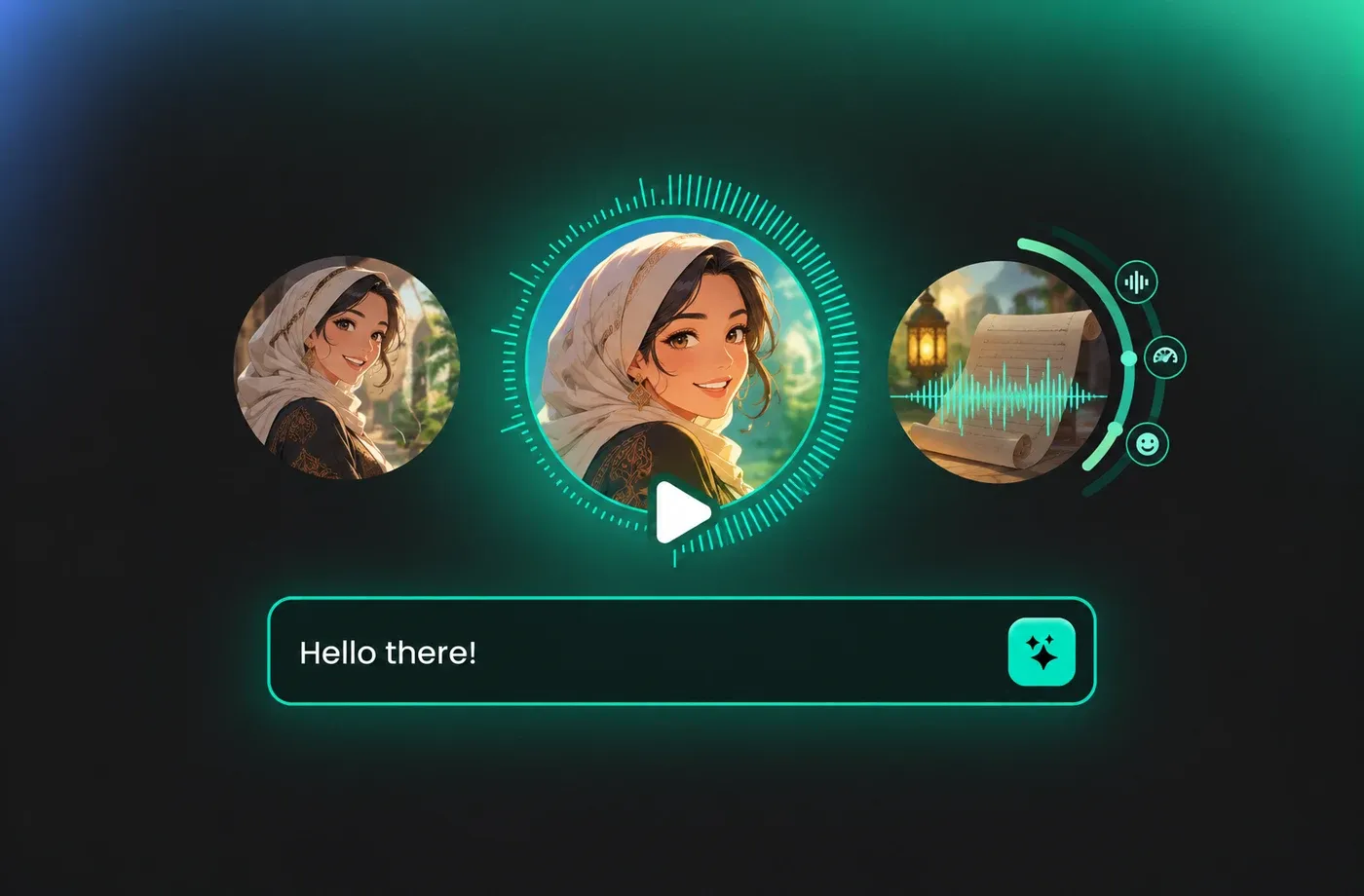
Text to Speech Arabic Voices
FineVoice's Arabic text to speech converts written content into natural male and female narration for lessons, product demos and social videos. You can fine-tune delivery and preview pronunciation before downloading the final audio. Start with the text to speech tool and select an Arabic voice from the library.
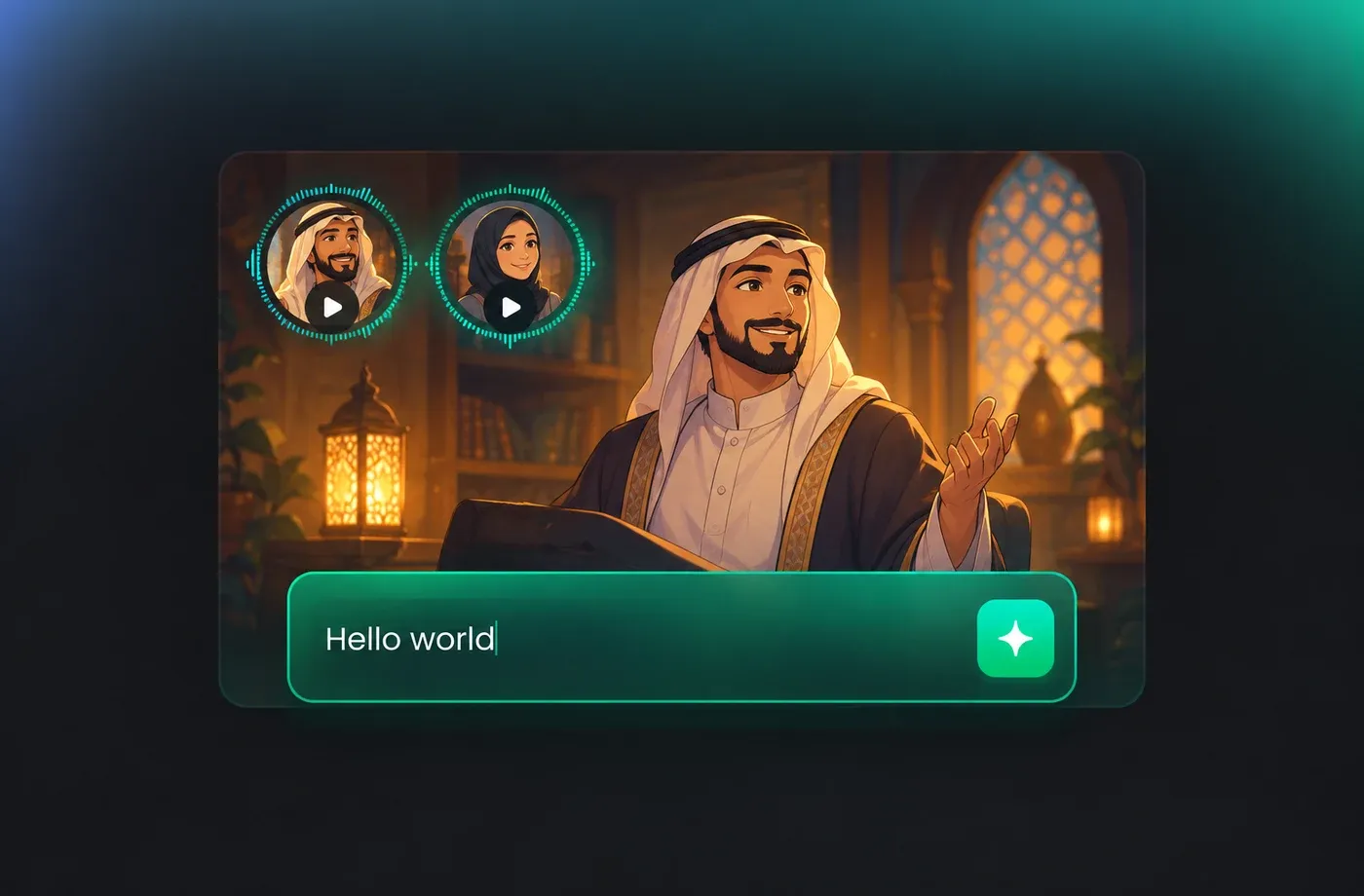
Arabic Pronunciation and Script Handling
Arabic scripts often mix diacritics, Latin names, numbers and abbreviations, so clear punctuation and a quick preview matter. Adjust the text and speech settings to guide pronunciation, then compare voice options that fit Modern Standard Arabic or the accent available in the selector. Read practical setup notes in the Arabic voice collection.
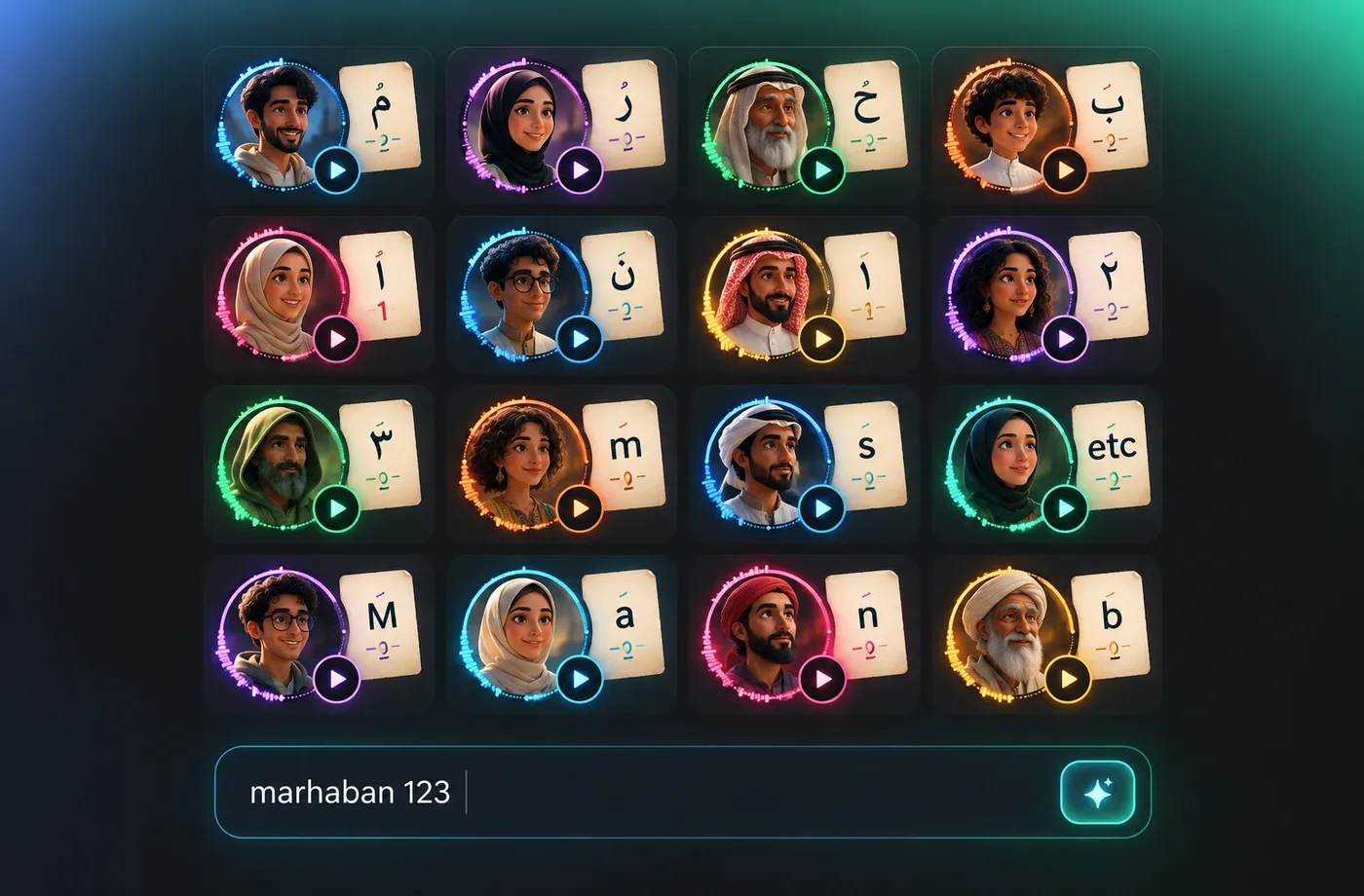
Arabic TTS for Videos, Apps and E-Learning
Arabic TTS is used for e-learning modules, Arabic-language news briefs, audiobook chapters, IVR prompts and short social ads. FineVoice exports MP3 for quick sharing and WAV when a cleaner file is needed for editing. Build a consistent set of Arabic AI voices across a course or campaign so every episode sounds like the same narrator.
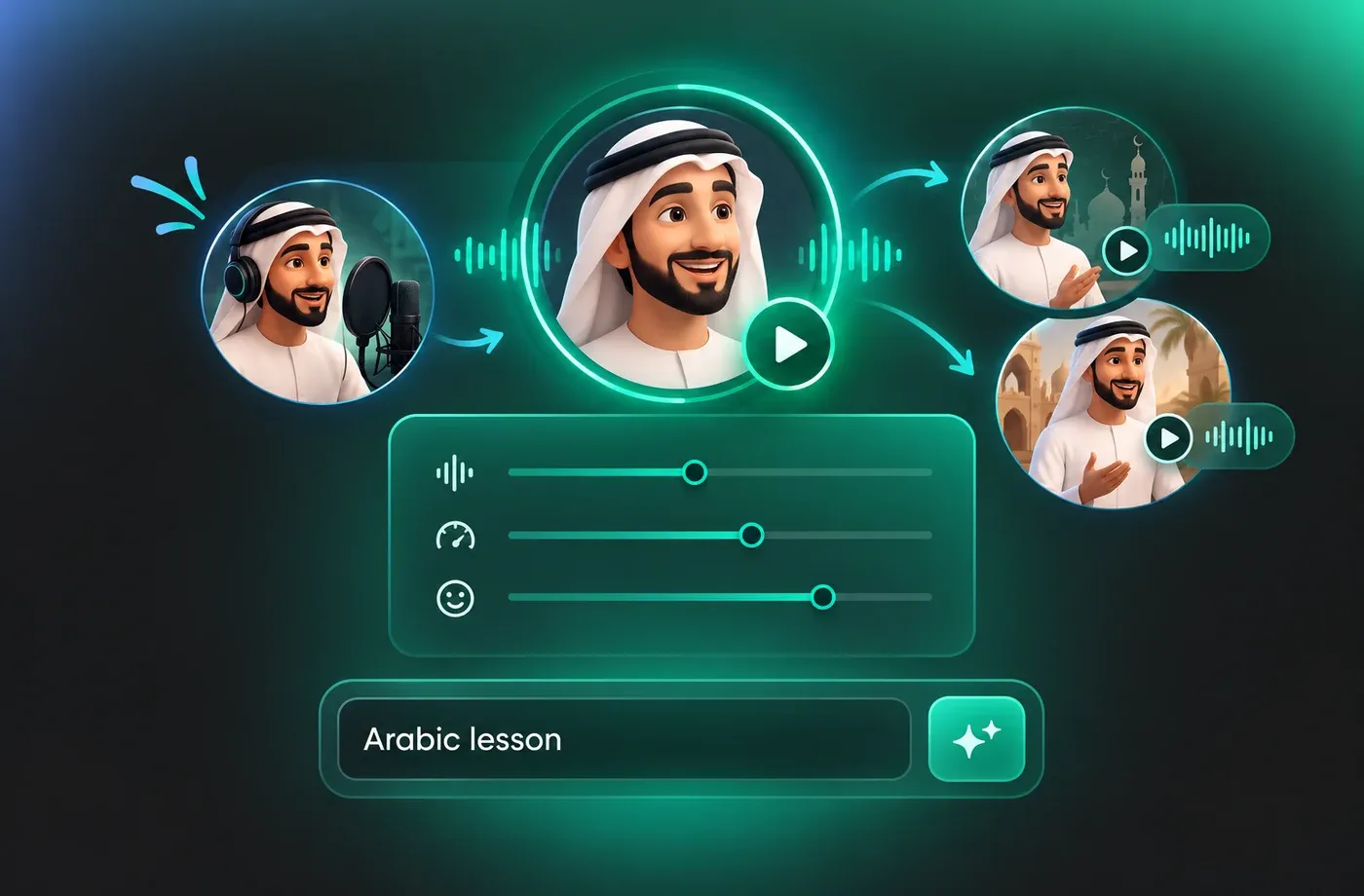
How to Use AI Voices for Arabic Voice Generator
Paste Arabic text, choose a male or female Arabic voice, adjust pitch, speed and emotion, then generate and download MP3 or WAV in your browser.
1

Step 1: Paste Your Arabic Text
Paste or type your Arabic script, add clear punctuation, and keep diacritics where pronunciation matters. Check names, numbers and mixed Arabic-English terms before moving on.
2

Step 2: Choose and Adjust an Arabic Voice
Select a male or female Arabic voice from the library, then adjust pitch, speed and emotion. Preview key phrases to confirm that the delivery fits your lesson, ad or social clip.
3

Step 3: Generate and Download Arabic Audio
Generate the Arabic voiceover, review the full read, and download MP3 or WAV for your editor, LMS or social workflow. Reuse the same settings when you need a consistent series.
t0529.tools.voiceCategory.moreThan

















Explore More Voice Categories
FAQs About Arabic AI Voice Generator
1. What is an Arabic AI voice generator?
An Arabic AI voice generator uses text to speech to convert written Arabic into spoken audio. With FineVoice, you can paste a script, choose an Arabic voice, adjust pitch, speed and emotion, preview the result, and download MP3 or WAV in the browser.
2. How do I create Arabic text to speech online?
3. Can I choose male and female Arabic voices?
4. Does the Arabic voice generator support different accents and dialects?
5. Can I adjust pitch, speed and emotion for Arabic TTS?
6. How should I prepare Arabic text for clearer TTS?
7. Can I download Arabic voiceovers as MP3 or WAV?
8. Can I clone a voice for Arabic narration?
9. What can I use Arabic AI voices for?
10. Is the Arabic voice generator browser-based?
11. How can I get clearer pronunciation of ʿayn, ḥāʾ and qāf?
12. How do I handle numbers, dates and English brand names inside Arabic text?
 FineVoice
Start Creating with AI Arabic Voices
Turn Arabic scripts into natural narration with adjustable voices, 154+ languages and accents, and MP3 or WAV downloads. Open the generator, audition Arabic voices and export a read that fits your lesson, ad or social clip.
