

AI Stern Voice Generator
A stern voice has to sound authoritative without tipping into anger, and that balance is exactly what FineVoice is tuned for. Choose from adult male and female stern narrators with low registers, measured pacing and crisp diction, then adjust stability and emphasis until the delivery lands the way you hear it in your head. Unlike generic TTS presets, every stern voice here is built for long scripts — rules, briefings, trailers and training — so the tone stays consistent from the first line to the last. Browse the full voice library to compare options side by side.
文字转语音历史记录
示例:

设置
AI语音

- Voice Name
- 0 使用次数
免费创建您的AI语音。
模型
 FineVoice TTS Max
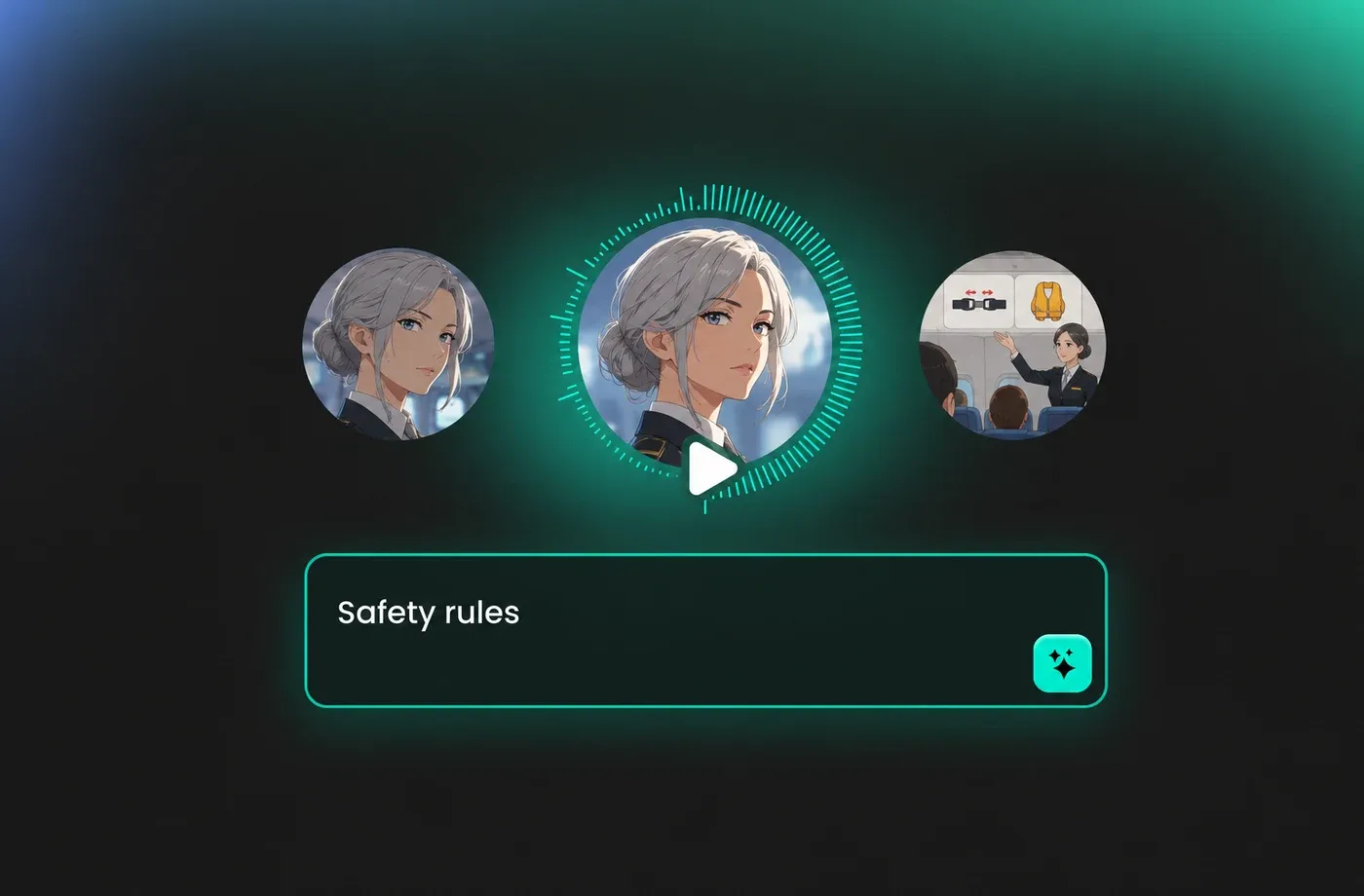
Deliver Rules and Warnings That Actually Stick
When instructions need to be remembered, a stern voice does more work than a friendly one. FineVoice stern narrators hold a firm, level tone through safety briefings and policy reads, so the message lands as serious without ever sounding like a scolding.
Trailers, Teasers and Dramatic Openings
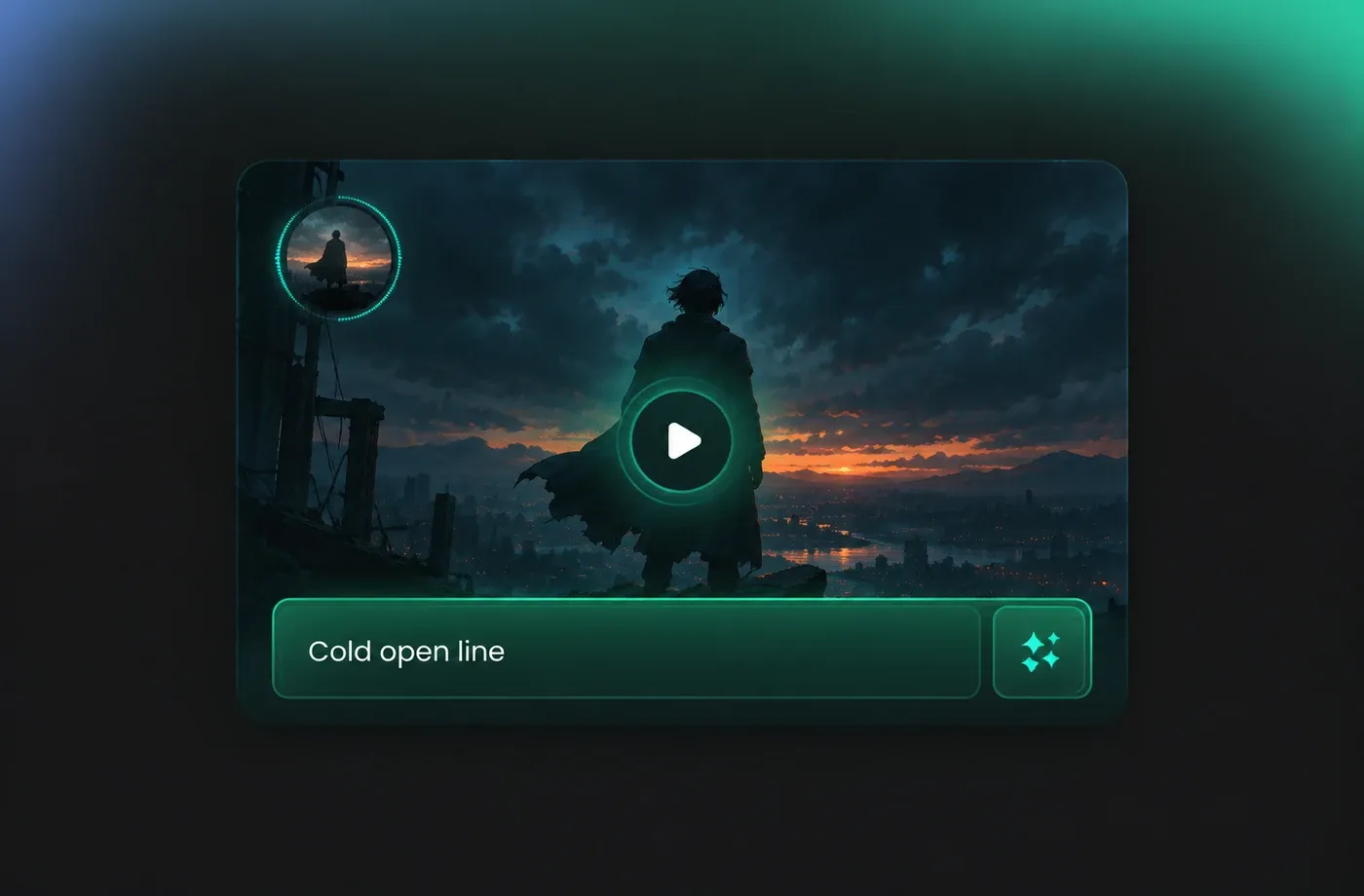
A stern voice carries the weight of a story's turning point. Use it for trailer voice-overs, cold opens and documentary framing, where slow pacing and a low register make a single sentence feel like a decision rather than an announcement.
Training, Onboarding and Instructional Audio
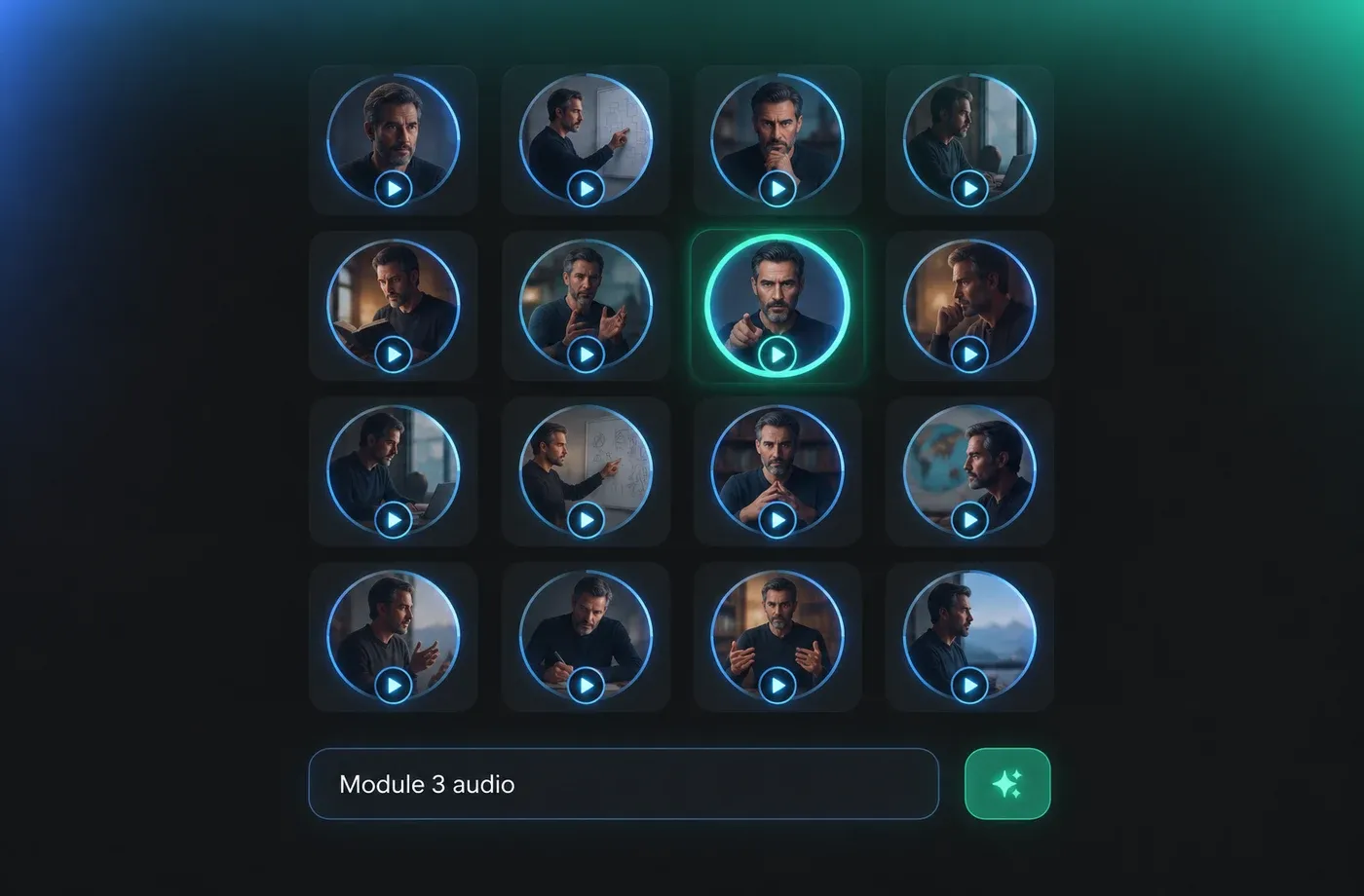
Learners drift when narration sounds casual, so a stern voice keeps attention on the procedure instead of the presenter. FineVoice keeps the same steady delivery across hour-long modules, which means no tone reset between chapters.
Character Dialogue for Games and Animation
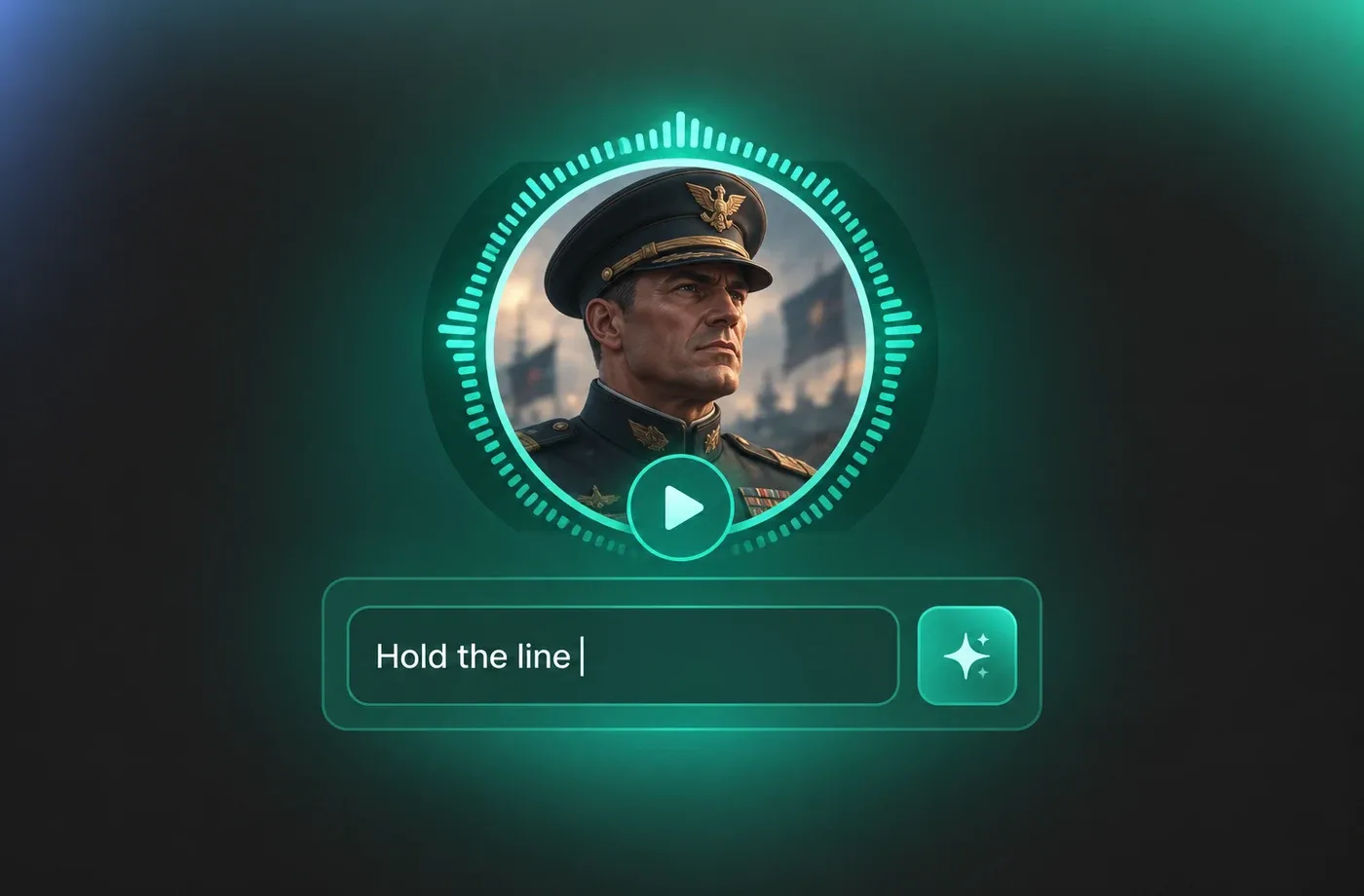
Commanders, mentors and senior officers all need a stern voice that stays believable across hundreds of lines. Direct the read with stability and emphasis controls to keep it disciplined in battle scenes and quietly intimidating in conversation.
How to Generate a Stern Voice
Turn any script into a stern voice in three steps: pick a narrator, paste your text, then generate and download the audio.
1

Step 1: Choose a Stern Voice
Open the voice library and filter for stern narrators. Compare the deep male and controlled female options by playing the sample lines, then pick the one closest to the tone your script needs.
2

Step 2: Paste Your Script and Set the Tone
Add your text, then adjust stability, pace and emphasis. Use punctuation to place the pauses, and keep sentences short if you want the delivery to feel firmer and more decisive.
3

Step 3: Generate, Preview and Download
Generate your stern voice track, listen back for pacing, and regenerate any line that needs more weight. When you are happy with it, download the audio and drop it straight into your edit.








Explore More Voice Categories
Stern Voice FAQ
1. What exactly is a stern voice, and when should I use one?
A stern voice is firm, controlled and serious: it signals authority without shouting or aggression. It works best for rules, warnings, safety briefings, compliance training, dramatic trailers and any narration where the listener needs to feel that the message matters.
2. Can I make the stern voice sound harsher or gentler?
3. Is the stern voice available in languages other than English?
4. Will a stern voice work for ads and social videos?
5. How long can my stern voice audio be?
6. Can I use stern voice audio in a monetized video or paid course?
7. Do I need a microphone or any recording experience?
8. How do I keep a stern voice from sounding angry?
 FineVoice
Ready to Add a Stern Voice to Your Next Project?
Whether you are narrating a safety briefing, a trailer or a commander's dialogue, a well-directed stern voice keeps listeners listening. Pick a narrator, paste your script and hear the difference in under a minute.
