

AI Booming Voice Generator
FineVoice builds a booming voice from the low end up — chest resonance, controlled dynamics and unhurried pacing that stays powerful without turning into a shout. Unlike generic TTS pages that just raise the volume, this generator is tuned for depth, so every line lands with weight on phone speakers, earbuds and cinema systems alike. Paste your script and hear the difference in one take.
文字转语音历史记录
示例:

设置
AI语音

- Voice Name
- 0 使用次数
免费创建您的AI语音。
模型
 FineVoice TTS Max
Cinematic Trailer Narration
Trailer reads live or die on the first three words, and that is exactly where a booming voice earns its keep. FineVoice keeps the low end full and the delivery deliberate, so your reveals hit with weight instead of volume. Build a preview that sounds like it belongs on a theatre system, not a laptop speaker.

Documentary & Long-Form Voice-Over
A booming voice that never tires the ear is a rare thing, which is why our model favours controlled breath and steady pacing over constant intensity. Across a forty-minute documentary, the tone stays grounded and clear, with resonance that supports the picture rather than competing with it.
Audiobooks & Epic Storytelling
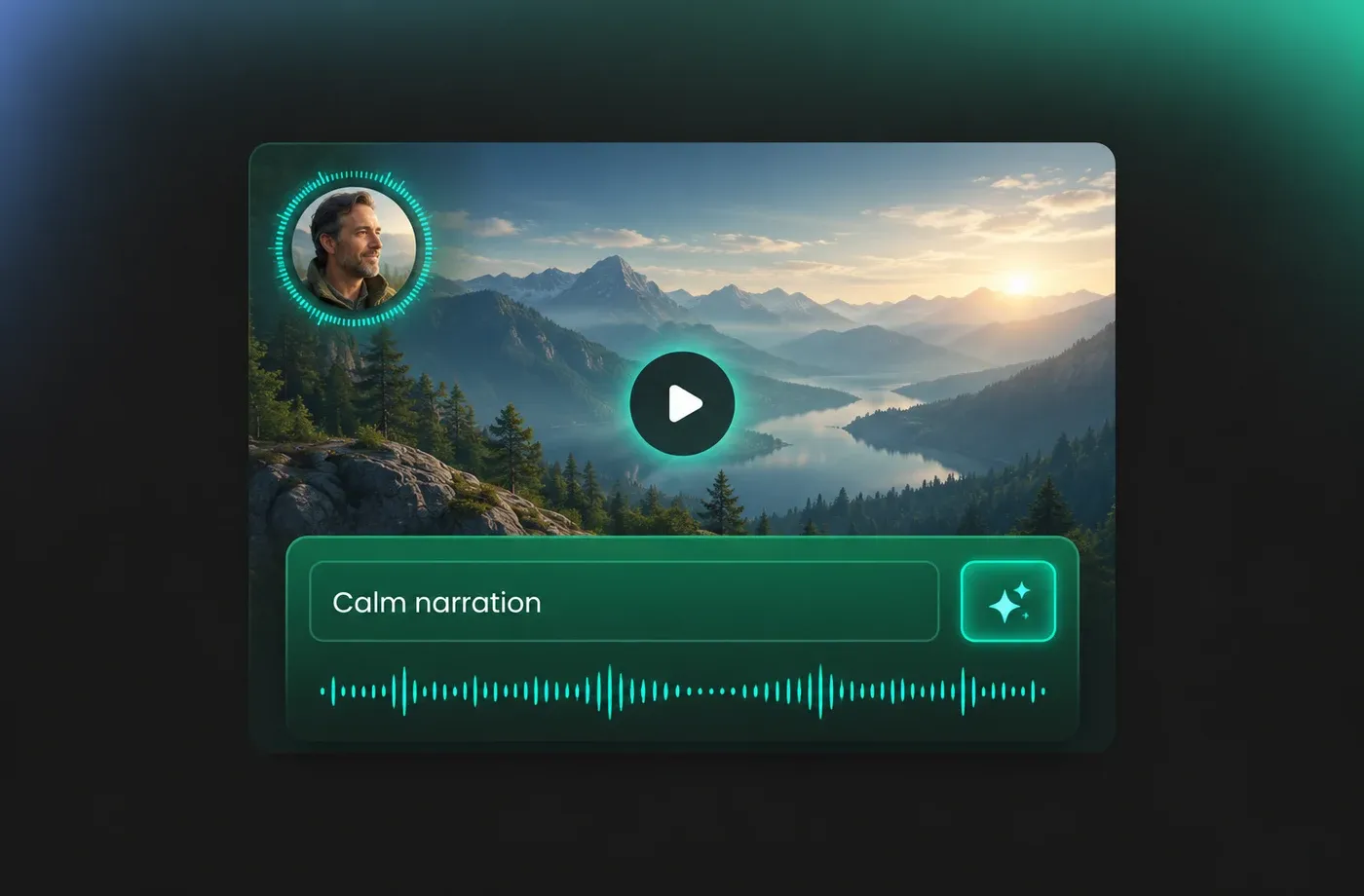
When chapters stretch for hours, listeners remember the texture of the narrator's voice more than any single sentence. FineVoice delivers a booming voice with natural pauses, gentle rasp and consistent tone, so your characters and world-building keep their gravity from the prologue to the final page.

Live Events, Stadiums & Announcements
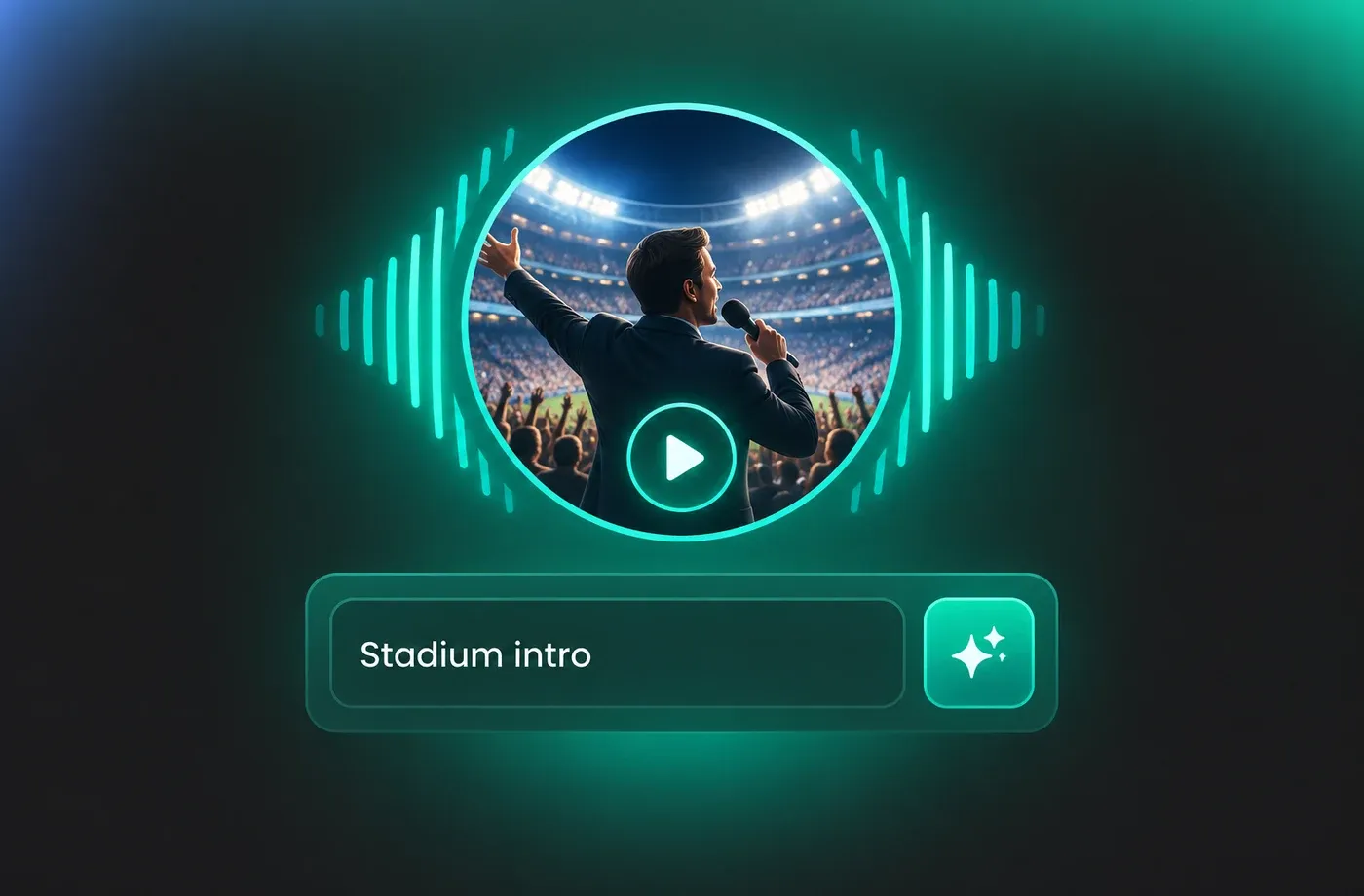
Announcements need to cut through crowd noise without sounding harsh or compressed. Generate a booming voice that projects cleanly, then export it for PA systems, opening ceremonies, sports intros and brand films where authority matters. One script, any venue, same commanding presence.
How to make a booming voice in 3 steps
Turn any script into deep, resonant narration: pick a booming voice, tune depth and pacing, then export studio-ready audio in seconds.
1

Step 1: Paste your script
Drop in a single trailer line or a full chapter. FineVoice reads punctuation and line breaks as pacing cues, so format your script the way you want it performed.
2

Step 2: Pick and tune a booming voice
Choose one of the deep, resonant presets, then adjust pitch, depth and speaking rate until the delivery matches the mood of your project.
3

Step 3: Generate and export
Preview the take, regenerate any line you want to refine, and download clean, studio-ready audio for your edit, PA system or publishing platform.
t0529.tools.voiceCategory.moreThan












Explore More Voice Categories
Booming Voice FAQ
1. What actually makes a voice sound booming?
A booming voice is built on low-frequency resonance and controlled breath support, not on raw loudness. FineVoice emphasises the chest register, keeps the dynamics steady and slows the pacing slightly, so the voice carries depth and authority even at normal listening volume.
2. Can a booming voice still sound natural?
3. Which use cases suit a booming voice best?
4. How do I keep a booming voice clear on phone speakers and earbuds?
5. Can I adjust pitch, depth and pacing myself?
6. Do I need audio engineering experience to use it?
7. How long can my script be?
8. Can I use the generated booming voice commercially?
 FineVoice
Give your script the weight it deserves
A booming voice can turn an ordinary read into something people remember. Generate yours free, tune the depth until it feels right, and hear how much difference resonance makes.
