

























Project Manager
I use PDF to Audio for business reports and proposals. Instead of staying late to read everything, I listen during my commute. It’s efficient, clear, and saves me hours every week. Highly recommended for busy professionals.
Stop staring at long documents. With FineVoice PDF to Audio, you can instantly transform PDFs into clear, expressive AI speech. Whether it’s an eBook, business report, research paper, online course material, or training manual, your written content becomes high-quality audio you can listen to anytime, anywhere.
链接
AI 语音


时长
风格
AI 主播在本期节目中应侧重哪些方面?
阅读原文
Reading shouldn’t tie you to a screen. Whether it’s a lengthy thesis, a detailed contract, or a new eBook, FineVoice transforms your PDFs into a personalized audio experience that fits seamlessly into your busy life. Here’s why professionals, students, and lifelong learners choose FineVoice.
Upload your PDF and let our AI automatically extract and convert the text within seconds. No manual copying, no formatting cleanup, and no technical setup required. Even multi-page documents are processed quickly, so you can start listening almost instantly.
Enjoy clear, well-paced narration with intelligent pauses and natural intonation. FineVoice produces smooth, human-like speech that sounds far better than robotic PDF readers—ideal for long listening sessions.
Massive Natural-Sounding AI Voices
Choose from a diverse library of realistic voices, including professional, conversational, narrative, emotional, and corporate tones. Whether you're creating an audiobook, business briefing, or study material, you can match the perfect voice style to your content.
Choose from various voice styles to match your content, from professional narration to warm storytelling tones. Adjust the speaking pace to create shorter summaries or longer listening sessions. FineVoice gives you flexible control so every PDF sounds exactly the way you want.
38 Languages with Accurate Pronunciation
FineVoice supports multilingual PDF-to-speech conversion, including English, Spanish, French, German, Japanese, Hindi, Arabic, and more, with accurate pronunciation, natural rhythm, and culturally appropriate delivery.
Secure, Cloud-Based & No Installation Needed
Everything runs securely online. Your files are processed safely without permanent storage, and you don’t need to install any software. Simply upload, convert, and download.
受到领先企业和媒体的信赖






Experience how natural and engaging your documents can sound when powered by FineVoice. From dense academic research and formal policy documents to deep-dive technology essays, FineVoice converts complex PDFs into smooth, easy-to-follow audio.

Clinical Trial Insights
This sample is inspired by research from Nature Medicine. Ideal for doctors, medical students, and biotechnology experts, it demonstrates how FineVoice navigates complex terminology and Latin-derived medical terms with clarity and precision. The calm, professional delivery makes dense clinical research easier to follow and perfect for listening during busy schedules.

Legal Tech & Innovation
This example is inspired by articles from Legaltech News. Designed for lawyers, legal analysts, and legal tech innovators, it showcases how FineVoice handles complex legal terminology, firm names, and financial references. The authoritative yet energetic narration transforms industry insights into a clear, professional audio briefing.

The Frontiers of Innovation
This sample draws inspiration from MIT Technology Review. Perfect for technology leaders, innovators, and AI enthusiasts, it demonstrates how FineVoice converts complex essays and technology analysis into confident, engaging narration. The result is a smooth listening experience that makes advanced innovation topics easier to absorb on the go.
Converting your PDF to natural AI audio should be simple. With FineVoice PDF to Audio, you can upload, customize, and download in just a few clicks—no technical skills or software required.
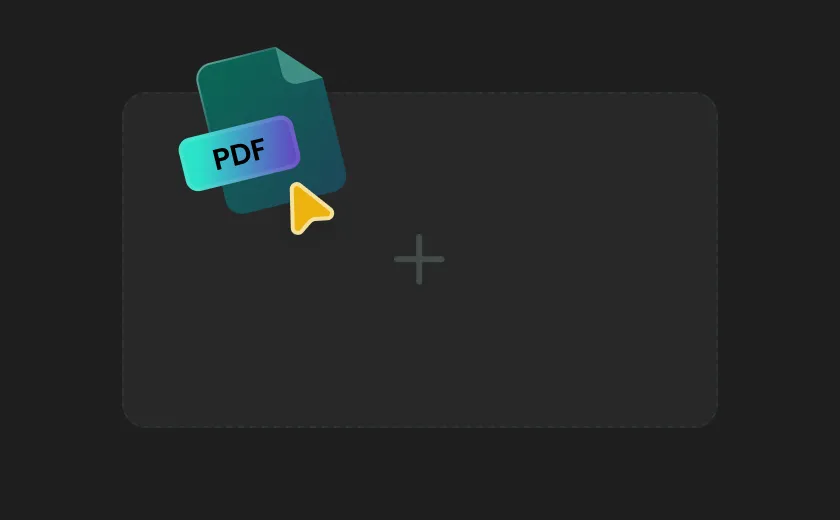
Click the upload area to select your PDF file from your computer, or simply drag and drop it into the box. FineVoice automatically detects and extracts the text from your PDF, preparing it for high-quality voice conversion.

Browse our voice library to choose your preferred AI voice. Adjust speed, pitch, and tone to match your listening style—whether you want calm academic narration or confident business delivery.
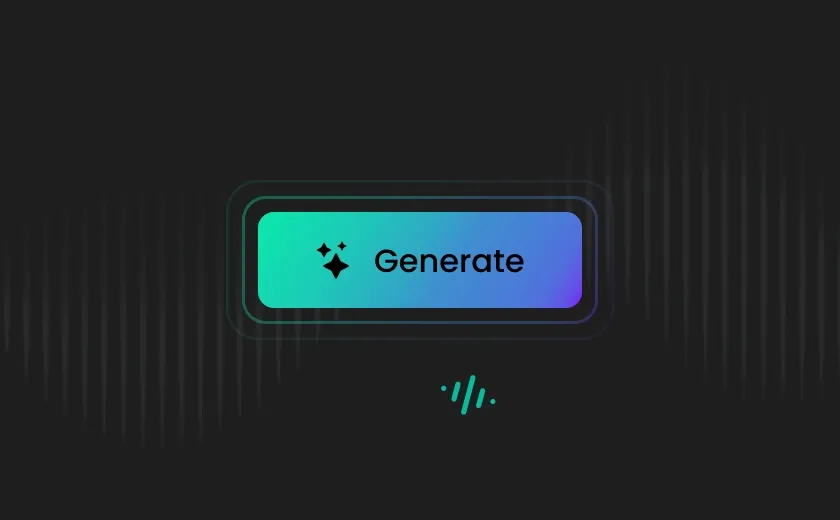
Click "Generate" to convert your PDF into natural AI speech. Once finished, download the high-quality MP3 or WAV file, or share the audio link instantly with others.
Tired of robotic PDF readers? FineVoice PDF to Audio lets you listen to your documents anywhere, anytime, making studying, working, or relaxing with content effortless. From lecture notes to business reports or eBooks, you can finally consume PDFs without staring at a screen.
Ever get stuck with a PDF that’s just a collection of blurry photos or hard-to-read pages? FineVoice reads your PDFs clearly and naturally, with the right pauses, tone, and emphasis so it feels like someone is personally guiding you through the content. Whether you're converting research papers, corporate documents, or novels into audio, your PDFs sound expressive and human—not robotic. It’s perfect for turning documents into audiobooks, professional voiceovers, or simply making everyday PDF reading more enjoyable.
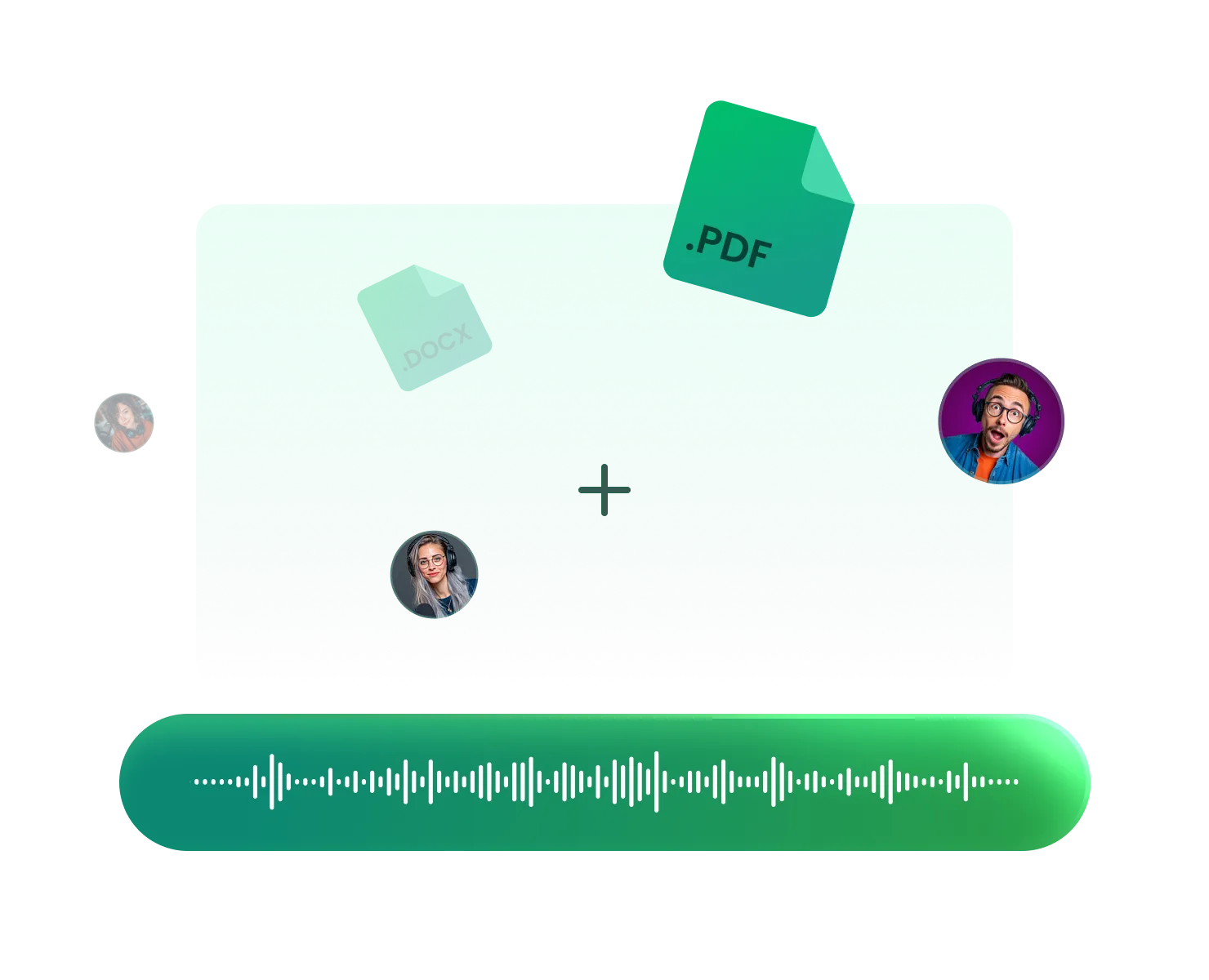
Tired of robotic 'GPS-style' voices that make listening exhausting? FineVoice provides a large and growing collection of lifelike AI voices across multiple languages and styles. Whether you need a calm professional tone for a business report or a warm narrator for storytelling, you can easily match the perfect voice to your document. This flexibility makes it easy to create immersive listening experiences and share PDFs with global audiences in a way that feels natural and engaging.

FineVoice gives you complete control over how your PDFs are heard. Adjust speed, pitch, and tone to match your listening preferences—slow for deep study sessions, faster for quick summaries, or balanced for relaxed audiobook-style narration. You can preview voices instantly and fine-tune the delivery in seconds. This makes it ideal for students, professionals, educators, and creators who want a personalized and efficient way to listen to documents.
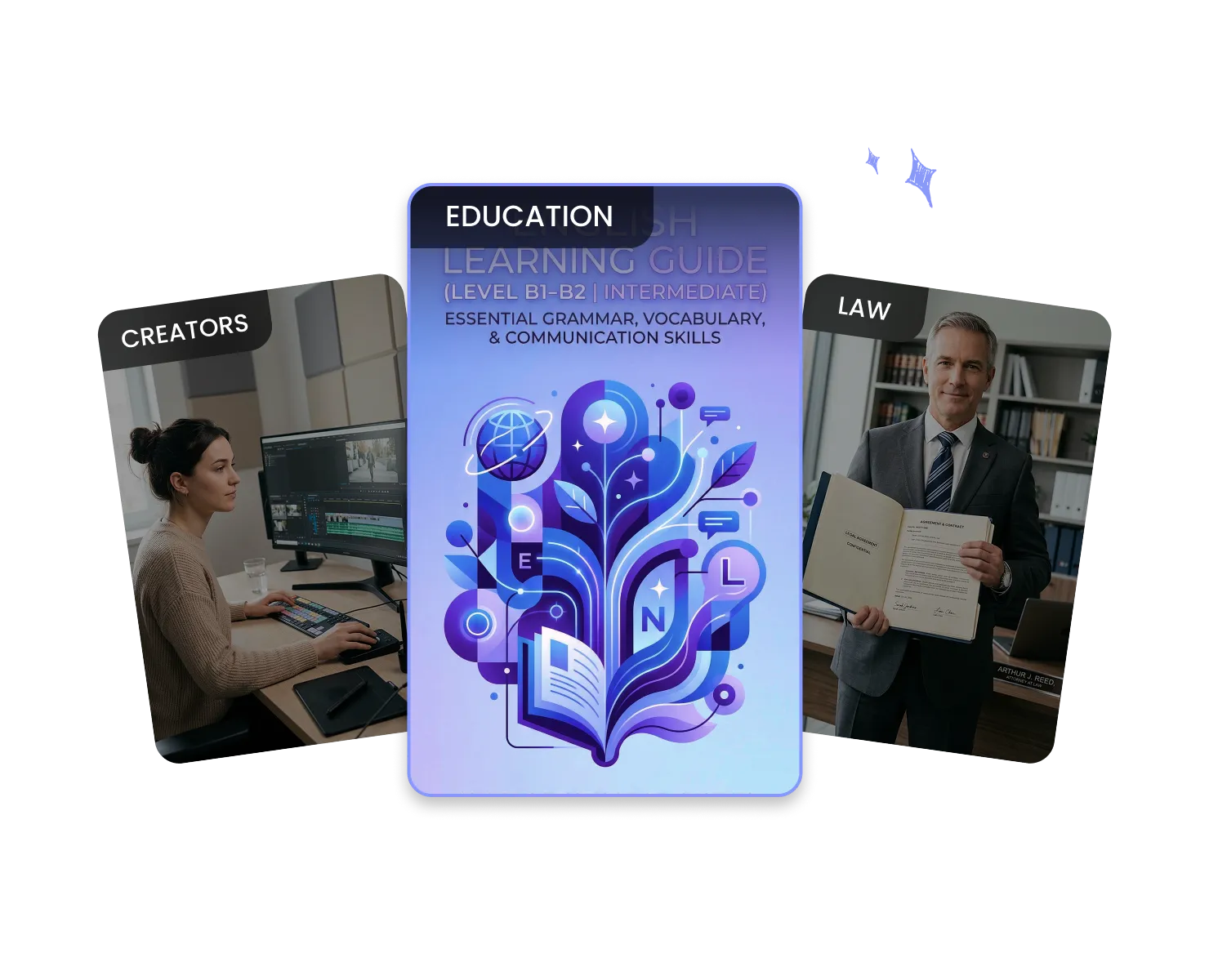
Why stay glued to your screen all day? FineVoice lets you turn long reports, research papers, and eBooks into natural audio so you can listen wherever you are. Whether you're commuting, exercising, cooking, or relaxing, your PDFs become effortless listening experiences. Everything runs securely in the cloud, allowing you to convert documents quickly without installing software and enjoy your content across phone, tablet, or desktop.
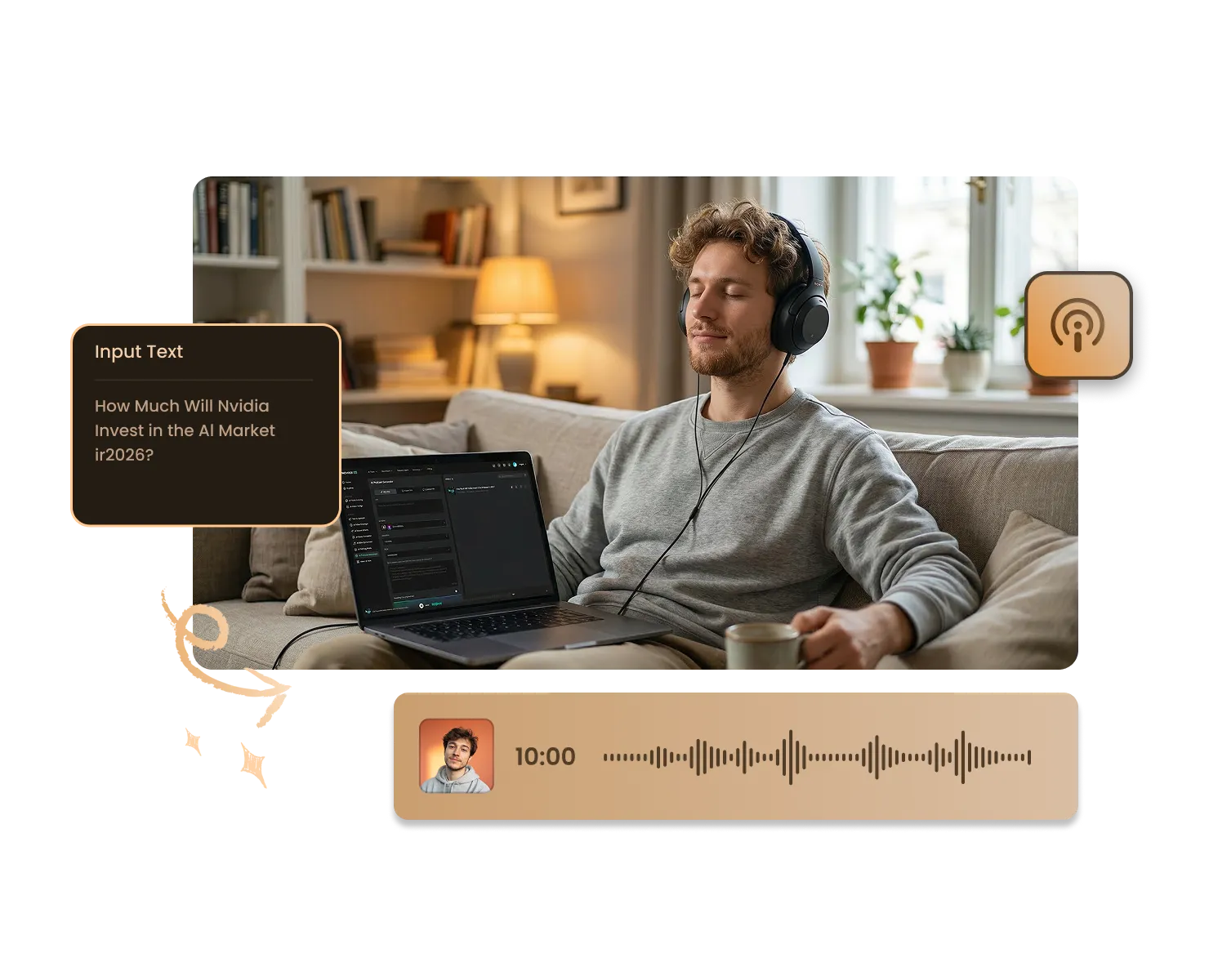
Instead of adding more screen time to your day, turn documents into effortless listening and make use of moments that would otherwise be wasted. Whether you’re commuting, exercising, or winding down at night, your PDFs move with you.
Study on the Go
Productive Work Commutes
Effortless eBook Listening
Screen-Free Evening Reading
Language Learning Practice
Turn lecture notes, research papers, and exam materials into audio so you can review them while walking, commuting, or preparing for bed. Listening reinforces key concepts and reduces screen fatigue, making your study routine more flexible and productive.
Thousands of students, professionals, and everyday readers use PDF to Audio to make their documents easier to consume. Here are a few honest experiences from people who have made listening part of their daily routine.

4.9
信任评分

95%
用户满意度

超过1百万
全球用户
 评分: 5
评分: 5
Project Manager
I use PDF to Audio for business reports and proposals. Instead of staying late to read everything, I listen during my commute. It’s efficient, clear, and saves me hours every week. Highly recommended for busy professionals.
David Chen
评分: 5
Marketing Specialist
The ability to convert PDFs into audio instantly is a game changer. I often multitask while listening to industry research. The customization options for speed and tone are simple but powerful.
Emily Rodriguez
评分: 5
Entrepreneur
I deal with long documents daily. FineVoice helps me process information faster by turning reports into audio summaries. It’s now part of my daily productivity routine.
Michael Thompson
评分: 5
Language Learner
Listening to foreign-language PDFs has helped improve my pronunciation and comprehension. The voices are clear and realistic, which makes language practice more effective and enjoyable.
Aisha Khan
评分: 5
Financial Analyst
What I love most is being able to listen anywhere. Whether I’m driving or working out, I can stay updated on important documents. It’s secure, fast, and very reliable.
Robert Lewis
评分: 5
Content Creator
I repurpose written guides into audio for my team. It saves time and makes our materials more accessible. The conversion quality is impressive and professional.
Jessica Park
评分: 5
College Lecturer
I recommend this tool to my students. It helps them review reading materials in a more flexible way. Many of them say they retain information better when listening.
Daniel Garcia
评分: 5
Remote Worker
Reducing screen time has been important for me. Converting PDFs to audio allows me to continue learning without staring at my laptop all day. It’s simple and intuitive to use.
Olivia Brown
评分: 5
Startup Founder
FineVoice makes long PDFs manageable. I can quickly turn documents into audio and absorb information while on the move. It’s become one of my essential productivity tools.
Kevin Wilson
 FineVoice
Ready to Turn Your PDFs into Audio?
Stop spending hours staring at long documents. With FineVoice PDF to Audio, you can instantly convert PDF to audio, listen anywhere, and make better use of your time. In just one click, your static PDF becomes a natural, engaging audio experience—ready whenever you are.

Graduate Student
FineVoice completely changed how I study. I upload my lecture notes as PDFs and listen while walking to campus. It helps me review faster and reduces screen fatigue. The voices sound surprisingly natural, which makes long study sessions much easier.
Sarah Mitchell