

AI Casual Voice Generator
Struggling to make your digital content sound human? Rigid, monotone voiceovers destroy viewer engagement before your message ever lands. FineVoice AI casual voice generator solves this by turning written scripts into warm, conversational, and natural-sounding audio in seconds. Whether you are creating casual YouTube shorts, conversational podcasts, quick team updates, or engaging social media ads, our web-based online casual voice generator gives you instant access to realistic voices that speak like real people. Ditch the costly recording gear and awkward studio sessions. With FineVoice, creating authentic audio that connects with your audience has never been easier.
文字转语音历史记录
示例:

设置
AI语音

- Voice Name
- 0 使用次数
免费创建您的AI语音。
模型
 FineVoice TTS Max
Create Natural Conversations with a Realistic Casual AI Voice
Your audience connects better with voices that feel genuine and effortless. FineVoice AI casual voice generator, uses advanced voice synthesis technology to create casual AI voice output with natural pacing, expressive tone, and everyday conversational style. Instead of robotic narration, you can generate speech that sounds like a real person talking naturally. Whether you need dialogue for videos, character voices, social media clips, or interactive experiences, this casual text to speech solution helps you deliver messages with warmth, personality, and authenticity.
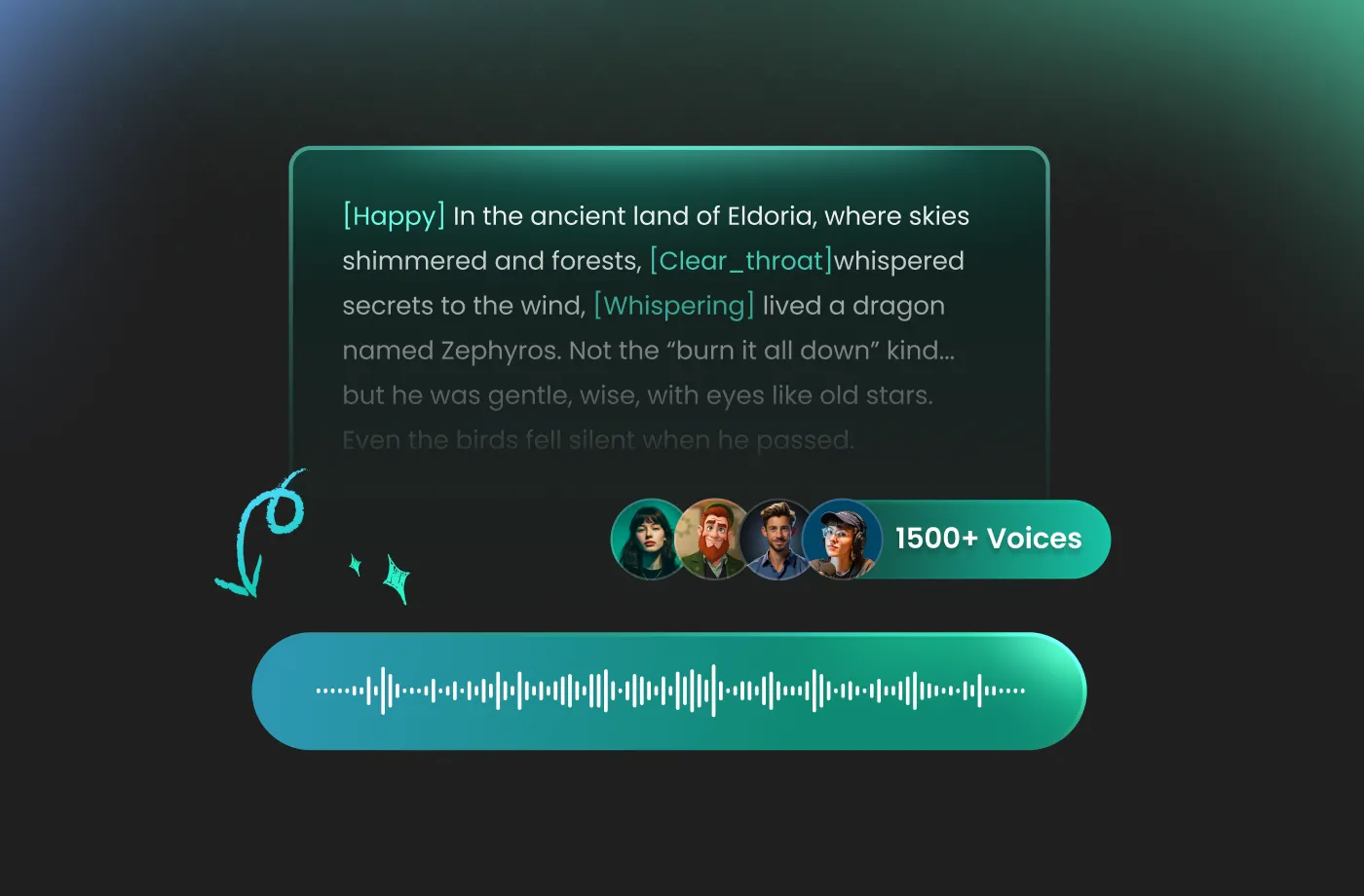
Customize Your Casual Voice Style to Match Any Scenario
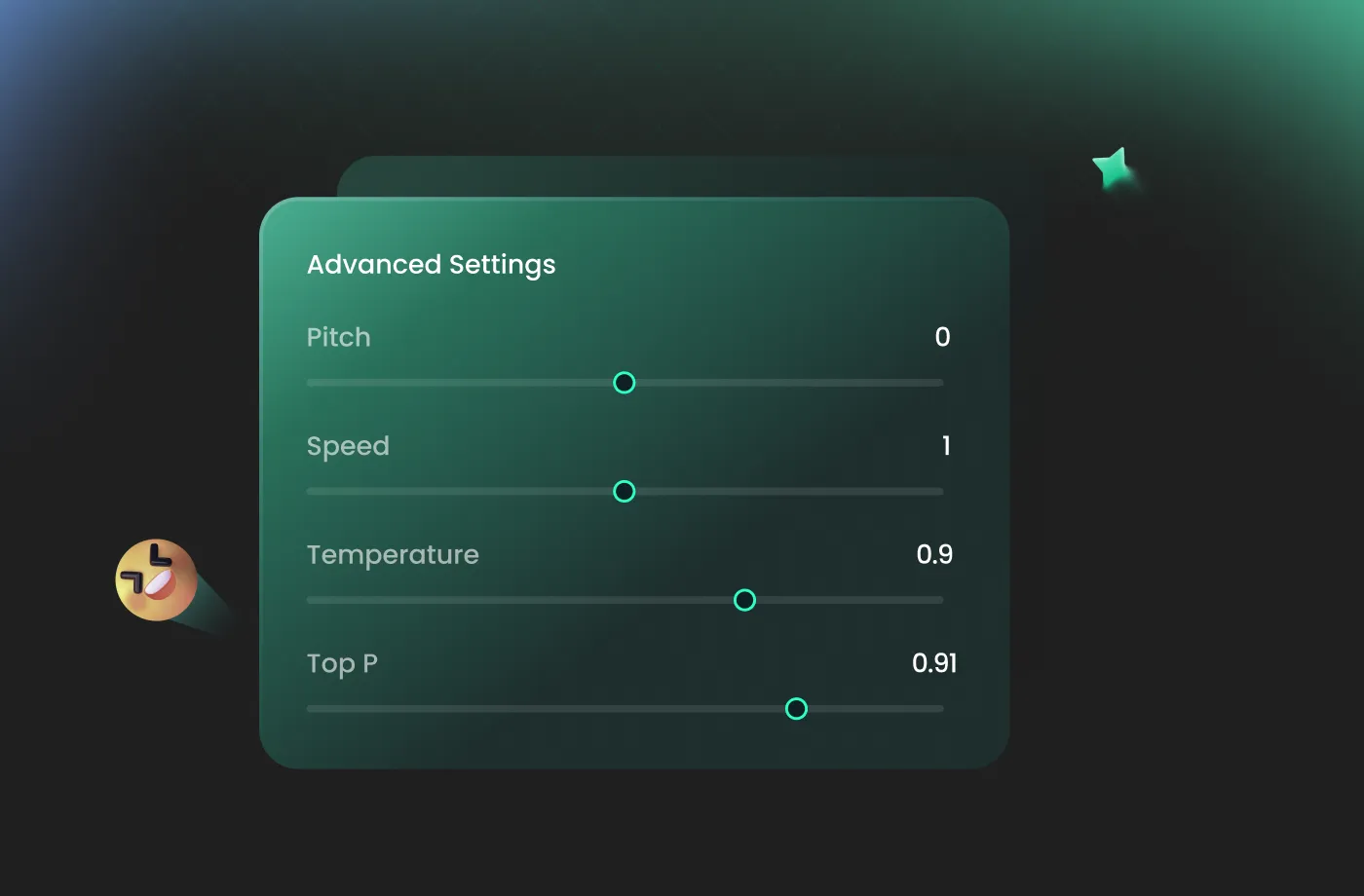
FineVoice lets you personalize your casual TTS experience by choosing suitable vocal characteristics and adjusting settings such as pitch, speed, and emotional expression. Create a cheerful voice for social content, a relaxed voice for podcasts, or a friendly voice for virtual assistants. With flexible customization options, your AI casual voice generator lets you control how your message sounds, helping you create more engaging audio experiences across different audiences and platforms.
Generate Casual Text to Speech Instantly Online
Create professional-quality voice content without complicated software or recording equipment. FineVoice is an online casual voice generator that lets you enter your text, choose your preferred voice, and generate natural speech in minutes. Whether you are a creator, marketer, educator, or developer, you can quickly turn ideas into realistic audio content. The simple workflow makes casual AI voice generation accessible for beginners while still delivering the quality and flexibility professional projects require. Save time and produce engaging voice content whenever inspiration strikes.
Create Versatile AI Casual Voices for Any Creative Project
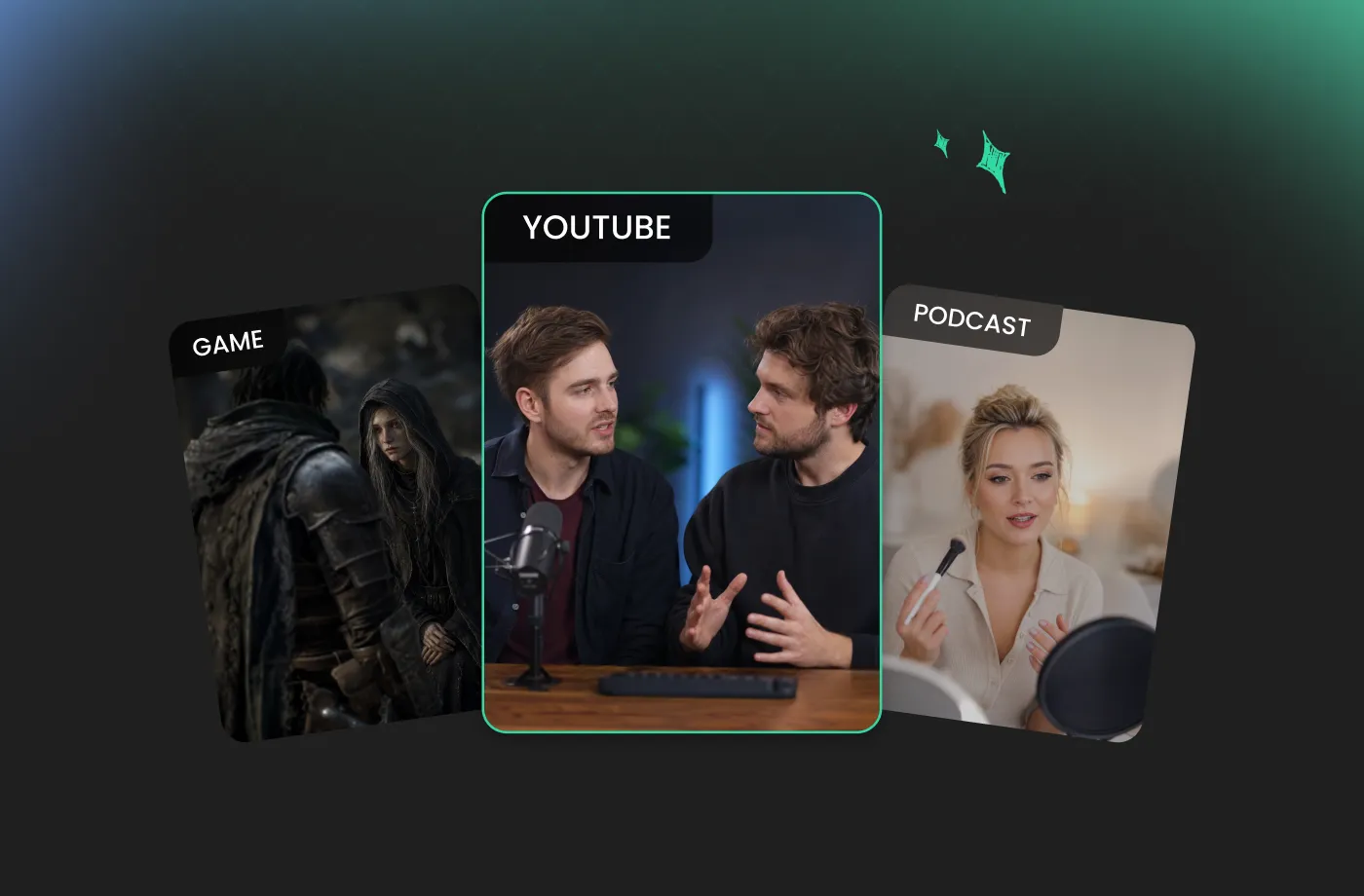
From short-form videos to storytelling, gaming, and educational content, a natural voice can make your project stand out. FineVoice AI Casual Voice Generator provides flexible voice options designed for different creative needs. You can experiment with different tones, personalities, and delivery styles to find the perfect match for your content. Whether you are looking for a free casual voice generator to test ideas or a powerful tool for ongoing production, FineVoice helps you create realistic voices that make your content more memorable and interactive.
How to Generate a Casual Voice in 3 Steps
Creating a realistic casual AI voice is simple with FineVoice. You do not need professional audio skills or complicated editing tools. Just provide your text, choose your preferred voice style, and generate natural speech in a few clicks.
1

Step 1: Enter or Upload Your Text
Start by adding the text you want to convert into speech. You can type your script directly into FineVoice or upload your content for faster processing. Whether you are creating dialogue, narration, social media content, or voice samples, the AI instantly prepares your text for natural casual text to speech generation.
2

Step 2: Pick a Casual Voice and Shape the Delivery
Select a voice that fits your project from our voice library and customize the speaking style based on your needs. Adjust vocal traits such as tone, pitch, speed, and emotional expression using intuitive controls. Experiment with different settings to create a casual AI voice that sounds friendly, natural, and engaging.
3

Step 3: Generate and Download
Click "Generate" and let FineVoice transform your text into realistic casual TTS audio. Preview your result, make adjustments if needed, and download your finished voice file. Create high-quality AI voice content anytime with a fast and easy workflow.


Explore More Voice Categories
Casual Voice Generator FAQ
1. What is the FineVoice AI Casual Voice Generator?
FineVoice AI Casual Voice Generator is an advanced text-to-speech tool that converts text into natural, relaxed, and human-like speech. It uses advanced text-to-speech technology to create casual AI voices with realistic tone, pacing, and emotion. It helps creators, businesses, and developers generate conversational audio for videos, podcasts, social media, e-learning, and other projects without needing professional voice recording equipment.
2. Is FineVoice casual voice generator free to use?
3. What exactly makes a voice sound casual?
4. Can I use casual AI voices in commercial projects?
5. Do these voices sound robotic or obviously AI?
6. Can I change the accent, gender, or age of the voice?
7. What's the difference between casual and professional voices?
8. Can I clone my own voice and make it sound casual?
9. Can I use FineVoice casual AI voices for YouTube and social media videos?
10. Can beginners use FineVoice casual voice generator?
 FineVoice
Give Your Script a Realistic AI Casual Voices
Generate casual voices instantly with our AI Voice Generator & Text-to-Speech. Easily create high-quality voiceovers for your projects in just a few clicks.
