

Free Slow Voice Generator: Calm Narration & Text to Speech Voices
Discover the best Slow Voice Generator and Text to Speech tool! Paste a script, drop the speed control below normal, and adjust pitch or emotion until every line lands at a patient, deliberate pace — preview it in the browser before you render. Export finished audio as MP3 or WAV in any of the 154+ supported languages, or clone a reference recording when the narration has to match a real narrator.
文字转语音历史记录
示例:

设置
AI语音

- Voice Name
- 0 使用次数
免费创建您的AI语音。
模型
 FineVoice TTS Max
Instantly Create Slow Voiceovers
The slow voice generator renders a finished audio track in seconds after you paste a script, so a five-minute relaxation piece takes roughly as long as typing it. Set the speaking rate below normal, preview the opening line in the browser, and re-render only when a phrase still moves too fast. Everything runs at FineVoice in a standard browser tab with nothing to install.
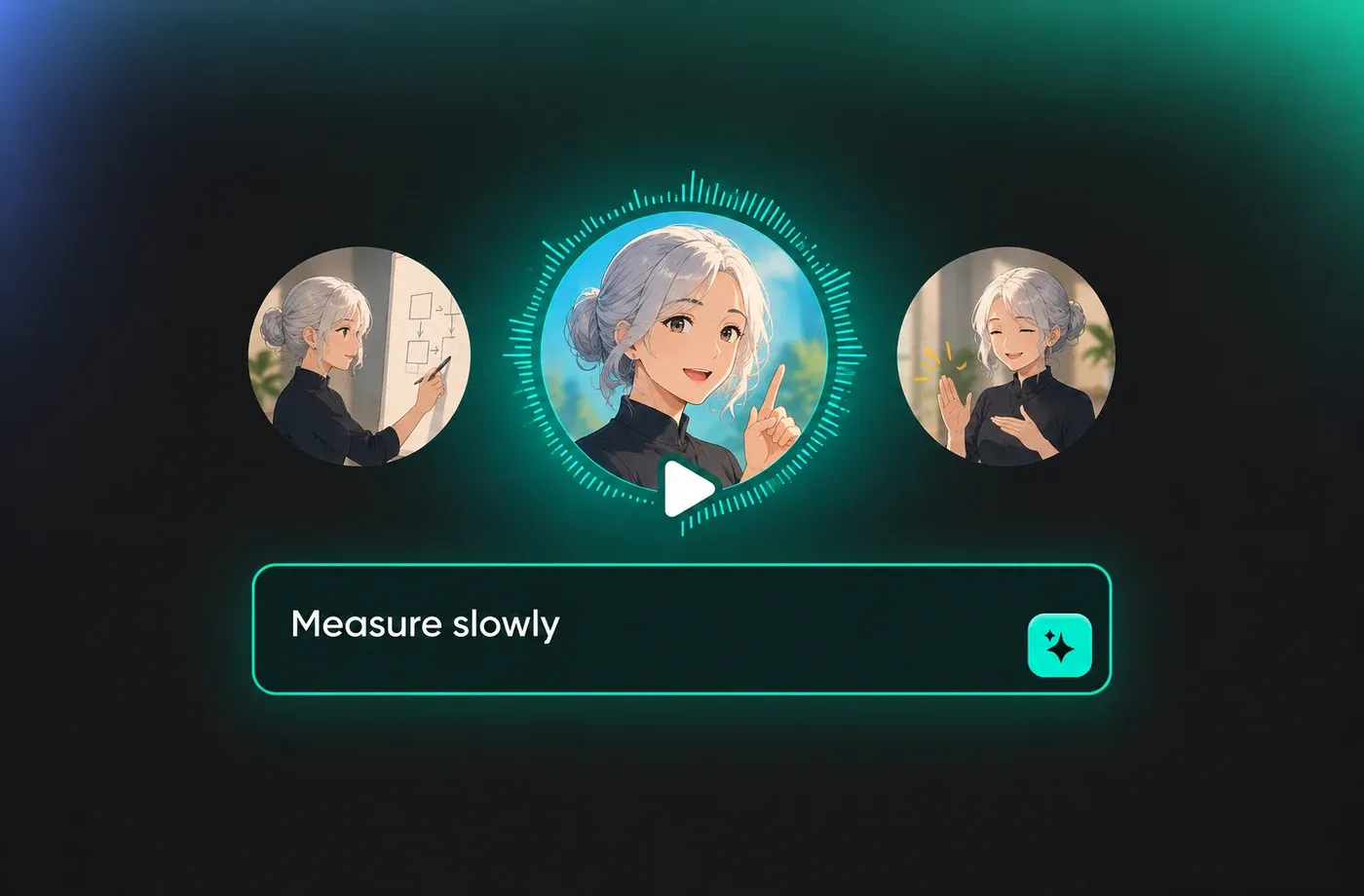
Text to Speech Slow Voices
Text to speech turns plain text into slow voices without a microphone, a booth or a narrator, which means you can rebuild the same script as often as you like. Choose a built-in narration voice, drag the speed slider down, and the identical text can be regenerated at a different pace for a second version. Start on the text to speech page to hear the presets before you commit.
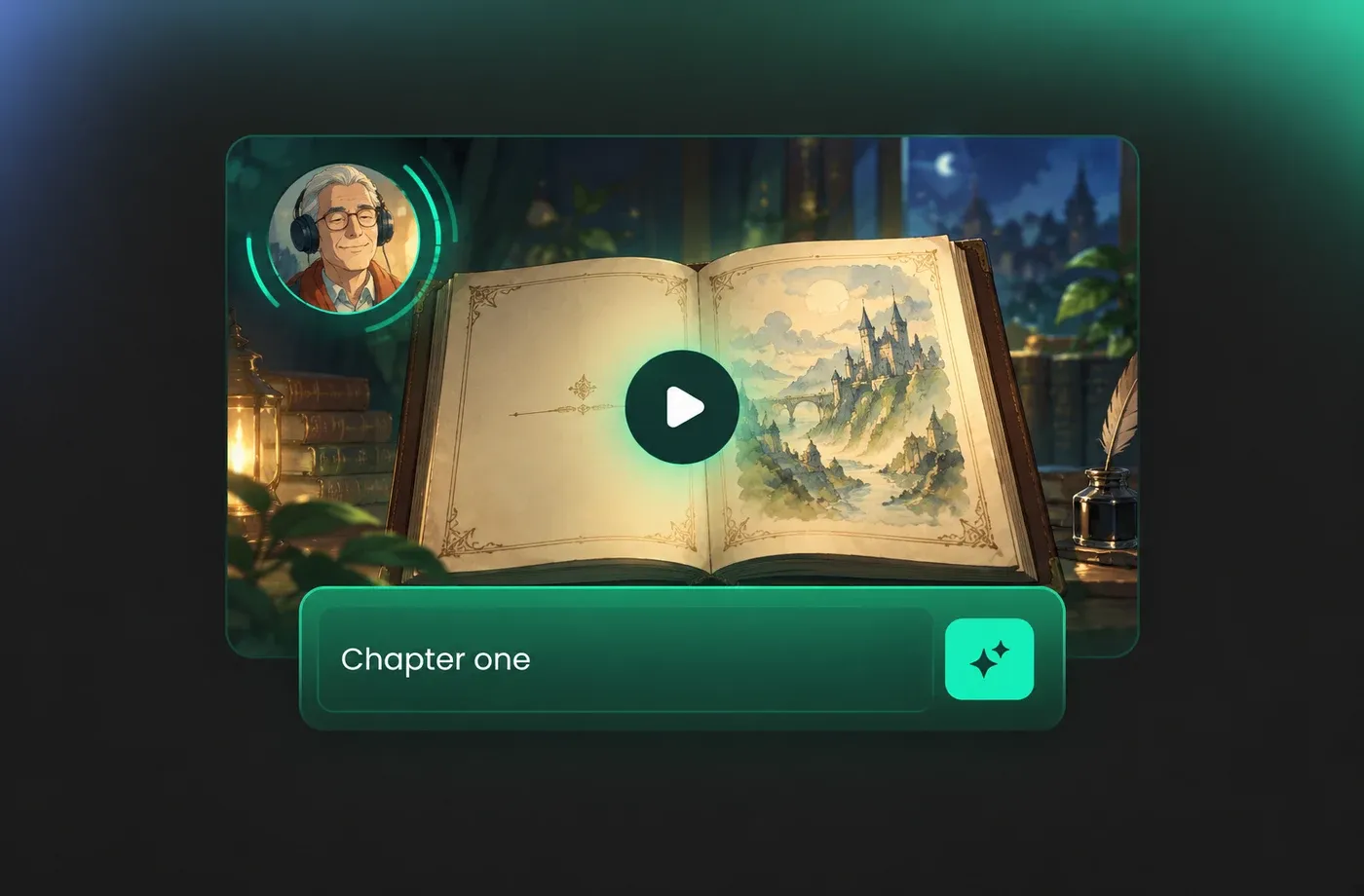
Adjust Pace, Pitch and Emotion
Speed, pitch and emotion are separate controls, so a slow voice can still read as warm, bright or serious instead of uniformly flat. Lowering the rate lengthens pauses as well as vowels, and small pitch moves stop long passages from sounding monotonous. Compare two renders of the same line in the slow voice library before you pick a favourite.
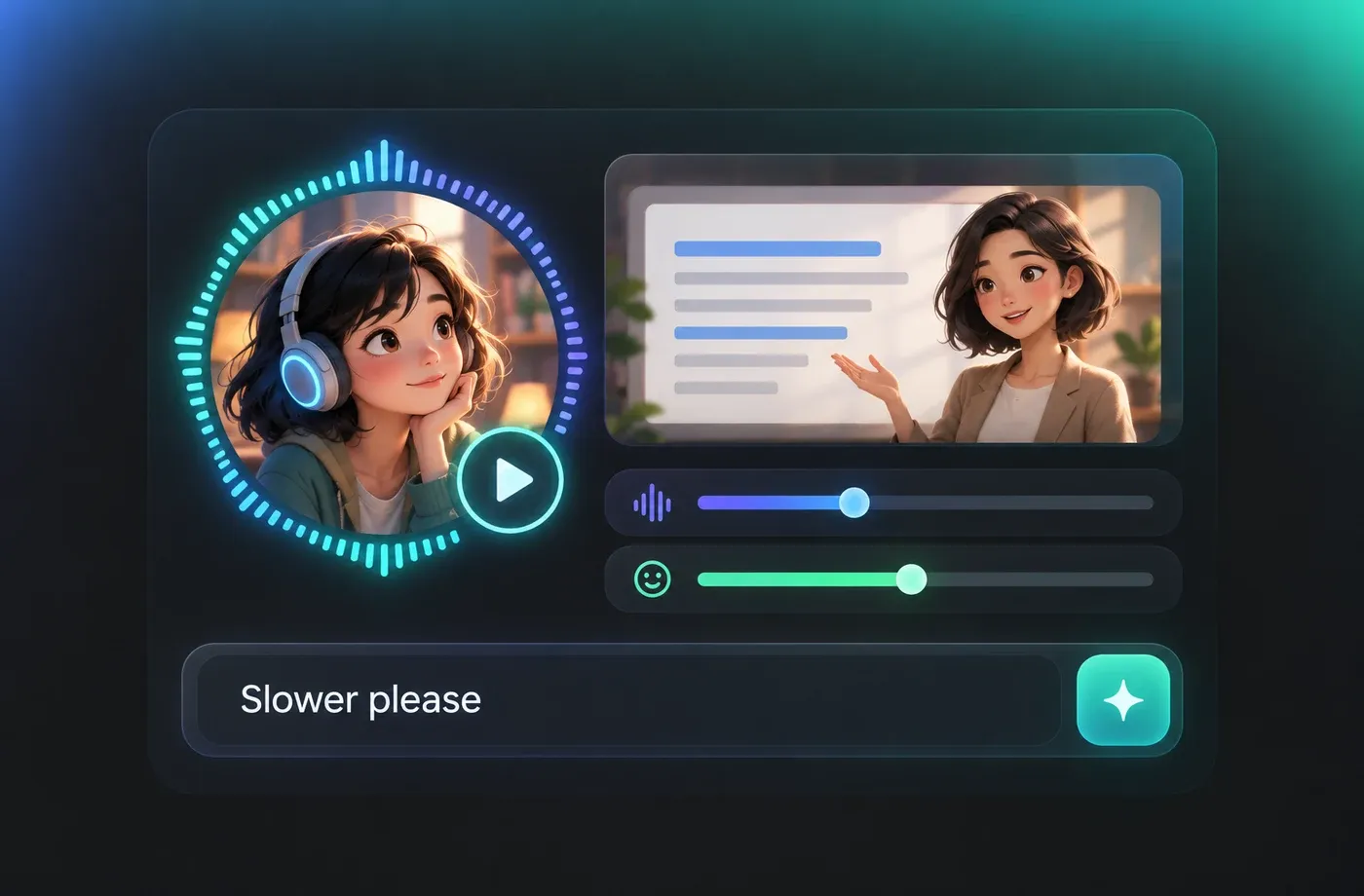
Download Slow Audio in 154+ Languages
Finished tracks download as MP3 or WAV and can be produced in any of the 154+ supported languages and accents, including regional English variants. That coverage makes it practical to keep one slow narration style across a multilingual course, meditation series or audiobook chapter set. Voice cloning is available too when the read has to match an existing narrator — browse the full list at FineVoice.
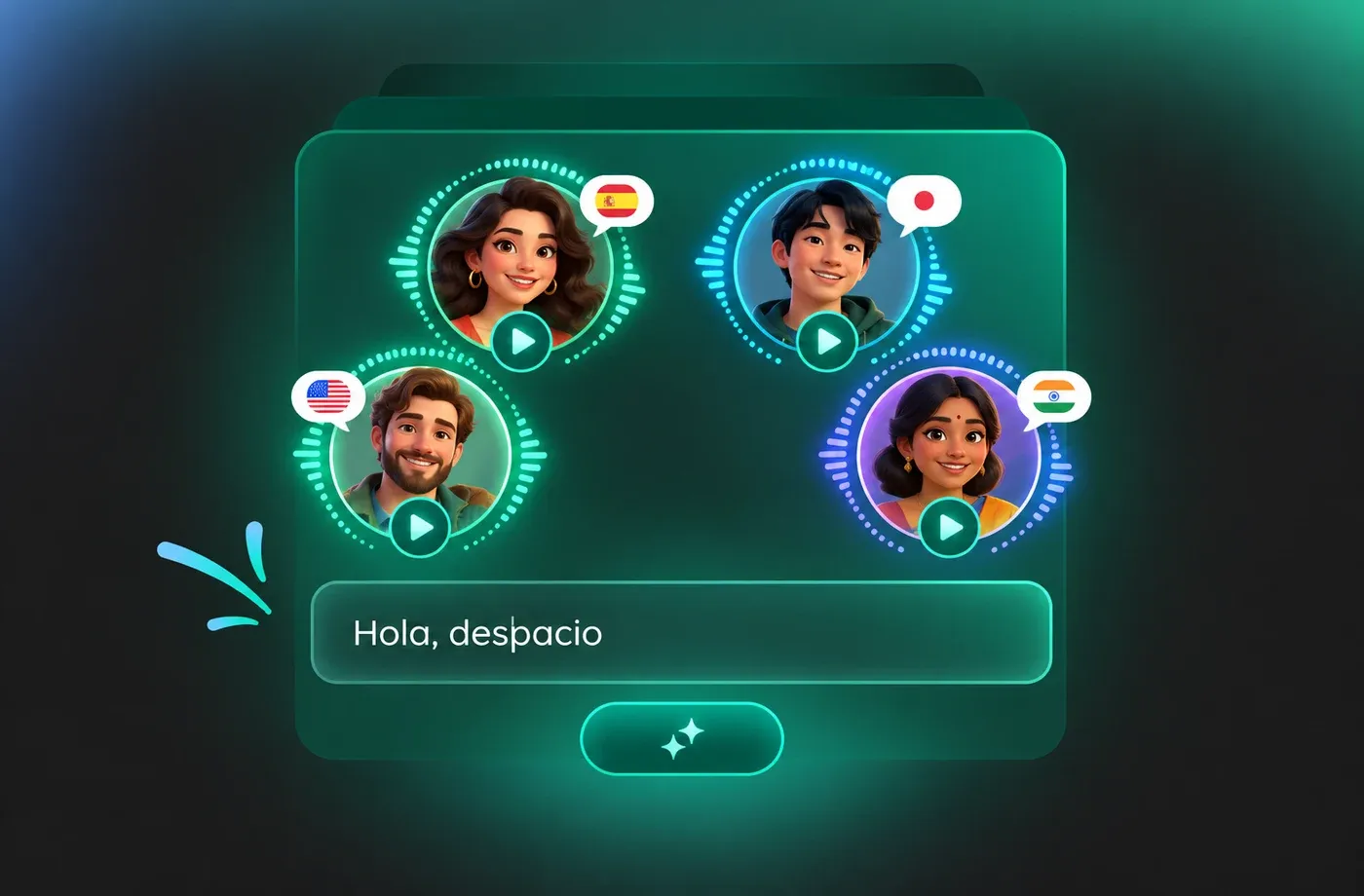
How to Use AI Voices for Slow Voice Generator
Paste your script, lower the speaking rate, pick a narration voice and render a slow voice track you can download as MP3 or WAV.
1

Step 1: Paste Your Script
Type or paste the text you want narrated, then pick the language and accent from the 154+ options so pronunciation matches your audience. Short paragraphs with clear punctuation give the voice generator clean places to breathe.
2

Step 2: Choose a Voice and Slow the Pace
Select a narration voice from the slow voice library, then lower the speed control and fine-tune pitch or emotion until the delivery feels calm rather than dragging. Preview a single line to confirm the rhythm before rendering the full script.
3

Step 3: Preview and Download
Listen to the finished slow voice track in the browser, re-render any line that still moves too quickly, and download the result as MP3 or WAV for your video editor, podcast timeline or e-learning module.
t0529.tools.voiceCategory.moreThan





Explore More Voice Categories
FAQs About Slow AI Voice Generator
1. What does a slow voice generator actually do?
A slow voice generator converts written text into spoken audio at a speaking rate below normal, keeping pauses, vowels and sentence endings stretched so listeners can follow comfortably. With FineVoice you paste a script, choose a narration voice, lower the speed control and render the track — then download it as MP3 or WAV. No recording session is needed, and every change is made before the audio is generated rather than by stretching a finished file.
2. How slow can I make the voice speak?
3. Do I need to install anything to use the slow voice text to speech tool?
4. Which languages and accents can produce slow voices?
5. Can I download the slow voice audio as MP3 or WAV?
6. What are slow AI voices best used for?
7. Can I clone my own voice and slow it down?
8. How do I keep a slow voice from sounding robotic?
 FineVoice
Start Creating with AI Slow Voices
Turn a script into a calm, deliberately paced narration in seconds, with speed, pitch and emotion set exactly where you want them. Generate a slow voice, preview it in the browser, and download the MP3 or WAV when it sounds right.
