

AI Accent Voice Generator
Turn any script into a convincing accent voice with FineVoice's AI generator. Pick from a growing library of voice accents — British, American, Australian, Irish and more — and hear your text read back in seconds. Unlike generic text-to-speech pages, every voice in this collection is tuned for accent authenticity, so you can match a regional market, a brand brief or a scene without booking a local narrator.
文字转语音历史记录
示例:

设置
AI语音

- Voice Name
- 0 使用次数
免费创建您的AI语音。
模型
 FineVoice TTS Max
Match Any English-Speaking Market
A single script can sound completely different depending on the accent voice behind it. Switch between British, American, Australian and Irish reads to see which one lands best with your audience before you commit budget. It is a fast way to test regional fit without hiring four narrators.
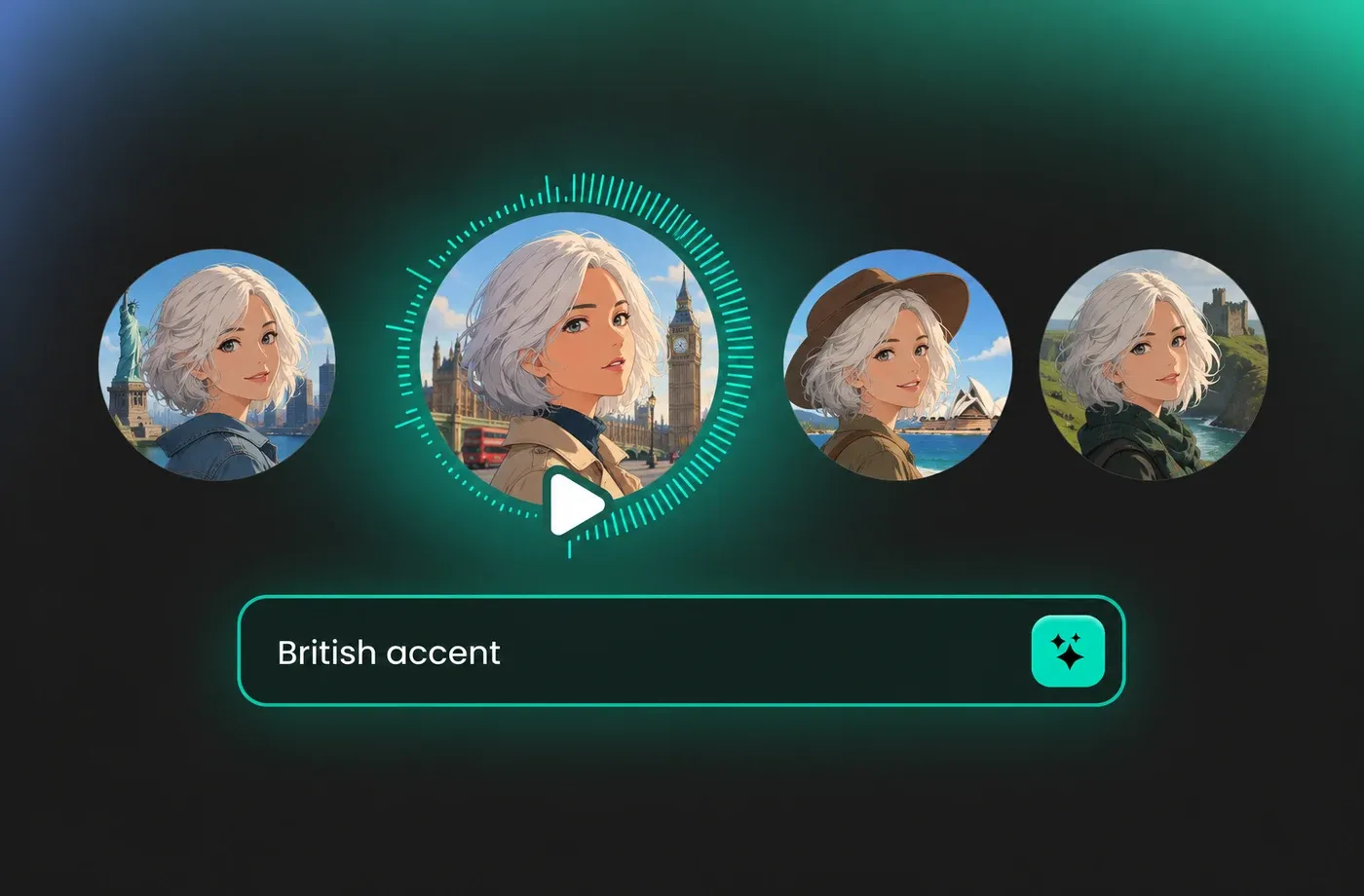
One Script, Many Voice Accents
Paste your copy once, then audition it across multiple voice accents side by side. Comparing intonation, vowel colour and rhythm this quickly makes it obvious which re ad sounds native and which one only sounds close. Keep the winner and delete the rest.
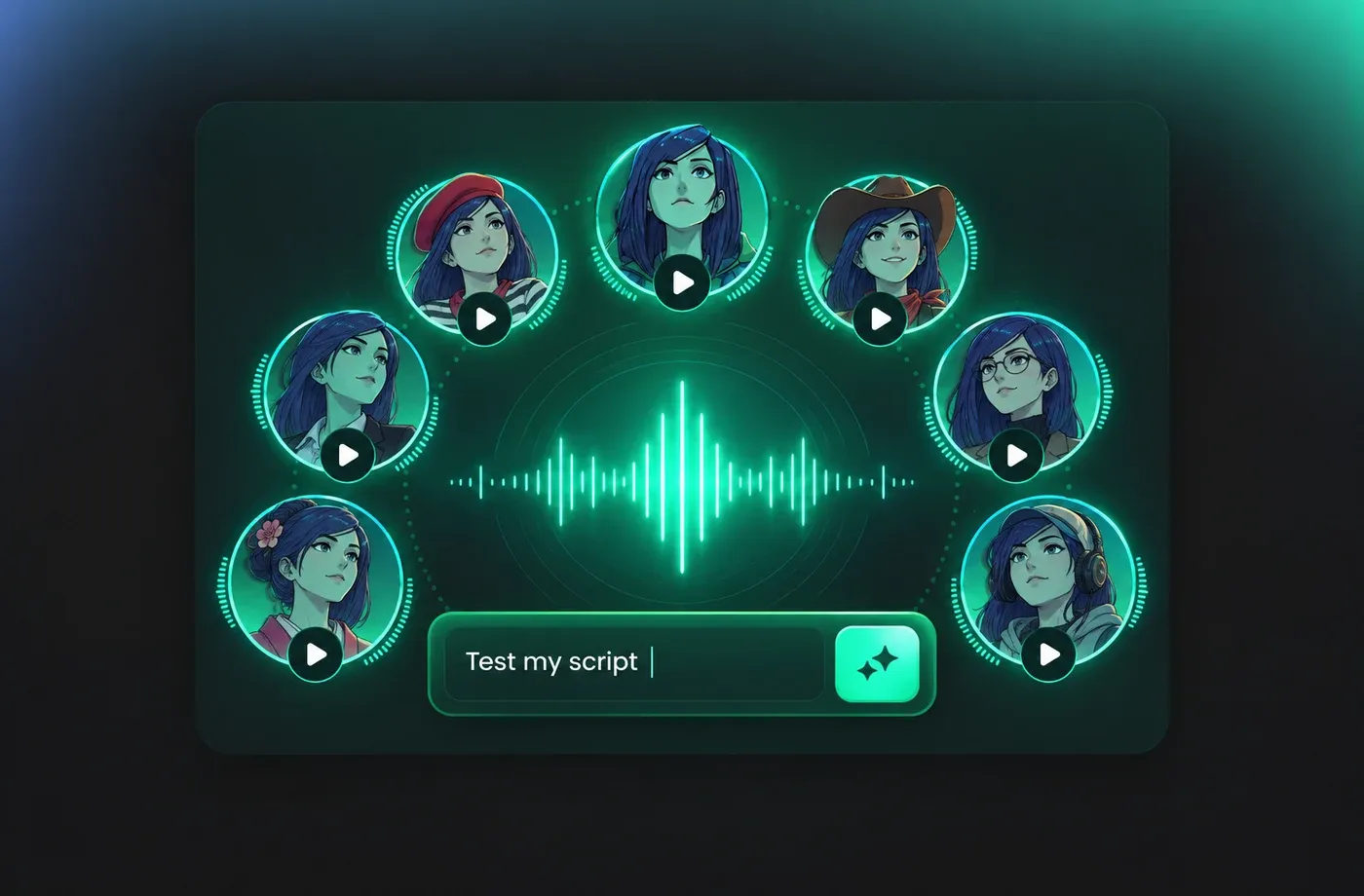
Accent Voice for Video, Ads and E-Learning
Explainer videos, localized ads, course modules and audiobook chapters all depend on a believable accent voice to hold attention. Generate each line separately so you can re-record a single sentence after a script tweak. Nothing about the rest of the file changes.
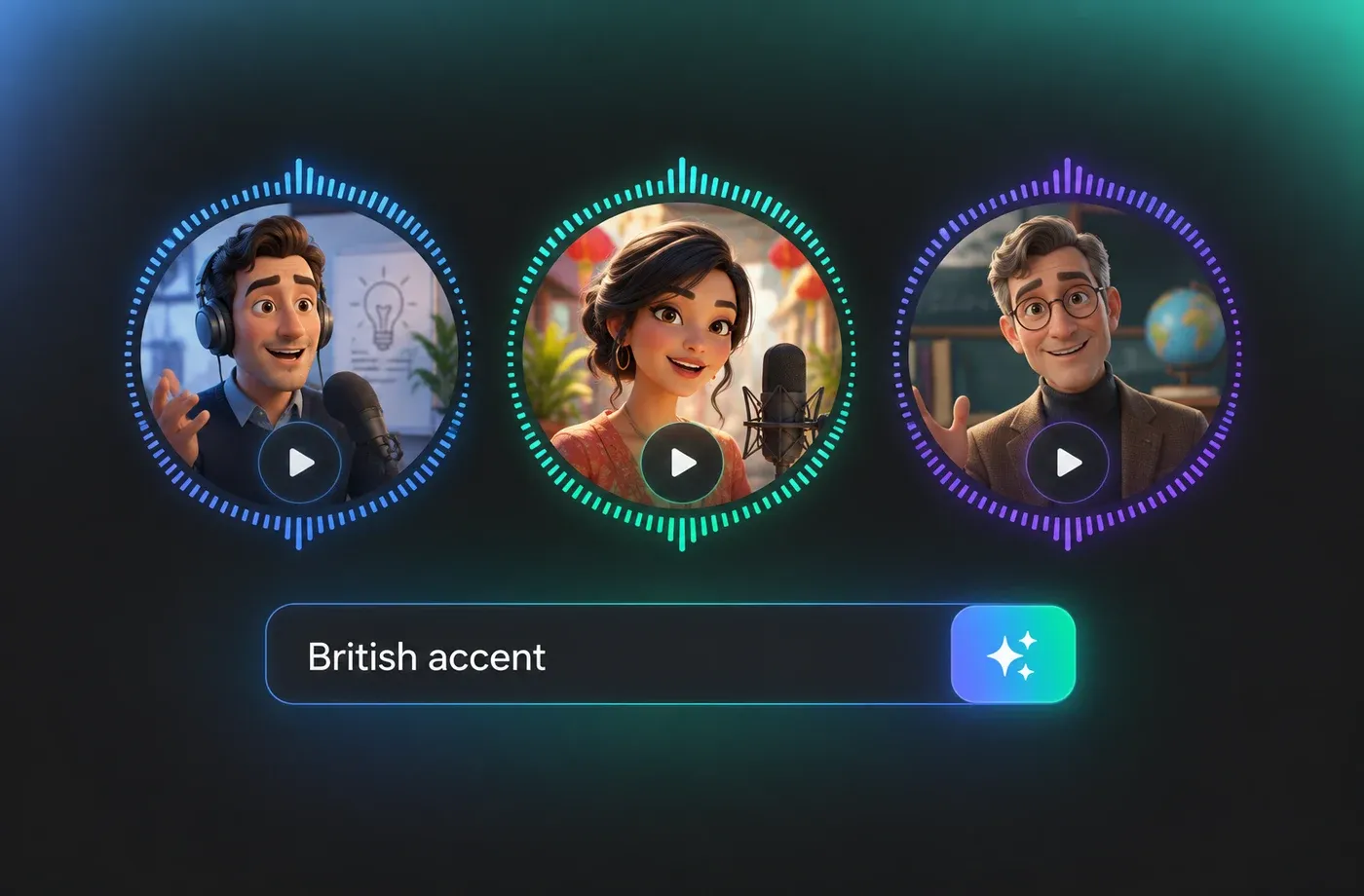
Fine-Tune Tone, Pace and Emphasis
Accent alone is not enough, so FineVoice lets you shape the delivery on top of it. Slow the pace for technical narration, lift the energy for a promo, or soften the tone for a documentary read. You keep full control of how your accent voice performs.
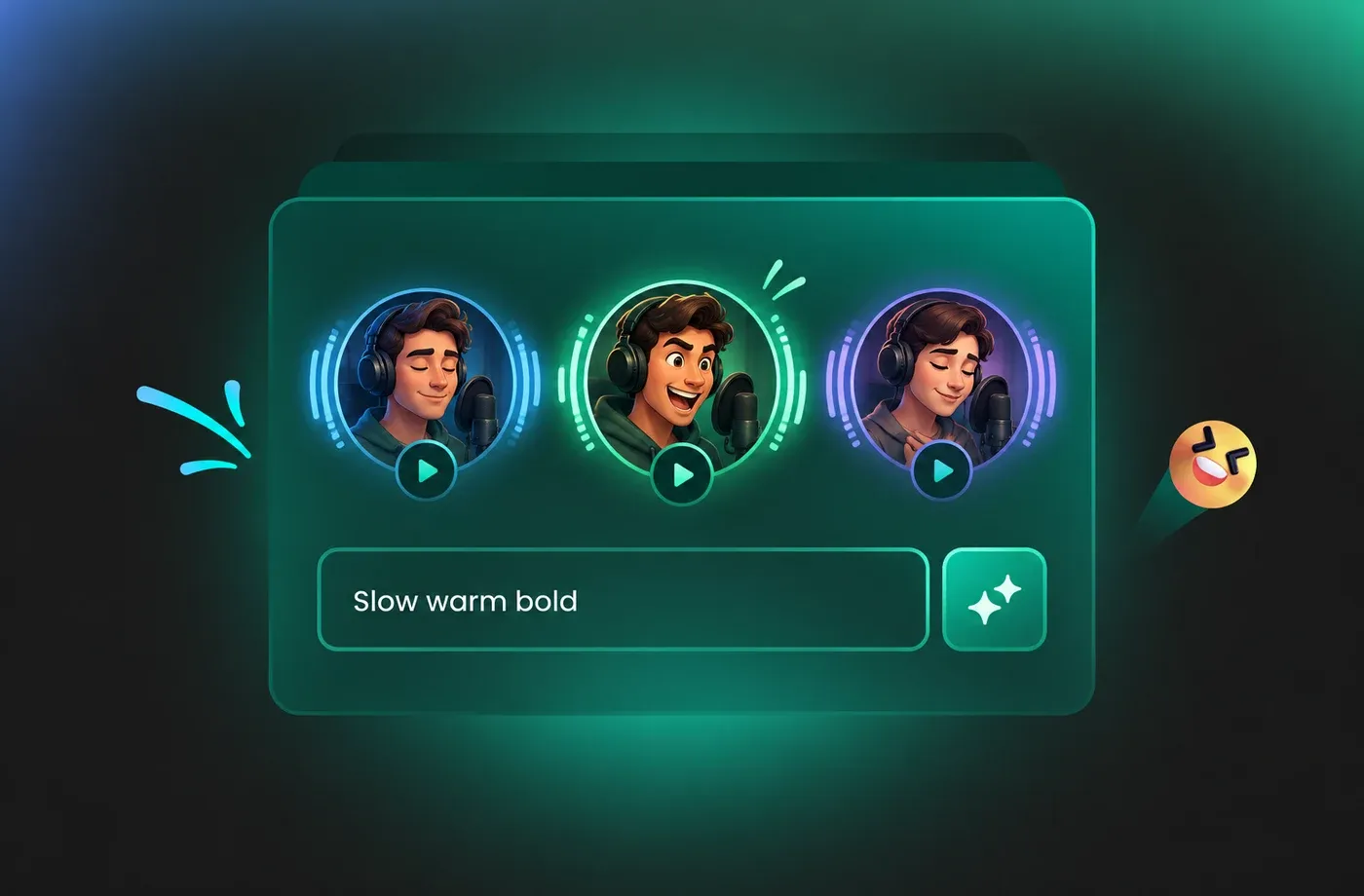
How to Create an Accent Voice in 3 Steps
Choose a voice accent, paste your script, generate and download studio-ready audio — no recording booth and no waiting.
1

Step 1: Choose Your Accent Voice
Open the accents library and filter by region or gender. Play the short preview on each voice accent until you find one that fits your script, then load it into the editor.
2

Step 2: Paste Your Script and Direct the Read
Add your text, then set pace, pitch and emphasis. Mark pauses where the narration should breathe so the accent voice sounds conversational instead of mechanical.
3

Step 3: Generate, Preview and Download
Generate the audio, listen through once, and regenerate any line that needs a different tone. When you are happy, download the file and place it in your video, ad or course.
t0529.tools.voiceCategory.moreThan





Explore More Voice Categories
Accent Voice FAQ
1. What is an accent voice?
An accent voice is a synthetic or recorded narrator whose speech reflects the pronunciation patterns of a particular region or country, such as British, American, Australian or Irish English. The accent affects vowel sounds, rhythm and intonation rather than the words themselves.
2. Can I generate a British or American accent voice from my own text?
3. Are these voice accents realistic enough for professional projects?
4. Can I use the same script with several voice accents?
5. Do I need to install software to use the accent voice generator?
6. Can I adjust the speed and pitch of an accent voice?
7. Can I use accent voice audio commercially?
8. How many voice accents are available?
 FineVoice
Ready to Hear Your Script in a New Accent Voice?
Pick a voice accent, paste a few lines, and get a natural read in seconds. Start free and compare as many voice accents as you need before you decide.
