

Akool AI Voice Generator
FineVoice is the fastest route to Akool AI voice generator-grade narration without a booth, a mic, or a booked recording session. Describe the voice you need and the engine designs it — tone, pace, accent and emotion included — then drops it straight into your timeline. Unlike flat, one-size-fits-all libraries, every voice here is tuned for marketing work: ad reads, avatar videos and product explainers that have to convert.
文字转语音历史记录
示例:

设置
AI语音

- Voice Name
- 0 使用次数
免费创建您的AI语音。
模型
 FineVoice TTS Max
Akool AI Voice Generator for High-Converting Ad Reads
Squeeze more out of every fifteen-second spot with voices tuned for punchy, high-energy delivery and clean consonant hits. The akool AI voice generator inside FineVoice lets you test three different read styles in the time it used to take to book a voice actor.
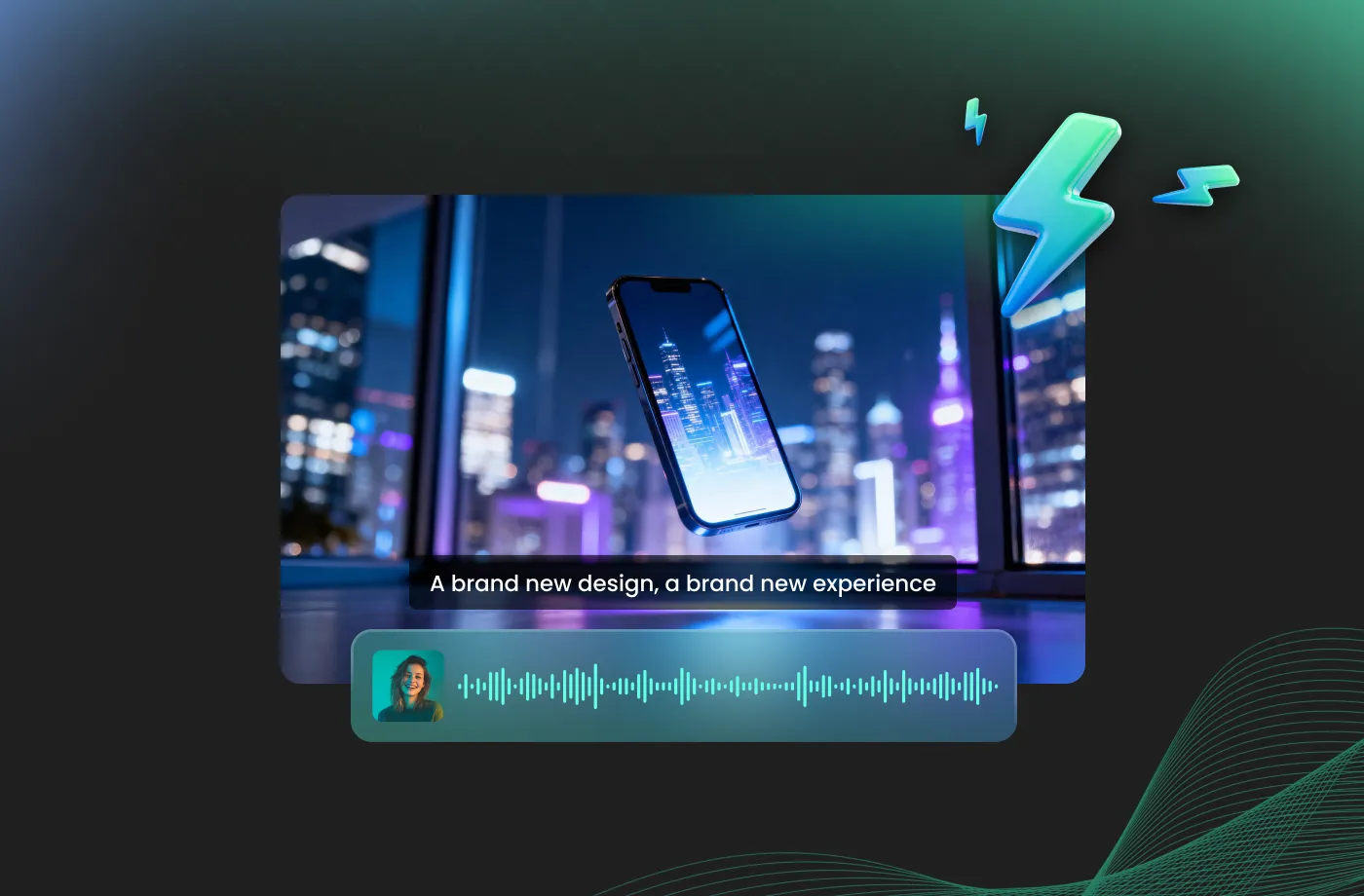
Avatar & UGC Voiceovers
Natural breaths, conversational timing and lip-sync-friendly pacing make these voices a drop-in match for talking-head avatars and creator-style creative. Generate your akool ai voice generator audio, pair it with footage, and publish the same day instead of the same week.
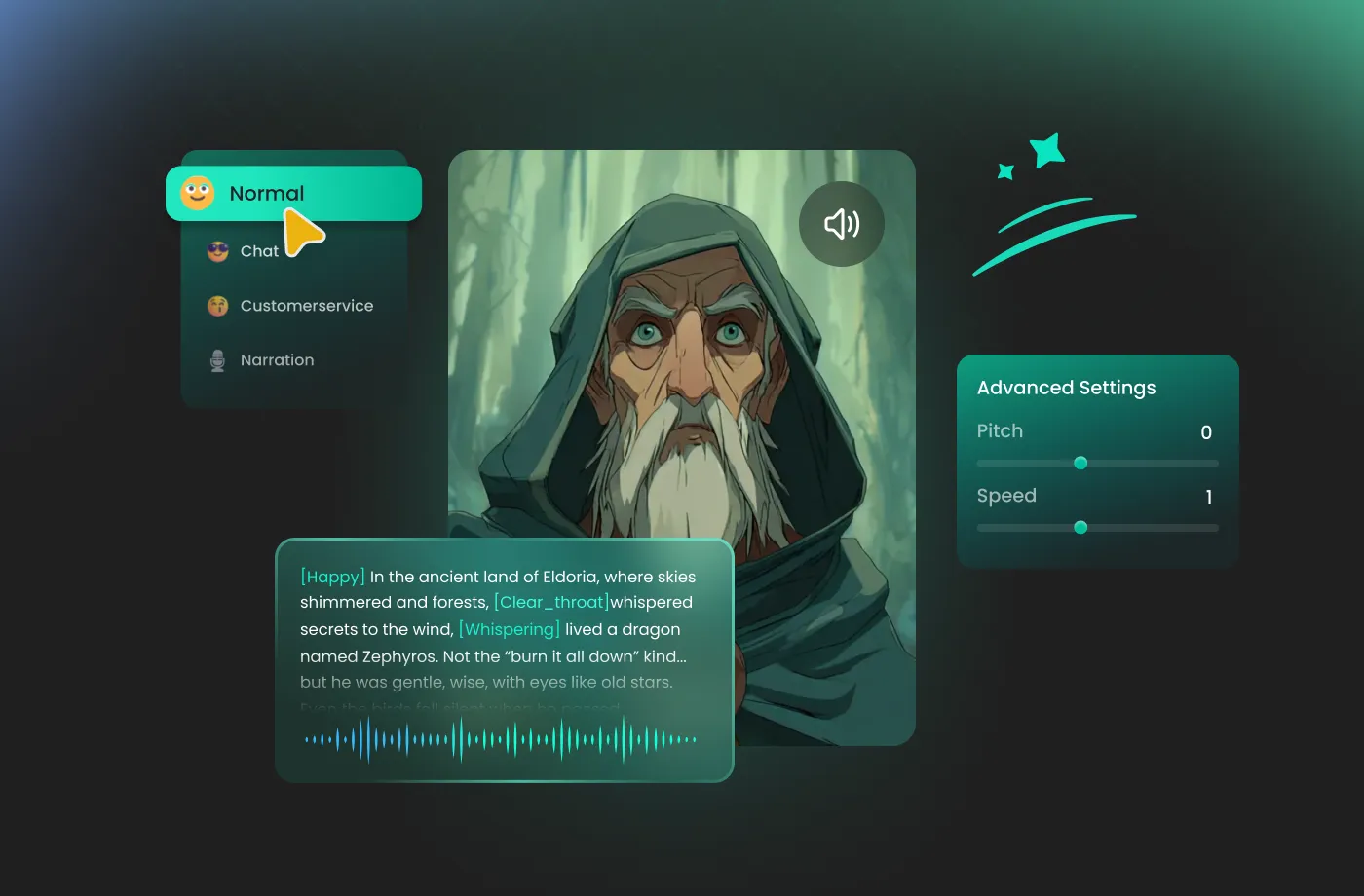
Customize AI Voices with Emotion, Pace & Accents
Go past presets — nudge warmth, urgency or calm with simple controls instead of re-recording from scratch. Most akool ai voice generator comparisons stop at voice count; this one starts with how much fine control you get on every single line.

One Script, Many Languages
Dub a single script into dozens of languages while keeping the same speaker identity, so a campaign sounds like one brand everywhere it runs. You keep the akool ai voice generator speed you want, without locking your team into per-seat pricing.
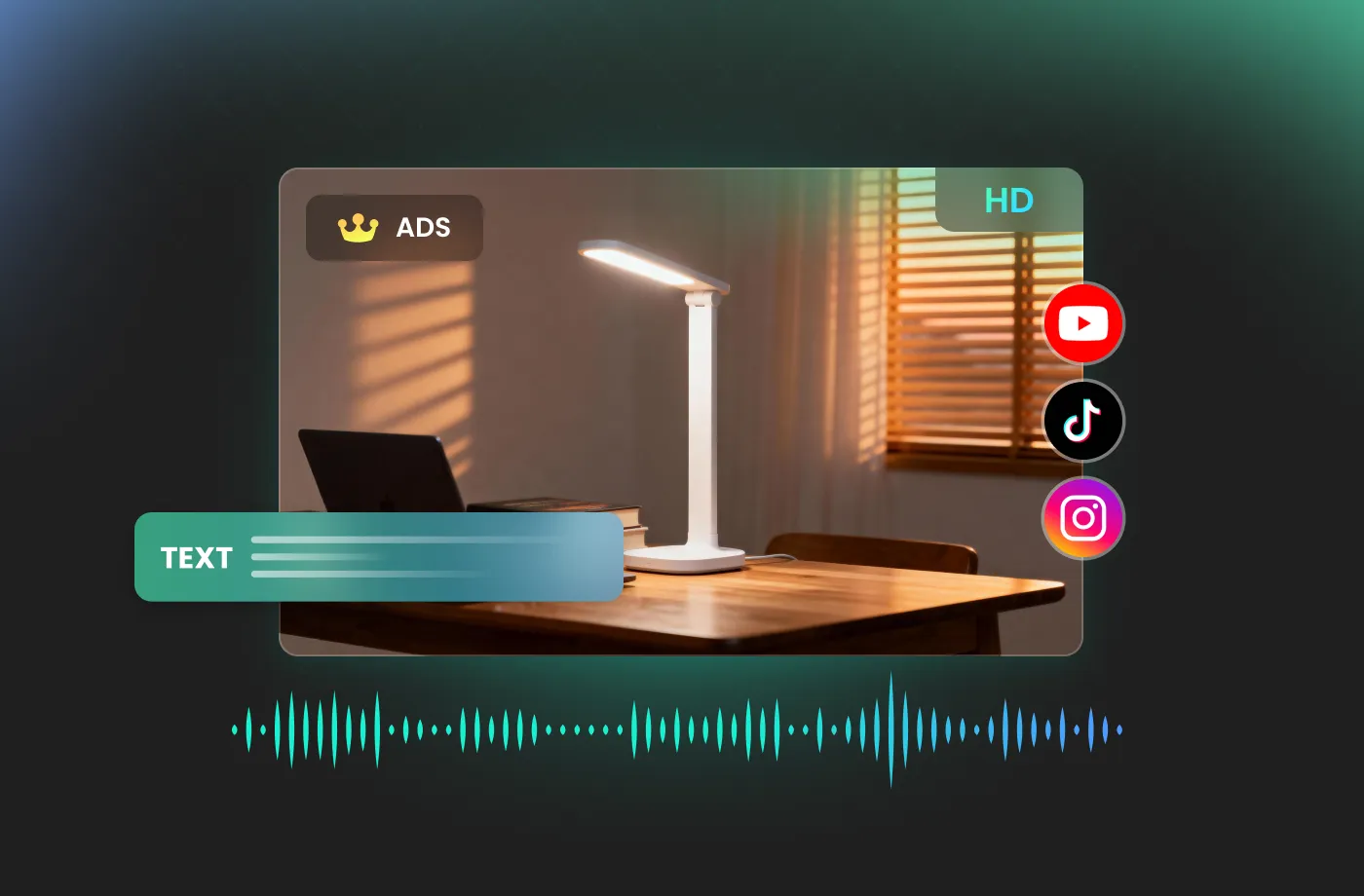
How to Use the Akool AI Voice Generator
Three steps, about sixty seconds: write or paste your script, choose or design a voice, then export a broadcast-ready audio file.
1

Step 1: Write or Paste Your Script
Drop in your ad copy, explainer narration or video script. Add commas and line breaks where you want the delivery to breathe — the generator reads punctuation as pacing cues.
2

Step 2: Design or Pick Your Voice
Choose from 1,000+ ready voices, or describe the tone you want and let the engine design a custom one. Set accent, energy and speaking rate before you commit.
3

Step 3: Preview, Tweak and Export
Listen to the full read, adjust emotion or pacing on any single line, then download a leveled WAV or MP3 ready for your timeline or ad platform.
t0529.tools.voiceCategory.moreThan





Explore More Voice Categories
Akool AI Voice Generator: Frequently Asked Questions
1. What is an Akool AI voice generator?
It is a text-to-speech tool that turns written scripts into natural-sounding spoken audio. FineVoice delivers the same outcome — realistic, ready-to-publish narration — with a library of over 1,000 voices, granular emotion and pacing controls, and exports that drop straight into your editing timeline.
2. Is the Akool AI voice generator free to try?
3. How realistic do the generated voices sound?
4. Can I use the generated audio commercially?
5. Which languages and accents are available?
6. Can I clone my own voice?
7. How do I control emotion, speed and pauses?
8. What export formats are supported?
9. Do I need video editing experience?
10. How is FineVoice different from other Akool AI voice generator tools?
 FineVoice
Your Script Deserves a Voice Worth Listening To
Generate your first Akool AI voice generator-style voiceover free — no studio, no scheduling, no credit card. Paste a script and hear it come alive in under a minute.
