

Free Dad Voice Generator: Warm & Reassuring Text to Speech Voices
Discover the best Dad AI Voice Generator and Text to Speech tool! FineVoice turns a script into a warm, grounded dad voice within seconds, with pitch, speed and emotion controls, 154+ languages and accents, and MP3/WAV download. Use it for bedtime stories, family explainers and friendly narration — preview every tone in the voice library before you export.
文字转语音历史记录
示例:

设置
AI语音

- Voice Name
- 0 使用次数
免费创建您的AI语音。
模型
 FineVoice TTS Max
Instantly Create Dad Voiceovers
Type or paste a script and the dad voice generator returns a finished voiceover in seconds, with no recording session or microphone setup. Pitch, speed and emotion sliders let you move from calm and steady to playful and upbeat while the same voice stays consistent. Every take is downloaded as MP3 or WAV from the browser, and you can compare tones in the dad voice library first.
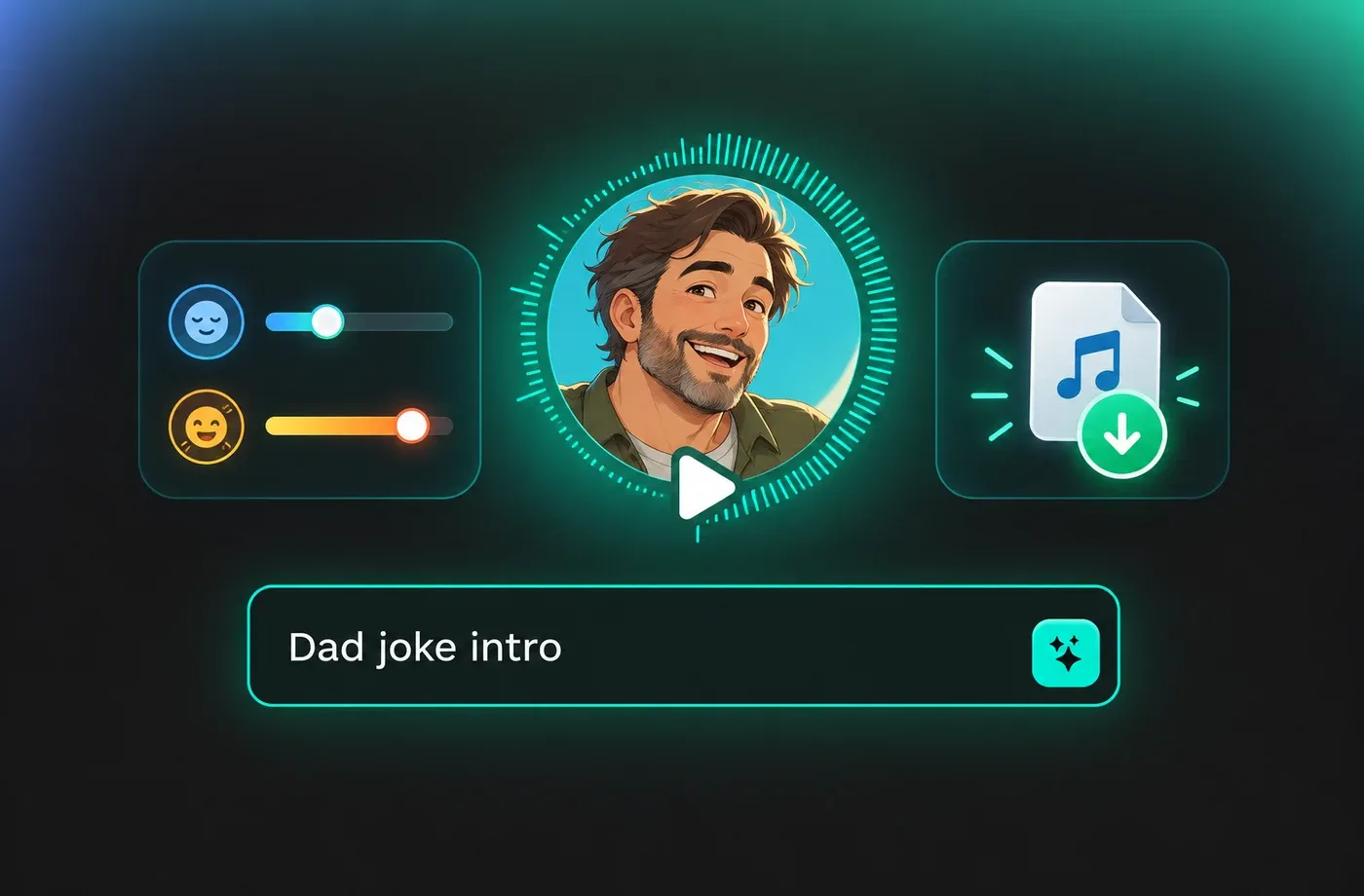
Text to Speech Dad Voices
The text to speech engine reads punctuation, pauses and sentence rhythm so a dad voice sounds conversational instead of robotic. It covers 154+ languages and accents, which means the same reassuring delivery works for English bedtime stories, bilingual family videos or translated explainers. Longer scripts are handled in one pass, so a full chapter or product walkthrough stays in a single consistent tone.
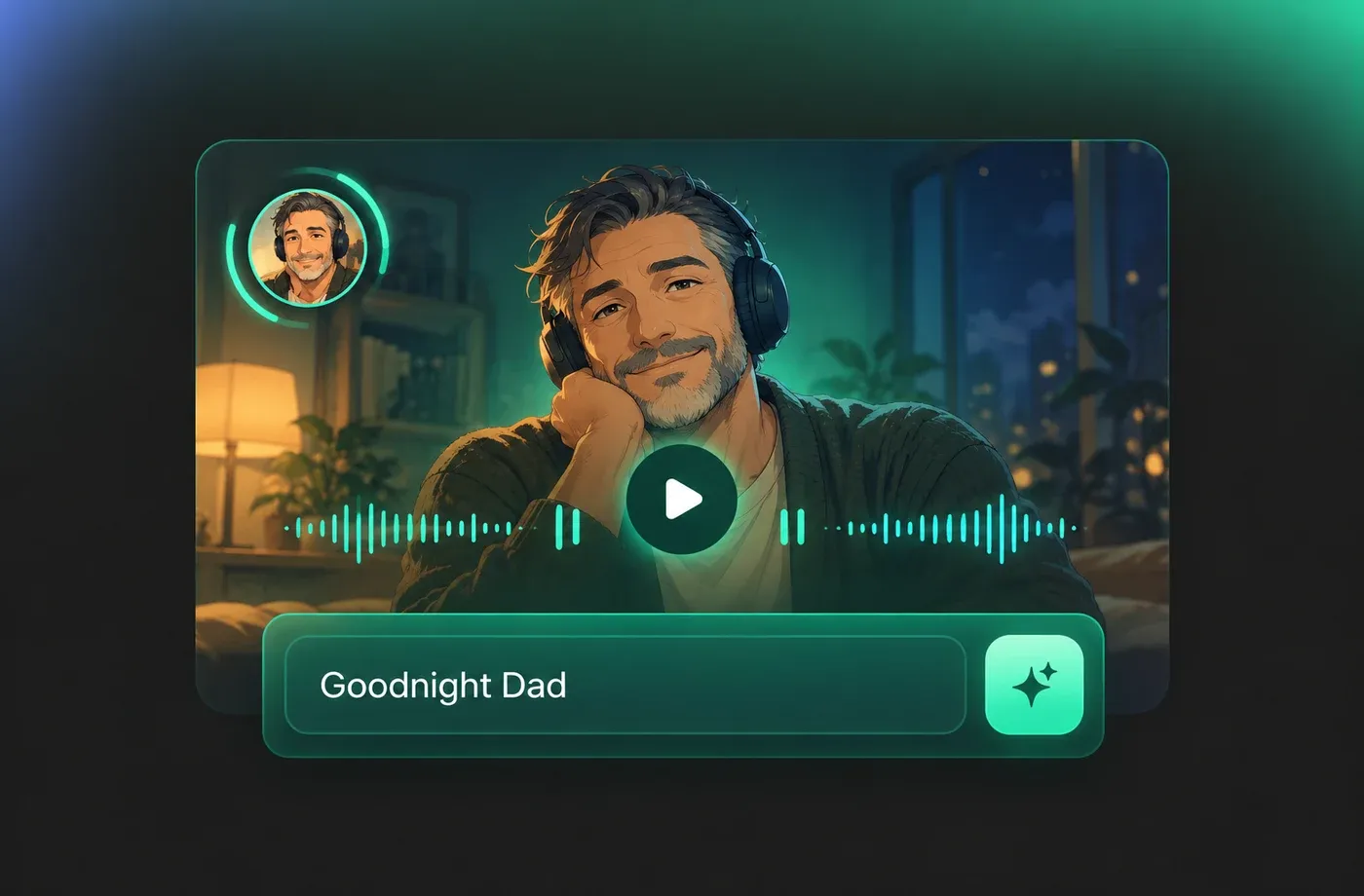
Tune Warmth, Pace and Emotion
Each dad voice can be reshaped with pitch, speaking rate and emotion controls, so the same narrator can sound patient for a how-to video and lively for a family vlog. Slower pacing with softer sentence endings suits reading aloud, while a slightly faster read fits short social clips. All adjustments are non-destructive, so you can generate several versions and keep the one that lands best.
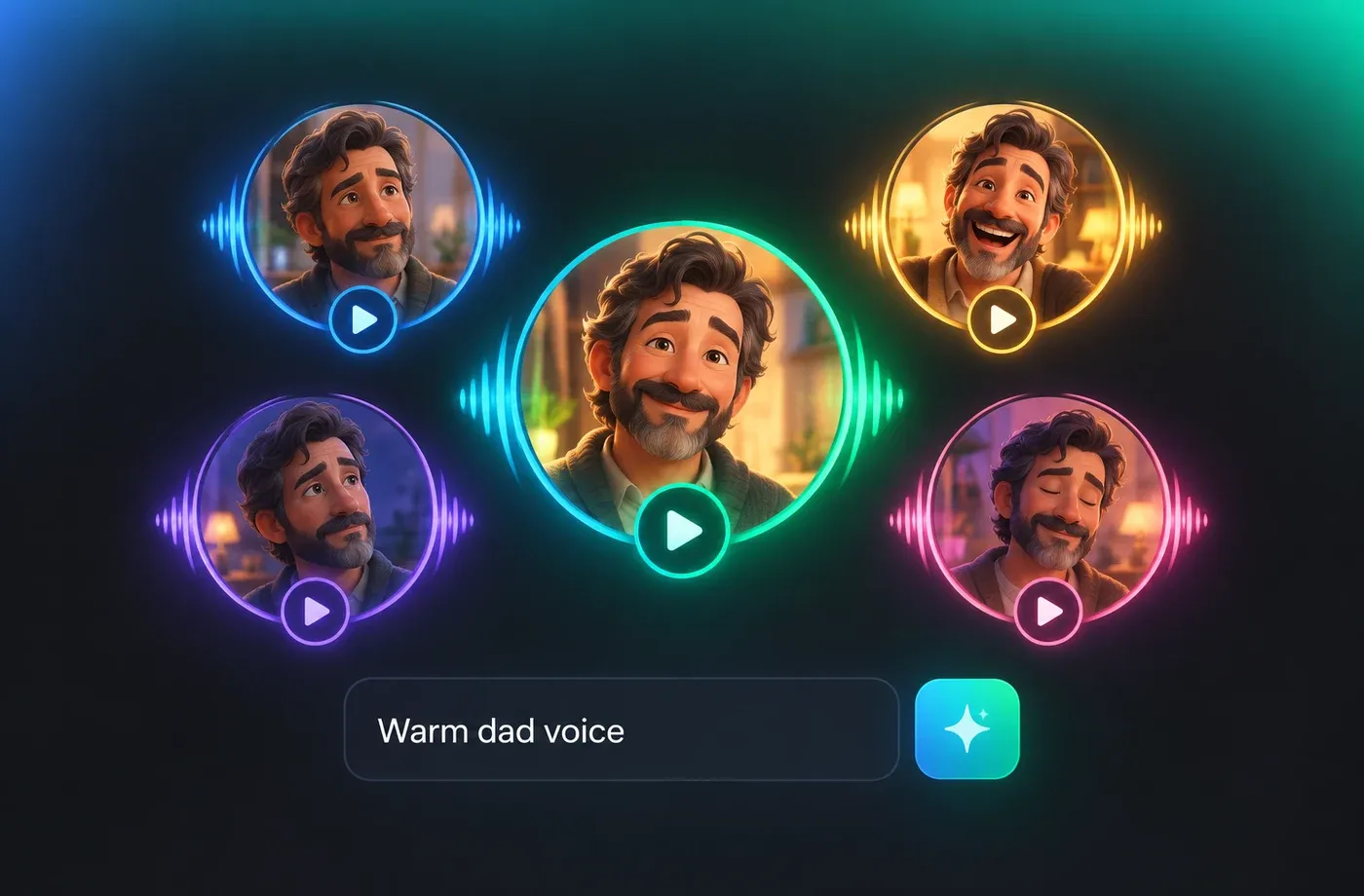
Clone or Design a Familiar Tone
Voice cloning and voice design let you build a dad voice from a short reference sample or from a written description of the timbre you want. That is useful when a series needs one recognisable narrator across dozens of episodes without booking studio time. Everything runs in the browser with nothing to install, and finished audio exports as MP3 or WAV. Start from the voice library to hear how the range sounds.
How to Use AI Voices for Dad Voice Generator
Paste your script, pick a warm dad voice, adjust pitch and speed, then export as MP3 or WAV straight from your browser.
1

Step 1: Paste Your Script
Open the text to speech editor and paste the story, script or explainer you want narrated. Punctuation and line breaks carry over, so the dad voice generator knows where to pause.
2

Step 2: Pick a Dad Voice and Tune It
Choose a voice from the library, then adjust pitch, speed and emotion until the delivery sounds warm and natural. Generate a couple of takes and compare them side by side.
3

Step 3: Generate and Download
Click generate to render the audio in seconds, then export it as MP3 or WAV and drop it into your video editor, podcast timeline or e-learning module.
t0529.tools.voiceCategory.moreThan












Explore More Voice Categories
FAQs About Dad AI Voice Generator
1. What is a dad voice generator?
A dad voice generator is a text to speech tool that produces a warm, grounded adult male narration style from written text. With FineVoice you paste a script, choose a voice from the library, adjust pitch and speed, and download the result as MP3 or WAV — no recording equipment needed.
2. Can I change how the dad voice sounds?
3. Which languages does the text to speech engine support?
4. What can I use dad voices for?
5. Do I need to install software to use the voice generator?
6. Can I clone a voice for a dad-style narrator?
7. How long can the text be in one generation?
8. Is a dad voice good for long-form narration?
 FineVoice
Start Creating with AI Dad Voices
Turn any script into a warm, steady dad voice in seconds — tune the tone, preview the library, and download MP3 or WAV straight from your browser.
