

Free Turtle Voice Generator: Calm & Friendly Text to Speech Voices
Discover the best Turtle AI Voice Generator and Text to Speech tool! Paste a script and get a slow, grounded turtle voice with adjustable pitch, speed and emotion across 154+ languages. Export MP3 or WAV in seconds, or preview more options in the turtle voice library.
文字转语音历史记录
示例:

设置
AI语音

- Voice Name
- 0 使用次数
免费创建您的AI语音。
模型
 FineVoice TTS Max
Instantly Create Turtle Voiceovers
FineVoice renders a turtle voice track in seconds after you paste or type a script, with no timeline and no plugins to install. Pitch and speed sliders let you slow the delivery to a turtle's unhurried pace while keeping the tone natural rather than robotic. Start from the turtle voice library and preview several reads before you commit.
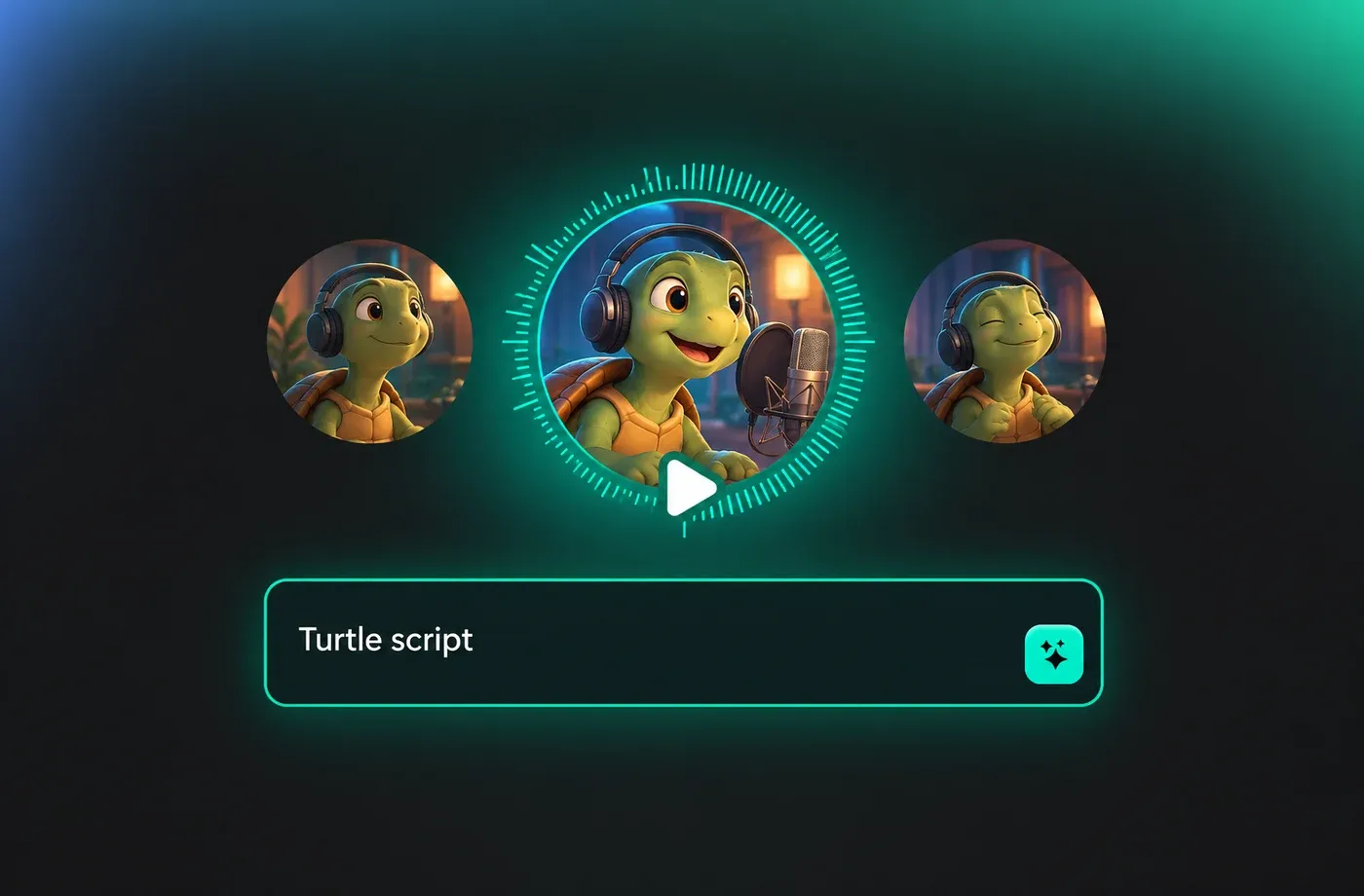
Text to Speech Turtle Voices
The keyword here is control: with FineVoice text to speech you can adjust emotion, pace and emphasis line by line, so one turtle voice can sound patient in a wildlife clip and slightly whimsical in a game line. Scripts of any length are supported, from a single sentence to a full narration. Output is clean enough to drop straight into an edit.

Voice of Turtle for Games and Animation
The voice of turtle characters usually needs to feel old, steady and a little wise, and a slowed-down, low-pitched read gets you there without hiring a performer. Generate as many takes as you need for idle lines, tutorials or cutscenes, then swap the pitch and speed between takes to distinguish several turtles in one scene. Every take downloads as MP3 or WAV for your engine or editor.
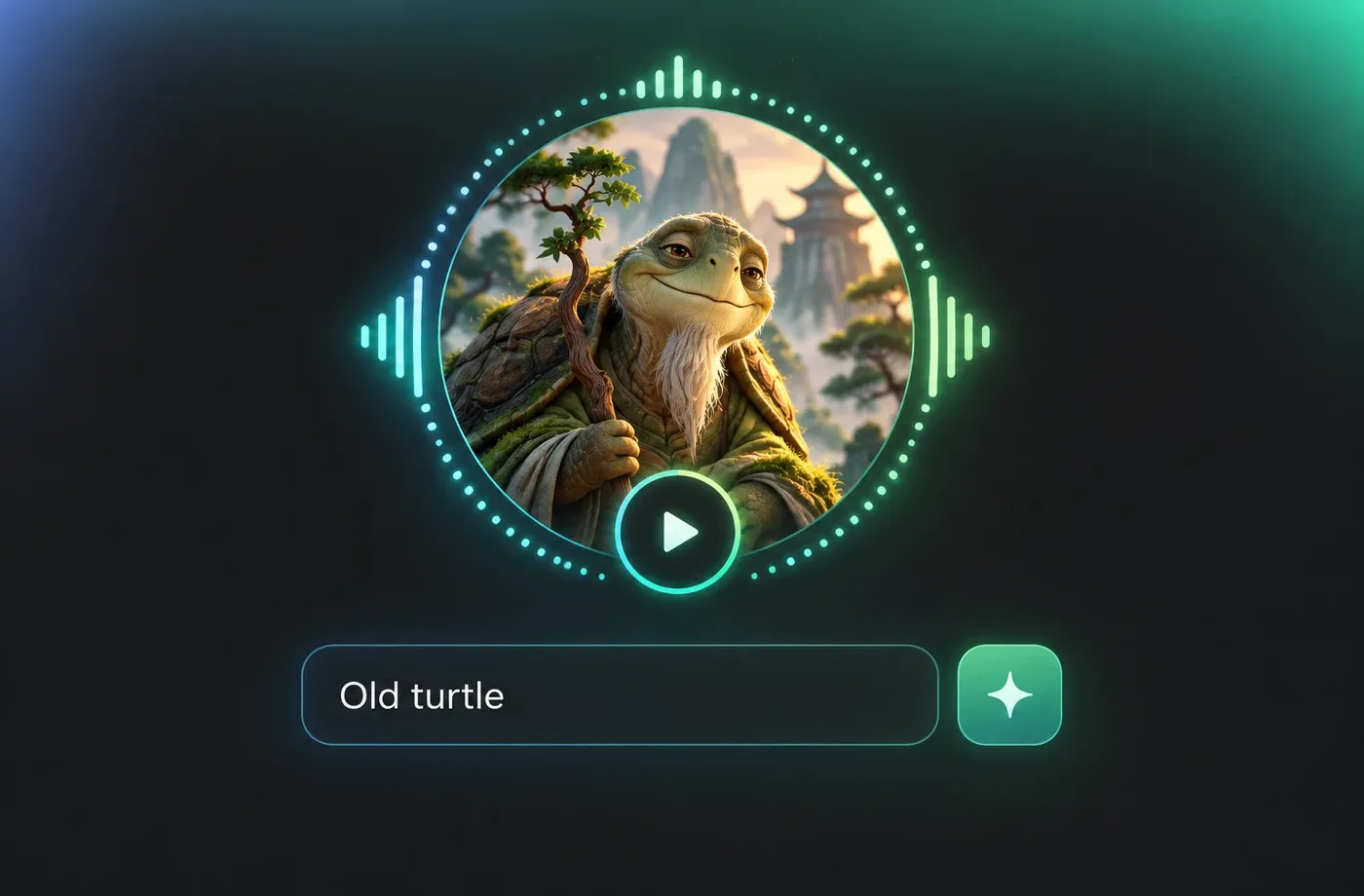
Multilingual Turtle Voice Narration
FineVoice covers 154+ languages and accents, so the same turtle voice script can be delivered in English, Spanish, Japanese or any other locale your audience needs. Accent and pacing stay consistent across languages, which keeps a narrated series or a localized game sounding like one product. Try the AI turtle voice generator and compare reads side by side.
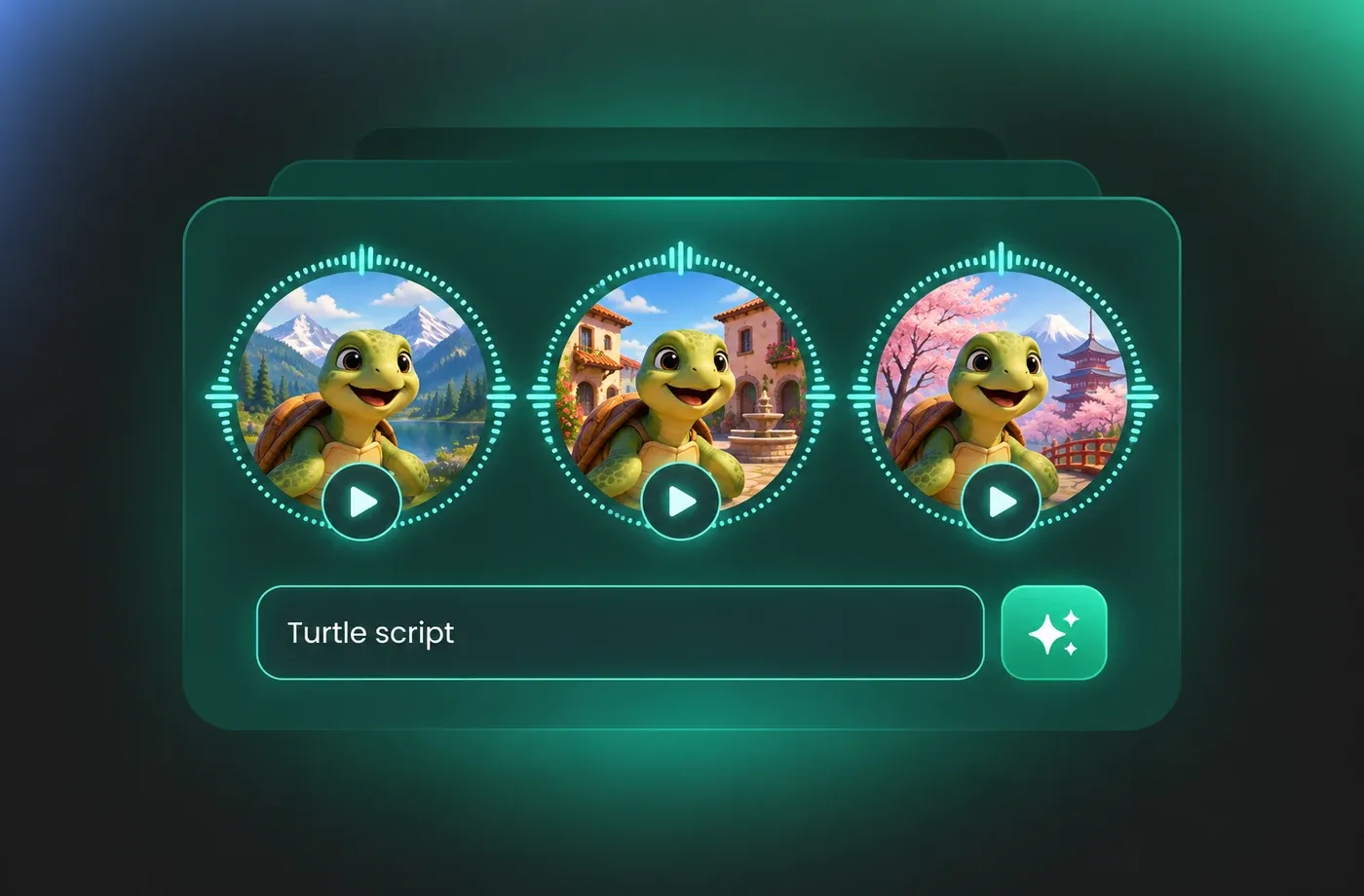
How to Use AI Voices for Turtle Voice Generator
Type your script, pick a turtle voice, tune pitch and speed, then download the finished narration as MP3 or WAV — all in the browser.
1

Step 1: Paste Your Script
Open the text to speech studio and paste the narration, dialogue line or game script you want spoken. Keep the punctuation intact so the turtle voice generator pauses in the right places.
2

Step 2: Choose and Tune a Turtle Voice
Preview voices from the library, then adjust pitch, speed and emotion until the read feels slow, steady and natural. Compare two or three takes before you settle on one.
3

Step 3: Generate and Download
Render the audio, listen back in the browser, and download the finished turtle voice as MP3 or WAV for your video editor, game engine or presentation.
t0529.tools.voiceCategory.moreThan












Explore More Voice Categories
FAQs About Turtle AI Voice Generator
1. What is a turtle voice generator?
A turtle voice generator is a text to speech tool that turns written scripts into spoken audio with a slow, grounded, low-energy delivery that suits turtle characters and nature narration. With FineVoice you type the script, choose a voice, and tune pitch and speed until the read matches the calm tempo you want.
2. Can I use the turtle voice for documentary narration?
3. How do I adjust pitch and speed for a turtle voice?
4. Which languages does the voice generator support?
5. Can I download the generated turtle voice audio?
6. Do I need to install software to use it?
7. Is the voice of turtle useful for game characters?
8. Can I build my own turtle voice with voice cloning?
 FineVoice
Start Creating with AI Turtle Voices
Turn any script into a calm, believable turtle voice in seconds — tune the pace, pick a language, and download MP3 or WAV straight from your browser.
