

AI Bat Voice Generator
FineVoice turns plain text into a believable bat voice in seconds — no microphone, no studio, no animal handling. Unlike generic text-to-speech tools, this page is tuned for the high-frequency chirps, clicks and dry rasp that make a bat sound like a bat. Paste a script, load a preset from the bat voice library, and export clean audio for games, video and podcasts.
文字转语音历史记录
示例:

设置
AI语音

- Voice Name
- 0 使用次数
免费创建您的AI语音。
模型
 FineVoice TTS Max
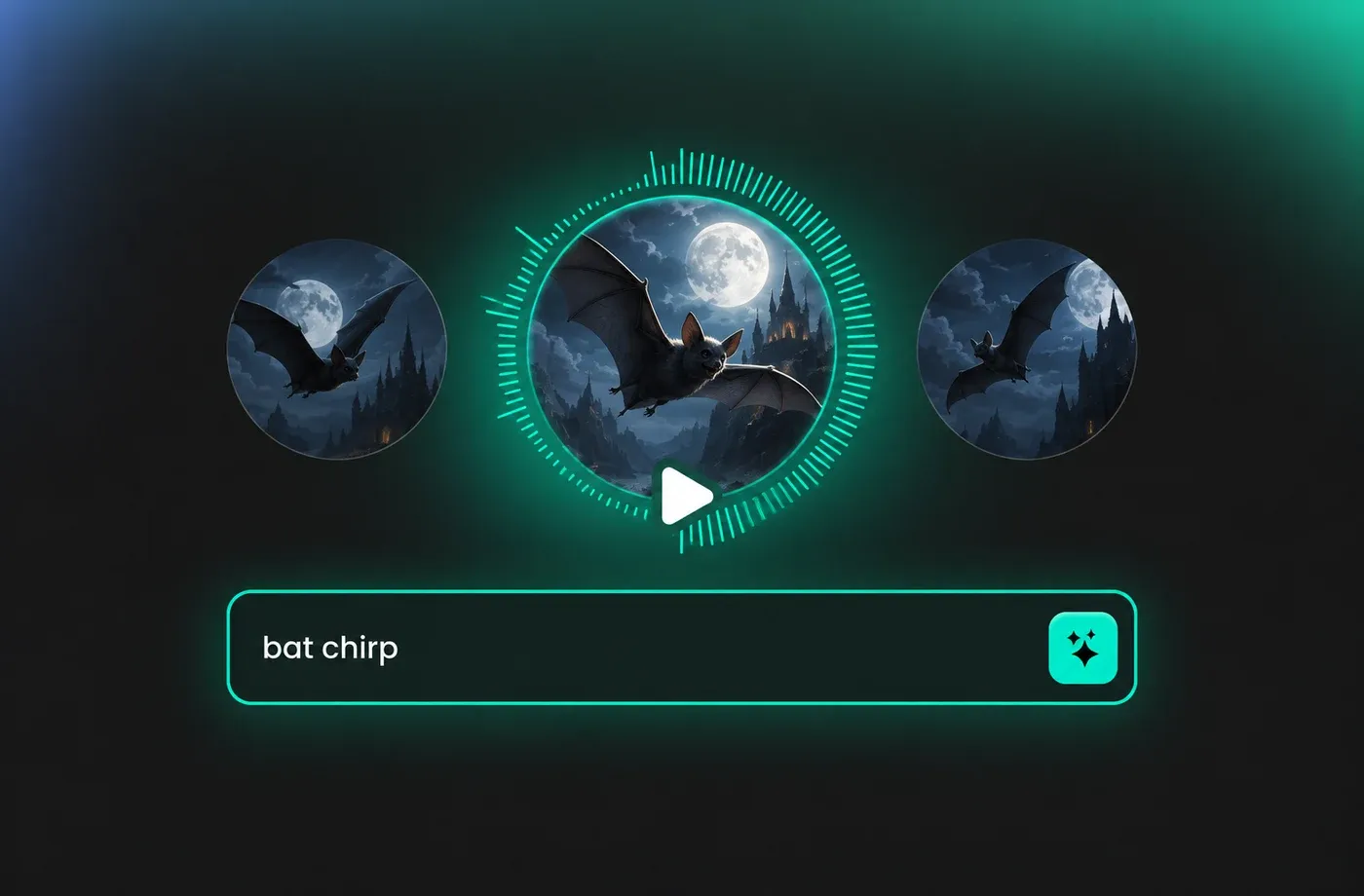
Cinematic Bat Voice for Trailers and Short Films
Directors need a bat voice that cuts through music and sound design without sounding like a stock sound effect. FineVoice keeps the sharp highs and dry texture intact, so every chirp, click and rasp lands cleanly in the mix. Render alternate takes instantly and match the tone of your scene instead of hunting through sample packs.
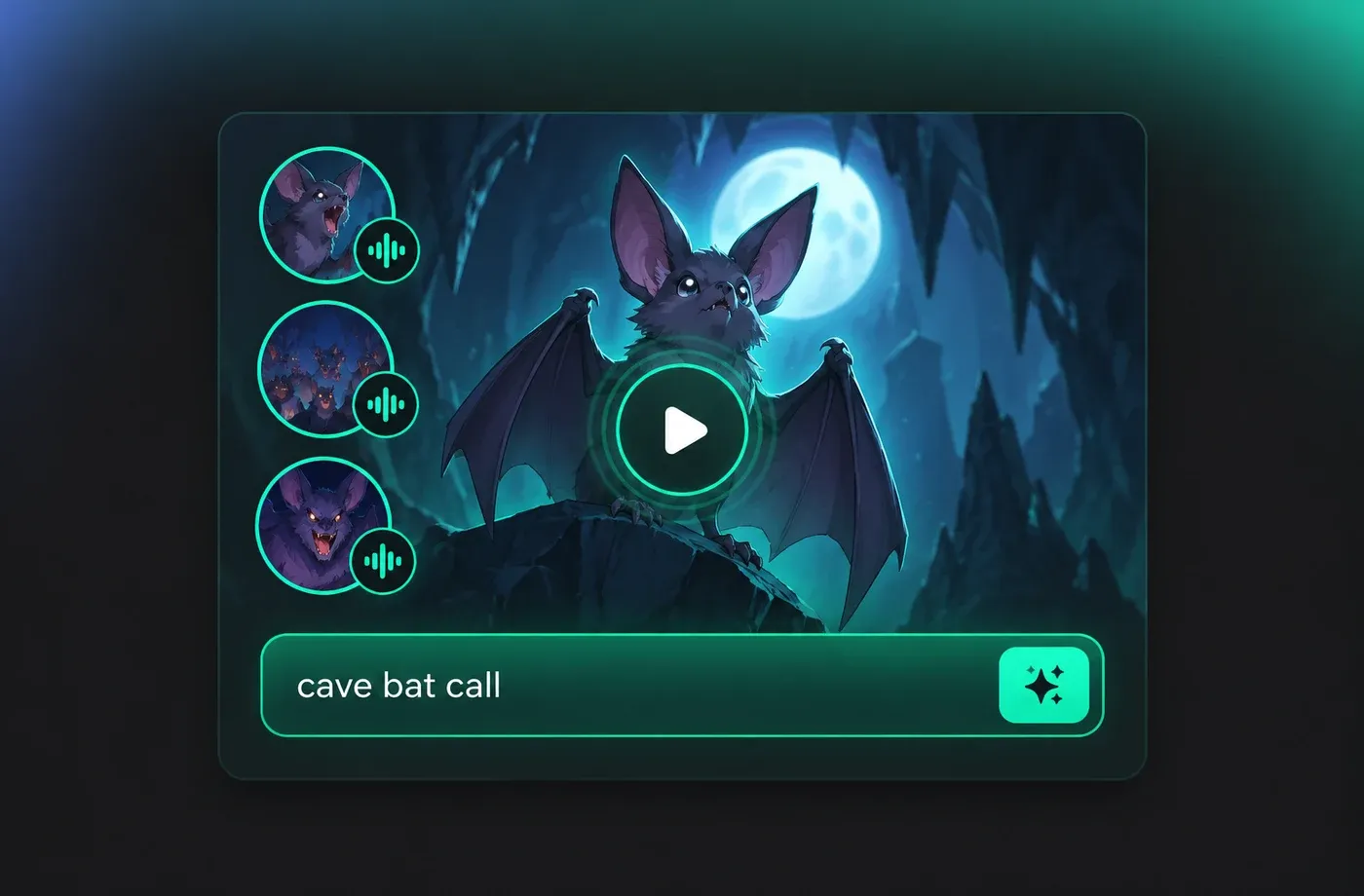
Game-Ready Bat Voice for Creatures and Cave Levels
Indie teams and modders can drop a bat voice straight into Unity, Unreal or Godot without a voice actor or a foley session. Generate short calls, ambient chatter and boss taunts, then export WAV files that loop cleanly. Because the generator is text-driven, updating creature dialogue takes seconds, not a re-record.
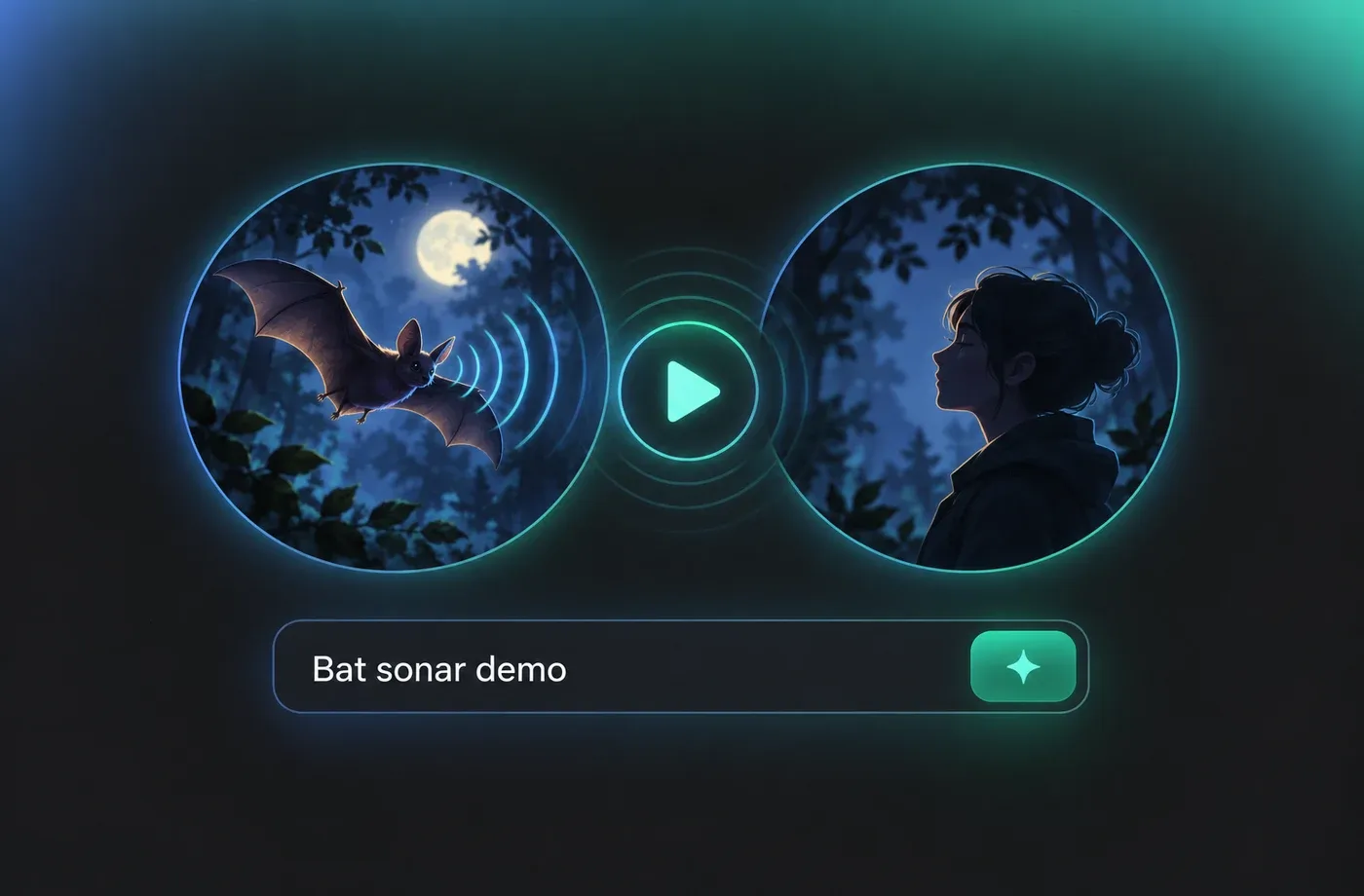
Documentary Narration Built Around the Bat Voice
Nature channels, museum guides and science podcasts often need to describe how a bat voice actually works. Pair calm human narration with generated bat calls to demonstrate echolocation on screen. The result is an explainer that sounds produced rather than patched together from library clips.
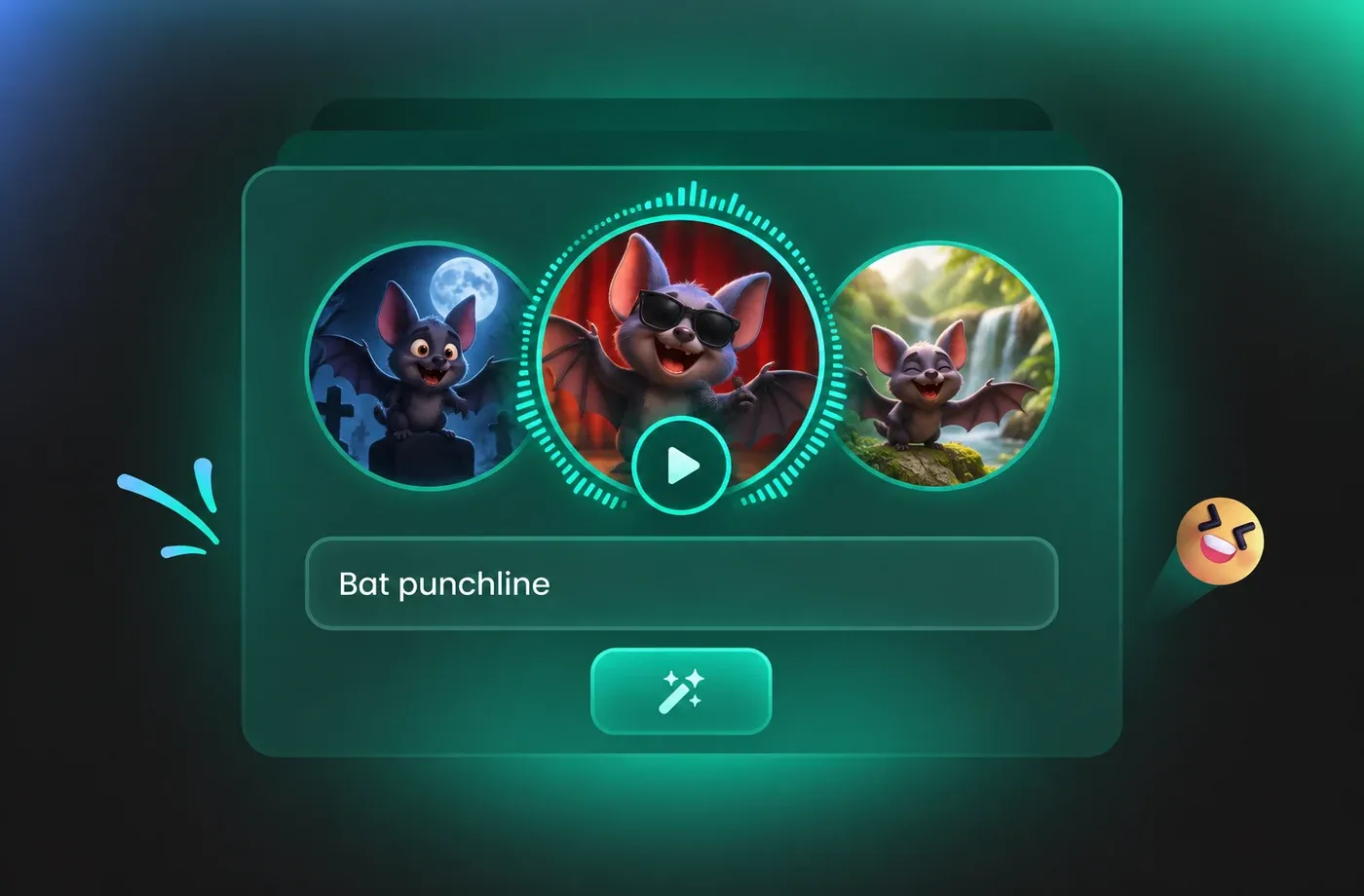
Social Shorts and Memes with a Punchy Bat Voice
Short-form creators use a bat voice for punchlines, horror skits and oddly satisfying nature clips. Type the line, pick a preset and get a file sized for Reels, Shorts and TikTok in one pass. No pitch plugins, no audio cleanup, no copyright worries about animal recordings.
How to Generate a Bat Voice in 3 Steps
Write or paste your line, choose a bat voice preset, then render and download studio-ready audio in seconds.
1

Step 1: Paste or Type Your Bat Voice Script
Enter the exact line you want the bat to say. Keep it short and rhythmic, and use commas or dashes where you want a click, a squeak or a pause inside the bat voice.
2

Step 2: Choose a Bat Voice Preset
Browse the bat voice library and pick a tone, from dry cave rasp to bright, fast chatter. Fine-tune pitch and speed until the bat voice matches the mood of your scene.
3

Step 3: Generate and Download Your Bat Voice
Hit generate, preview the result instantly, and export a clean audio file ready for your editor, game engine or social upload. Re-render any variation as many times as you need.




Explore More Voice Categories
Bat Voice FAQ
1. What is a bat voice generator?
A bat voice generator converts written text into synthesized audio that imitates the squeaks, clicks and high chirps associated with bats. FineVoice models those frequencies directly, so you can produce a bat voice for film, games, narration or social clips without recording an animal or hiring a voice actor.
2. Is the bat voice generator free to try?
3. Can I use bat voice audio in games, videos and podcasts?
4. How do I make a bat voice sound realistic?
5. Can I use a bat voice for documentary narration?
6. What languages does the bat voice support?
7. Do I need a microphone or audio gear?
8. Can I change the pitch and speed of the bat voice?
9. Who owns the audio I create with the bat voice?
 FineVoice
Ready to Give Your Script a Bat Voice?
Type a line, pick a preset and let FineVoice handle the high frequencies. Your first bat voice render takes seconds, needs no microphone, and drops straight into your edit.
