

Free Lizard Voice Generator: Reptilian Text to Speech Voices
Discover the best Lizard AI Voice Generator and Text to Speech tool! Type or paste a script, shape pitch, speed and emotion, and render a dry, textured reptilian read in seconds. Preview every take inside the lizard voice library, then download clean MP3 or WAV files in 154+ languages and accents — all in the browser, no install.
文字转语音历史记录
示例:

设置
AI语音

- Voice Name
- 0 使用次数
免费创建您的AI语音。
模型
 FineVoice TTS Max
Instantly Create Lizard Voiceovers
Paste a scene description or a full script and the lizard voice generator returns a finished voiceover in seconds, with no recording booth or microphone setup. Everything runs in the browser at FineVoice, so you can iterate on a reptile narration between other tasks and keep the take you like.
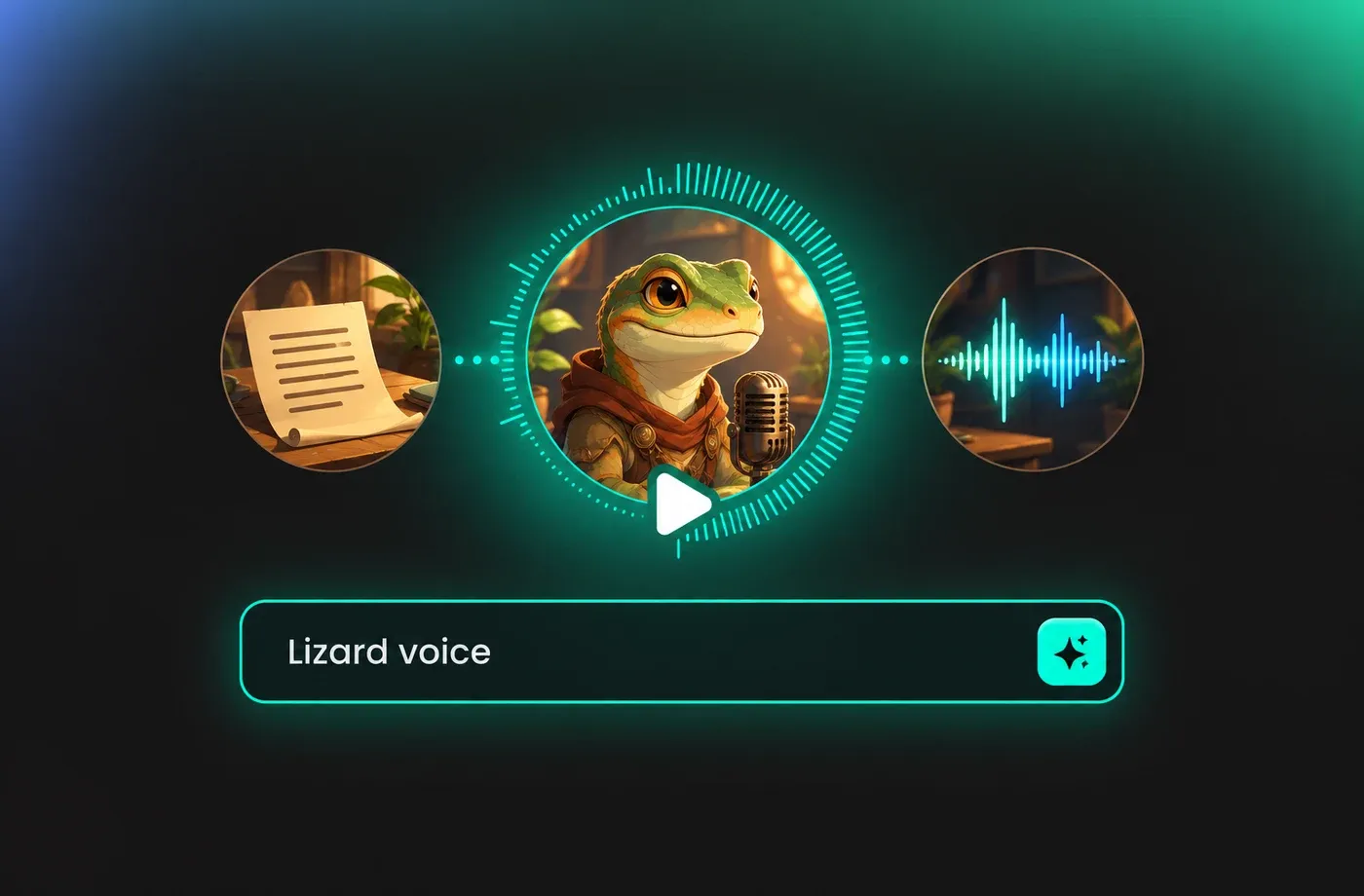
Text to Speech Lizard Voices
The text to speech engine reads narration aloud with clear consonants and natural pauses, which keeps long creature descriptions easy to follow. Choose a voice from the lizard voice library, then let the model handle pacing while you focus on the wording of your script.
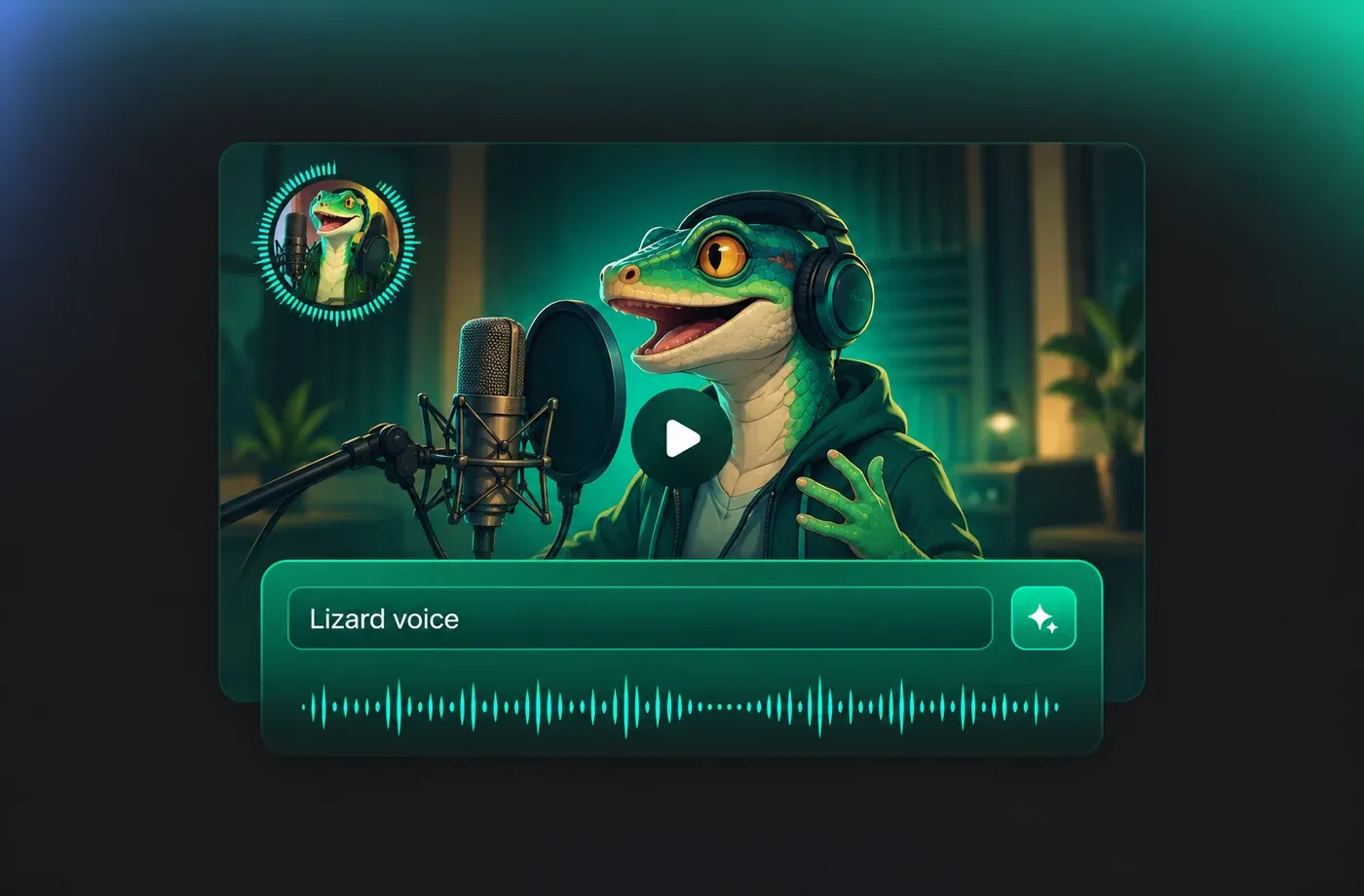
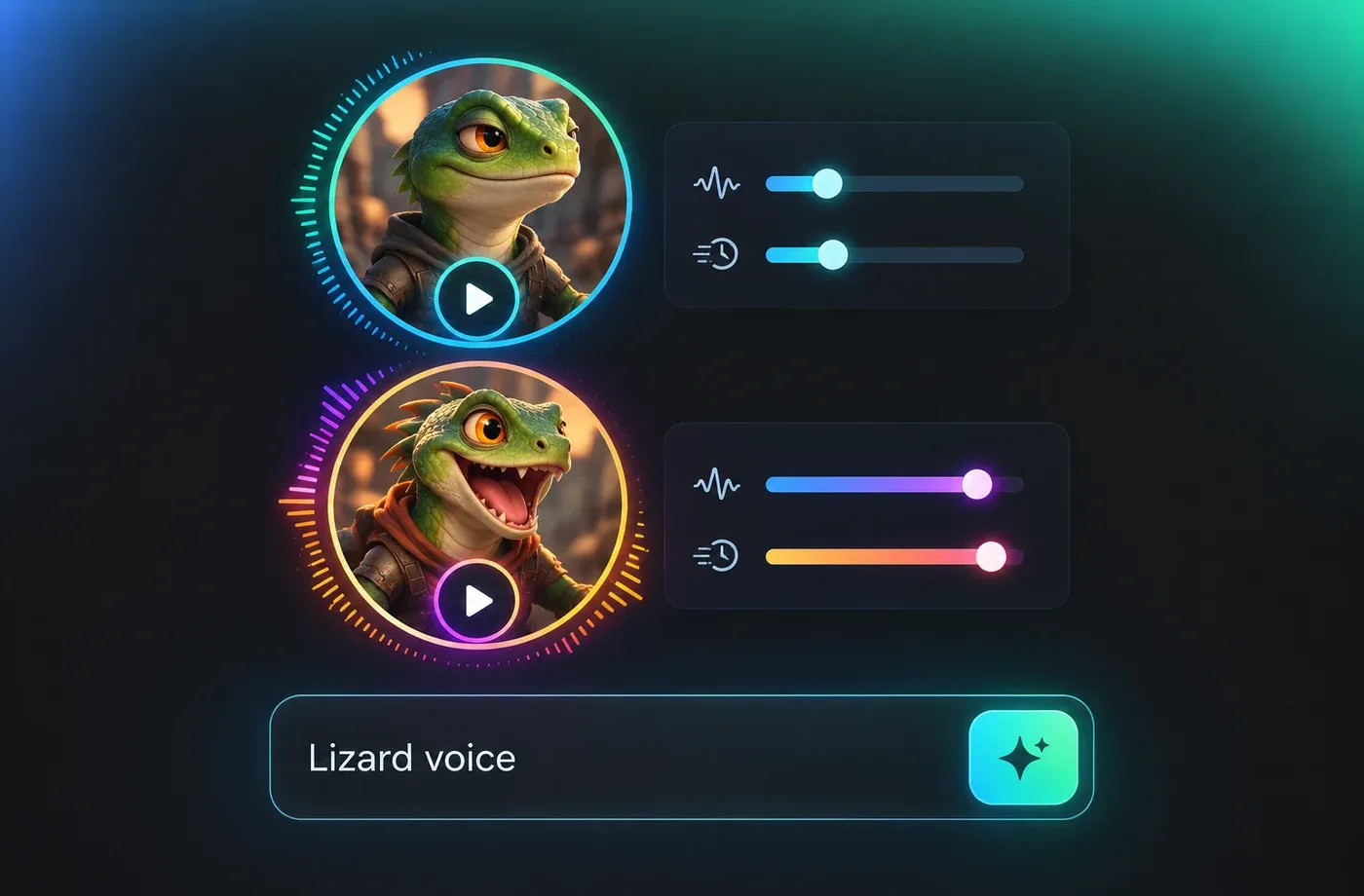
Tune Pitch and Speed for a Lizard Voice
Slower speed and a slightly lower pitch give lizard voice lines a dry, grounded feel, while a faster read suits short game barks and social clips. Pitch, speed and emotion controls sit next to the preview player, so each adjustment is audible before you export the file.
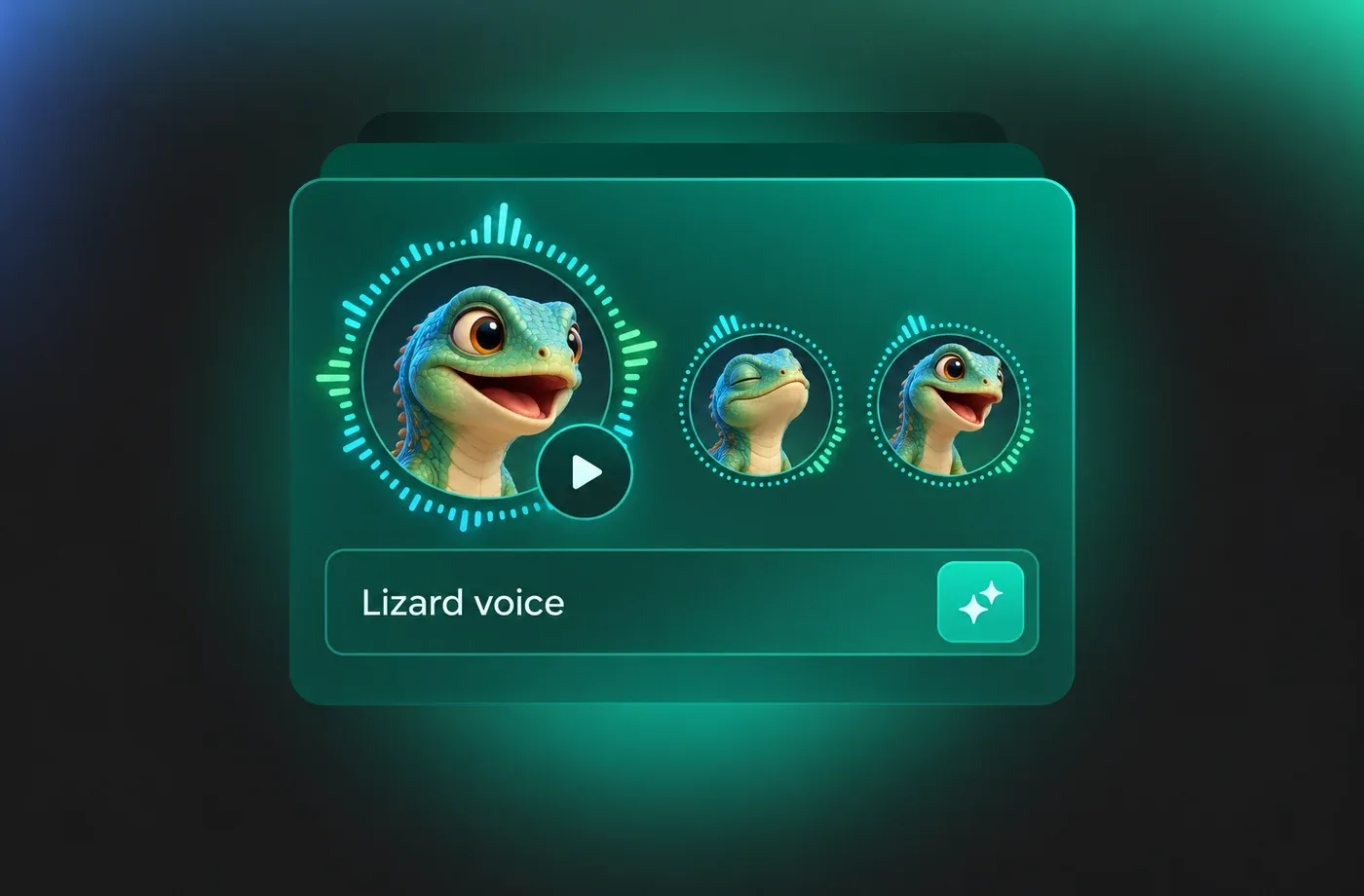
Clone a Voice for Reptile Narration
Voice cloning lets you keep a narrator consistent across an entire series of lizard voice segments, using a sample you have the rights to use. Combine the cloned timbre with pitch and speed settings, then download MP3 or WAV takes that match the rest of your audio.
How to Use AI Voices for Lizard Voice Generator
Paste your script, choose a textured lizard voice, adjust pitch and speed, then export MP3 or WAV. The whole lizard voice generator runs in your browser with 154+ languages.
1

Step 1: Paste Your Script Into the Lizard Voice Generator
Open the lizard voice generator and type or paste your narration, dialogue or scene description. Add punctuation where you want pauses so the text to speech read follows your intended rhythm.
2

Step 2: Choose a Voice and Fine-Tune Pitch and Speed
Select a textured or smoother narrator from the library, then adjust pitch, speed and emotion until the lizard voice sounds dry and grounded rather than theatrical. Use the preview player to compare takes side by side.
3

Step 3: Preview and Download Your Lizard Voice Audio
Listen to the finished line, make any final tweaks, and export it as MP3 or WAV. Repeat for each segment so every lizard voice file drops straight into your video editor, game engine or podcast timeline.
t0529.tools.voiceCategory.moreThan









Explore More Voice Categories
FAQs About Lizard AI Voice Generator
1. What is a lizard voice generator?
A lizard voice generator turns written text into spoken audio with a dry, textured, reptilian character. With this voice generator you paste a script, pick a voice, adjust pitch and speed, and export the finished read as MP3 or WAV without recording anything yourself.
2. Do I need to install software to use the lizard voice generator?
3. Can I change pitch and speed for a lizard voice?
4. Which languages does the lizard text to speech support?
5. Can I download lizard voice audio as MP3 or WAV?
6. Can I use voice cloning for a lizard voice narrator?
7. What can I use lizard voice text to speech for?
8. How long does it take to generate a lizard voice line?
 FineVoice
Start Creating with AI Lizard Voices
Turn your script into a dry, textured lizard voice in seconds, adjust pitch and speed to taste, and download MP3 or WAV files in 154+ languages — all from the browser with nothing to install.
