

Free Hyenas Voice Generator: Playful, Gritty AI Text to Speech Voices
Discover the best Hyenas AI Voice Generator and Text to Speech tool! FineVoice turns a written script into a hyenas voice performance with adjustable pitch, speed and emotion, then exports MP3 or WAV in 154+ languages. Use it for wildlife parody narration, creature-design skits and game videos, and start with a preset from the hyenas voice library.
文字转语音历史记录
示例:

设置
AI语音

- Voice Name
- 0 使用次数
免费创建您的AI语音。
模型
 FineVoice TTS Max
Instantly Create Hyenas Voiceovers
Paste a script and FineVoice renders a hyenas voice track in seconds, with pitch, speed and emotion already set before you hit generate. You can run two takes back to back, compare them in the player and keep the one that fits the scene. Open the hyenas voice library to start from an existing preset instead of a blank slate.
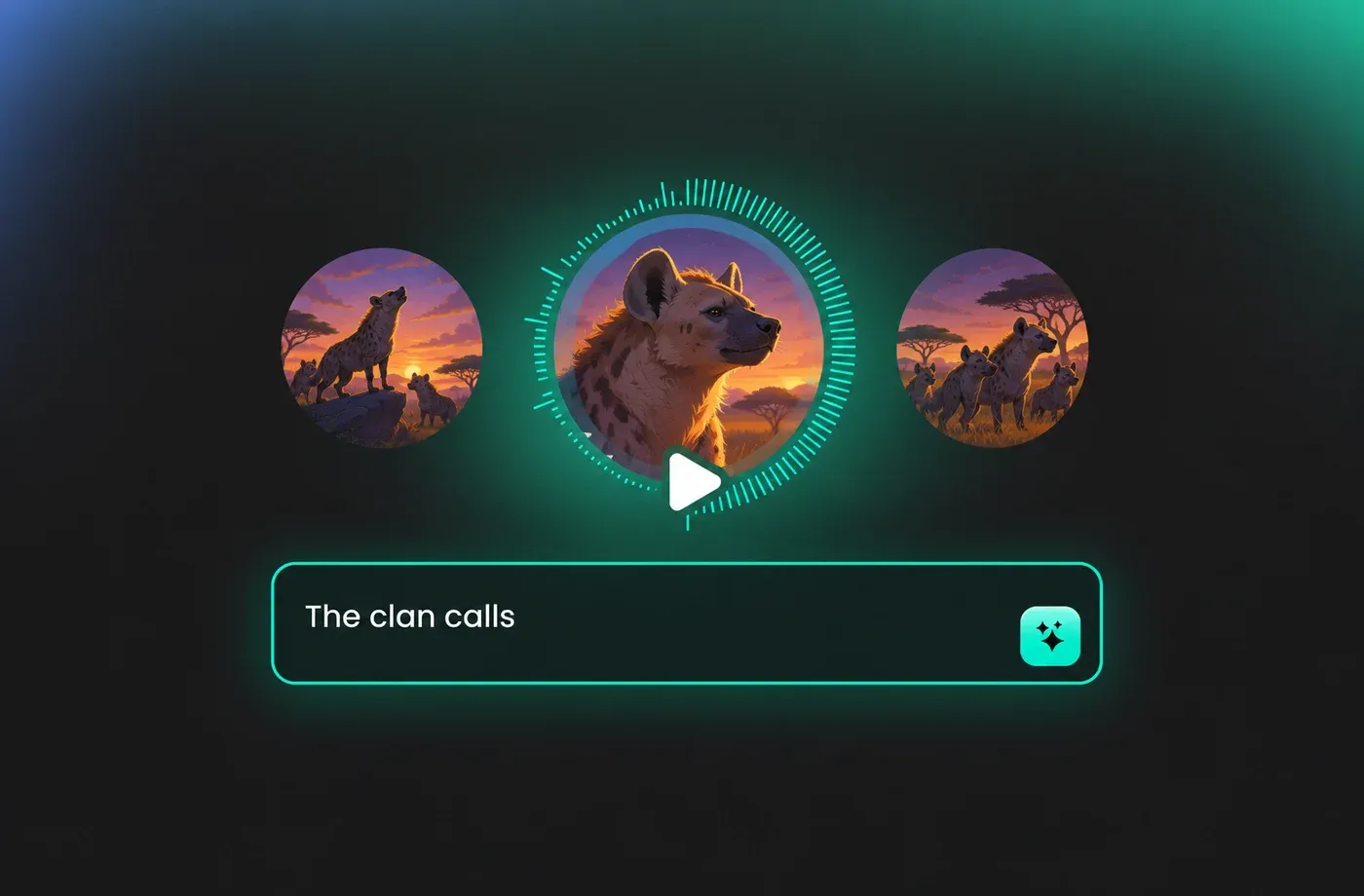
Text to Speech Hyenas Voices
The generator reads your text aloud across 154+ languages and accents, so one hyenas voice script can become an English trailer, a Spanish cut and a Japanese short without re-recording anything. Pacing is controlled with pause marks inside the editor. Start in the text to speech studio and paste your first paragraph.
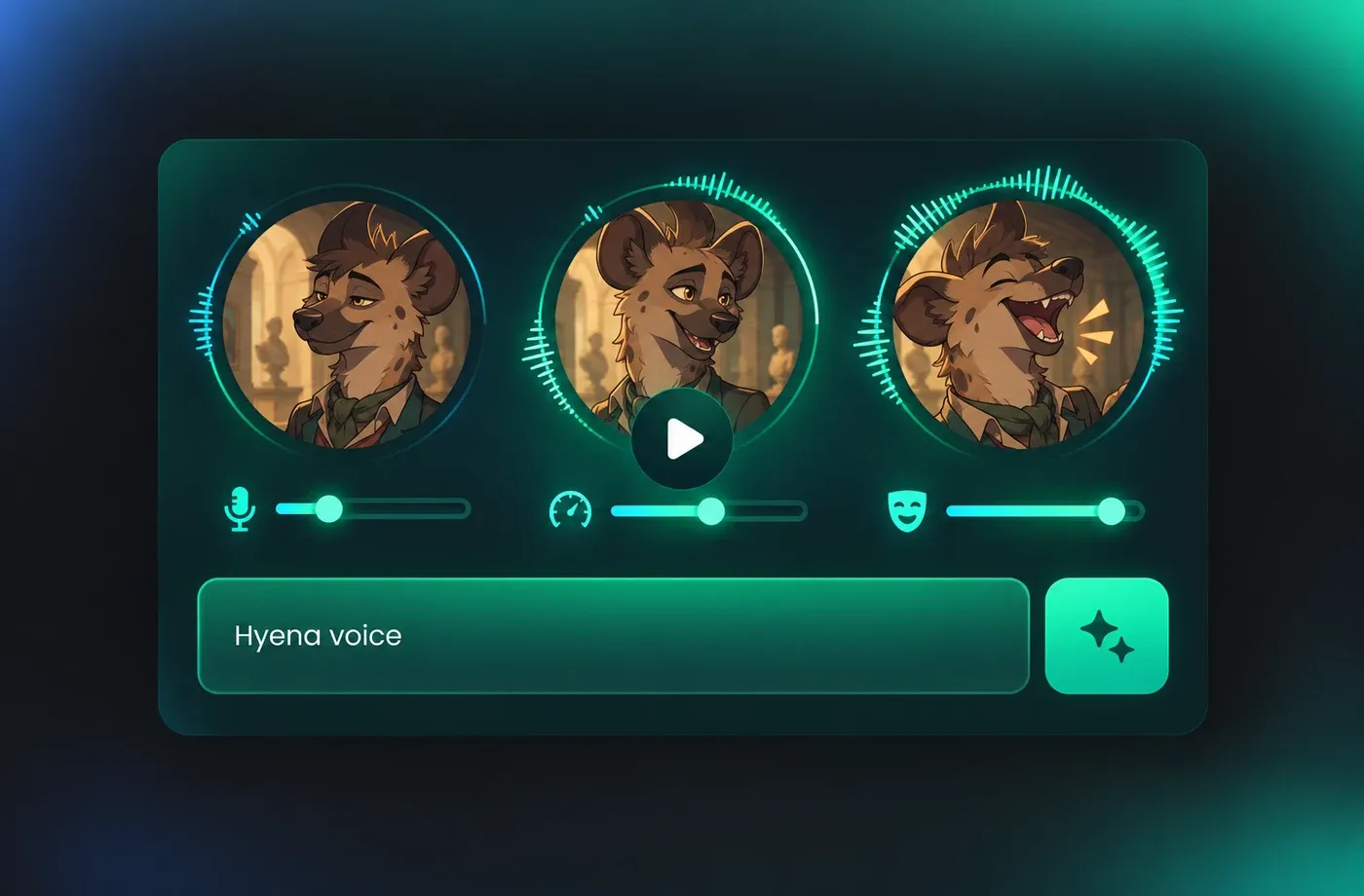
Tune Pitch and Pace for Every Hyenas Voice Line
Pitch, speed and emotion sliders let you push a hyenas voice line toward dry documentary calm or a sharper, more theatrical delivery, then save that setting for the rest of the script. Changes preview immediately, so you hear the result before rendering the full track. All of it runs in the FineVoice studio in your browser.
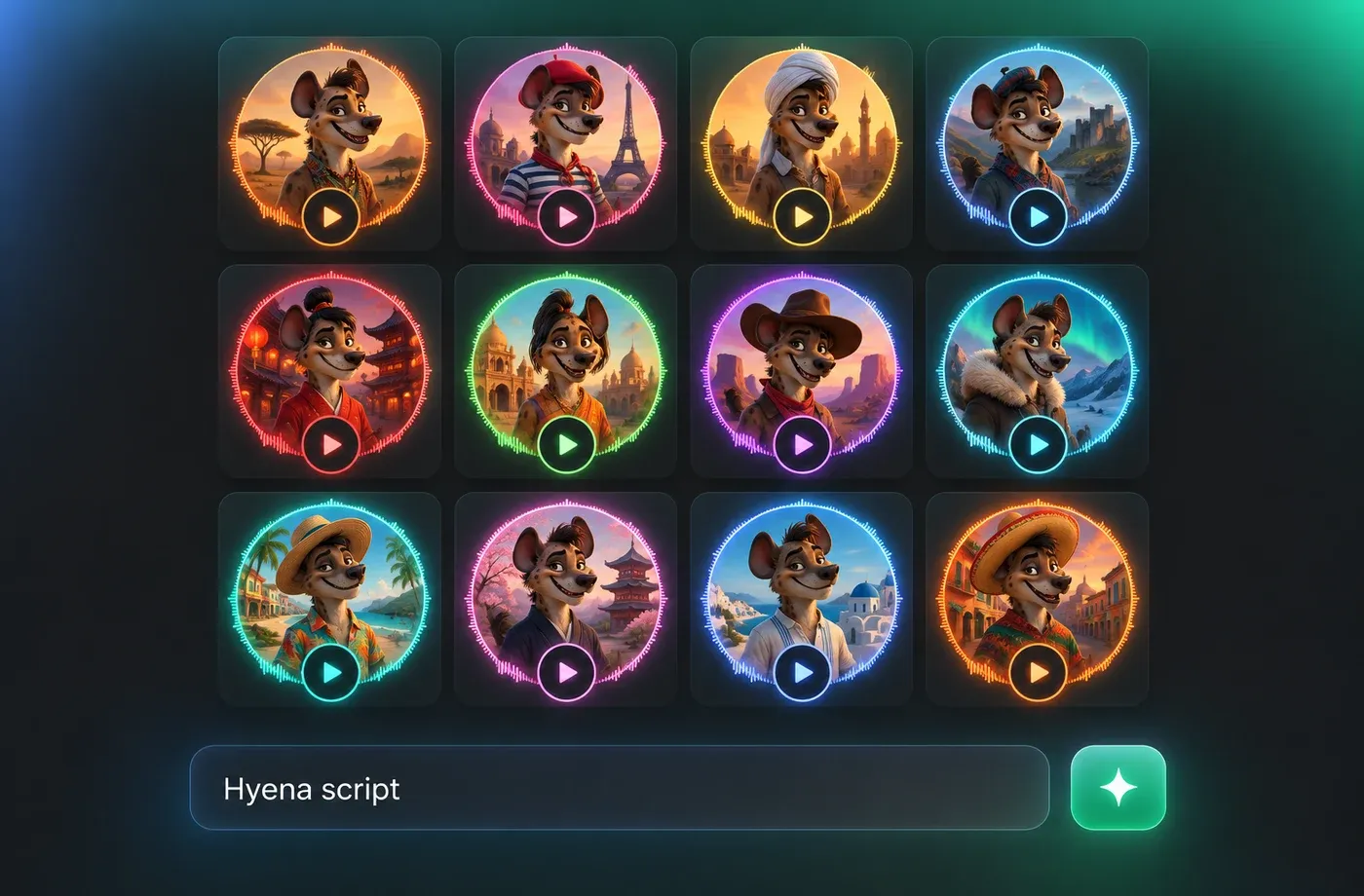
Download Hyenas Voice Audio as MP3 or WAV
Export the finished hyenas voice as MP3 for quick social uploads or WAV when an editor needs uncompressed audio for layering under music and effects. Files drop straight into Premiere, DaVinci Resolve, CapCut or Audacity with no plugin required. You can also design a custom timbre with voice design before exporting.
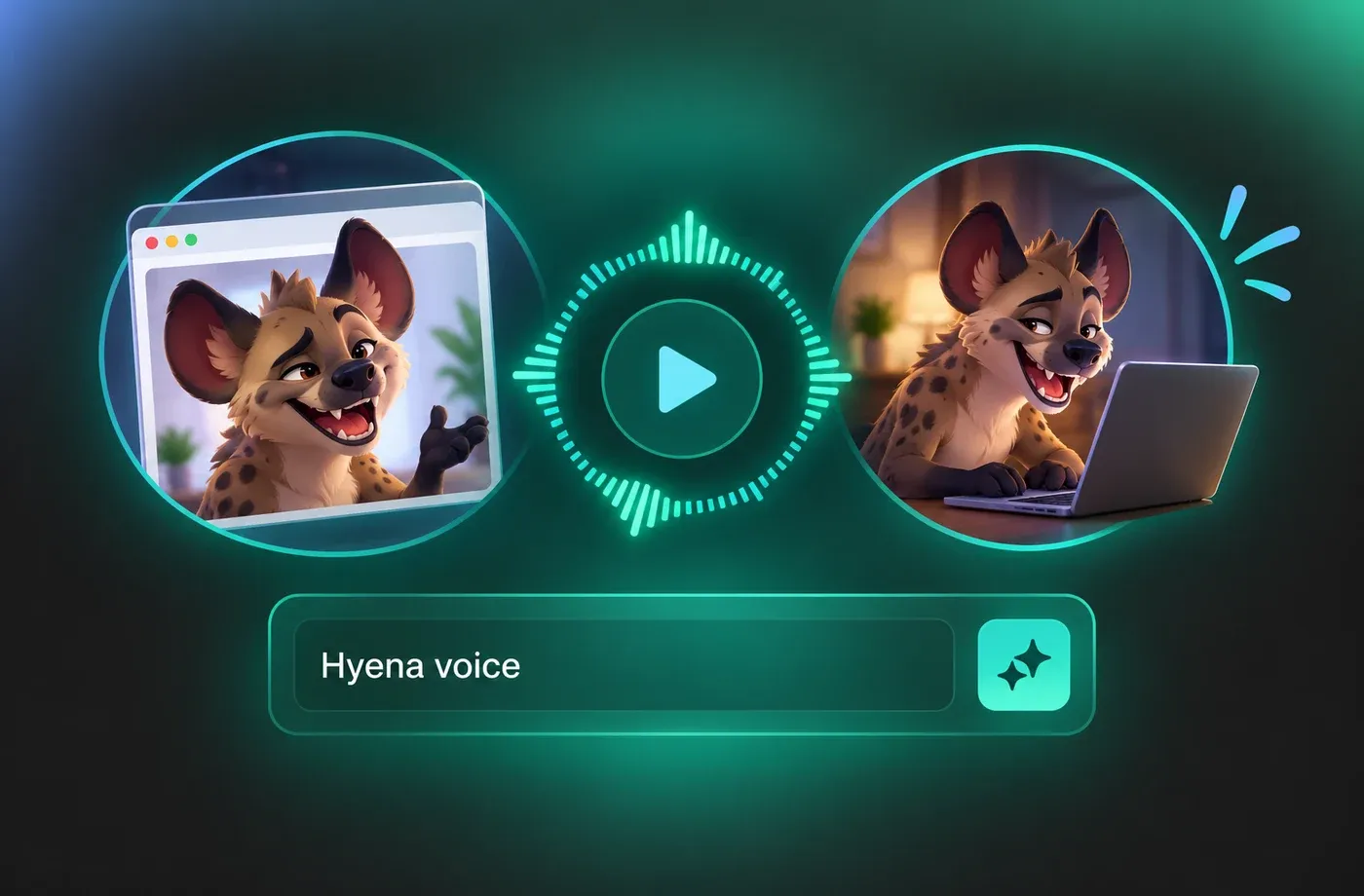
How to Use AI Voices for Hyenas Voice Generator
Paste your script, choose a hyenas voice preset or design your own, set pitch, speed and emotion, then generate and download the audio as MP3 or WAV.
1

Step 1: Enter or Paste Your Script
Type or paste the narration for your scene into the editor. Add pause marks where the hyenas voice should breathe, and keep sentences short if the audio will sit under fast cuts.
2

Step 2: Choose a Hyenas Voice and Set Pitch, Speed and Emotion
Pick a preset from the hyenas voice library or design a custom timbre, then move the pitch, speed and emotion sliders until the read matches your footage. Preview a single line before committing to the whole script.
3

Step 3: Generate and Download MP3 or WAV
Render the full track, listen through once in the player, then download as MP3 for quick uploads or WAV for editing. Drop the file into your video project and mix it under music and effects.






Explore More Voice Categories
FAQs About Hyenas AI Voice Generator
1. What is a hyenas AI voice generator?
A hyenas AI voice generator is a text to speech tool that reads your script in a hyena-style timbre and delivery instead of a plain narration voice. FineVoice applies that voice to any text you paste, with pitch, speed and emotion controls so the result fits parody wildlife footage, animation or game audio.
2. How do I generate a hyenas voice from text?
3. Can I change pitch and speed of the hyenas voice?
4. Which languages does the hyenas voice support?
5. Can I download the hyenas voice as MP3 or WAV?
6. Can I design a custom hyenas voice instead of using a preset?
7. Can I use my own voice for hyenas narration?
8. Do I need to install software to use the voice generator?
 FineVoice
Start Creating with AI Hyenas Voices
Turn your next script into a finished hyenas voice track with pitch, speed and emotion you control, then export MP3 or WAV straight from the browser. No install, no studio booking — just paste, generate and download.
