

AI Mouse Voice Generator
FineVoice's AI mouse voice generator turns any script into a bright, quick, small-creature performance in seconds. Unlike generic cartoon voice pages, this one is tuned specifically for rodent energy: fast chatter, tiny giggles and soft squeaks that still stay clean and intelligible in a busy mix. Paste a line, choose a tone, and export a ready-to-use voice of mouse for shorts, games, animation or pranks.
文字转语音历史记录
示例:

设置
AI语音

- Voice Name
- 0 使用次数
免费创建您的AI语音。
模型
 FineVoice TTS Max
A Mouse Voice for Cartoon Shorts and Skits
Give a tiny hero a personality that carries the whole scene. FineVoice keeps the mouse voice quick and bright without the harsh clipping that pitch-shift tools usually leave behind, so every squeak stays crisp on phone speakers and headphones alike.
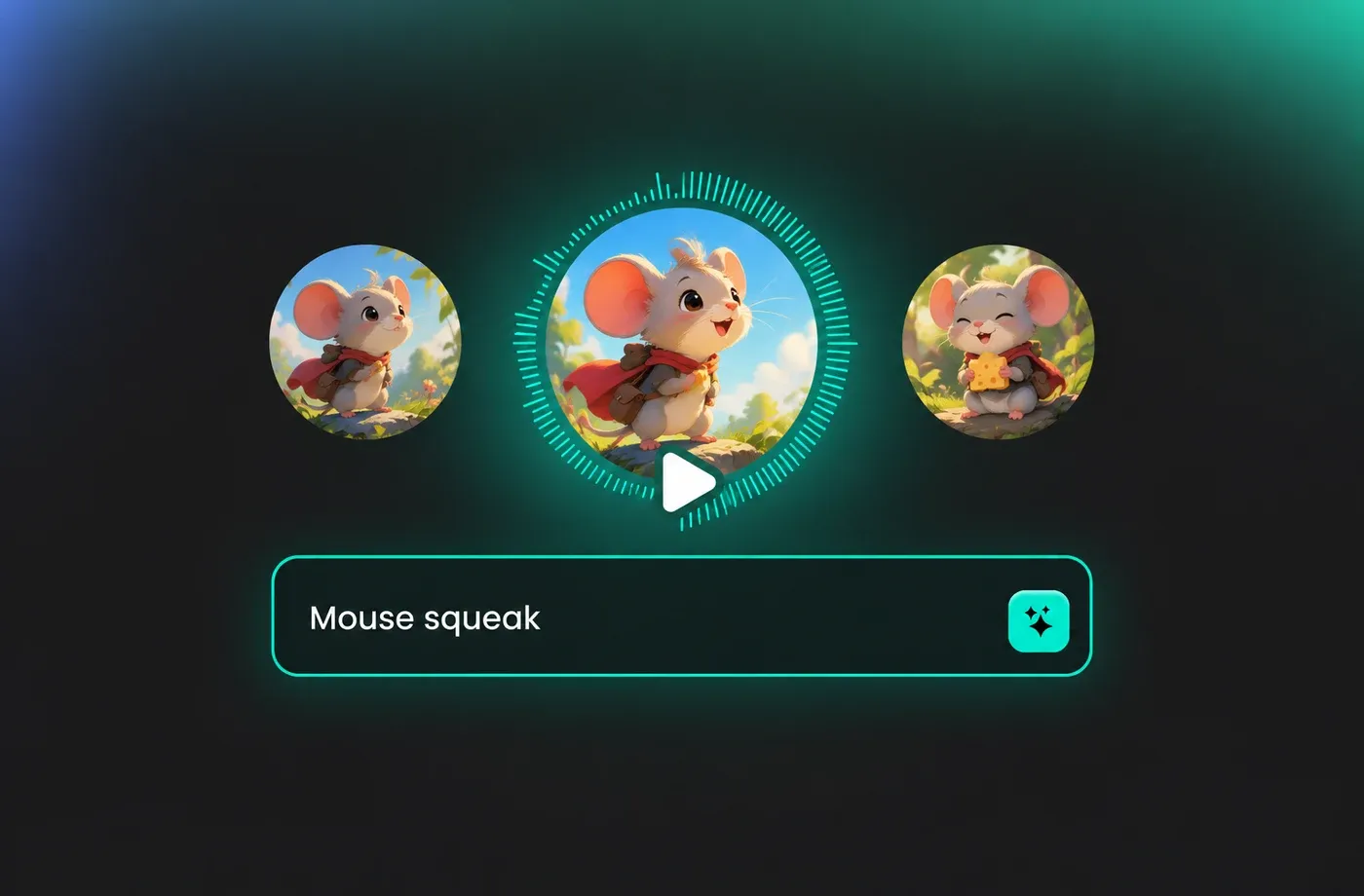
Game NPCs, Squeaks and Sound Bites
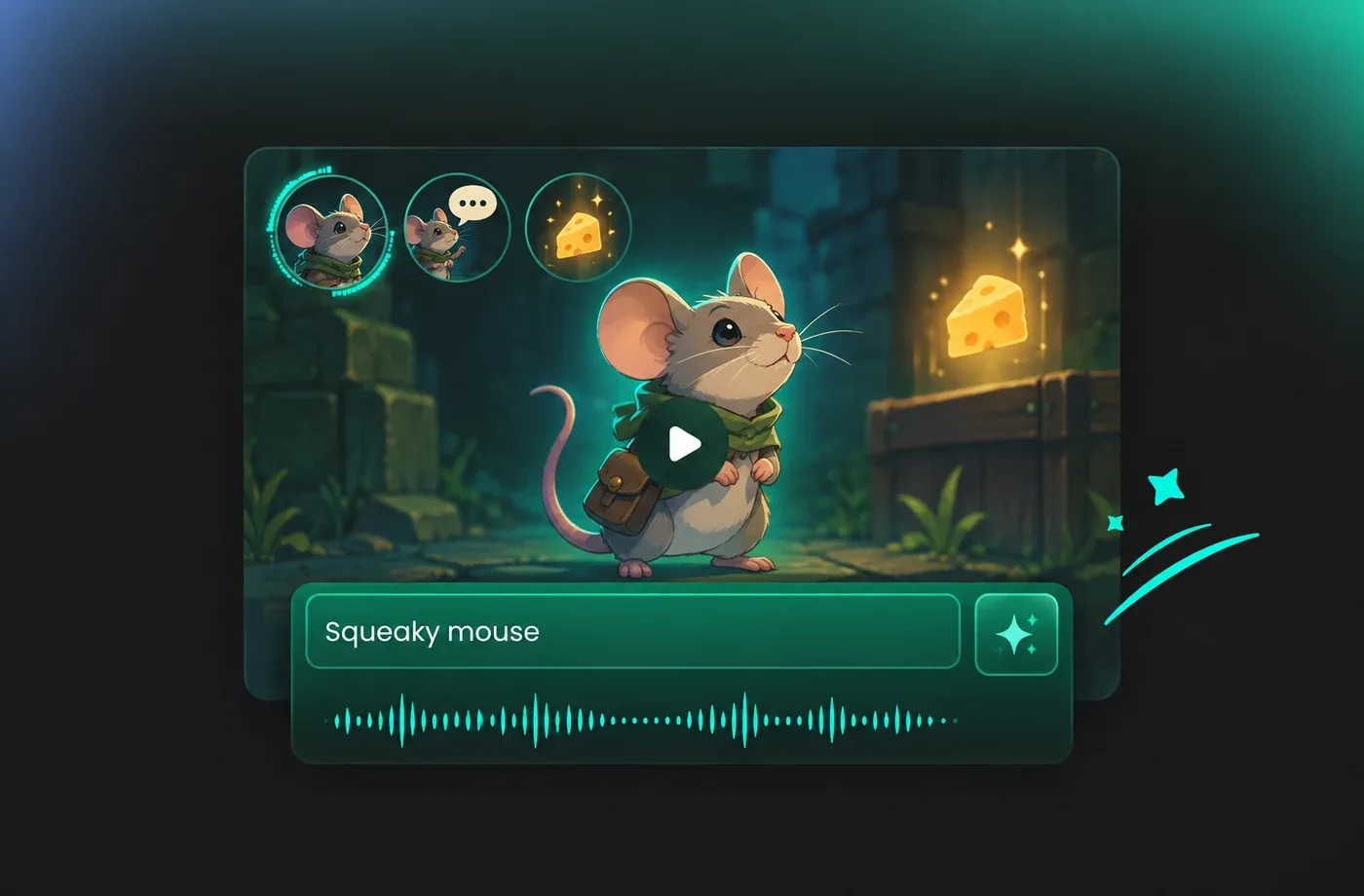
Build a consistent voice of mouse for side characters, tutorials or item pickups, then export clean audio that drops straight into Unity, Unreal or Godot. Short lines render in seconds, so you can iterate on a squeaky NPC until the timing feels right.
Social Shorts, Memes and Reaction Clips
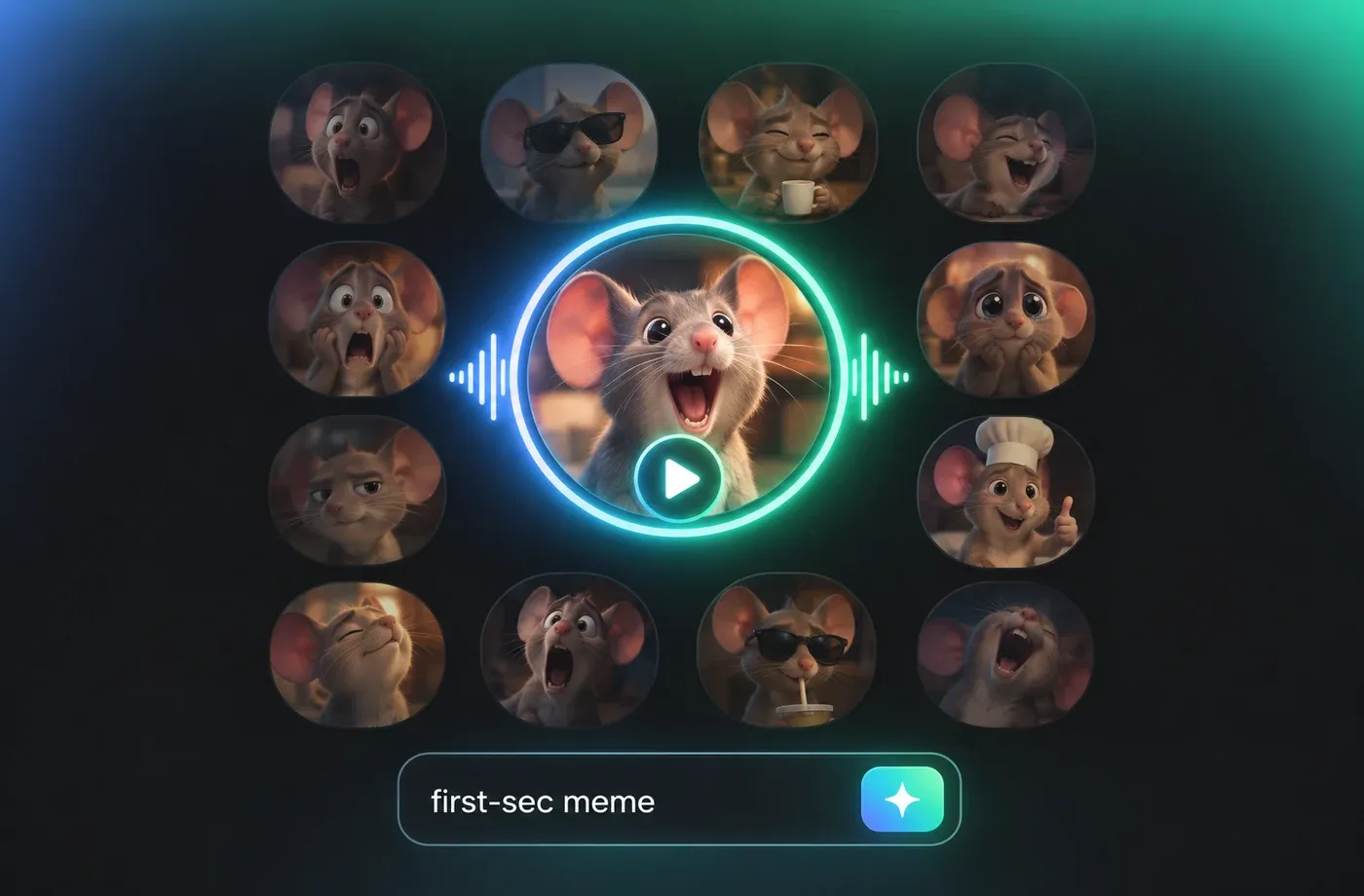
Punch up TikTok, Reels and YouTube Shorts with a mouse voice that lands in the very first second. Generate the line, nudge the speed, and post the clip before the trend cools down — no voice actor scheduling involved.
Kids' Stories and Bedtime Audio
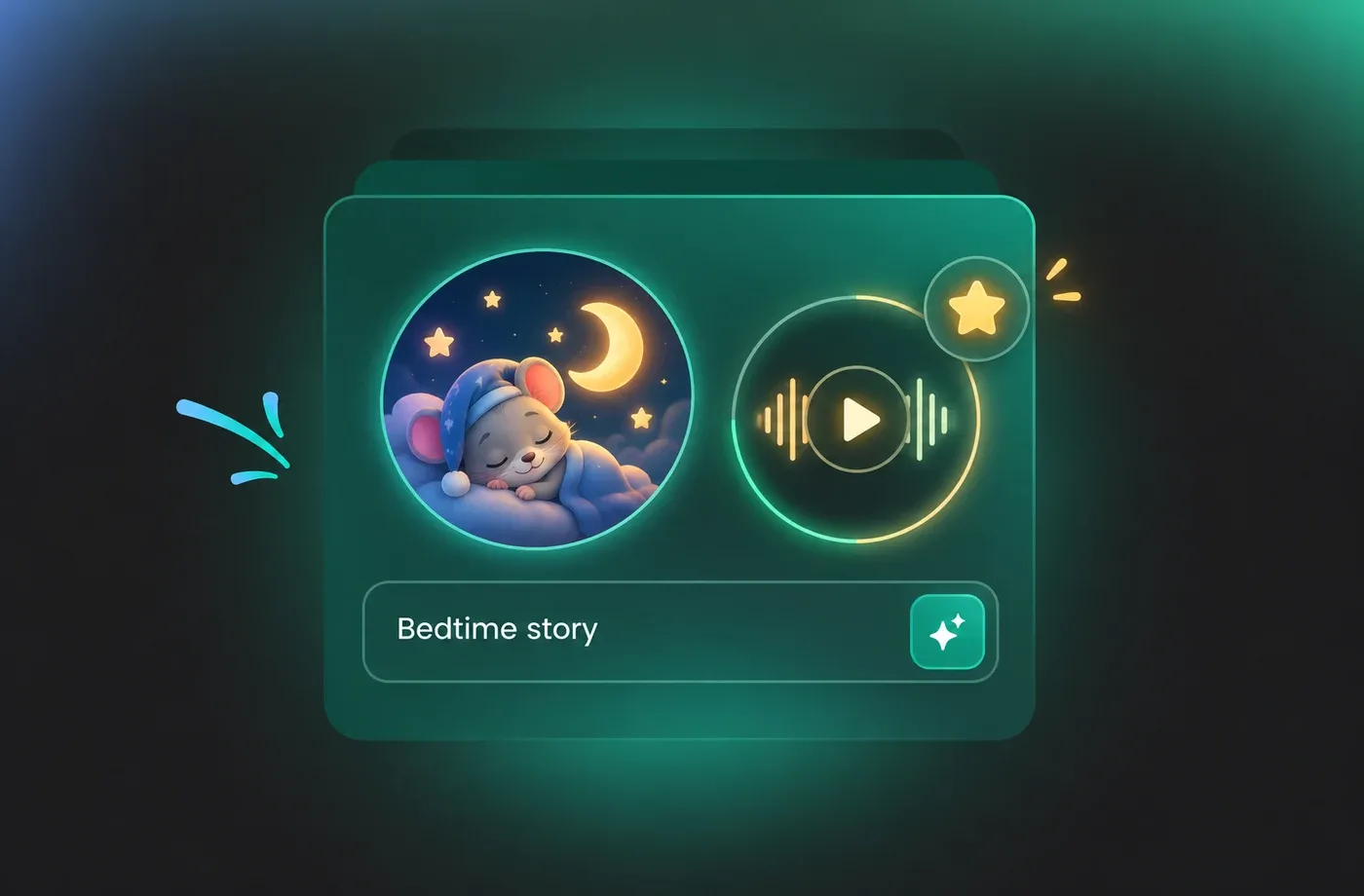
Narrate bedtime tales with a gentle voice of mouse that stays warm instead of screechy, so parents can play a full chapter without reaching for the volume dial. Save your favourite settings as a preset and reuse it across an entire series.
How to Make a Mouse Voice in 3 Steps
Type your line, choose a mouse voice style, preview the result and download a clean voice of mouse track — no microphone, recording booth or editing skills required.
1

Step 1: Type or Paste Your Script
Add the exact line your mouse character should say. Keep sentences short for fast chatter, or write longer paragraphs if you need narration — the generator handles both.
2

Step 2: Pick a Mouse Voice Style
Choose a pitch and pace that matches your scene, from soft bedtime narration to hyperactive cartoon squeaking. Preview instantly and fine-tune until the tone feels right.
3

Step 3: Generate and Download
Render the audio, check the preview one last time, then export a clean MP3 or WAV file ready for your editor, game engine or social platform.
t0529.tools.voiceCategory.moreThan











Explore More Voice Categories
Mouse Voice FAQ
1. What is an AI mouse voice generator?
It is a text to speech tool that reads your script and returns audio in a small, squeaky rodent style. FineVoice handles the pitch, pacing and character colour for you, so you get a usable mouse voice track without hiring a voice actor or owning any recording gear.
2. How do I turn my script into a voice of mouse?
3. Can I change the pitch and speed of the mouse voice?
4. Is the mouse voice free to try?
5. What can I use a mouse voice for?
6. Does the generated mouse voice sound robotic?
7. Can I use the mouse voice commercially?
8. Which languages does the mouse voice support?
9. How is this page different from other cartoon voice pages?
 FineVoice
Give Every Script the Perfect Mouse Voice
Whether you are building a cartoon character, an indie game NPC or a quick trending short, FineVoice delivers a natural voice of mouse in seconds. Start free and hear the difference on your own script today.
