

AI SpongeBob Voice Generator
FineVoice turns any script into a high-energy, SpongeBob-style cartoon voice — no recording booth, no voice actor fees, no back-and-forth emails. Unlike one-trick meme tools, you get real control over pitch, speed, and emotion, plus multi-speaker dialogue for full cartoon skits. Paste your text, pick the sponge-style preset, and export a clean MP3 or WAV in seconds. Try the free AI SpongeBob voice generator and hear the difference on your very first line.
文字转语音历史记录
示例:

设置
AI语音

- Voice Name
- 0 使用次数
免费创建您的AI语音。
模型
 FineVoice TTS Max
Create an AI SpongeBob Voice to Hook Viewers in the First Second
Short-form creators live and die by retention, and a punchy cartoon voice is one of the fastest ways to stop the scroll. Paste your script into FineVoice and get a SpongeBob-style read that lands the punchline — without you ever touching a microphone. Render a new take every time the joke changes.
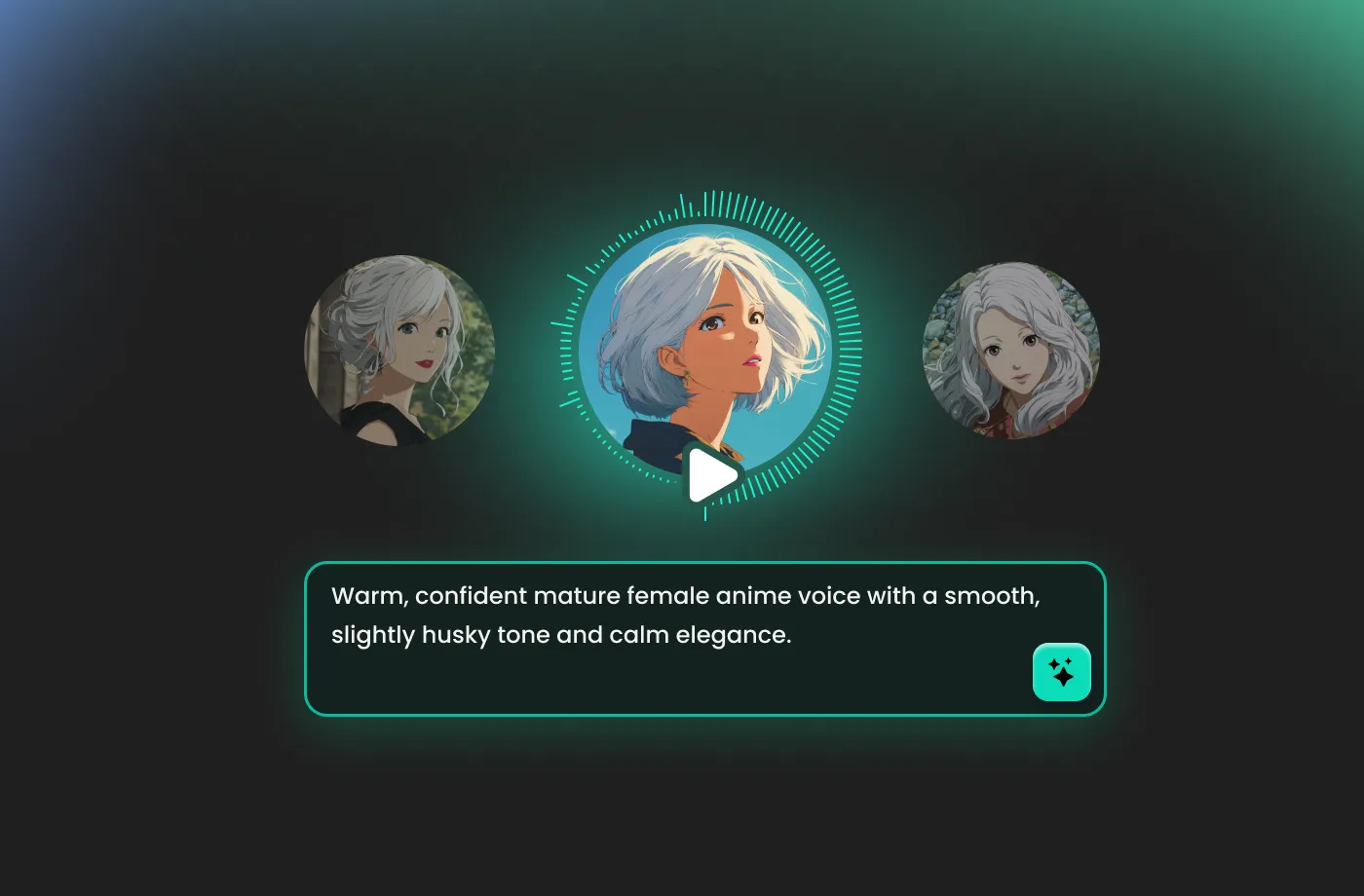
Use Multiple AI SpongeBob Voices for Cartoon Skits
Assign a different character voice to each line of your script and build full dialogue scenes in a single project. FineVoice keeps timing, volume and tone consistent across speakers, so your sponge, squid and squirrel characters sound like they were recorded in the same room. Export one file or split stems per character.
Use an AI SpongeBob Voice Generator for Games, Apps & Animation Prototyping
Placeholder audio speeds up animatics, game jams and app demos, but hiring actors for temp lines is a waste of budget. Generate sponge-style scratch VO in minutes, drop it straight into Unity, Premiere or After Effects, and swap in final audio later. Re-render any line instantly when the script shifts.
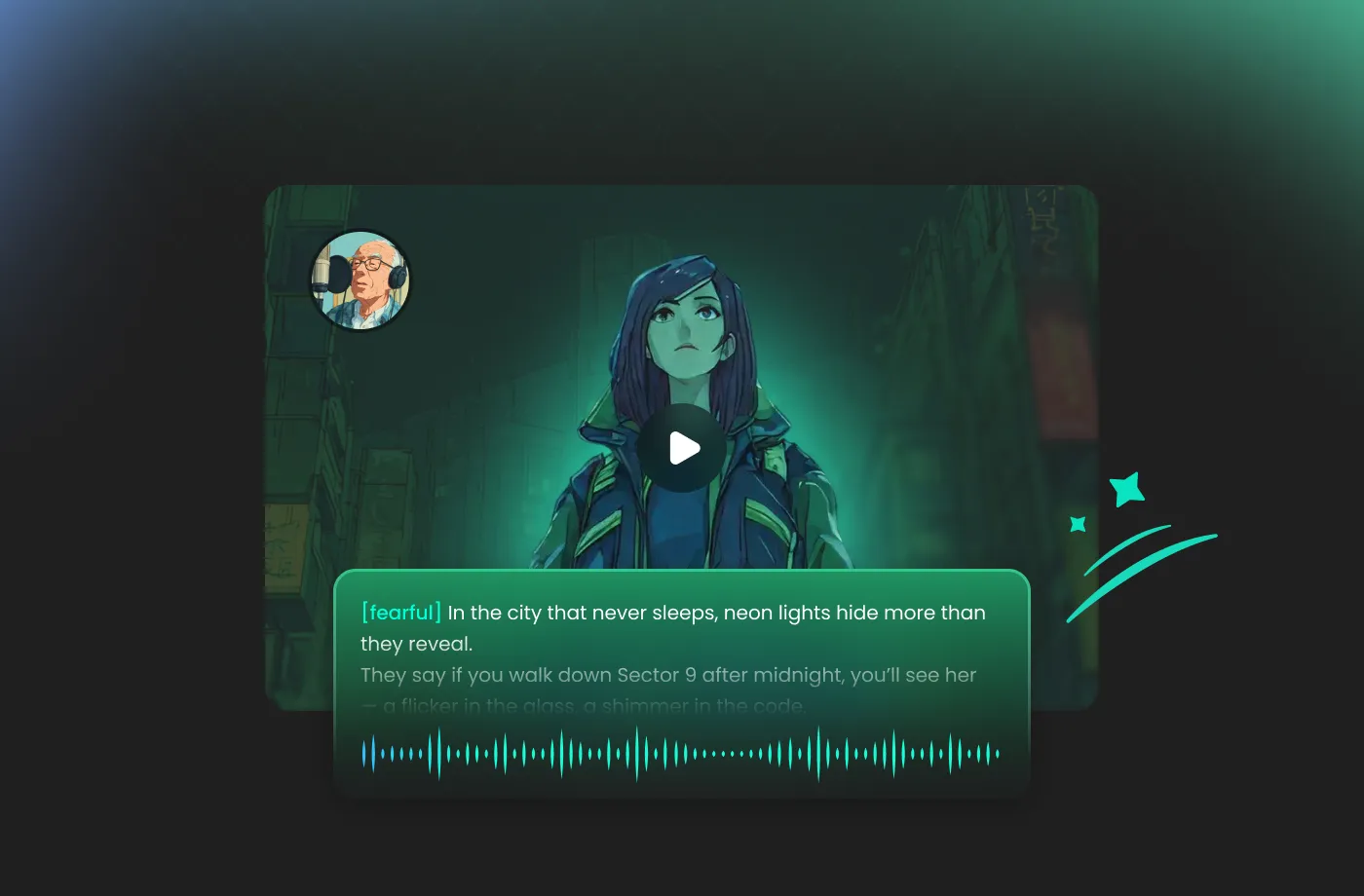
Create Original, Safe & Studio-Clean AI Cartoon Voices
FineVoice produces an original synthetic cartoon voice modeled on the high-energy sponge archetype — it is not affiliated with, endorsed by, or licensed from any animation studio. That means no impersonation headaches, no ripped audio, and no background noise. Every render is 48 kHz, watermark-free on paid plans and ready for commercial distribution.
How to Make a SpongeBob-Style Voice in 3 Steps
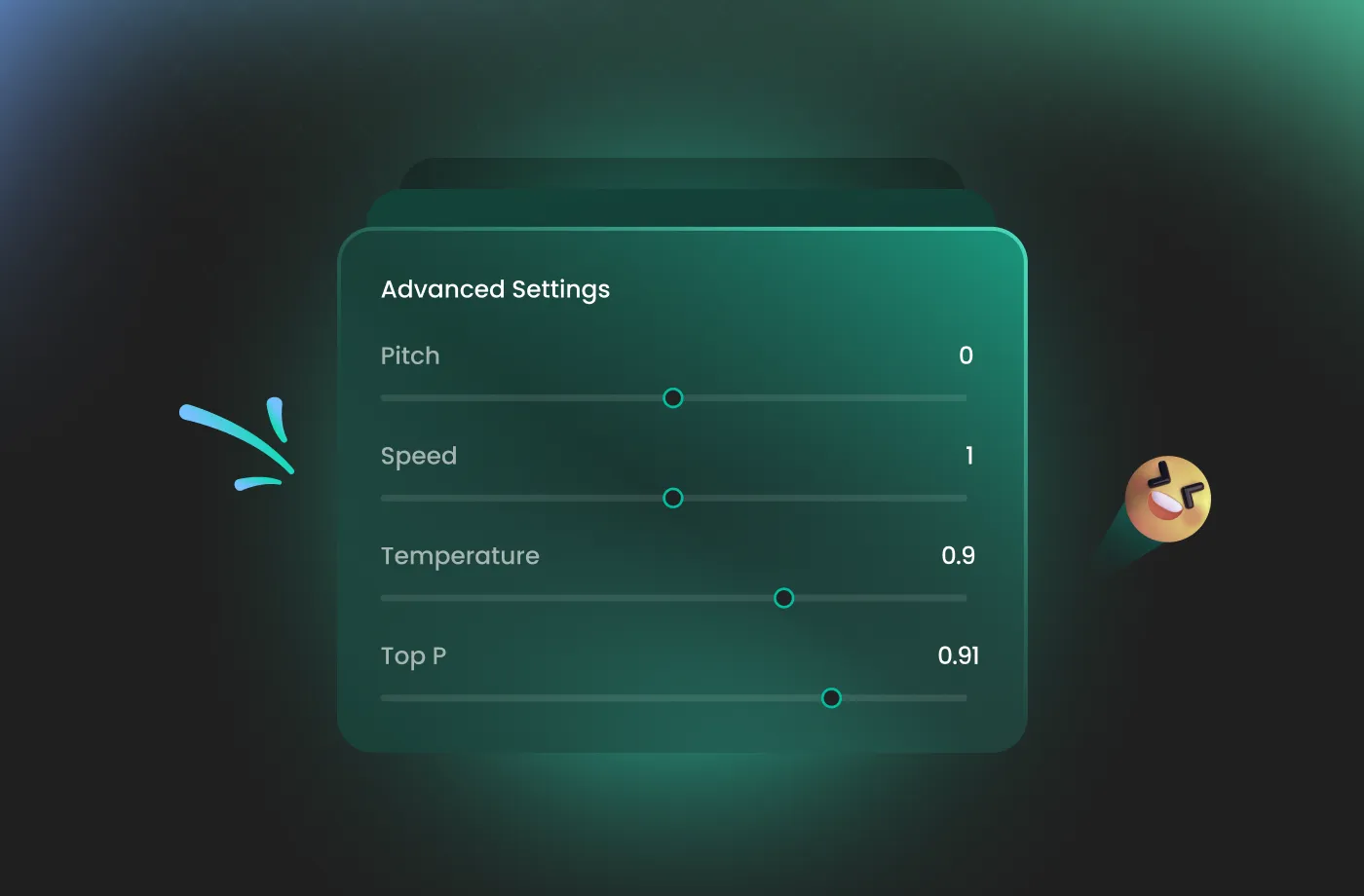
Type your script, choose a sponge-style cartoon preset, fine-tune pitch and speed, then export studio-clean audio. No downloads, no microphone, no editing skills required.
1

Step 1: Paste Your Script
Drop your voiceover text, meme caption or full cartoon screenplay into the editor. For multi-character skits, put each speaker on its own line so FineVoice can assign a separate sponge-style voice to each one.
2

Step 2: Pick the Preset and Tune It
Choose a sponge-style cartoon voice from the library, then slide pitch, speed and emotion until the delivery matches your scene. Preview instantly and refine until the line lands exactly how you imagined it.
3

Step 3: Generate and Download
Click Generate to render studio-clean audio in seconds, then export as MP3 or WAV. Send it straight to your editor, upload it to your channel, or keep the preset saved for your next episode.

Explore More Voice Categories
AI SpongeBob Voice Generator: Frequently Asked Questions
1. Is this the real SpongeBob voice?
No. This is an AI-generated cartoon voice created by FineVoice. It is designed for playful, energetic, and exaggerated cartoon-style audio rather than reproducing an official character performance.
2. How do I make a SpongeBob-style voice with FineVoice?
3. Can I control how squeaky or exaggerated the voice sounds?
4. Can I monetize videos made with this cartoon voice?
5. Does the AI SpongeBob voice work in other languages?
6. Can I use my own cloned voice and make it cartoonish?
7. Is there a free plan for the AI SpongeBob voice generator?
8. Can I export the audio into Premiere, CapCut or a game engine?
 FineVoice
Ready to Sound Like You Live in a Pineapple Under the Sea?
Turn any script into a punchy, high-energy cartoon voice in under a minute — no microphone, no voice actor, no editing skills. Start free with FineVoice and export your first SpongeBob-style line today.
