

Sam Voice Generator – Microsoft Sam TTS & AI Robot Voice
Create Microsoft Sam-style TTS online with FineVoice's AI Sam voice generator. Go beyond a single preset—get a whole family of Sam voices, from the nostalgic Microsoft Sam-style robot to a warm storyteller and energetic gamer, each fully adjustable in pitch, speed, and emotion. Perfect for gaming, accessibility, and character work. Try Sam TTS generator or explore more character voices.
文字转语音历史记录
示例:

设置
AI语音

- Voice Name
- 0 使用次数
免费创建您的AI语音。
模型
 FineVoice TTS Max
Microsoft Sam-Style Robotic Voice for Retro Projects
Bring back the iconic robotic charm of the original Microsoft Sam voice. Our Sam TTS generator recreates that nostalgic, monotone delivery for videos, games, or art installations—perfect when you need a vintage computer voice with modern AI reliability.
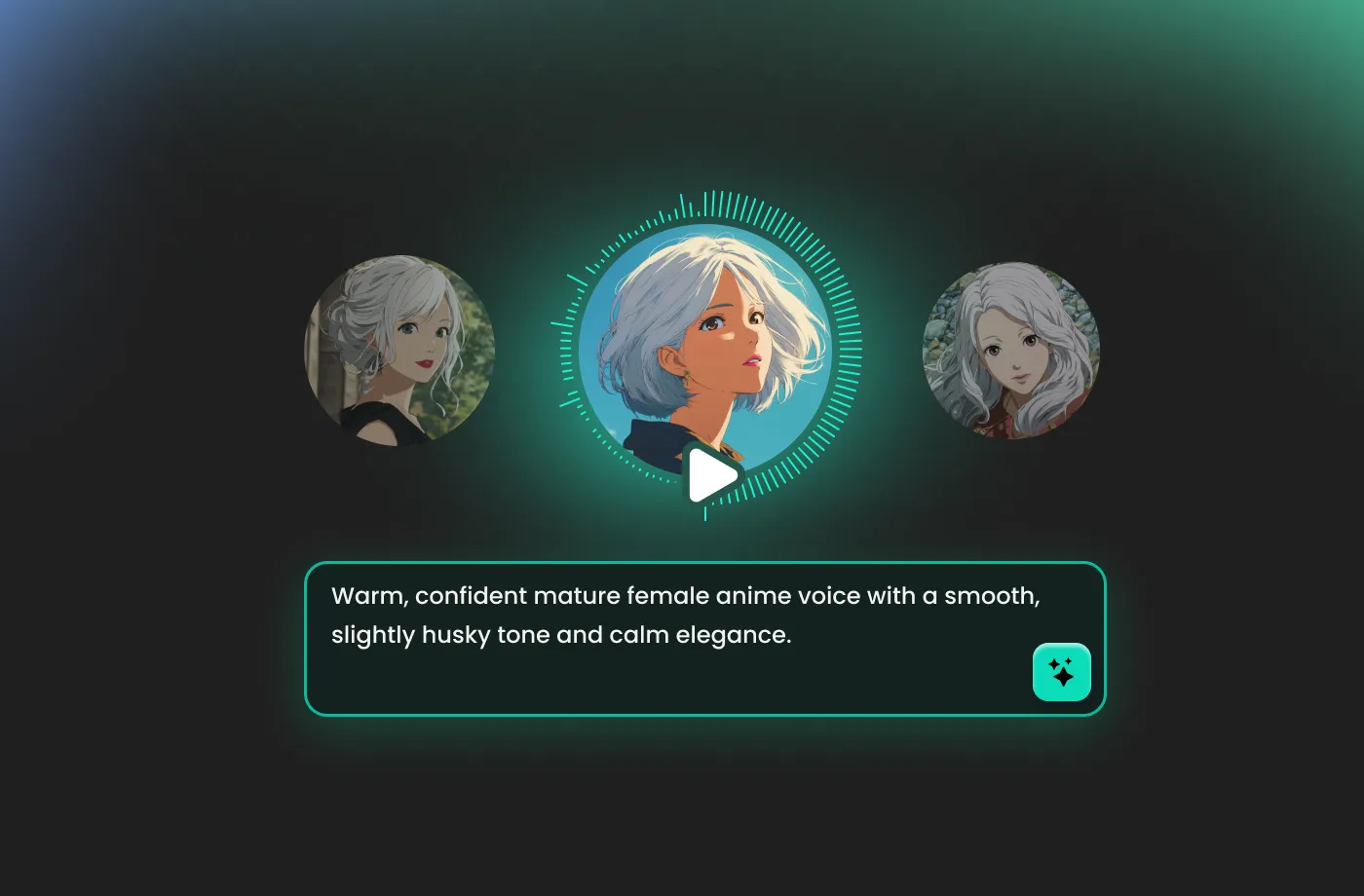
Warm Conversational Sam for Storytelling
Why settle for one Sam? Use our Sam voice generator to design multiple Sam personas—a wise narrator, a witty sidekick, or a menacing villain. Adjust tone, pace, and pitch to make each Sam uniquely yours. Ideal for audiobooks, animations, and podcasts.
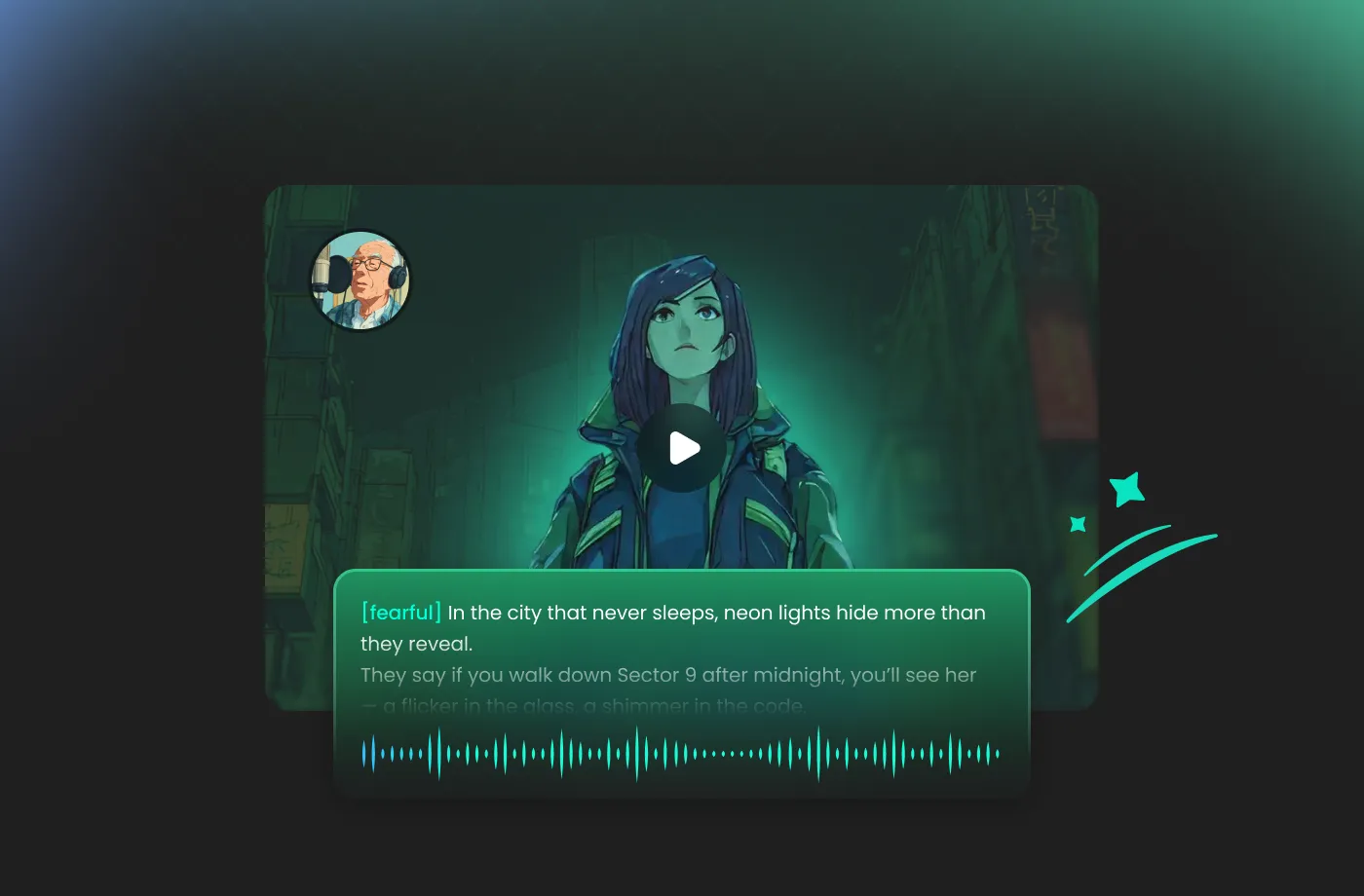
Sam Voice for Accessibility & Assistive Tech
A clear, consistent voice is crucial for screen readers and assistive applications. Our Sam voice generator produces highly intelligible Sam TTS voices that are easy on the ears for long listening sessions. Choose from several Sam variants to match your accessibility needs.
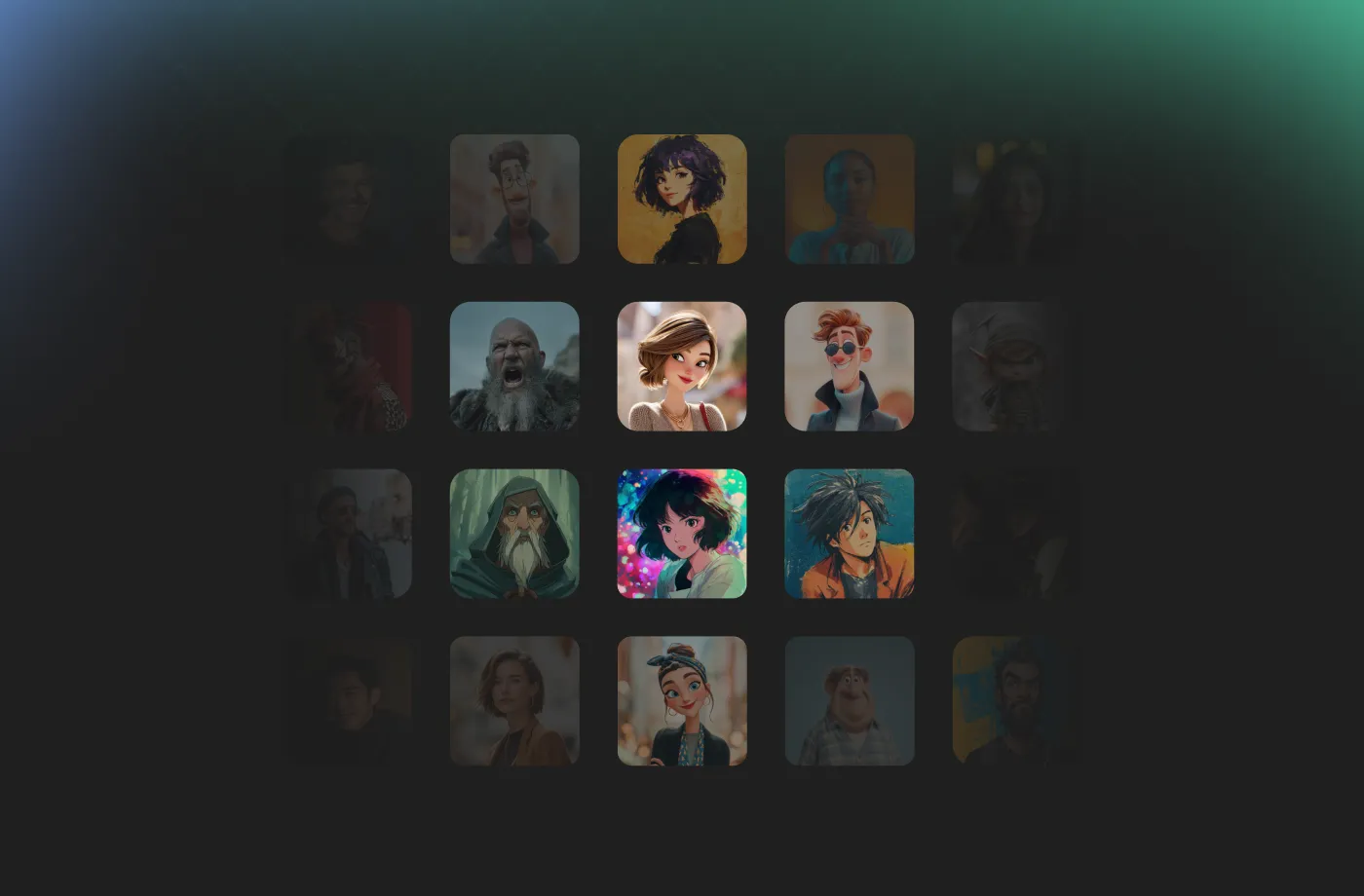
Energetic Gamer Sam for Streaming & Gaming
Give your gameplay commentary or in-game character a distinctive voice with our Sam TTS generator. From hype-building announcements to quirky NPC dialogue, Sam can be energetic, sarcastic, or dramatic—sync it with your stream in real time.
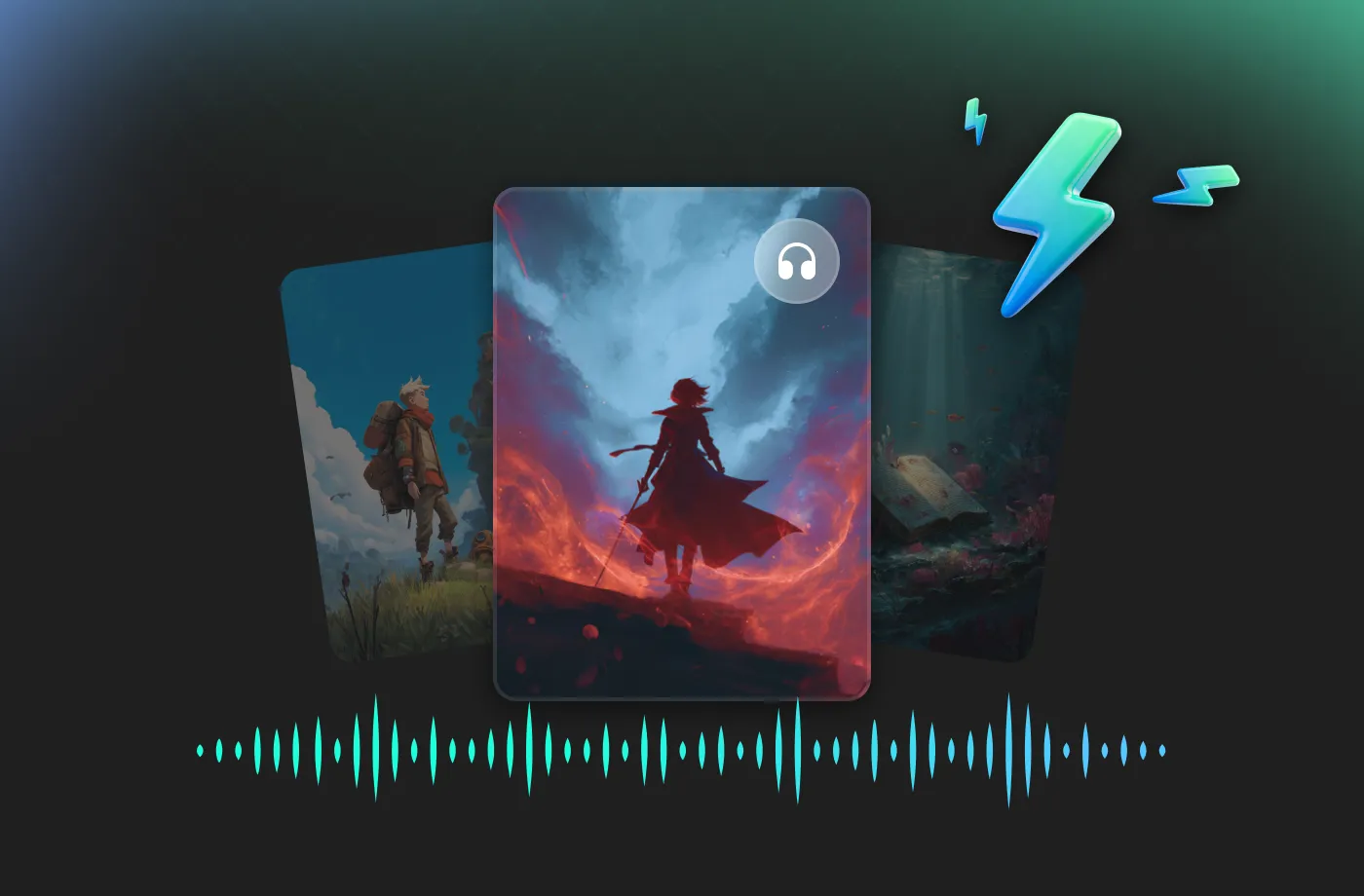
How to Generate Sam TTS Voices
Create your own Sam voiceover in three easy steps—no technical skills required.
1

Step 1: Enter Your Text
Type or paste the script you want Sam to speak. Adjust punctuation to control pauses and intonation for natural Sam text to speech output.
2

Step 2: Choose a Sam Voice & Customize
Select from our library of Sam TTS presets—Classic Sam, Storyteller, Gamer, and more—then tweak pitch, speed, and emotion until it sounds perfect.
3

Step 3: Generate & Download
Click 'Generate' to create your Sam voiceover, then download it as MP3 or WAV. Use your Sam TTS audio anywhere—videos, games, streams, or podcasts.









Explore More Voice Categories
Sam Voice Generator FAQ
1. What is a Sam voice generator?
A Sam voice generator is an AI tool that creates synthetic voices inspired by the classic Sam timbre—most famously Microsoft Sam. With FineVoice's Sam TTS generator, you can generate multiple Sam-style voices from any text, ranging from robotic and nostalgic to warm and human-like.
2. Is this a Microsoft Sam voice generator?
3. Can I make a robotic Sam voice?
4. How many Sam voice variations are available?
5. What is the difference between Microsoft Sam-style and AI Sam voice?
6. Can I use the Sam voice for commercial projects?
7. Is the Sam voice generator free to try?
8. Can I adjust the speed and pitch of the Sam voice?
9. What languages does the Sam voice support?
10. Can I download the Sam voice as MP3 or WAV?
11. Is the Sam voice generator suitable for YouTube videos?
 FineVoice
Ready to Bring Sam to Life?
Create your own Sam voice in seconds with FineVoice's AI-powered Sam TTS generator. Whether you need a classic Microsoft Sam-style robot, a warm storyteller, or an energetic gamer voice—Sam is ready to speak. Start your free trial today.
