

AI Voice of Lion Generator — Roars, Growls & Narration
The voice of lion page is built for creators who need a commanding, resonant animal voice without booking a booth. Unlike generic text-to-speech pages, it pairs deep cinematic lion tones with adjustable roar, growl, and purr intensity, so a gentle prideland narrator and a full-throated territorial challenge can live in the same project. Paste your script, choose a lion preset, and export broadcast-ready audio in seconds. Try the voice of lion free and shape every syllable of the roar.
文字转语音历史记录
示例:

设置
AI语音

- Voice Name
- 0 使用次数
免费创建您的AI语音。
模型
 FineVoice TTS Max
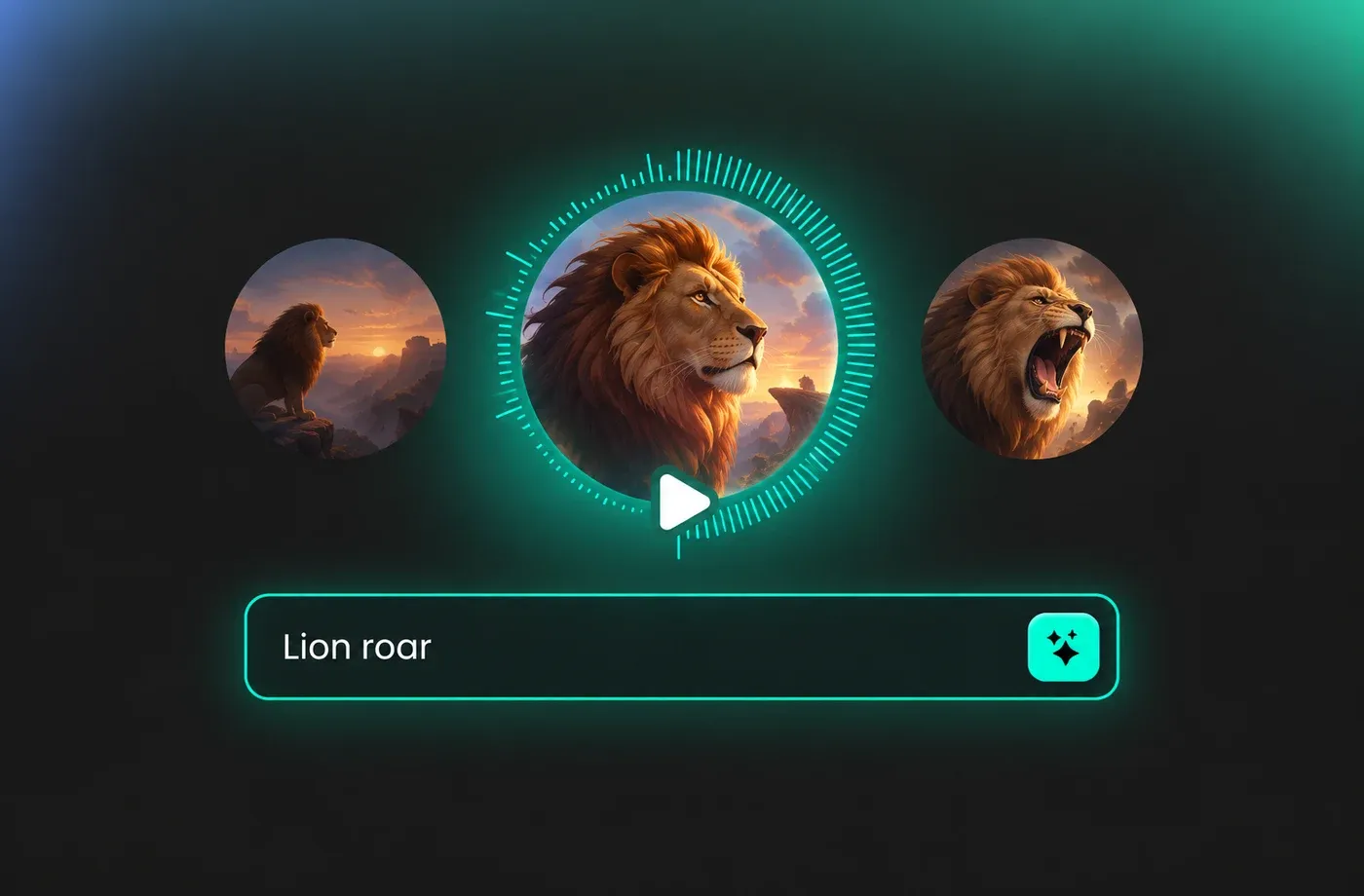
Cinematic voice of lion for trailers and animation
When a scene needs weight, a low voice of lion does more than a music cue can. FineVoice lets you scale the same animal voice from a distant rumble to a close, room-shaking roar so your trailer builds exactly the way you storyboarded it.
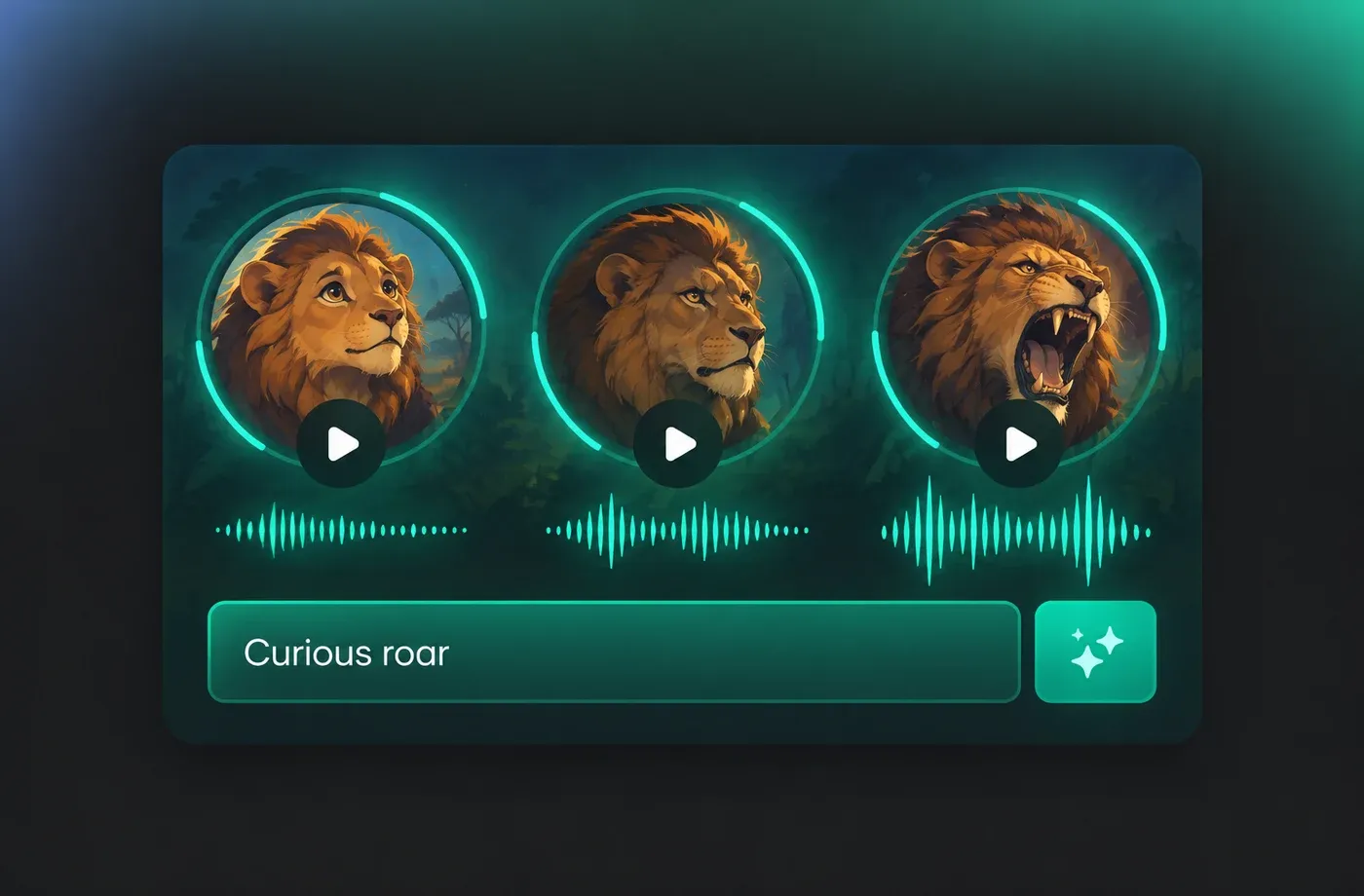
Tune roar, growl, and purr layers separately
Most generators give you one flat animal sound. Here you can dial roar intensity, growl texture, and soft chuff breath independently, which means your voice of lion can sound curious, warning, or furious without re-recording anything.
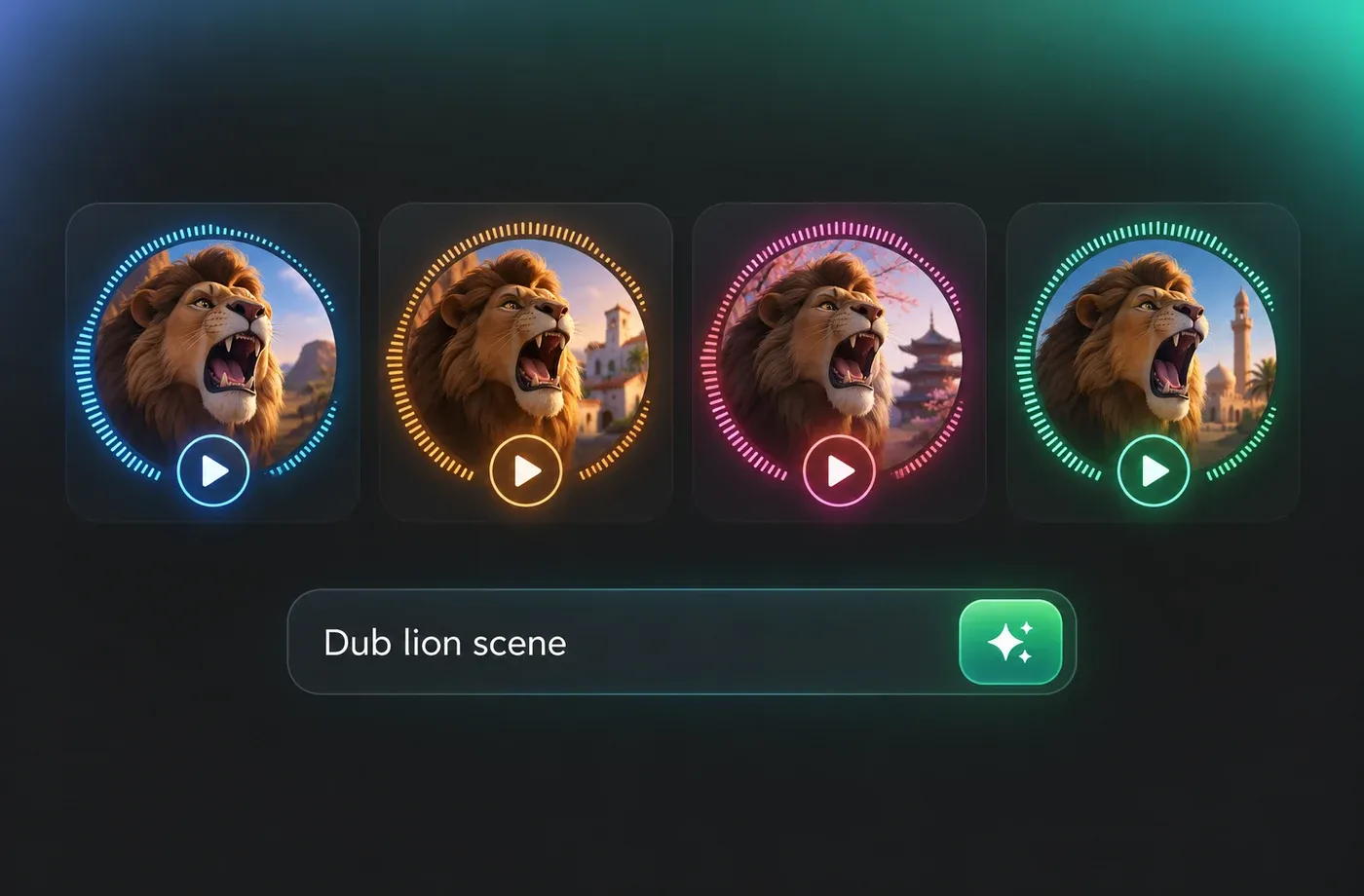
Multilingual voice of lion dubbing in one pass
Ship the same lion scene to audiences in English, Spanish, Japanese, or Arabic while keeping the vocal character consistent across every language. FineVoice keeps the roar timing aligned so your subtitles and lip sync stay intact after dubbing.
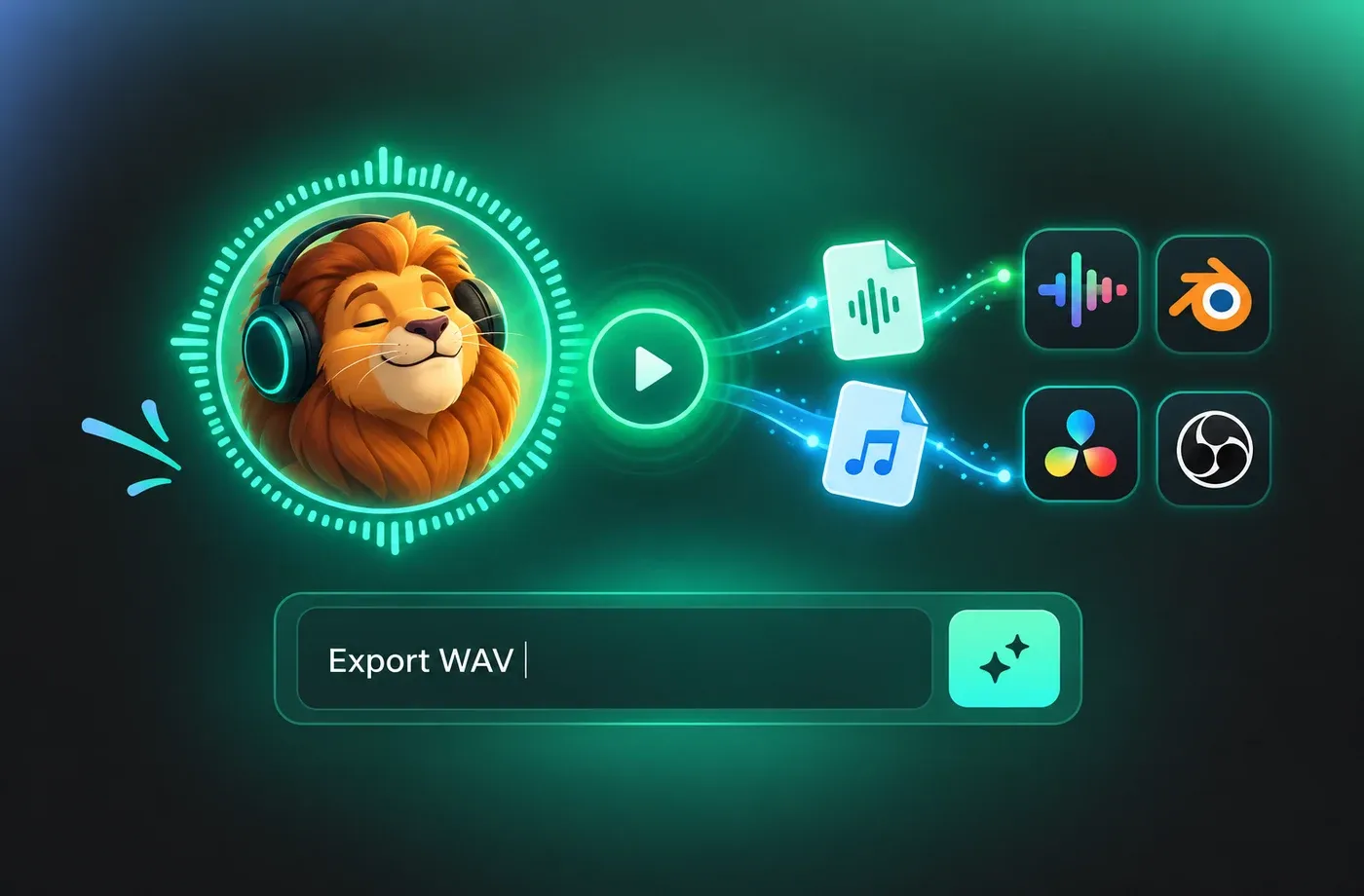
Studio-grade voice of lion exports for every platform
Download clean WAV or MP3 files that drop straight into Premiere, DaVinci, Unity, or a social editor. Every voice of lion render is noise-free and level-matched, so you can layer it under narration or music without fighting the mix.
How to Generate a Voice of Lion
Turn any script into a cinematic voice of lion in three short steps — paste text, tune the roar intensity, then download clean audio for video, games, or ads.
1

Step 1: Paste your script or scene description
Type the exact line you want the voice of lion to deliver, or describe the mood — for example, "distant warning roar at dusk." Add punctuation where you want pauses or emphasis.
2

Step 2: Pick a lion preset and tune intensity
Choose a starting tone, then adjust roar power, growl texture, and speed. Preview instantly and compare variations until the voice of lion fits your scene.
3

Step 3: Generate and download your audio
Render the final take and export a clean WAV or MP3. Drop the voice of lion straight into your editor, game engine, or social post and publish.



Explore More Voice Categories
Voice of Lion FAQ
1. What is a voice of lion generator?
It is an AI text-to-speech tool tuned for lion-style animal vocals. You type a script or a sound description, and FineVoice renders a believable voice of lion with adjustable roar power, growl texture, and pacing — no microphone, studio, or voice actor required.
2. Is the voice of lion free to try?
3. Can I control how aggressive the roar sounds?
4. Which projects use the voice of lion most often?
5. Do I need voice acting experience to use it?
6. Can I use the voice of lion commercially?
7. How long does it take to generate lion audio?
8. Can I mix the voice of lion with music and effects?
 FineVoice
Give your next scene a real voice of lion
From whispered chuffs to full territorial roars, FineVoice turns your script into a cinematic voice of lion in seconds. Start free, tune every layer, and export audio that sounds like it came from the wild.
