

AI Bear Voice Generator
FineVoice's Bear Voice Generator converts plain text into a deep, low-register bear voice you can shape with pitch, speed and emotion controls. Drop the pitch for a rumbling cave-dweller or lift it slightly for a friendlier forest guide, then export the finished take as MP3 or WAV. The same script can be re-voiced across 154+ languages and accents directly in the browser, so animation, audiobook and wildlife narration projects stay consistent from first line to final mix. Open the bear voice library to hear it before you write.
文字转语音历史记录
示例:

设置
AI语音

- Voice Name
- 0 使用次数
免费创建您的AI语音。
模型
 FineVoice TTS Max
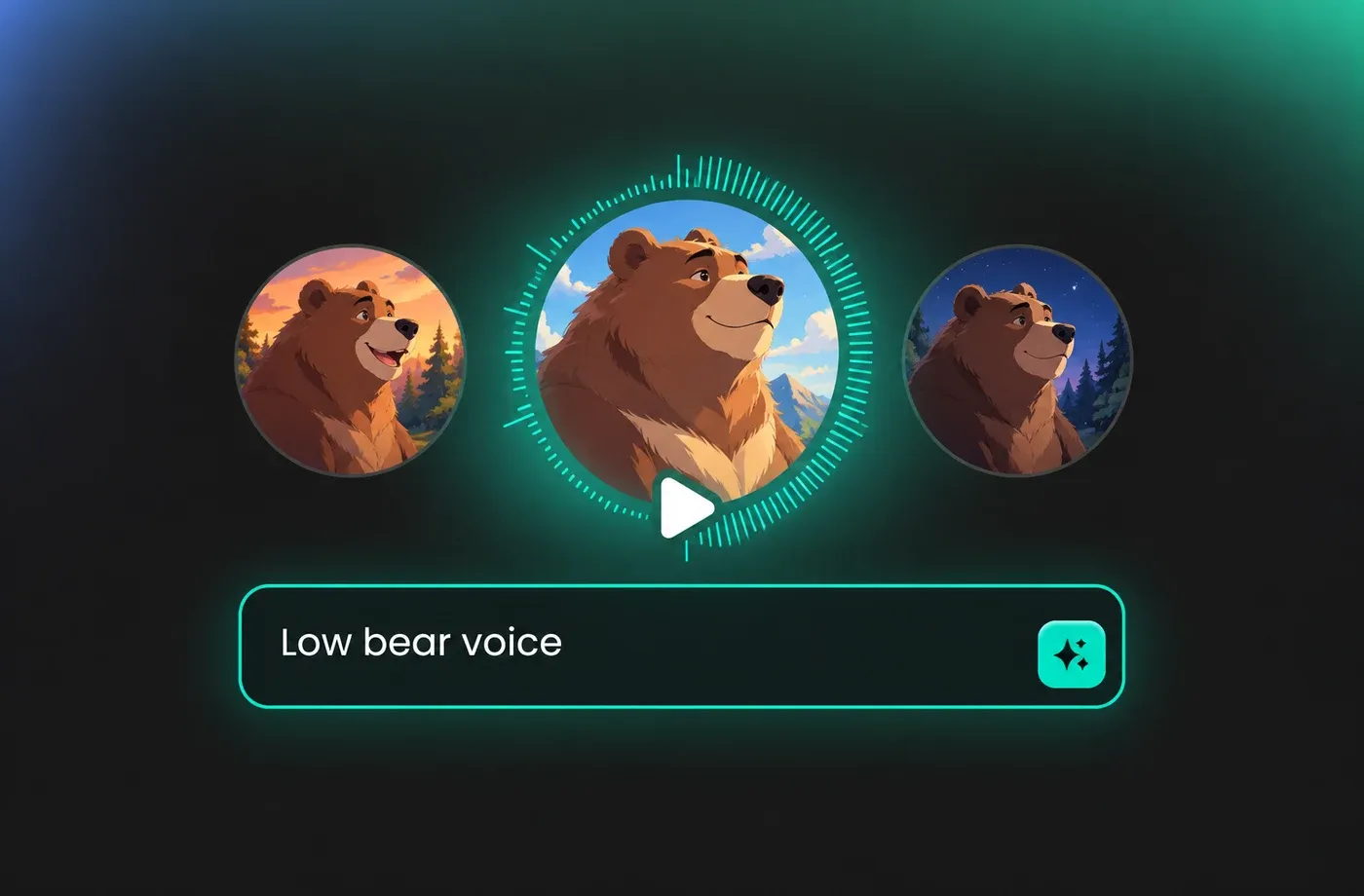
Character animation with a bear voice
A bear voice lives or dies on weight, so start by pulling pitch down and slowing the pace slightly before you touch anything else. FineVoice lets you render each line of dialogue separately with identical settings, which keeps a recurring bear character sounding like the same animal across every scene. Emotion control handles the difference between a growling warning and a sleepy aside without re-recording anything.
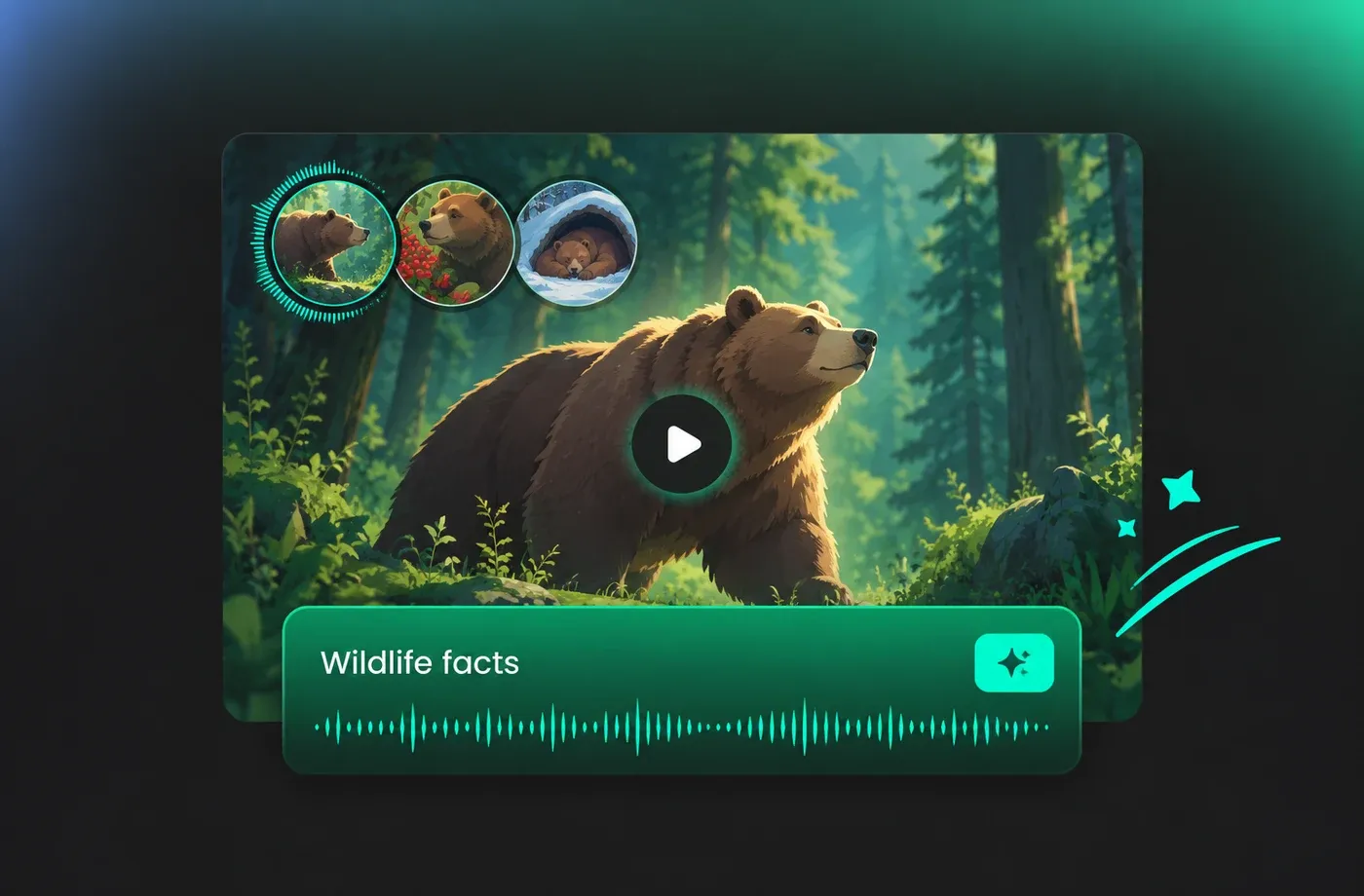
Wildlife and nature narration
Documentary-style segments often need a low, steady bear voice to carry facts about habitat, diet and hibernation without sounding theatrical. Type the narration, set a moderate speed, and keep emotion close to neutral so the delivery stays informative rather than dramatic. Audio exports as MP3 for quick edits or WAV when the track goes into a proper mix.
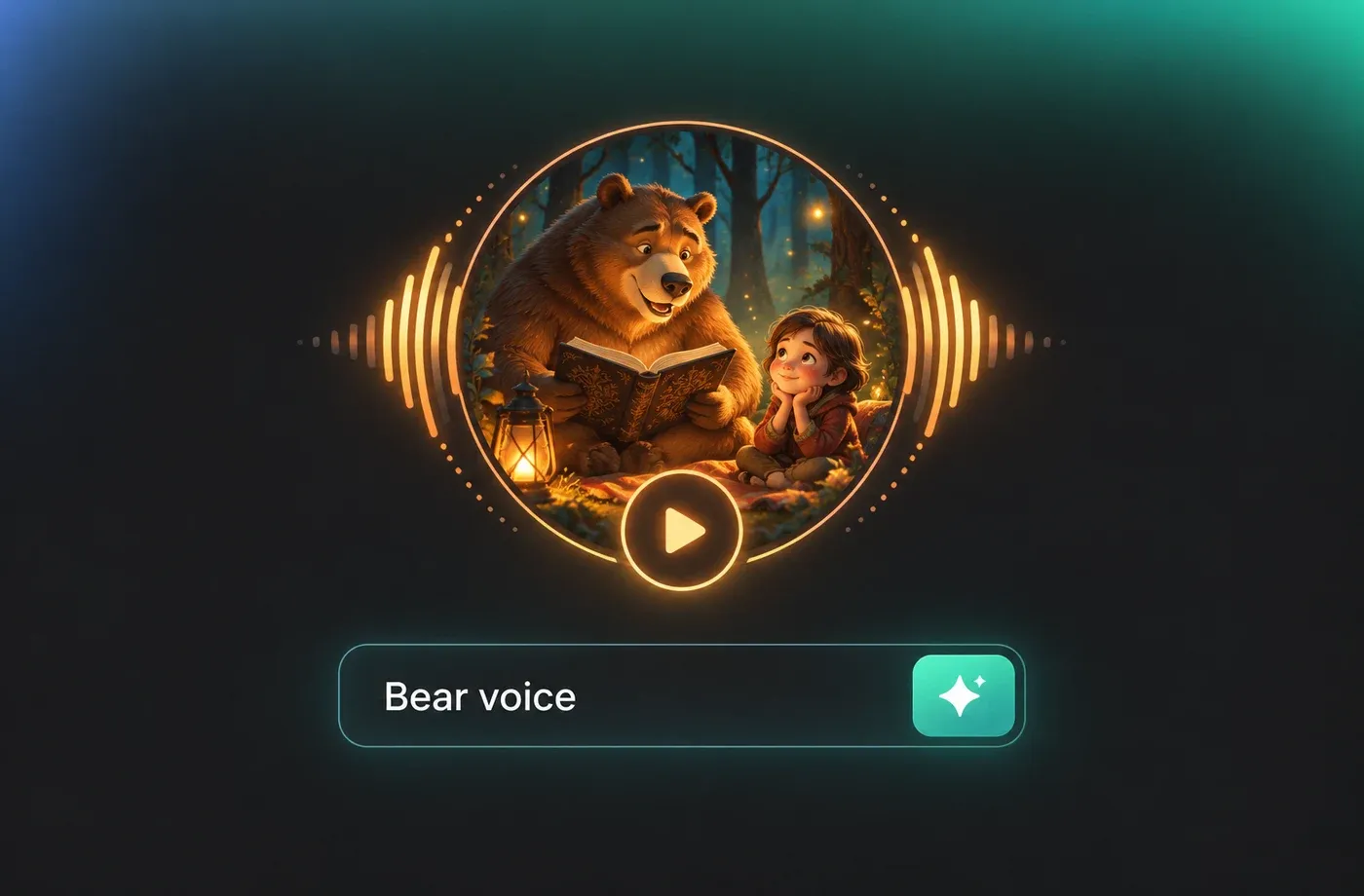
Audiobooks and story time
Children's stories and folk tales frequently call for a bear voice that is warm rather than frightening, and small pitch adjustments make that distinction quickly. Generate the bear's lines in one pass, then switch back to your narrator voice for the surrounding text and assemble the chapter afterwards. Because everything runs in the browser, you can draft a whole chapter without installing a single plugin.
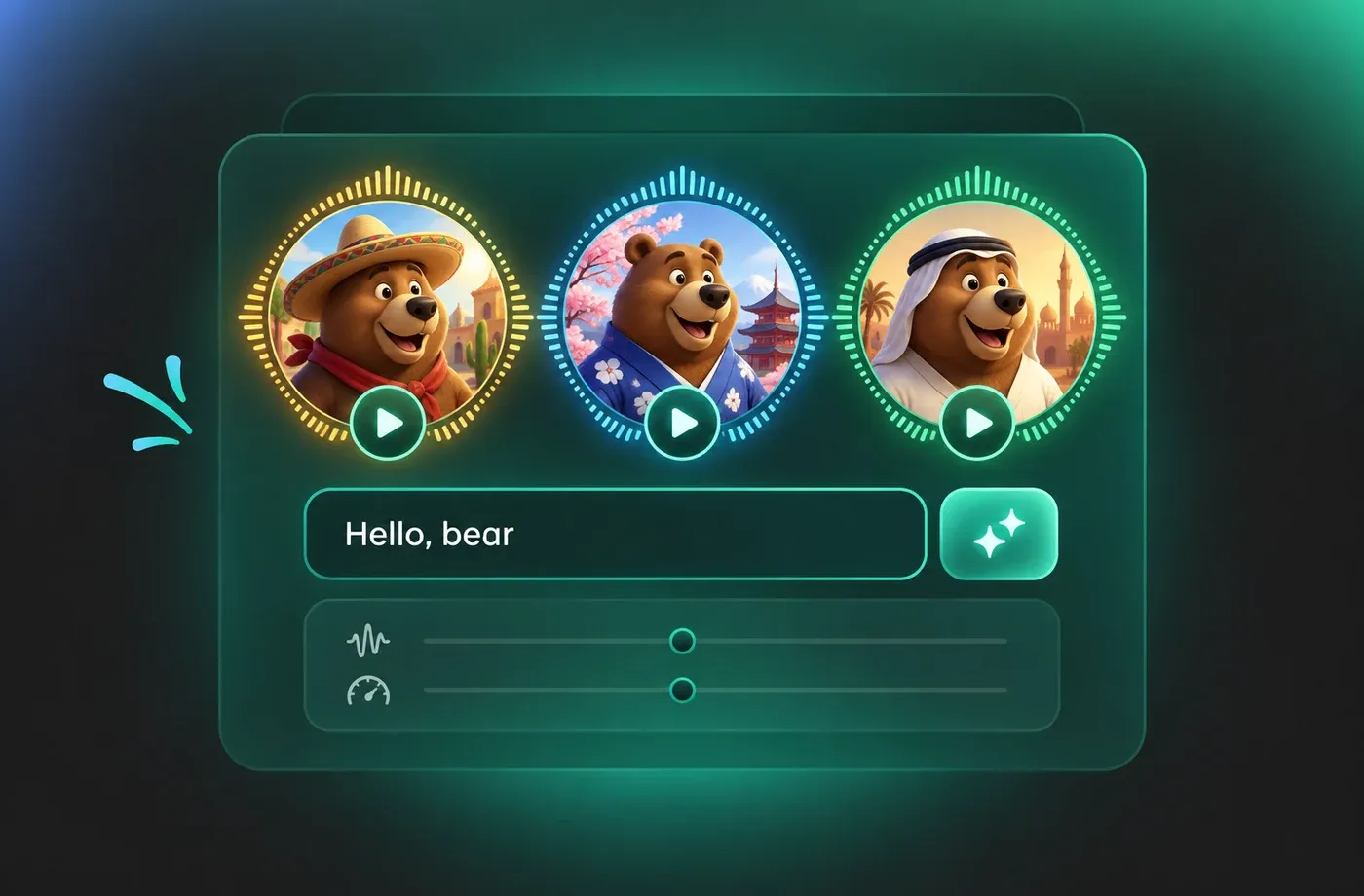
Localized bear voice for global releases
FineVoice covers 154+ languages and accents, so a bear voice written for an English animation can be regenerated for a Spanish, Japanese or Arabic dub using the same script structure. Pitch and speed settings carry over as you switch languages, which keeps the character recognizable even when the words change. Each localized take downloads as MP3 or WAV for your dubbing timeline.
How to Generate a Bear Voice
Paste your script, lower the pitch and pace until the bear voice feels right, then preview and download the audio as MP3 or WAV.
1

Step 1: Paste your script
Open the bear voice page, drop in the dialogue or narration you want voiced, and keep each scene on its own line so you can generate the lines separately later.
2

Step 2: Shape the bear voice
Lower the pitch, ease the speed down, and choose an emotion that matches the scene. Preview as you go until the delivery has the weight your character or narration needs.
3

Step 3: Preview and download
Listen to the full take, then export it as MP3 for quick checks or WAV for editing. Switch the language setting and regenerate if you need a localized version of the same lines.








Explore More Voice Categories
Bear Voice FAQ
1. What counts as a bear voice in FineVoice?
A bear voice here means a deep, low-register adult voice used for an animal character or for weighty narration. You can pick a matching preset in the voice library or design one yourself and save it, then reuse the same settings on every line so the character stays consistent.
2. How do I make the bear voice sound deeper?
3. Can I change the emotion of the bear voice?
4. Which languages can the bear voice speak?
5. What audio formats can I download?
6. Can I clone a voice and use it as a bear voice?
7. Do I need to install software to use it?
8. How should I write the script for a bear voice?
 FineVoice
Give Your Script a Deep Bear Voice
Turn text into a low, warm bear voice, adjust pitch, speed and emotion until it fits the scene, and download MP3 or WAV straight from the browser in any of 154+ languages.
