

Free 911 Operator Voice Generator: Emergency Dispatcher & Radio Dispatch Text to Speech Voices
Discover the best 911 Operator AI Voice Generator and Text to Speech tool! Type a dispatch line, pick a composed adult voice, and fine-tune pitch, speed and emotion until it matches the measured pace of radio traffic. Export finished takes as MP3 or WAV, or clone a single speaker so every recording in a training series sounds like the same operator. Browse ready-made presets in the 911 operator voice library.
文字转语音历史记录
示例:

设置
AI语音

- Voice Name
- 0 使用次数
免费创建您的AI语音。
模型
 FineVoice TTS Max
Instantly Create 911 Operator Voiceovers
Type a dispatch line into the 911 operator voice generator and hear it read back within seconds, directly in the browser with nothing to install. Adjust pitch and speaking rate until the delivery settles into the calm, measured pace of real radio traffic. Open the 911 operator voice library to start from a preset instead of a blank page.
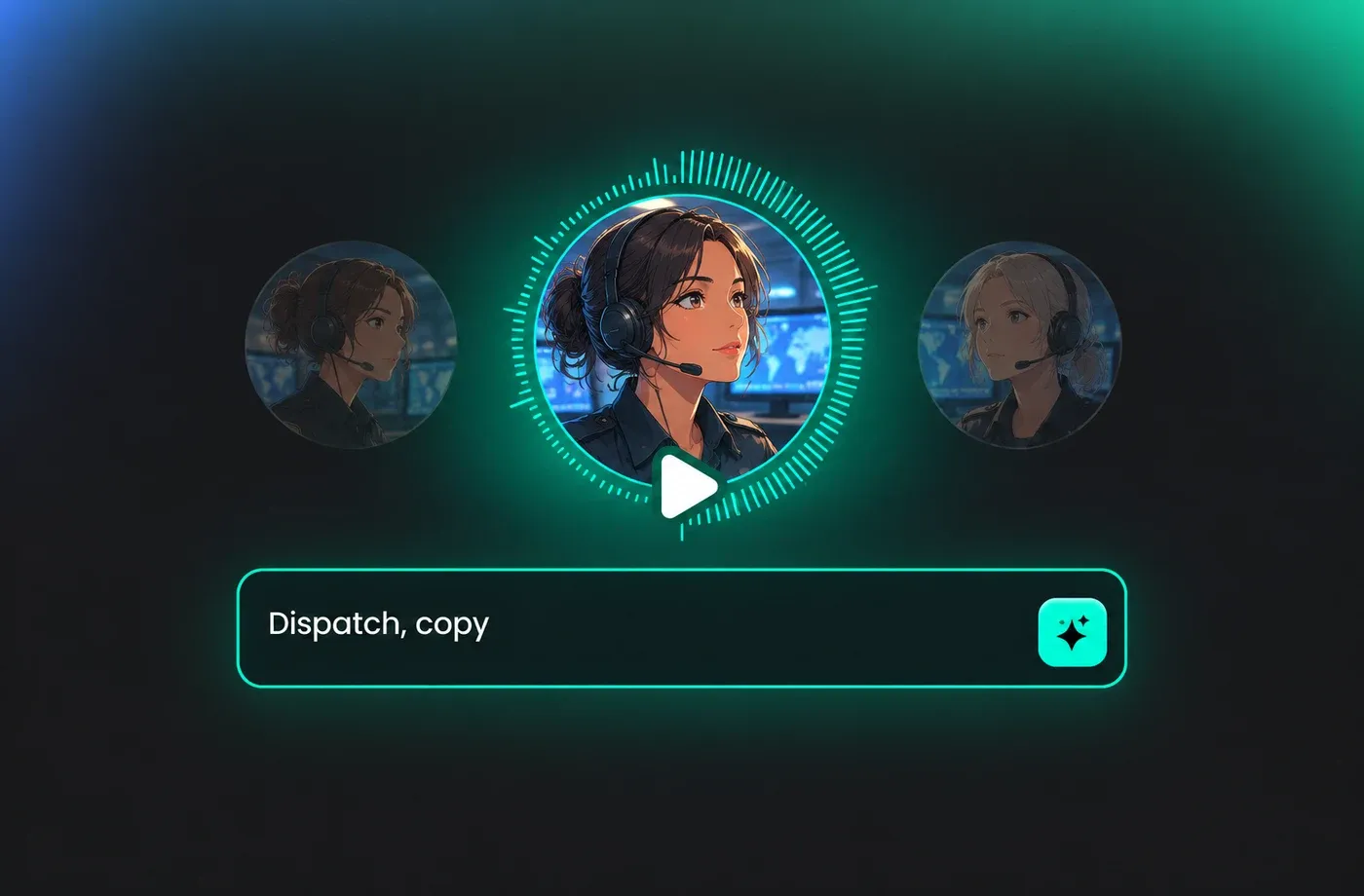
Text to Speech 911 Operator Voices
Paste a whole page of dispatch lines and convert the block at once with text to speech, keeping comma and period pauses where you placed them. The 911 operator voice stays intelligible even at faster speaking rates, which matters for procedural reads, checklists and training scripts. Export the finished take as MP3 or WAV when the pacing sounds right.
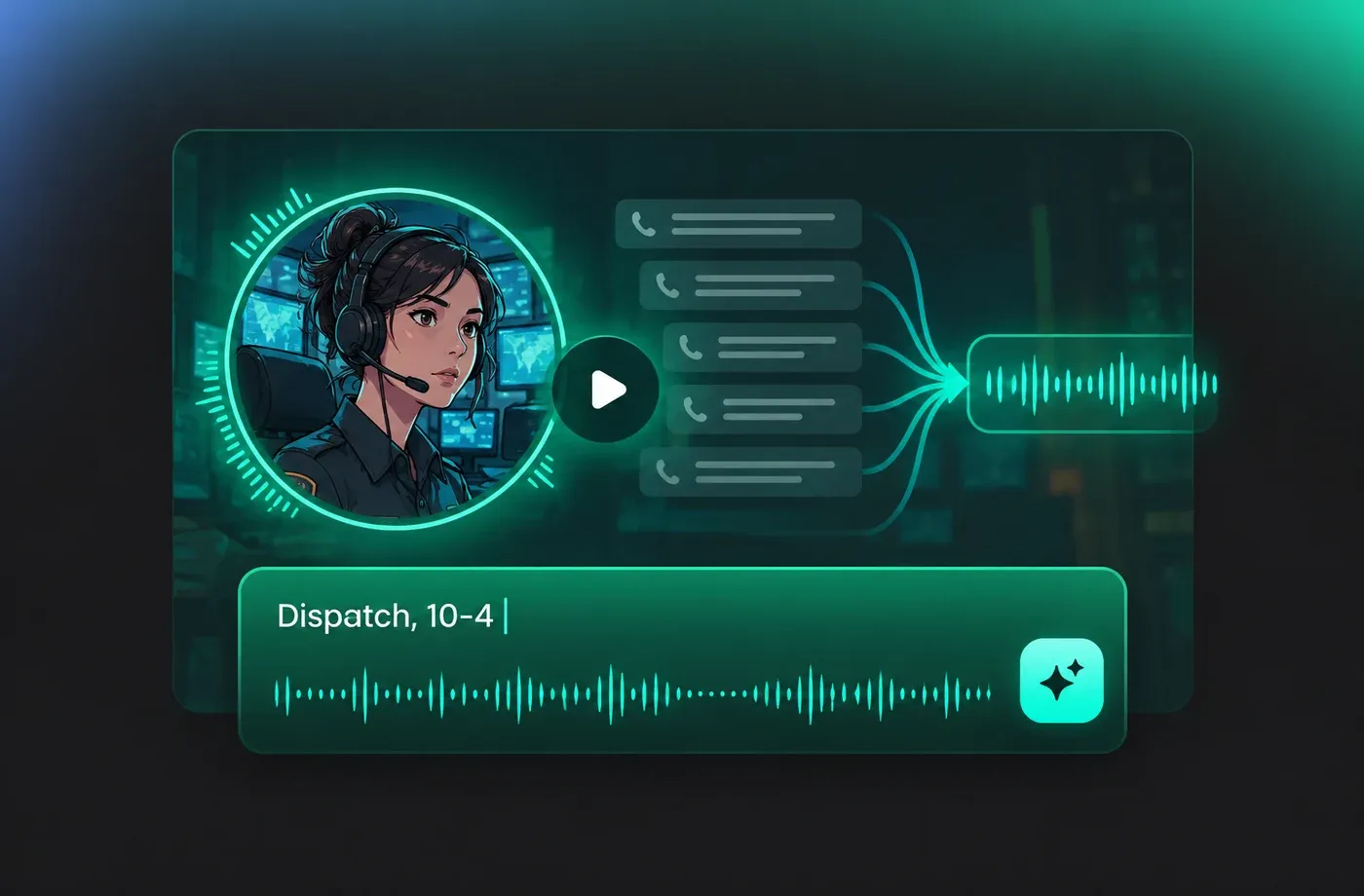
Tune Tone for Simulation and Training
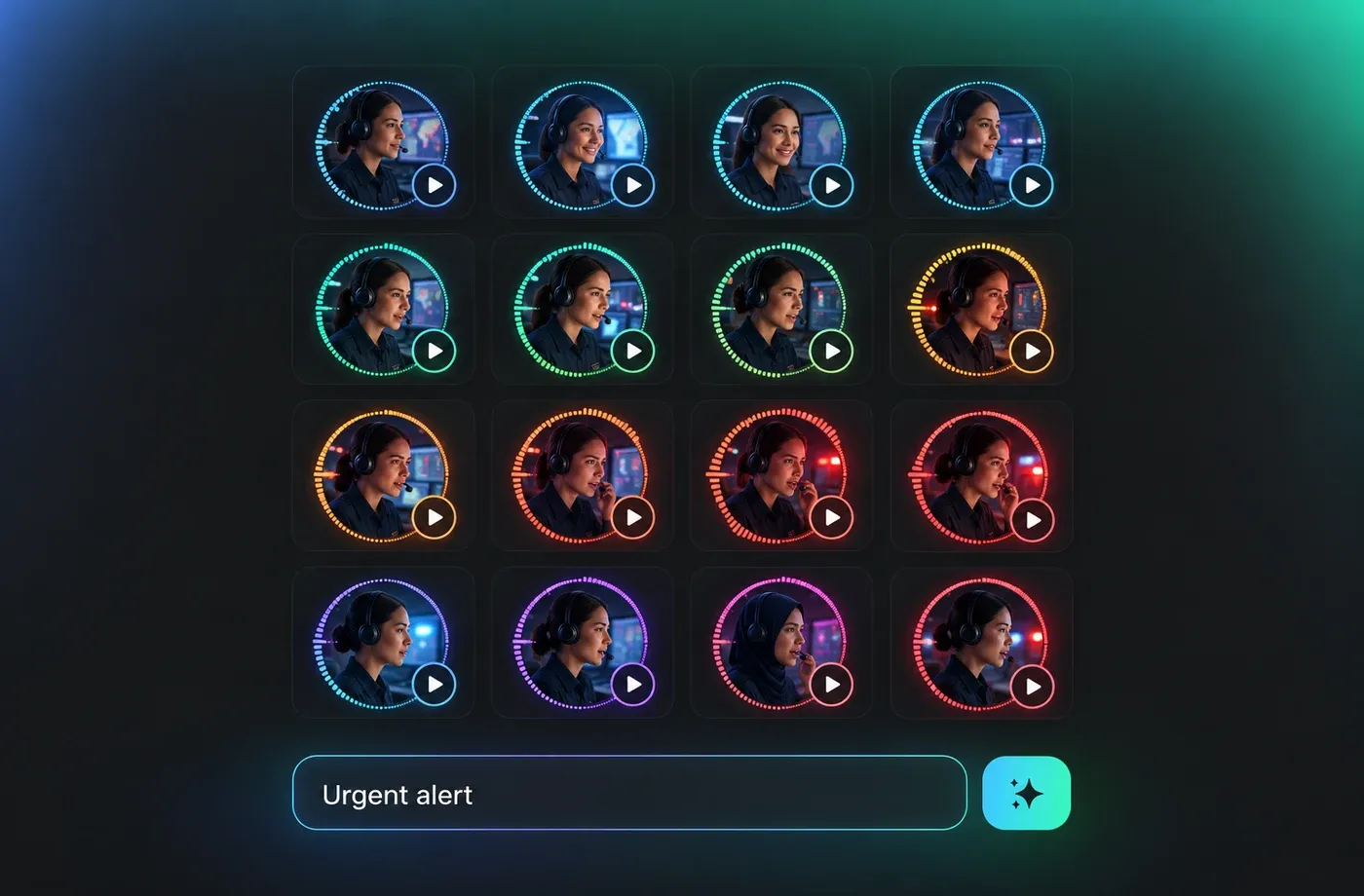
The emotion and speed controls let one 911 operator voice move from a routine check-in to an urgent alert without swapping speakers. With 154+ languages and accents, the same script can be generated again for multilingual drills or translated scenarios. Each change renders a new take you can compare side by side before choosing one.
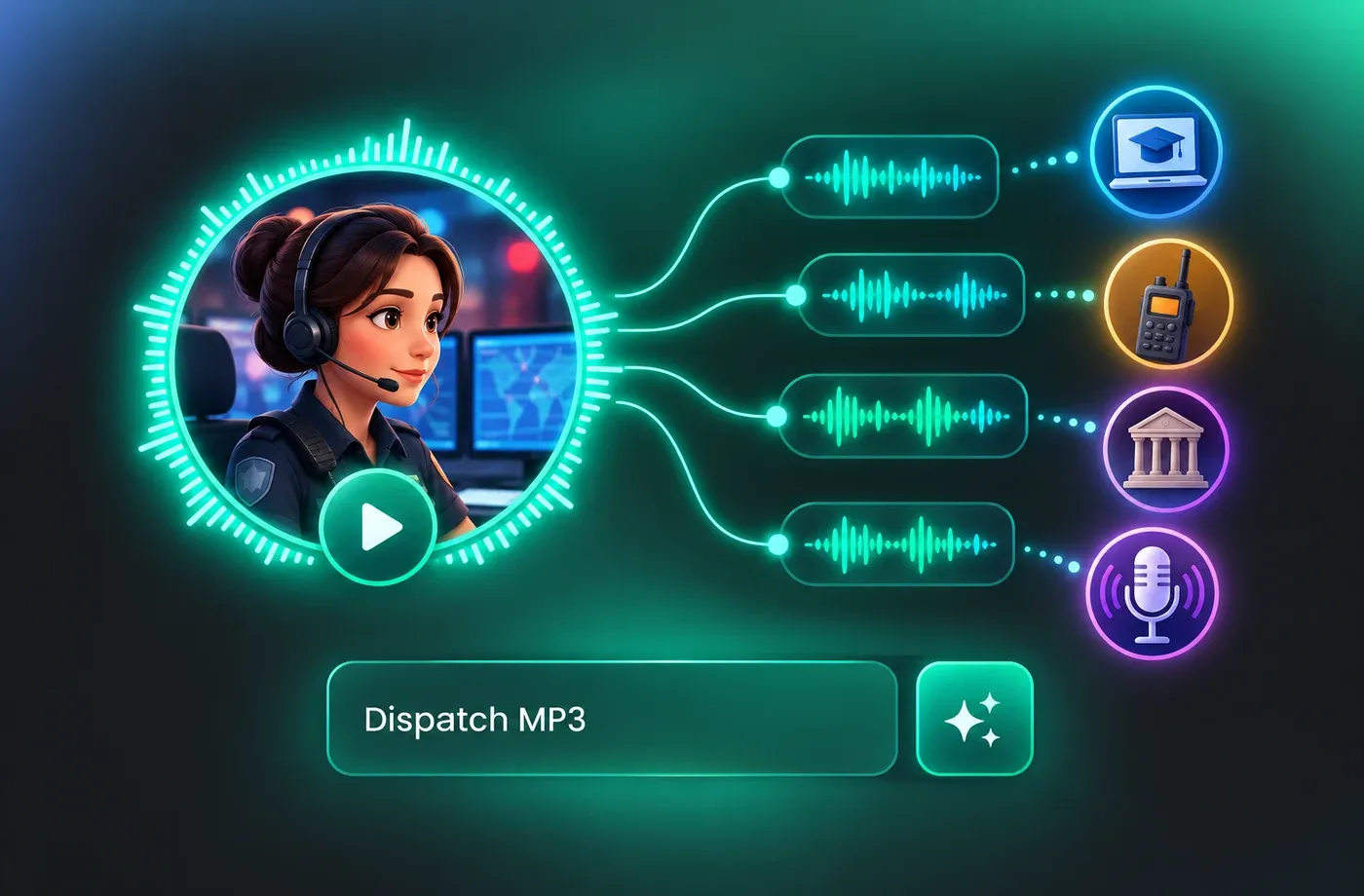
Download and Reuse Your Dispatch Audio
Download every take as MP3 or WAV and drop it into e-learning modules, radio simulations, museum exhibits or podcast segments. Voice cloning keeps a single 911 operator voice consistent across an entire recording series, so episodes recorded weeks apart still sound like the same person on the channel. Nothing needs to be installed on your machine at any point.
How to Use AI Voices for 911 Operator Voice Generator
Pick a dispatch voice, paste your script, tune the delivery and download studio-clean audio in MP3 or WAV.
1

Step 1: Choose Your 911 Operator Voice
Open the 911 operator voice library and preview the composed adult presets, or design a new voice from scratch. Compare pitch and pacing until the delivery sounds like measured radio traffic rather than a dramatic movie operator.
2

Step 2: Add Your Dispatch Script
Type or paste your lines into the text to speech editor, keeping punctuation where you want pauses. Set the speaking rate, pitch and emotion, then listen to a short sample before rendering the full script.
3

Step 3: Generate and Download
Render the 911 operator voice and review the take in the player. When the pacing sounds right, download it as MP3 or WAV and drop it straight into your training module, simulation or podcast timeline.
t0529.tools.voiceCategory.moreThan











Explore More Voice Categories
FAQs About 911 Operator AI Voice Generator
1. What is a 911 operator voice generator?
A 911 operator voice generator turns written dispatch lines into spoken audio using a text to speech engine. With FineVoice you paste your script, choose a composed adult voice, and render a take in seconds without recording a narrator or booking studio time.
2. Can I get a calm, clear emergency dispatcher voice?
3. Does the text to speech output stay clear at fast speeds?
4. Which languages and accents are available?
5. Can I change pitch, speed and emotion?
6. What file formats can I download?
7. Can I keep the same voice across many recordings?
8. Do I need to install any software?
9. Is it suitable for simulations and radio dramas?
 FineVoice
Start Creating with AI 911 Operator Voices
Turn your dispatch script into clear, composed narration in seconds with a browser-based text to speech workflow. Pick a voice, tune the delivery, and download MP3 or WAV without booking a studio.
