

Free Intercom Voice Generator: Clear Support & IVR Text to Speech Voices
Discover the best Intercom AI Voice Generator and Text to Speech tool! FineVoice's intercom voice generator converts scripts into clear support-line, entry-system, and in-app prompt narration with adjustable pitch, speed, and emotion. Preview the result in your browser, then download MP3 or WAV files in 154+ languages and accents for help centers, onboarding flows, and product demos.
文字转语音历史记录
示例:

设置
AI语音

- Voice Name
- 0 使用次数
免费创建您的AI语音。
模型
 FineVoice TTS Max
Instantly Create Intercom Voiceovers
Turn a support script or entry-system greeting into an intercom voiceover in the browser, without installing software. Use the text to speech editor to preview timing and clarity before you export.
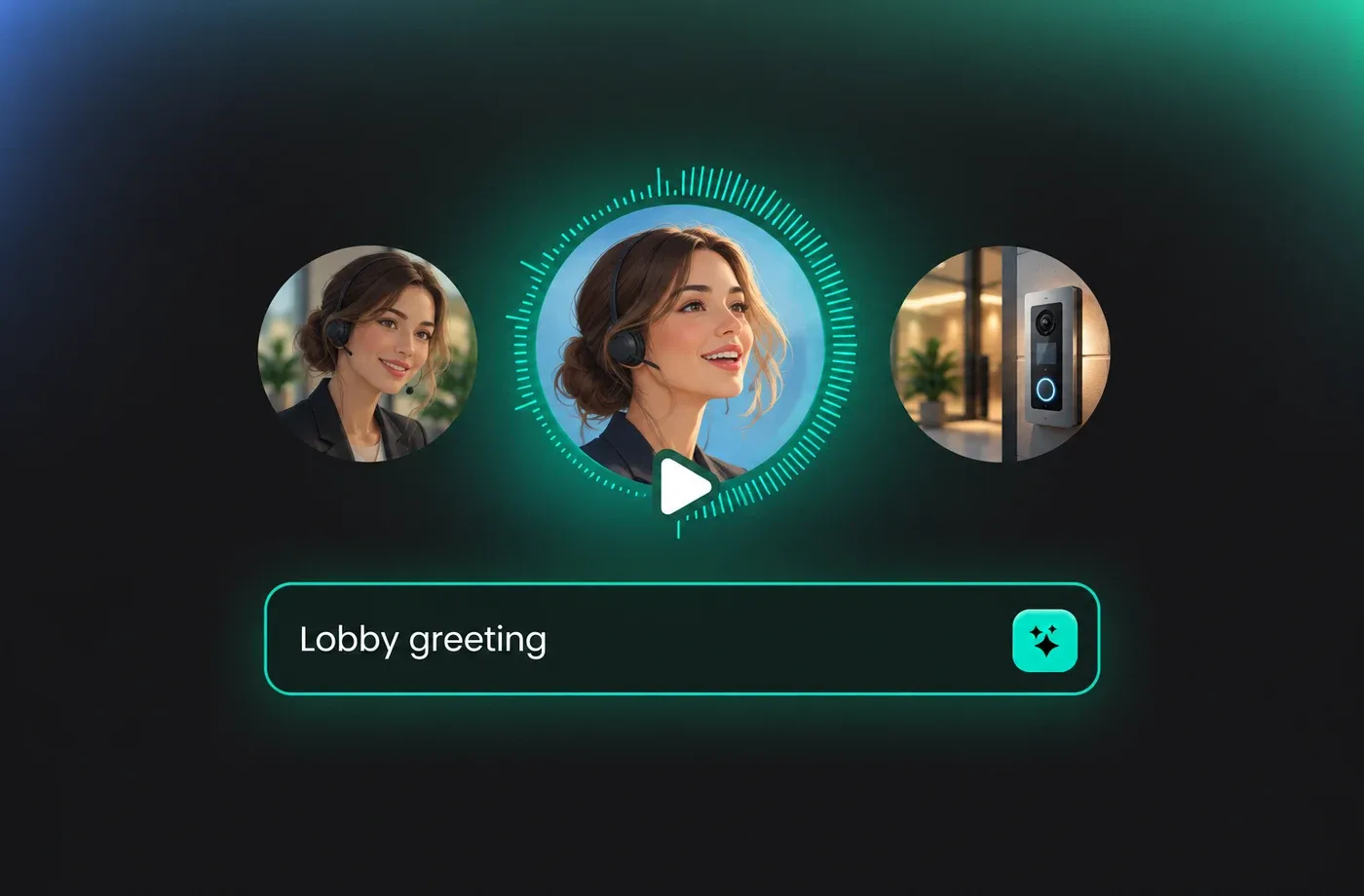
Text to Speech Intercom Voices
Paste an IVR prompt, front-desk message, or product demo line and let FineVoice generate intercom voice audio with natural pacing. Adjust pitch, speed, and emotion, then compare takes in the text to speech workspace.
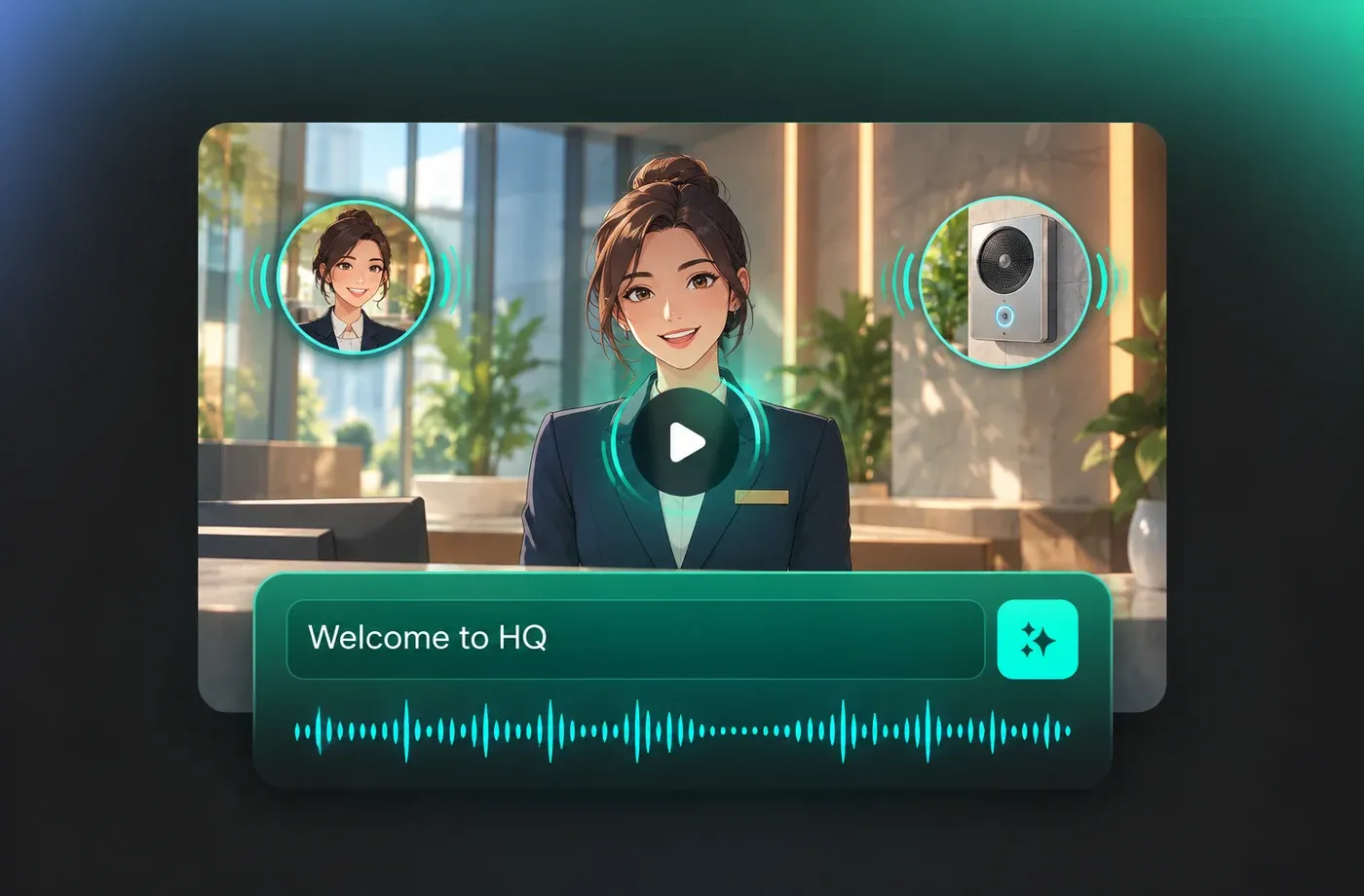
Tune Clarity for Support and Entry Lines
Short intercom voice messages need clean diction, so preview each line and adjust speed, pitch, and emotion before downloading. FineVoice keeps the workflow in your browser and exports MP3 or WAV for help centers and building entry prompts; see intercom voice examples.
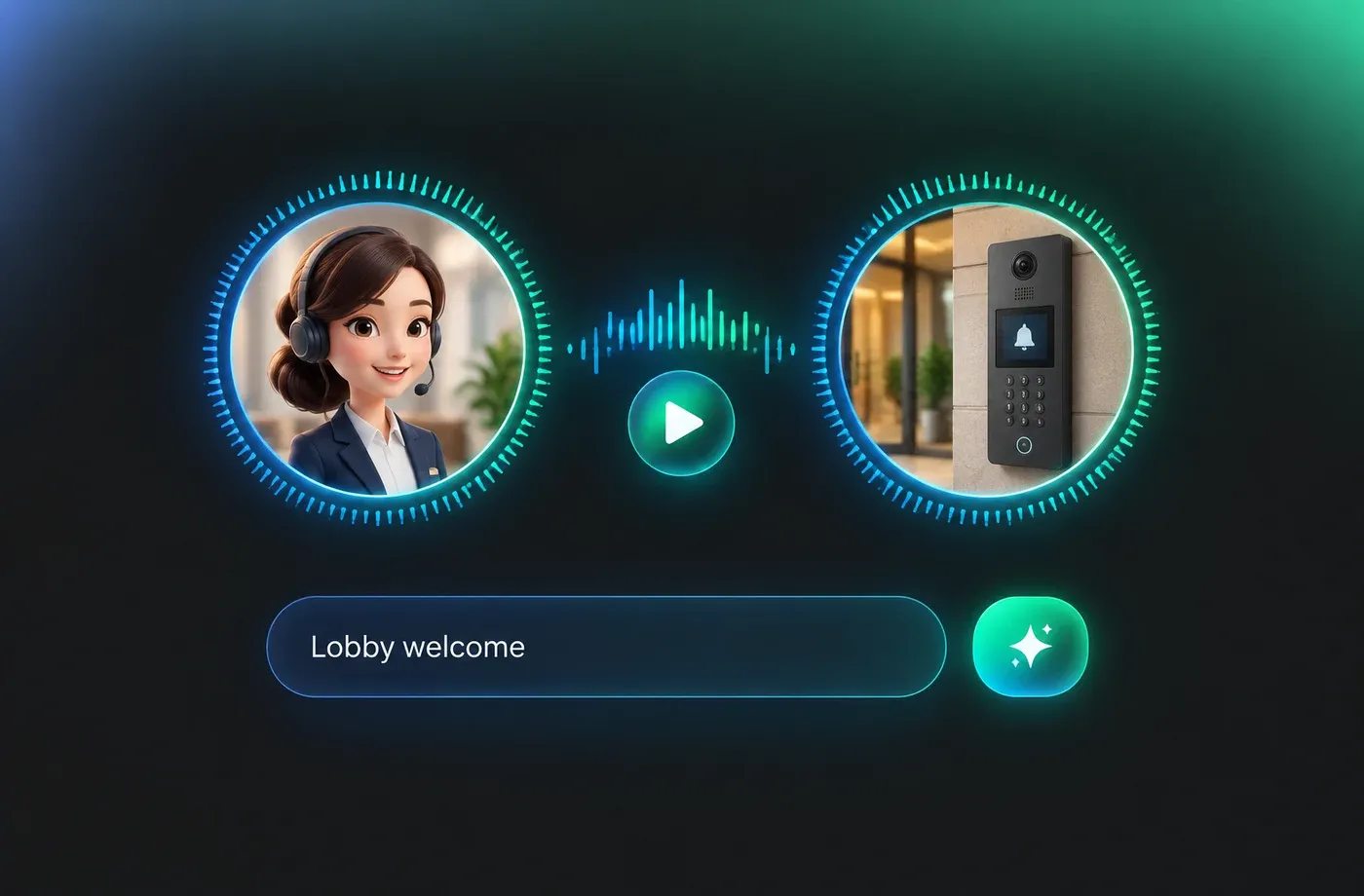
Download MP3 or WAV for App Prompts
Export finished intercom voice narration as MP3 or WAV and use the files in onboarding flows, support articles, or product demos. Generate lines in 154+ languages and accents, then preview the intercom voice library for a closer match.
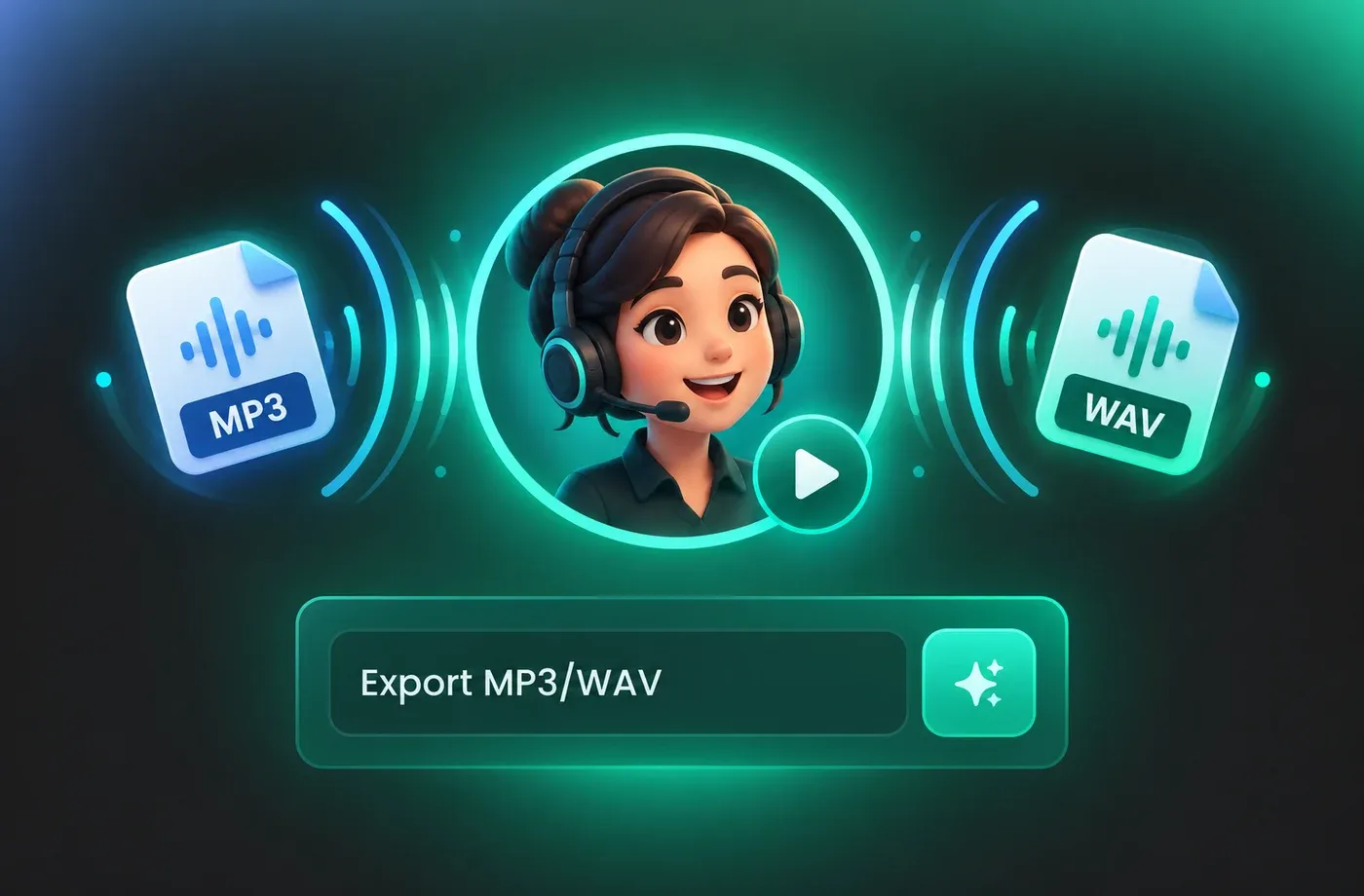
How to Use AI Voices for Intercom Voice Generator
Use the browser-based text to speech editor to paste an intercom voice script, choose a voice, adjust pitch, speed, and emotion, then preview and download MP3 or WAV.
1

Step 1: Paste your intercom voice script
Type or paste a greeting, IVR prompt, or support message into the text to speech editor. Keep each line short so the intercom voice stays clear.
2

Step 2: Choose and tune your intercom voice
Select a voice, then adjust pitch, speed, and emotion. Preview the intercom voice line and refine pacing before export.
3

Step 3: Generate and download your audio
Generate the intercom voice track and download it as MP3 or WAV. Use the file in help centers, entry systems, onboarding flows, or product demos.
t0529.tools.voiceCategory.moreThan












Explore More Voice Categories
FAQs About Intercom AI Voice Generator
1. What is an intercom voice generator?
An intercom voice generator turns written text into spoken audio for entry systems, support lines, and in-app prompts. FineVoice's text to speech editor creates an intercom voice from your script, with controls for pitch, speed, and emotion, then exports MP3 or WAV.
2. Can I create intercom voice audio without installing software?
3. Which settings should I adjust for clear intercom voice narration?
4. What languages and accents are available for intercom voice audio?
5. Can I download intercom voice files as MP3 or WAV?
6. How do I choose the right intercom voice for my script?
7. Can I use voice cloning or voice design for an intercom voice?
8. What script length works best for intercom voice prompts?
9. Is intercom voice text to speech suitable for onboarding and support messages?
 FineVoice
Start Creating with AI Intercom Voices
Create clear intercom voice prompts for support lines, entry systems, and onboarding flows with FineVoice. Paste your script, tune pitch, speed, and emotion, preview in the browser, then download MP3 or WAV.
