

AI Chatbot Voice Generator
FineVoice's Chatbot Voice Generator converts written replies into natural speech, with adjustable pitch, speed, and emotion for a conversational tone. It covers 154+ languages and accents, lets you preview voices in the browser, and exports MP3 or WAV files. Use voice cloning or voice design for a consistent chatbot voice across support FAQs, onboarding prompts, and interactive guides. Explore the chatbot voice library to compare natural adult tones.
文字转语音历史记录
示例:

设置
AI语音

- Voice Name
- 0 使用次数
免费创建您的AI语音。
模型
 FineVoice TTS Max
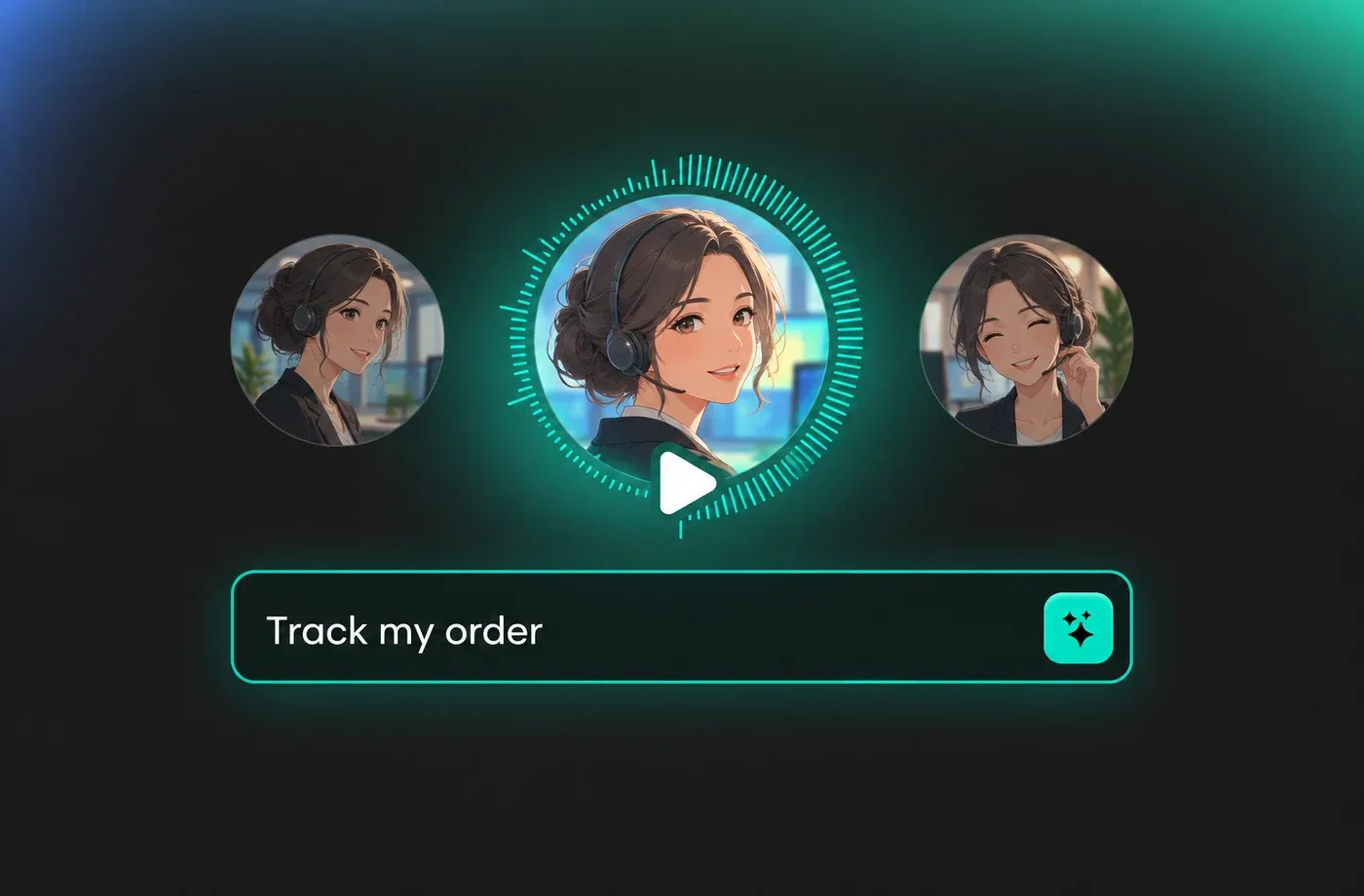
Natural Chatbot Voice for Customer Support Replies
Use a clear adult voice and set a moderate speed so chatbot voice replies stay easy to follow during support conversations. FineVoice lets you adjust pitch and emotion to keep the tone calm, helpful, and consistent across common questions.
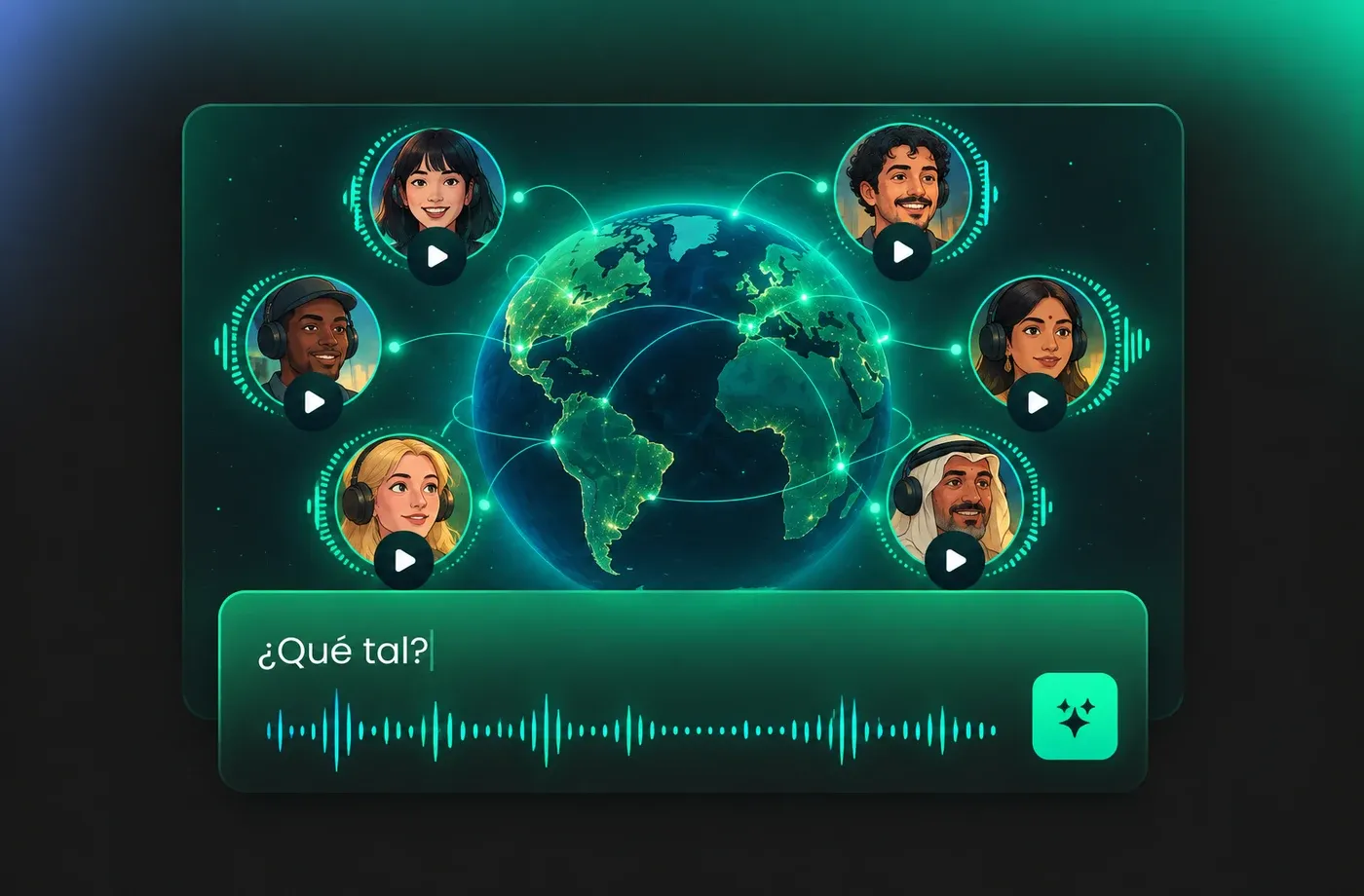
Multilingual Chatbot Voice Coverage
FineVoice supports 154+ languages and accents, so you can generate a chatbot voice that matches regional pronunciation instead of relying on one default English tone. Preview different voices and tune pacing for shorter or longer replies in each language.
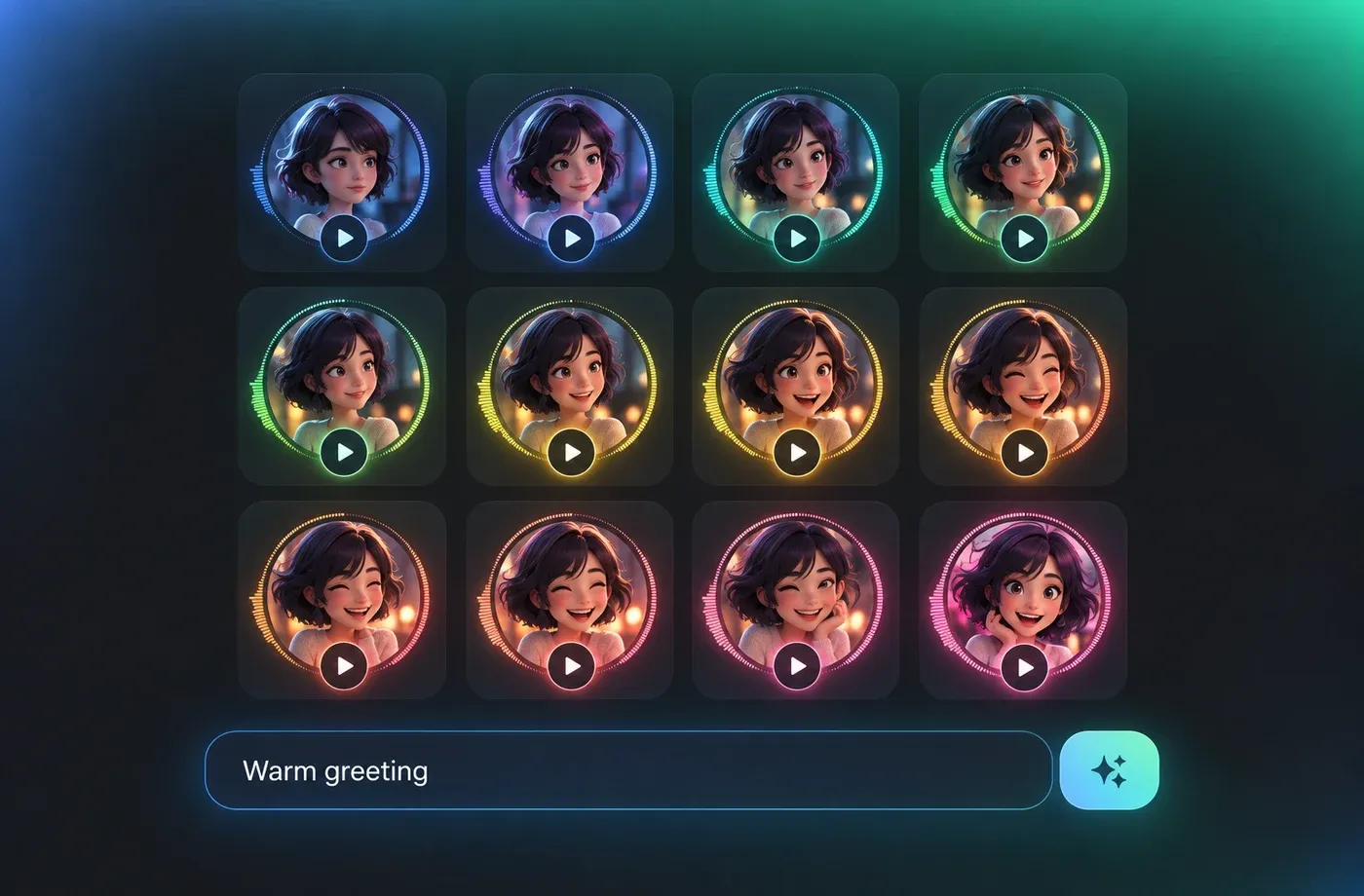
Control Emotion and Pace in Every Chatbot Voice
Set pitch, speed, and emotion before generating a chatbot voice, then preview the result to check that greetings, confirmations, and follow-up questions sound natural. Small pacing changes help longer answers feel conversational rather than rushed.
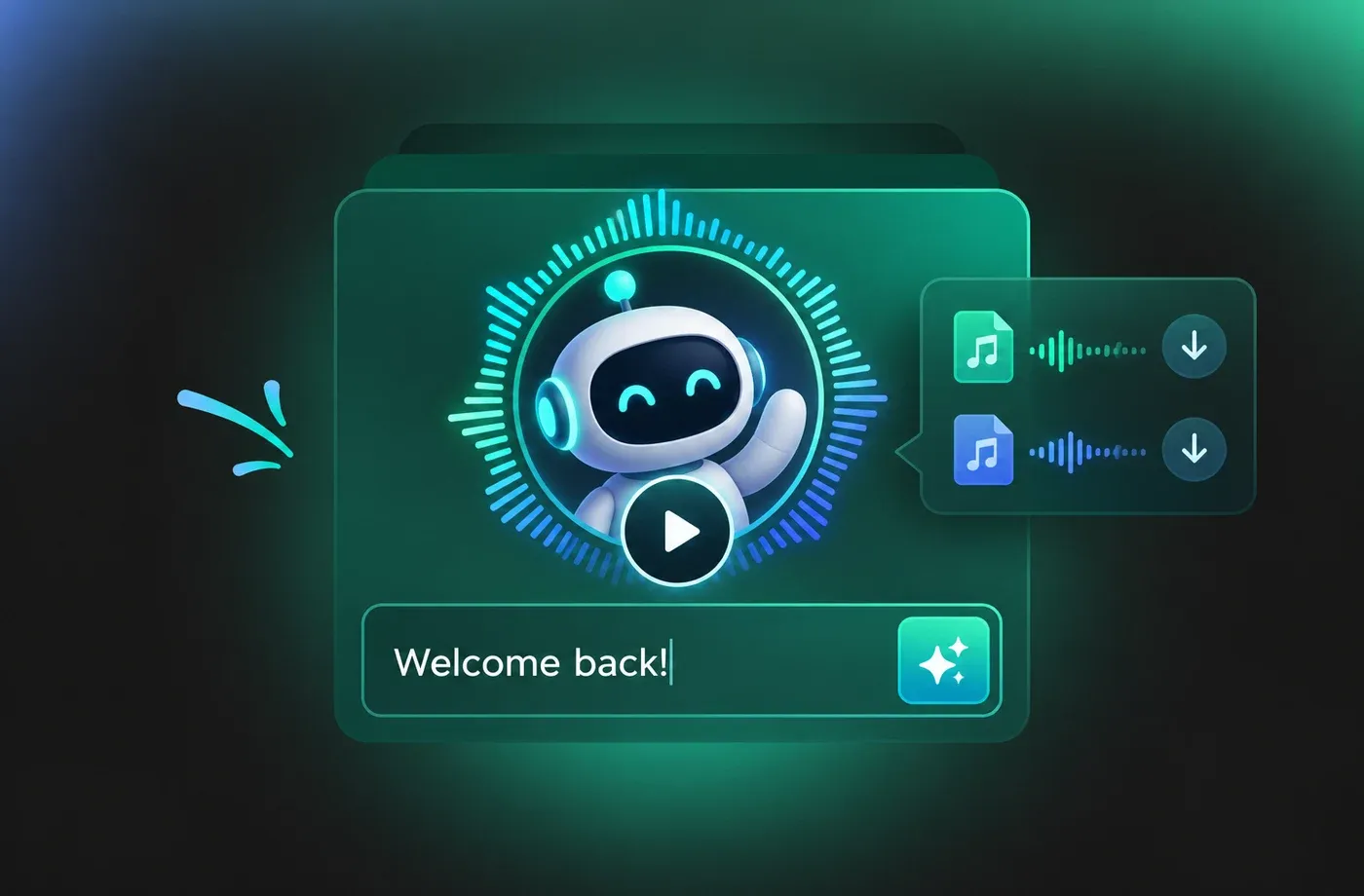
Preview and Download Chatbot Voice Audio
Preview a chatbot voice in the browser and download the finished audio as MP3 or WAV for your workflow. No installation is required, and you can use voice cloning or voice design when you need a consistent tone across multiple reply scripts.
How to Generate a Chatbot Voice
Paste your chatbot script, choose an adult voice, adjust pitch, speed, and emotion, then preview and download MP3 or WAV audio.
1

Step 1: Paste or write the chatbot reply
Add the text you want the chatbot to say, such as a greeting, FAQ answer, or confirmation message.
2

Step 2: Choose a voice and tune delivery
Select an adult voice, then adjust pitch, speed, and emotion to match the conversational tone you want.
3

Step 3: Preview and download the audio
Listen to the generated chatbot voice in your browser, make final adjustments, and download it as MP3 or WAV.
t0529.tools.voiceCategory.moreThan











Explore More Voice Categories
Chatbot Voice FAQ
1. What is a chatbot voice?
A chatbot voice is the spoken output that reads chatbot replies aloud. FineVoice's Chatbot Voice Generator converts written text into natural speech so greetings, answers, and follow-up prompts can be heard instead of only read.
2. Can I change the pitch, speed, and emotion of a chatbot voice?
3. Which languages and accents are available for chatbot voice generation?
4. Can I keep the same chatbot voice across multiple scripts?
5. Can I download chatbot voice audio as MP3 or WAV?
6. Do I need to install software to generate a chatbot voice?
7. Can I preview a chatbot voice before downloading it?
8. How do I make chatbot voice replies sound more natural?
 FineVoice
Create a Consistent Chatbot Voice
Generate natural chatbot voice audio from text, tune pitch, speed, and emotion, and download MP3 or WAV files in your browser.
