

AI Voicemail Voice Generator
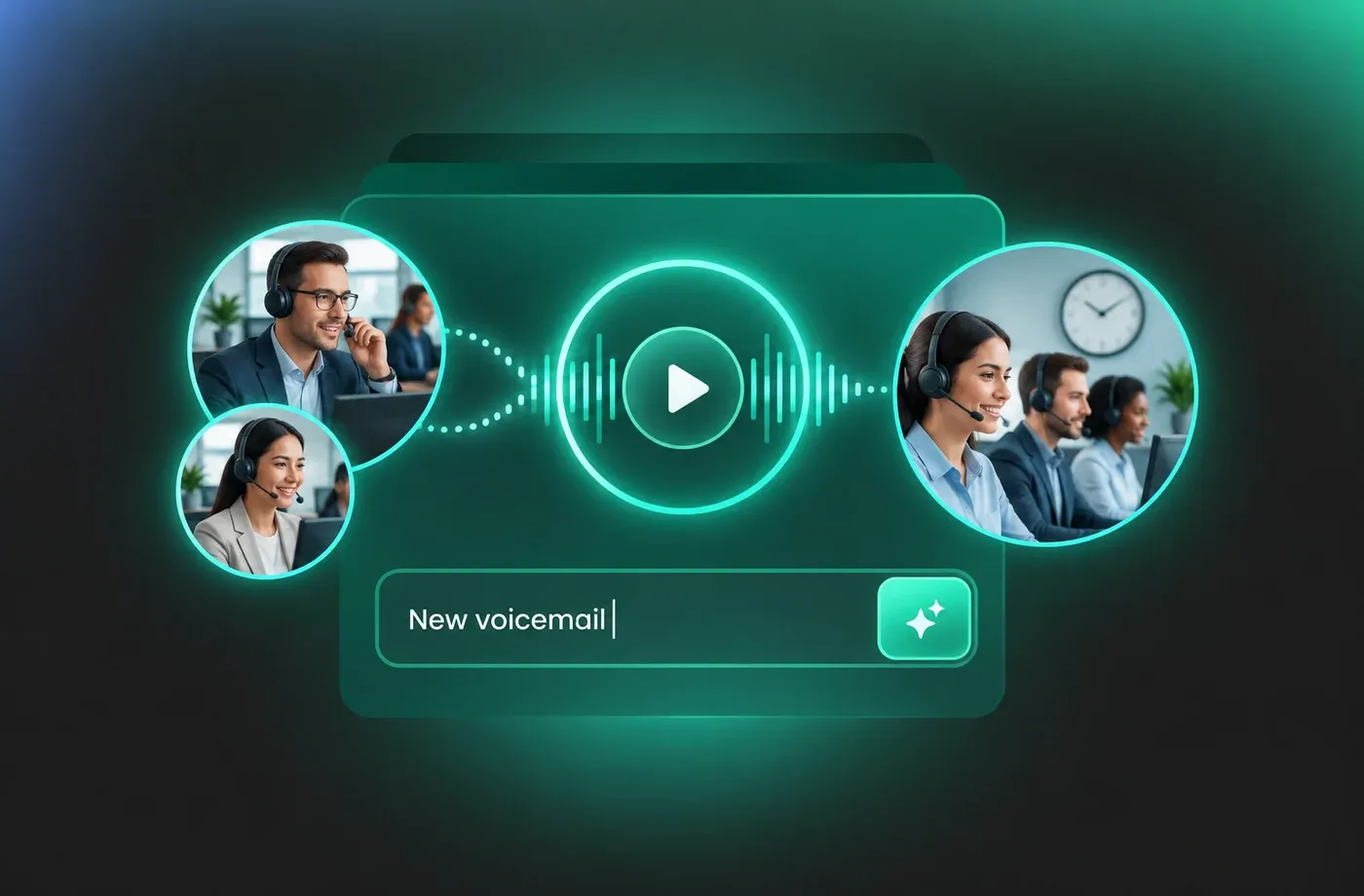
Create natural-sounding voicemail messages with FineVoice AI Voicemail Voice Generator. Turn written text into clear, realistic audio for personal greetings, business phone lines, out-of-office messages, and temporary voicemail updates. Choose from different AI voices, languages, and accents to create an AI voicemail that fits your audience and purpose without needing a microphone or voice actor. Whether you need a professional business greeting or a quick personal message, FineVoice lets you generate voicemail audio from text in just a few steps.
文字转语音历史记录
示例:
设置
AI语音

- Voice Name
- 0 使用次数
免费创建您的AI语音。
模型
 FineVoice TTS Max
Sound Professional Without Recording Yourself
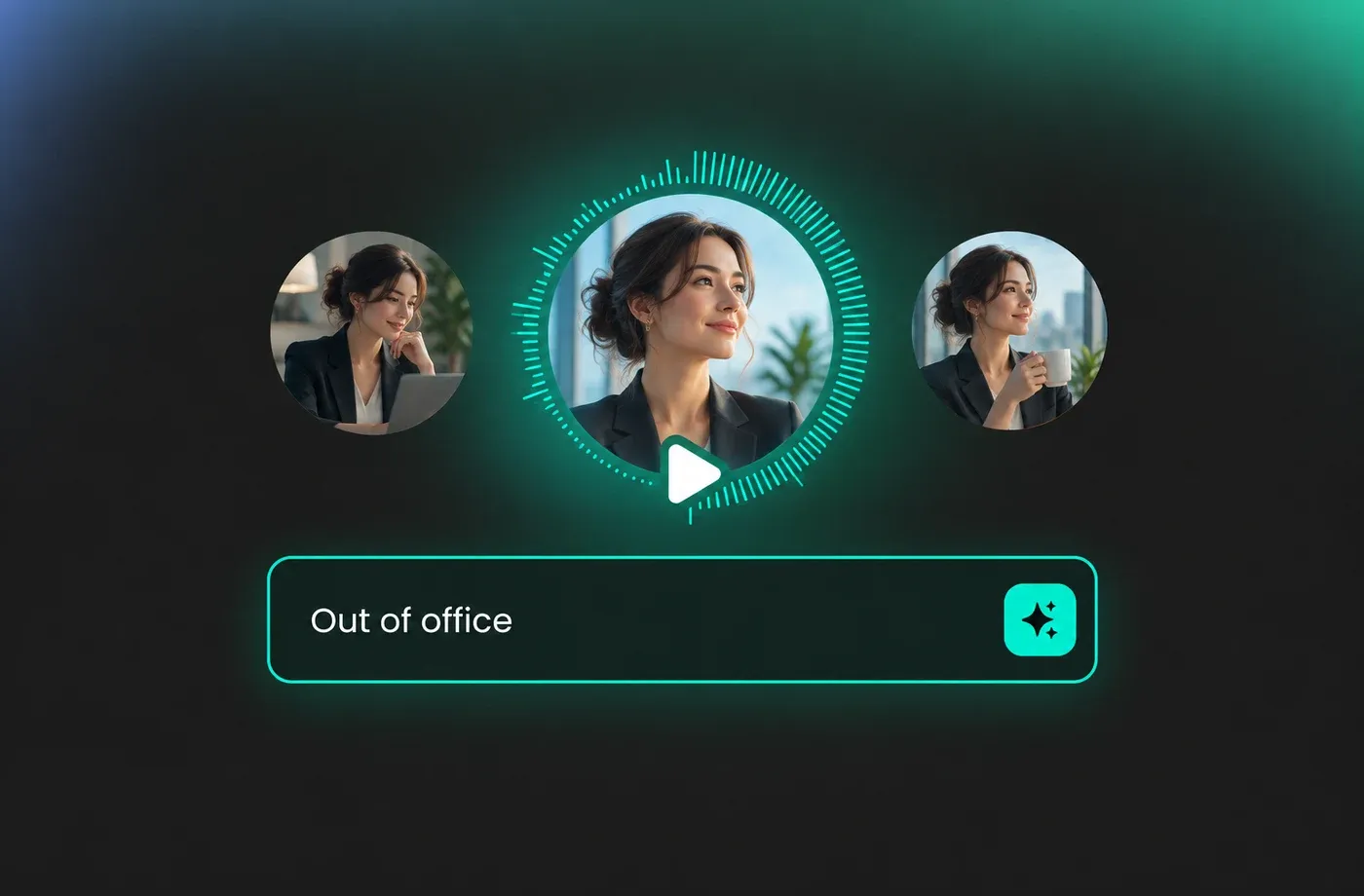
FineVoice voicemail AI voice generator helps you sound confident and professional every time with studio‑quality AI voices that are clear, natural, and easy to understand. Simply type your message, choose a voice, and let the AI do the talking. This is ideal for business voicemail greetings, customer service hotlines, or personal messages where first impressions matter. With our free voicemail voice generator, you avoid background noise, repeated retakes, and inconsistent audio quality. The result is a clean, polished voicemail message that represents you or your brand perfectly.
Multilingual Voices for Global Communication
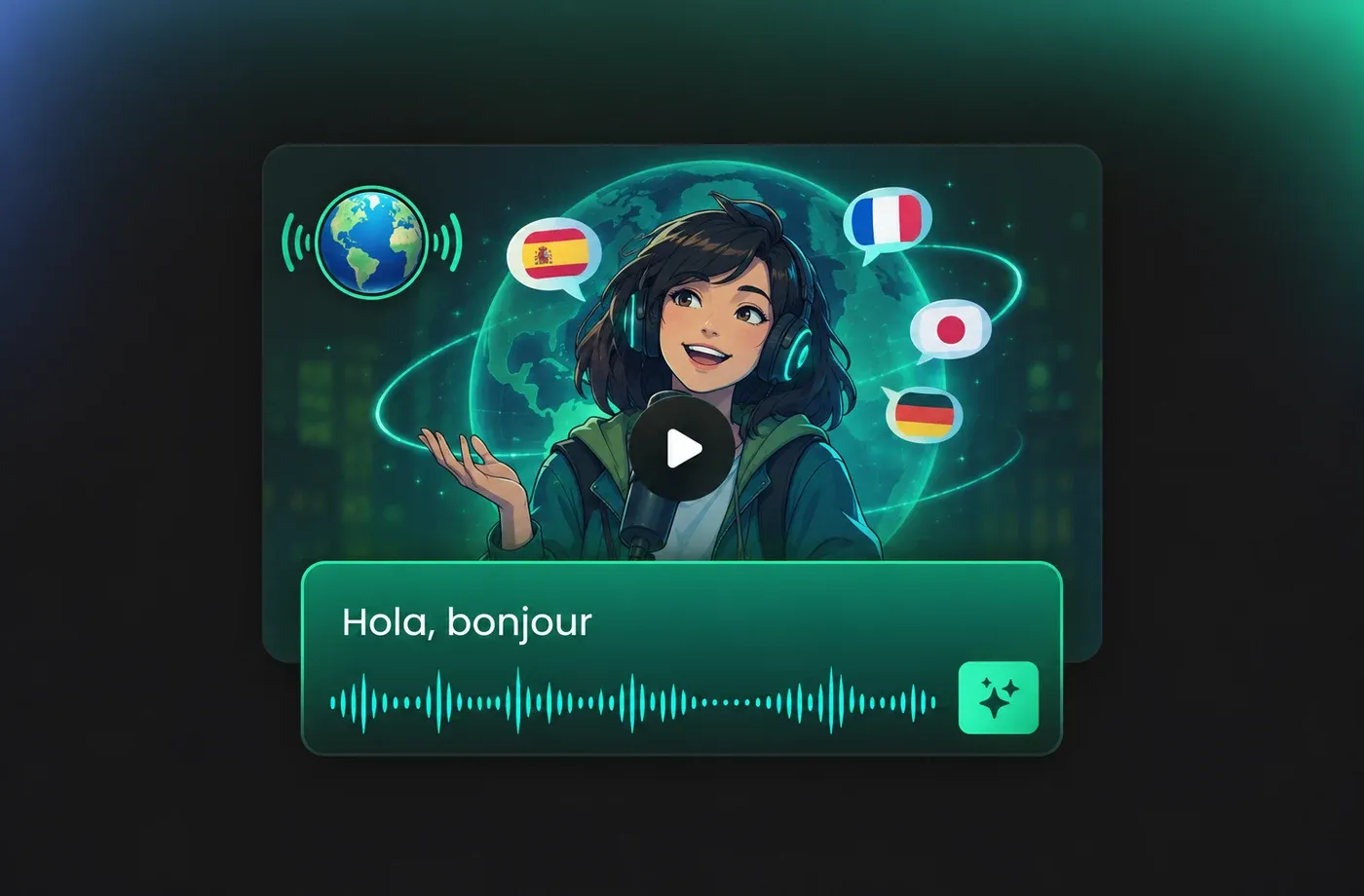
If you communicate with clients or customers in different regions, FineVoice voicemail AI voice generator makes it easy to sound local and approachable. The tool supports over 154 languages and accents, helping you deliver voicemail messages that feel familiar and trustworthy to your audience. Whether you need English with regional accents or other major languages, you can generate accurate, natural speech in seconds. This makes FineVoice especially useful for international businesses, remote teams, and global service providers. As a flexible text‑to‑speech voicemail generator, it removes language barriers and helps you connect more effectively—without hiring voice actors or translators.
Customize Voice Tone, Speed, and Style
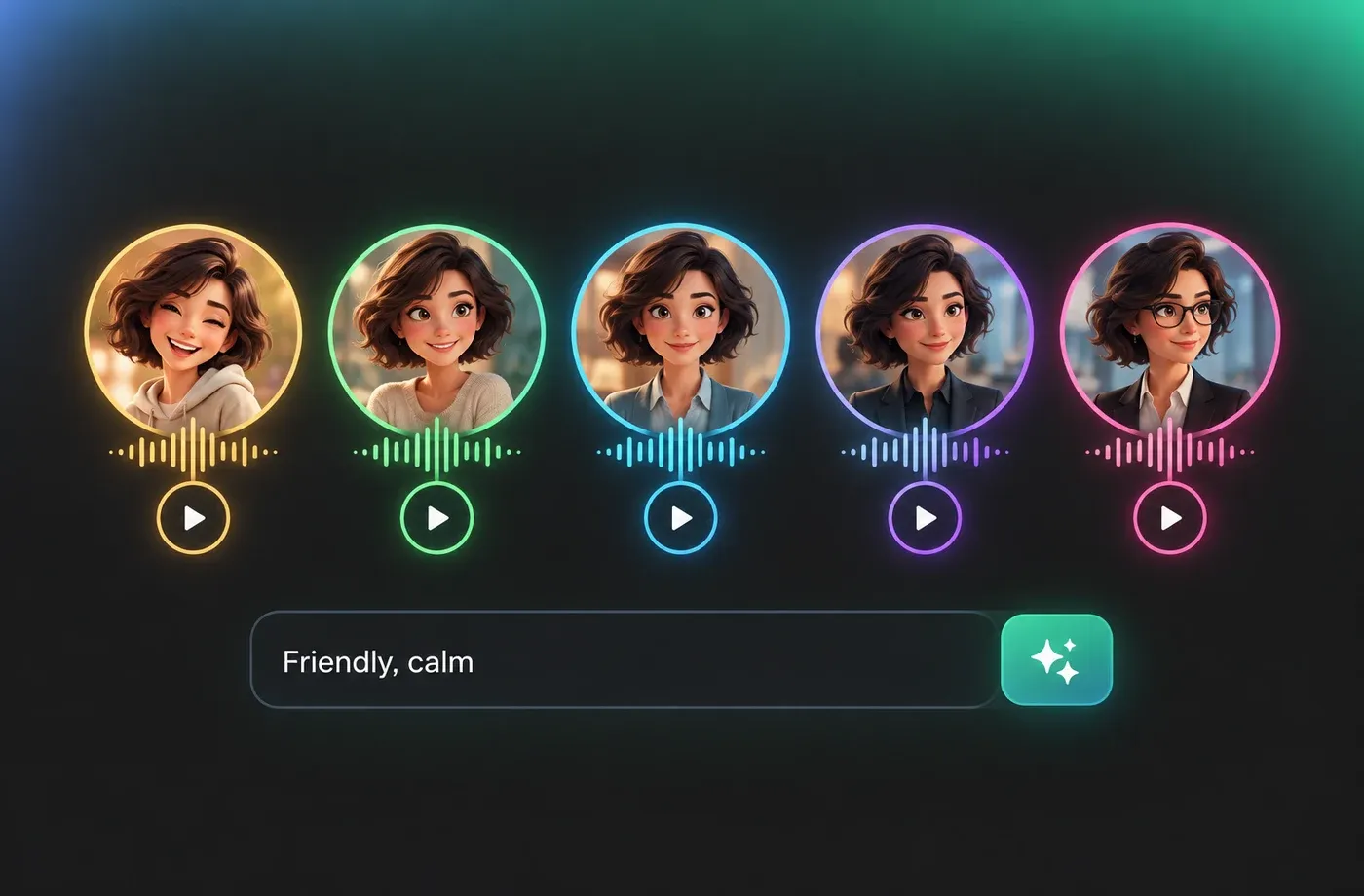
Every voicemail message has a purpose, and FineVoice voicemail AI voice generator gives you control over how it sounds. You can easily adjust voice speed and tone to match different scenarios—friendly and relaxed for personal greetings, or calm and professional for business use. This level of customization ensures your message feels natural and appropriate, not robotic or generic. Even if you’ve never used an AI voice tool before, FineVoice’s interface is intuitive and beginner‑friendly. It’s a practical solution for anyone who wants a text to speech voicemail greeting free from complexity while still maintaining high audio quality.
Perfect for Busy Professionals and Teams
FineVoice voicemail AI voice generator is designed for speed and convenience, helping you create and update voicemail messages instantly. No recording sessions, no editing software, and no technical skills required. This makes it ideal for entrepreneurs, customer support teams, real estate agents, healthcare offices, and remote workers. Whether you need a quick holiday greeting or a permanent voicemail setup, FineVoice scales with your needs. As a reliable free voicemail voice generator, it saves you time while keeping your communication professional and consistent.
How to Use the AI Voicemail Greeting Generator
Transform complex information into clear, engaging, and authoritative spoken content. With the FineVoice AI voicemail voice generator, you can turn any text into magical speech in just three simple steps.
1

Step 1: Input Content
Enter your voicemail message or import your script file (.txt, .docx, .srt) into the AI voicemail voice generator for quick conversion.
2

Step 2: Select Your Voice
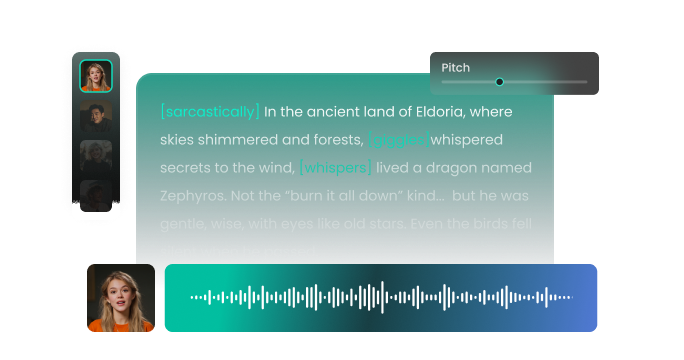
Choose an AI voice model you like from our voice library. Then adjust settings such as pitch and speed, or add emotions or accents to suit your needs.
3
Step 3: Generate Voicemail Voice
Click “Generate” to convert your text into high-quality spoken audio. Processing time varies based on file length, taking seconds to minutes.
t0529.tools.voiceCategory.moreThan








Explore More Voice Categories
FAQs About FineVoice AI Voicemail Voice Generator
1. Is the voicemail AI voice generator really free to use?
Yes, you can use our VoiceMail AI Voice Generator for free with 2,000 text-to-speech conversion characters per month.
2. What languages and accents does the voicemail text to speech tool support?
3. Can I customize the speed and tone of the voice?
4. Can I use the generated voice messages for commercial purposes?
5. Can I create a custom voicemail voice?
6. What is an AI voicemail?
7. Can I use FineVoice as a fake voicemail generator?
8. Can I create a fake voicemail message for a video or demo?
 FineVoice
Start Creating Realistic AI Voicemail Voices
Generate voicemail voices instantly with our AI Voice Generator & Text-to-Speech. Easily create high-quality voiceovers for your projects in just a few clicks.
