

Halloween Voice Generator
FineVoice's Halloween Voice Generator converts text into spooky, scary-sounding speech online. Choose a preset from the Halloween voice library, shape pitch, pacing, and pauses to build dread, then preview the take and download the audio as MP3 or WAV. It suits haunted house announcements, short horror stories, game cutscenes, party invitations, and seasonal ad reads.
文字转语音历史记录
示例:

设置
AI语音

- Voice Name
- 0 使用次数
免费创建您的AI语音。
模型
 FineVoice TTS Max
A Scary Halloween Voice That Still Sounds Human
Most spooky presets sound like a monster filter laid over a robot. This halloween voice generator starts from natural adult narration and lets you build dread through pacing, pauses and small pitch changes instead. The result holds up in a podcast intro, a trailer or a haunted house announcement without sounding cartoonish.
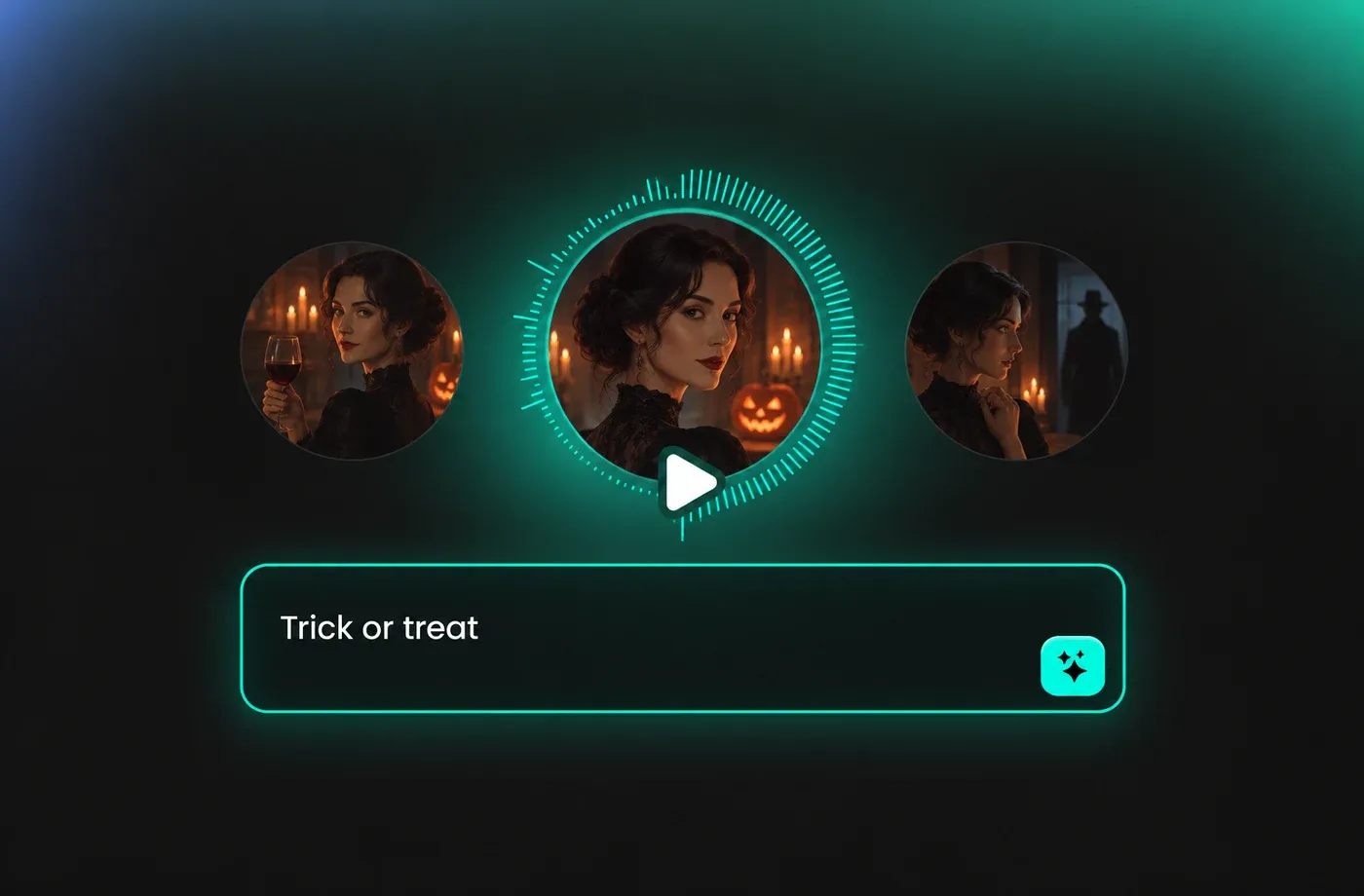
Halloween Voice Text to Speech for Long Scripts
Paste a full short story, a game dialogue sheet or a five-minute narration and the halloween voice generator keeps tone and pacing steady from the first line to the last. Multi-speaker scripts can be split across several voices so you never have to re-record a section to fix one sentence.
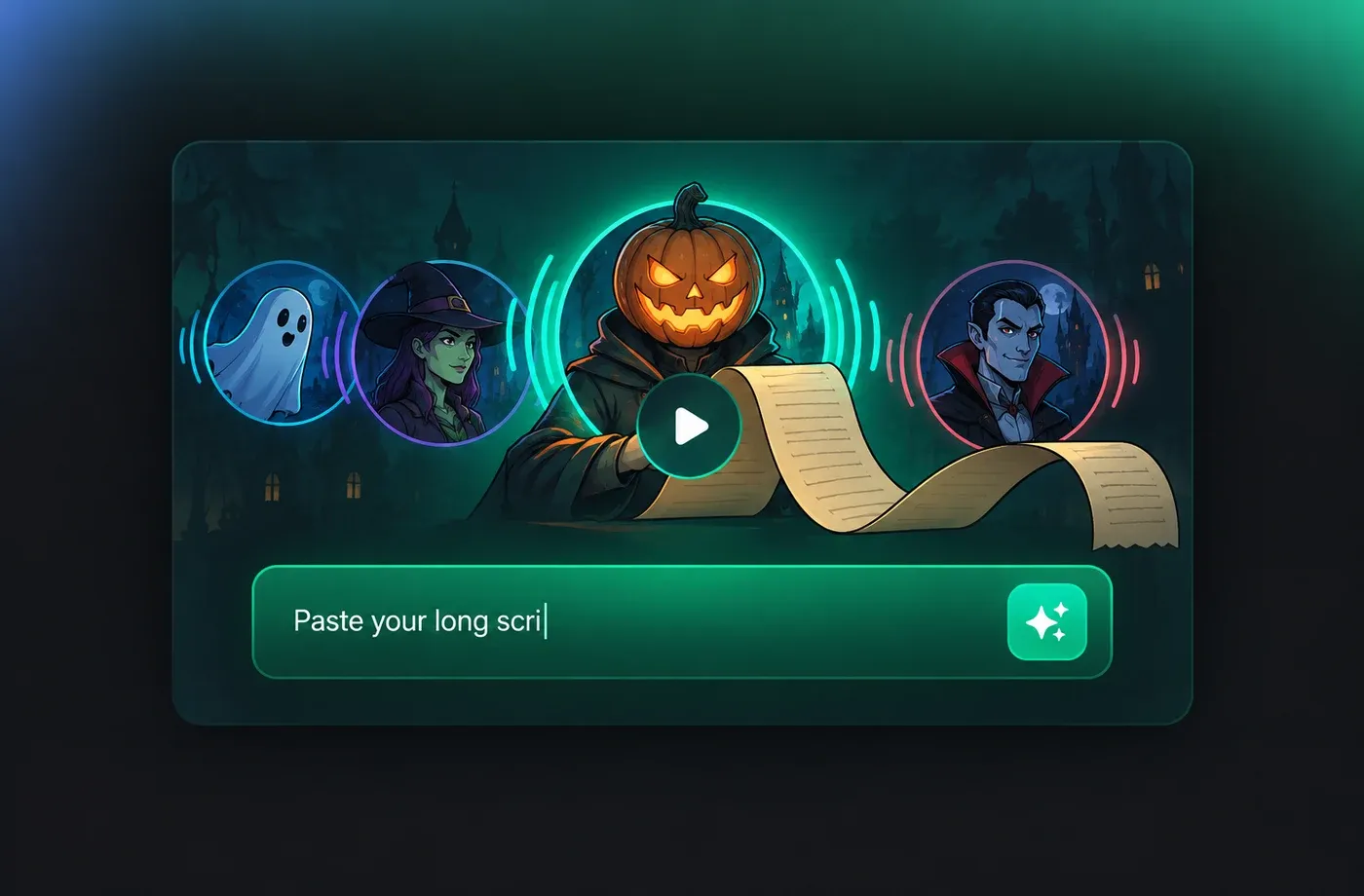
Free Halloween AI Voice to Test Before You Commit
Start with a free halloween AI voice, compare a few presets side by side, and export a short sample before you decide anything. That makes it easy to check whether a tone actually fits your invitation, trailer or social clip instead of guessing from a label.
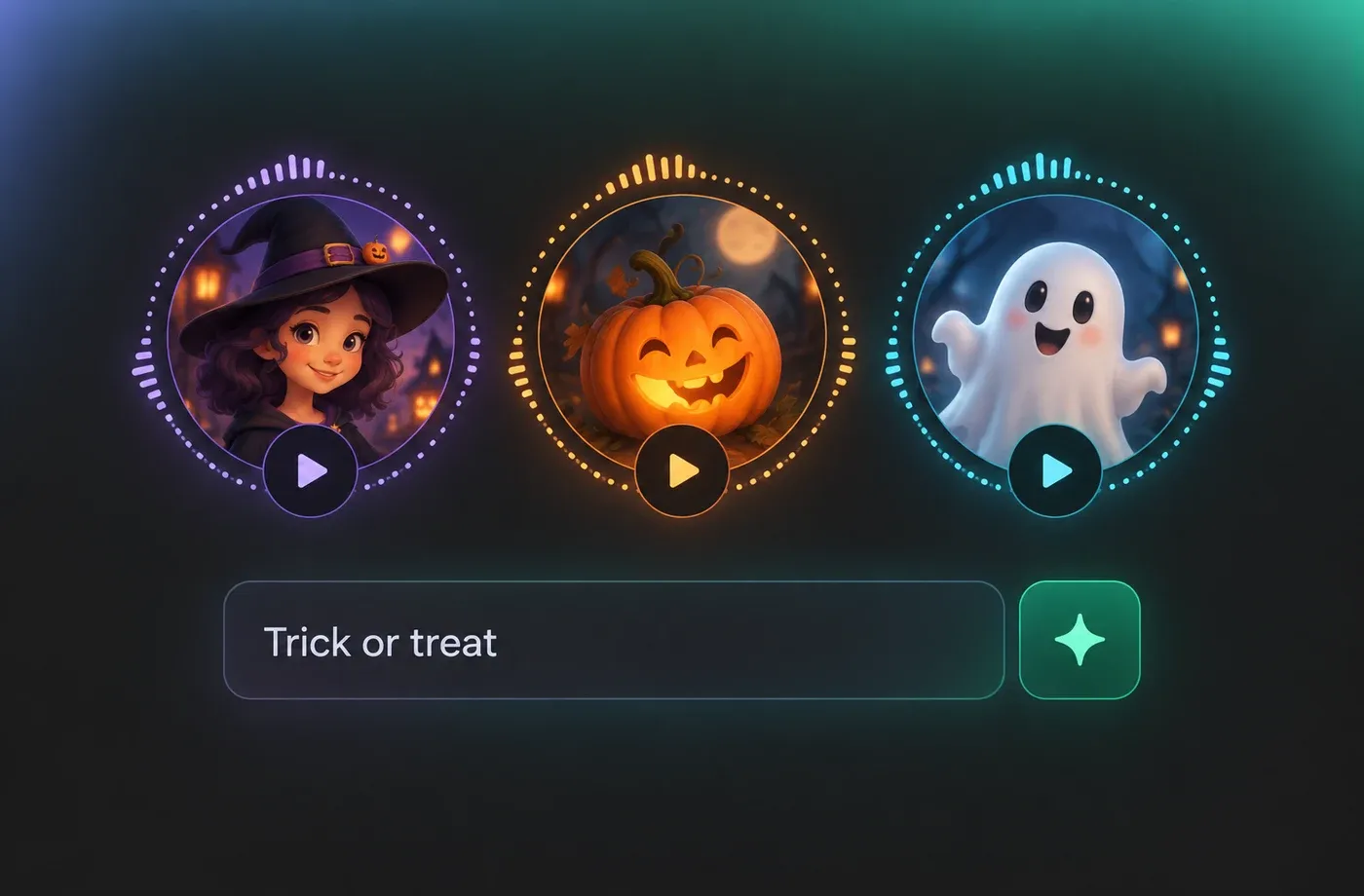
Spooky Tones for Trailers, Parties and Games
The same halloween voice generator covers a haunted house announcement, a tabletop game cutscene and a seasonal ad read. Save the settings you like, then reuse them next October without rebuilding the sound from scratch.
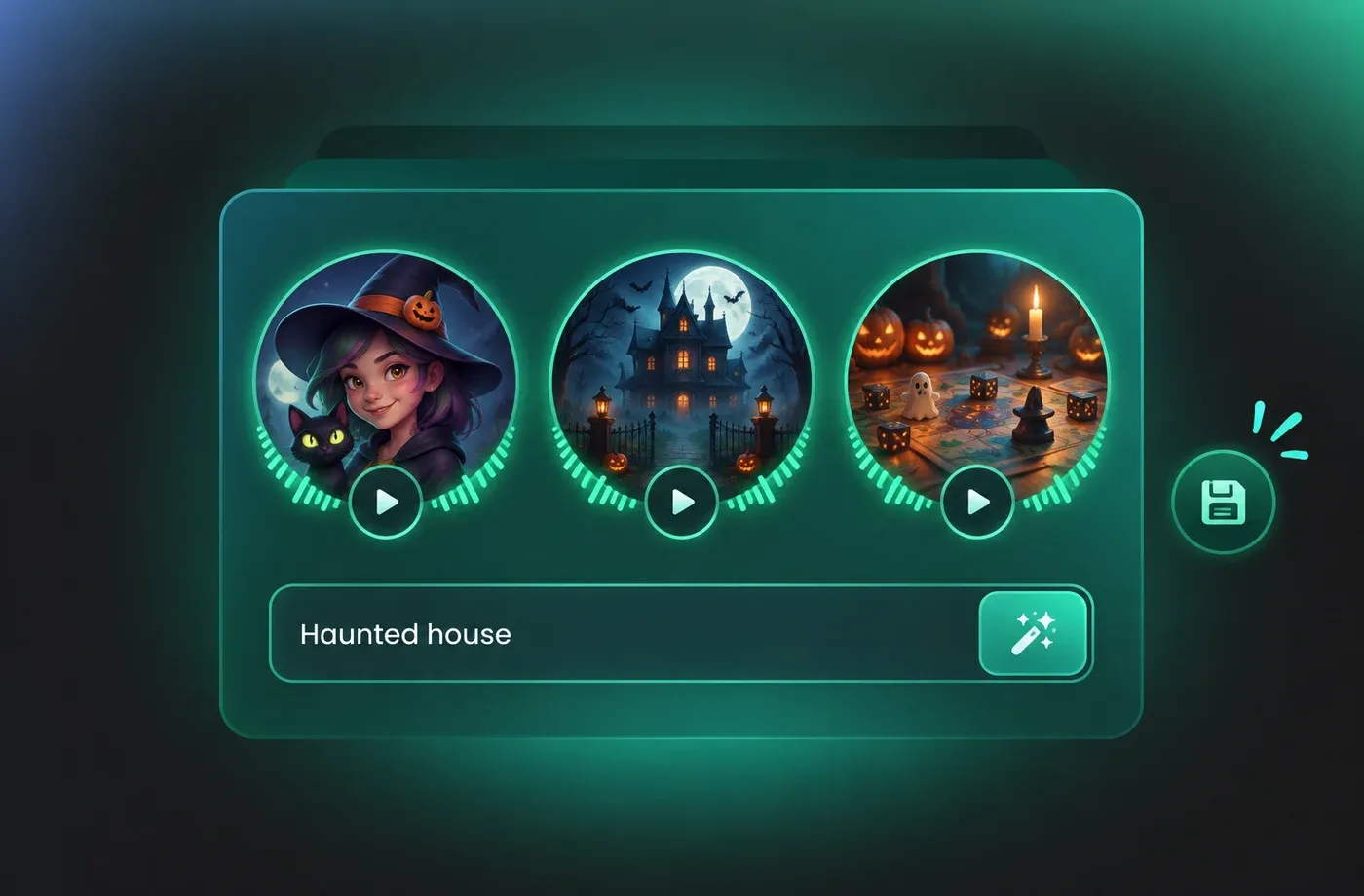
How to Make a Halloween Voice in 3 Steps
Write or paste your script, choose a spooky preset or design your own, preview the delivery, then export a clean audio file.
1

Step 1: Add your script
Type or paste the lines you want spoken. Keep sentences short and add a line break between speakers so the Halloween voice text to speech engine can place natural pauses.
2

Step 2: Choose a voice and shape the tone
Pick a narrator from the Halloween library, then adjust pitch, speed and pauses until the delivery feels like a real person reading. Preview as often as you like while tuning.
3

Step 3: Preview and export
Listen to the full read, fix any mispronounced words, then download the audio or share a preview link. Your settings stay saved if you want to come back and revise the take later.
t0529.tools.voiceCategory.moreThan










Explore More Voice Categories
Halloween Voice Generator FAQ
1. What is a Halloween voice generator?
It is a text to speech tool that turns written lines into spoken audio with a seasonal, spooky feel. FineVoice does this with natural adult narrators first, so you can add a scary Halloween voice through pacing, pitch and ambience rather than relying on a heavy preset.
2. Can I use Halloween voice text to speech for free?
3. How do I make a scary Halloween voice that still sounds natural?
4. Does the Halloween AI voice handle long scripts?
5. Can I adjust pitch, speed and pauses?
6. What can I use Halloween narration audio for?
7. Do I need to install anything or record my own audio?
8. How do I download or share the finished Halloween voice?
 FineVoice
Build Your Halloween Voice in Minutes
Write the script, pick a narrator, and shape the delivery until it sounds like someone reading aloud in a dark room. No recording gear, no studio booking, no monster filter required.
