

AI Muffled Voice Generator
Turn text into a controlled muffled voice track with FineVoice's AI Muffled Voice Generator, then shape pitch, speed, and emotion before exporting MP3 or WAV. FineVoice's voice design and cloning tools help you build a consistent covered tone for helmets, radios, walls, or dream sequences while keeping speech intelligible. The browser-based editor works without installation and supports 154+ languages and accents, so you can localize the same muffled voice character across scenes.
文字转语音历史记录
示例:

设置
AI语音

- Voice Name
- 0 使用次数
免费创建您的AI语音。
模型
 FineVoice TTS Max
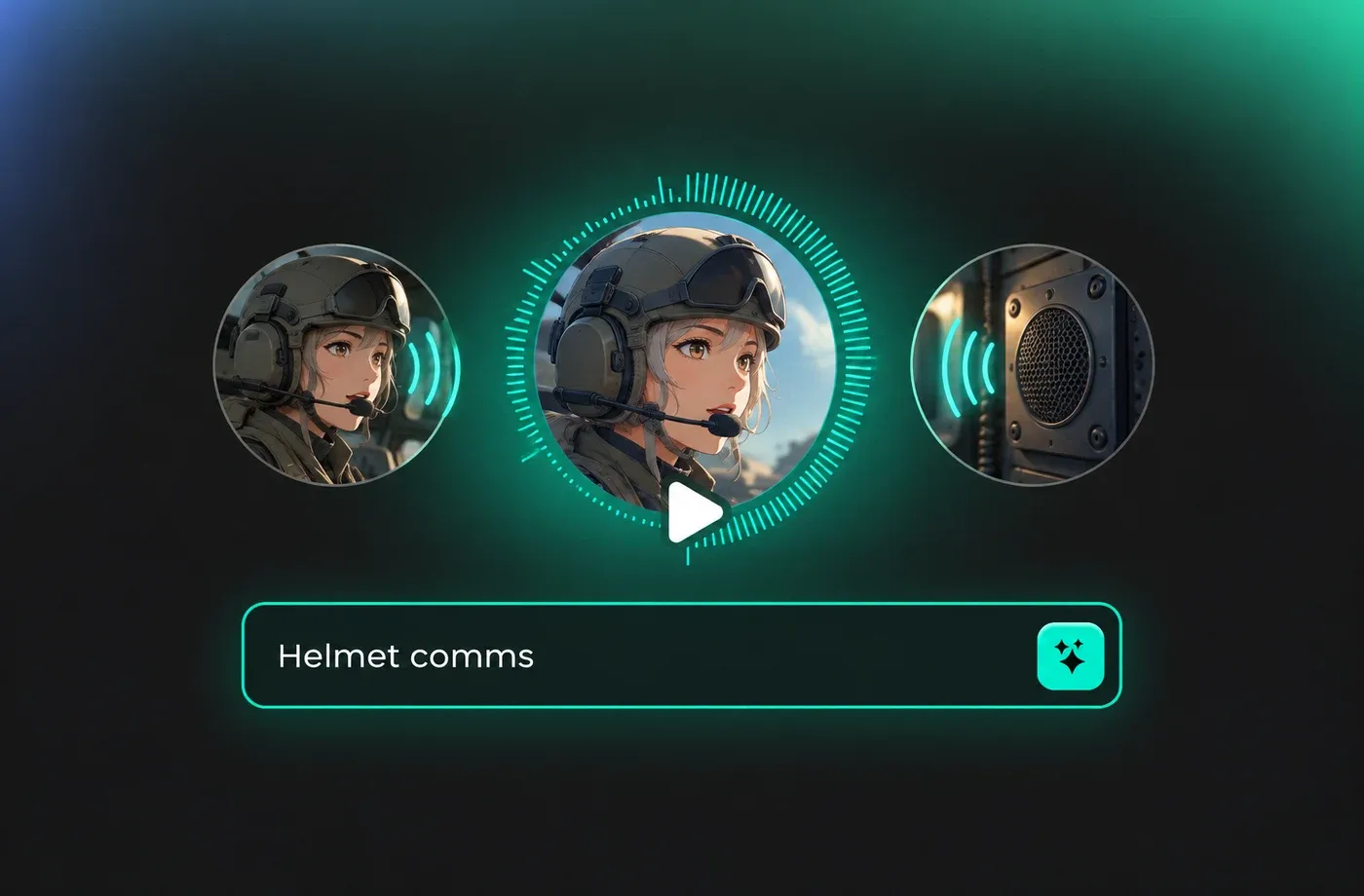
Muffled Voice for Helmet, Radio, and Intercom Scenes
A convincing muffled voice should sound physically blocked, not simply turned down. FineVoice lets you keep consonants readable while adding an enclosed character for helmet comms, intercoms, or radio dialogue, and you can adjust pitch and speed so the line still lands with the scene.
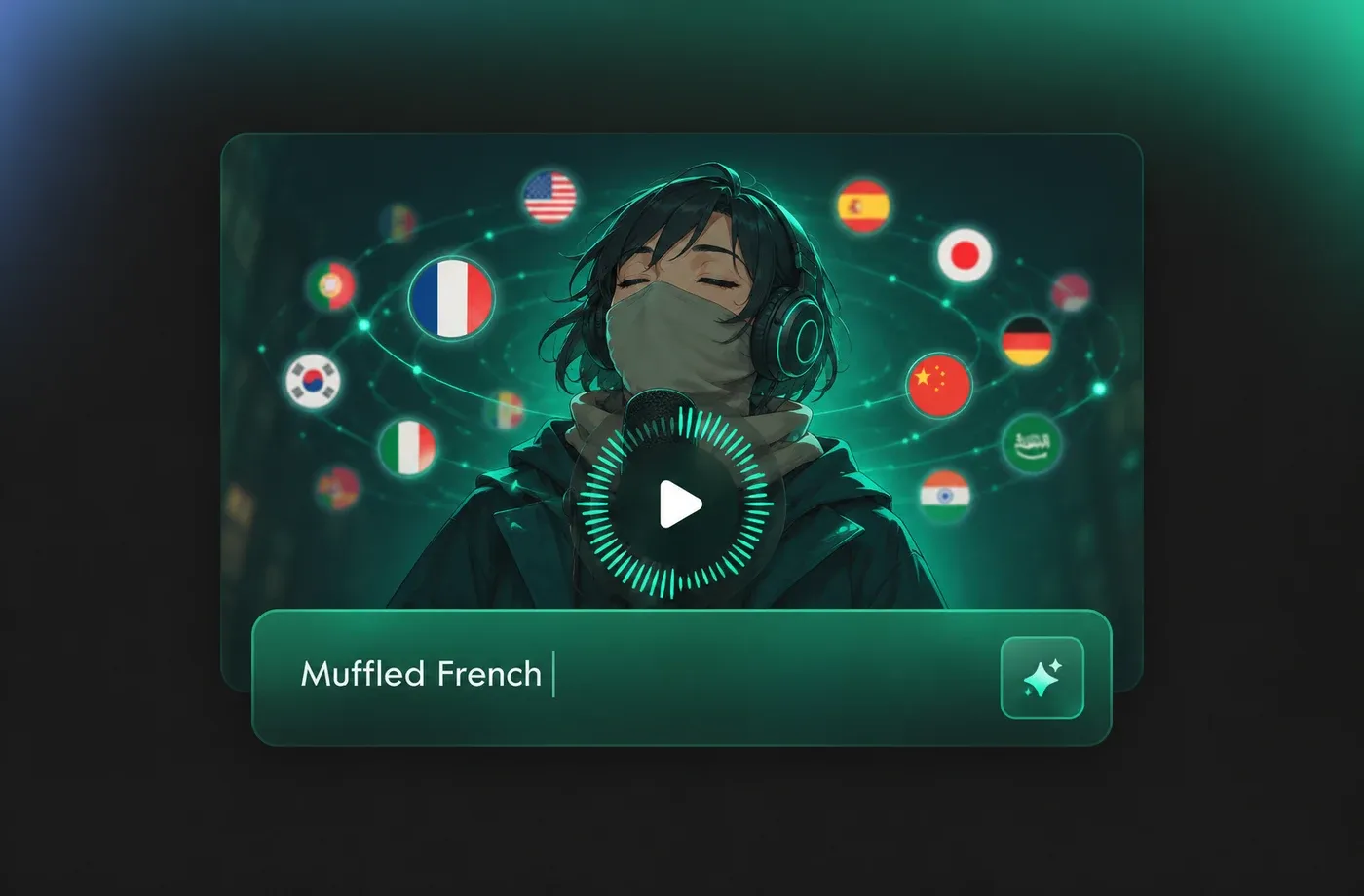
Muffled Voice Across 154+ Languages and Accents
FineVoice supports 154+ languages and accents, so the same muffled voice direction can be adapted for localized game dialogue, documentary recreations, or audio drama. Keep the covered tone consistent while changing pronunciation, pacing, and emotional emphasis for each language.
Design a Consistent Muffled Voice Character
Use FineVoice's voice design and voice cloning tools to establish a repeatable muffled voice for a character who speaks through a mask, wall, or device. Preview each line in the browser, refine pitch and emotion, and keep the covered quality steady across scenes without installing software.
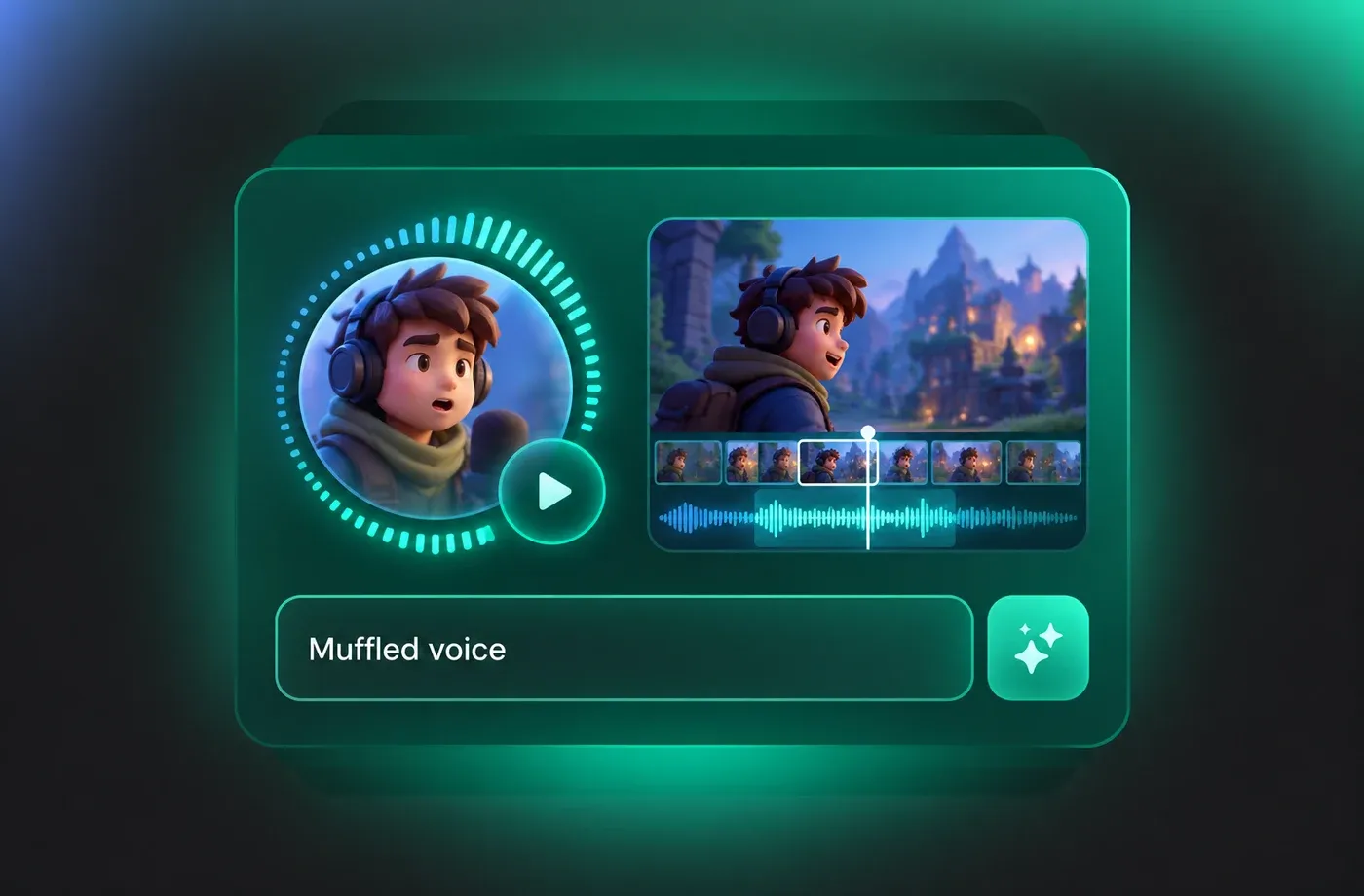
Export Muffled Voice Audio for Games and Video
Turn a finished script into a muffled voice clip and download it as MP3 or WAV for editing in games, video timelines, or audio stories. FineVoice runs in the browser, so you can test tone, pace, and emphasis before exporting the take that fits the scene.
How to Create a Muffled Voice
Follow three steps to turn a script into a muffled voice clip, refine the covered tone, and download a ready-to-edit MP3 or WAV file.
1

Step 1: Enter Your Script and Choose a Starting Voice
Paste your dialogue or narration, select a natural adult voice, and note the physical barrier the muffled voice should suggest, such as a helmet, door, or radio.
2

Step 2: Shape the Muffled Voice Delivery
Adjust pitch, speed, and emotion to create a covered, enclosed sound that remains intelligible. Preview short phrases and refine emphasis before rendering the full line.
3

Step 3: Preview and Download MP3 or WAV
Listen to the complete muffled voice take, revise pacing or tone if needed, and download the final audio as MP3 or WAV for your game, video, or audio story.
t0529.tools.voiceCategory.moreThan












Explore More Voice Categories
Muffled Voice FAQ
1. What does a muffled voice generator do?
A muffled voice generator turns written text into speech with a covered, enclosed quality, as if the speaker is behind a door, helmet, wall, or radio. FineVoice gives you controls for pitch, speed, and emotion so the result can stay intelligible while matching the scene.
2. How do I create a muffled voice from text?
3. Can I adjust pitch and speed for a muffled voice?
4. Will a muffled voice still be understandable?
5. What scenes work well with a muffled voice?
6. Does FineVoice support multiple languages for muffled voice audio?
7. Can I download muffled voice audio as MP3 or WAV?
8. Can I keep the same muffled voice across multiple lines?
9. Is the muffled voice generator browser-based?
 FineVoice
Build a Muffled Voice for Your Next Scene
Use FineVoice's AI Muffled Voice Generator to turn a script into covered dialogue, refine the delivery in your browser, and download MP3 or WAV for editing.
