

Free Poetic Voice Generator: Lyrical & Expressive Text to Speech Voices
Discover the best Poetic AI Voice Generator and Text to Speech tool! FineVoice's poetic voice generator converts verses and spoken-word scripts into natural adult narration, with pitch, speed and emotion controls, 154+ languages and accents, and MP3 or WAV export in seconds. Audition tones first in the poetic voice library and keep the reading that fits your line breaks.
文字转语音历史记录
示例:

设置
AI语音

- Voice Name
- 0 使用次数
免费创建您的AI语音。
模型
 FineVoice TTS Max
Instantly Create Poetic Voiceovers
Paste a poem, lyric fragment or spoken-word script and the poetic voice generator returns finished narration in seconds, with no timeline editing required. Set pitch, speed and emotional tone, then export straight to MP3 or WAV. Open the text to speech studio and hear a first pass immediately.
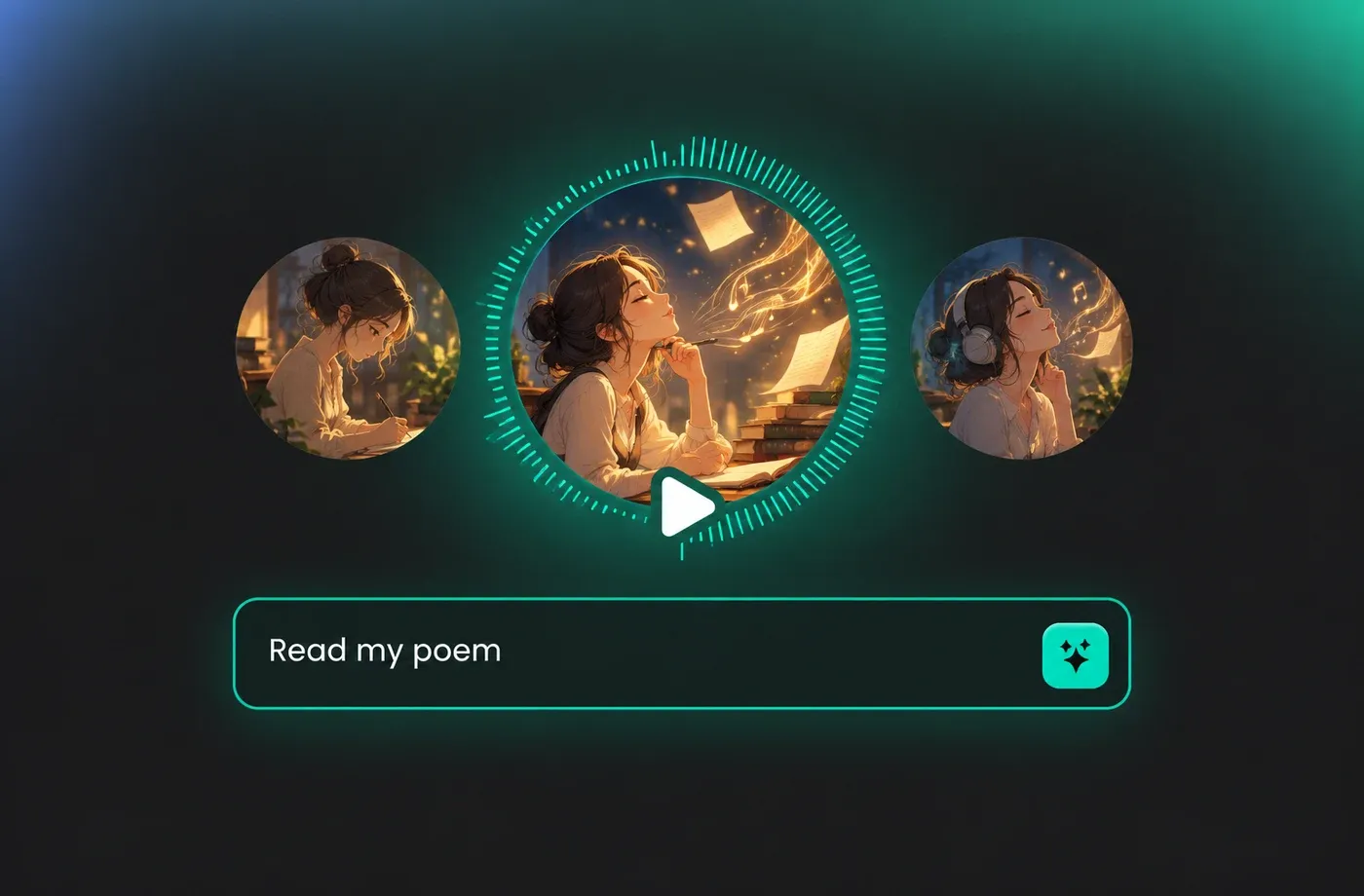
Text to Speech Poetic Voices
Every poetic voice in the library is a natural adult narrator rather than a stylised character, so lines stay intelligible under music or room ambience. Preview each tone in the poetic voice library, compare two or three readings of the same stanza, and keep the one that respects your rhythm.
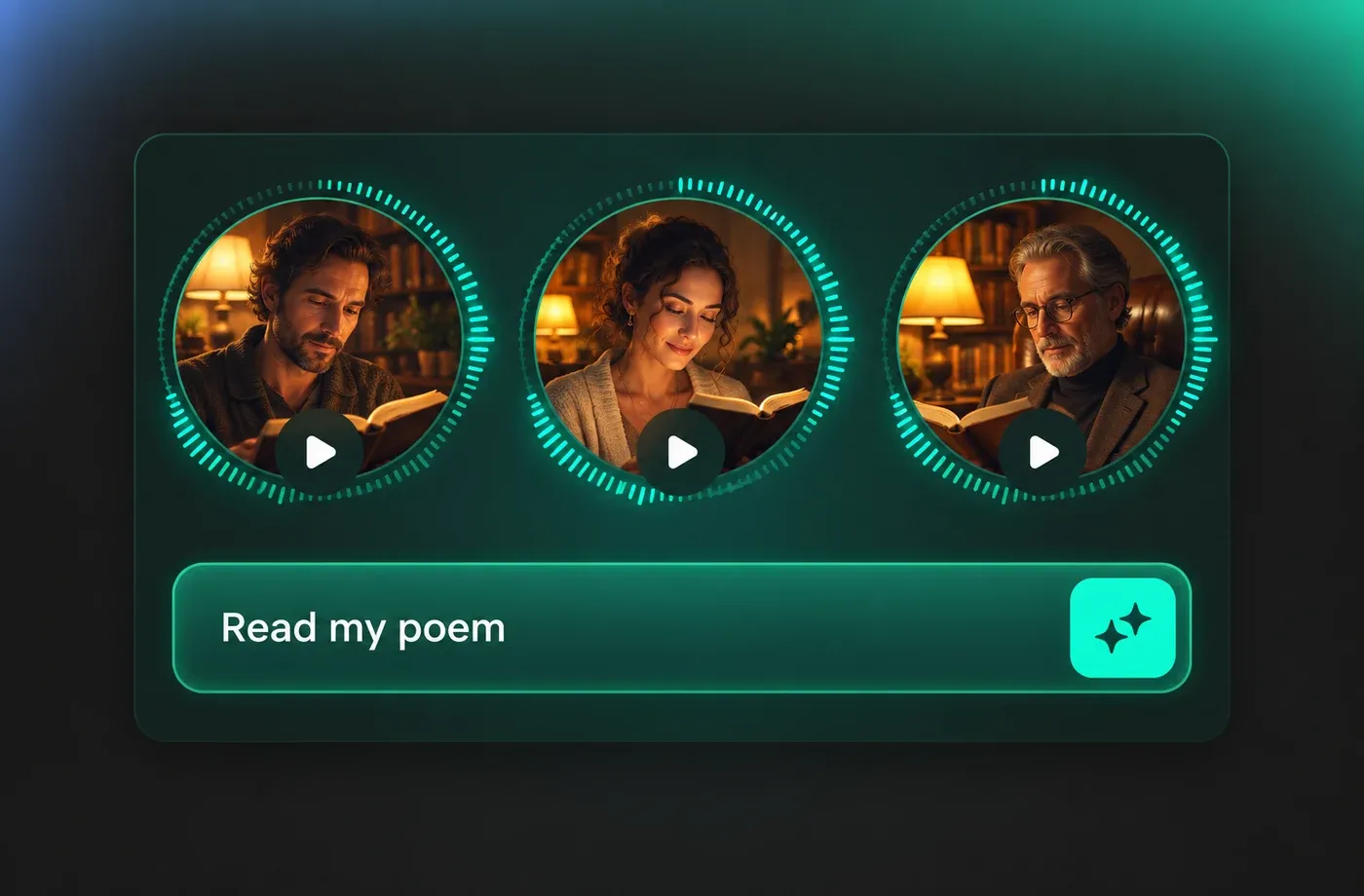
Tune Pitch, Pace and Emotion Line by Line
Slow the tempo before a turn in the poem, lift the pitch on a refrain, or flatten the delivery for a deliberately dry stanza. These controls apply per generation in the browser-based editor, so a long poem can be built one section at a time without re-recording anything.
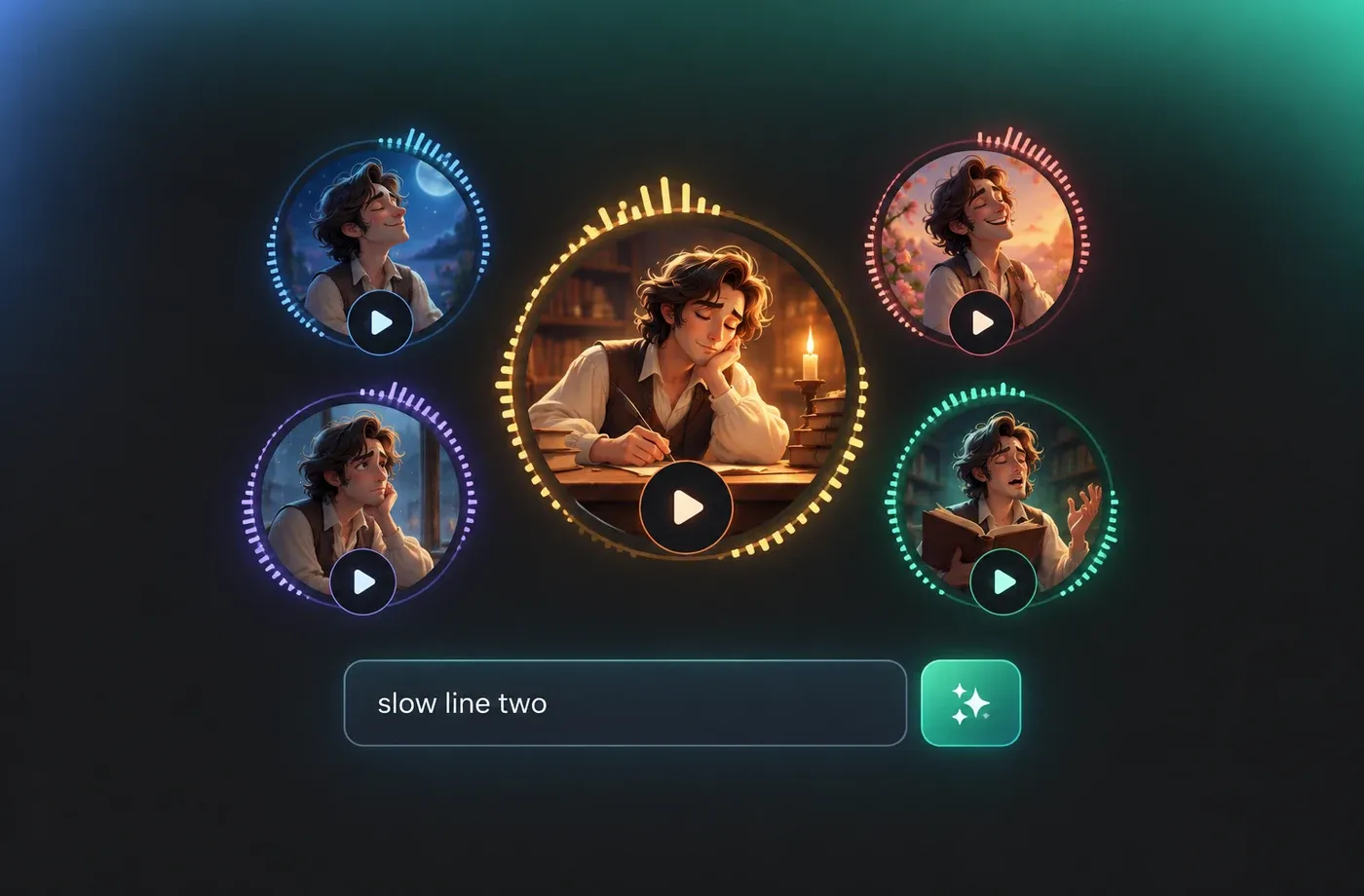
Poetic Narration Across 154+ Languages
Generate the same poem in English, Spanish, Japanese or any of the other 154+ supported languages and accents while keeping one consistent voice direction across versions. This suits multilingual poetry readings, subtitled spoken-word videos and recital practice. Browse the full voice catalogue to match accent and tone.
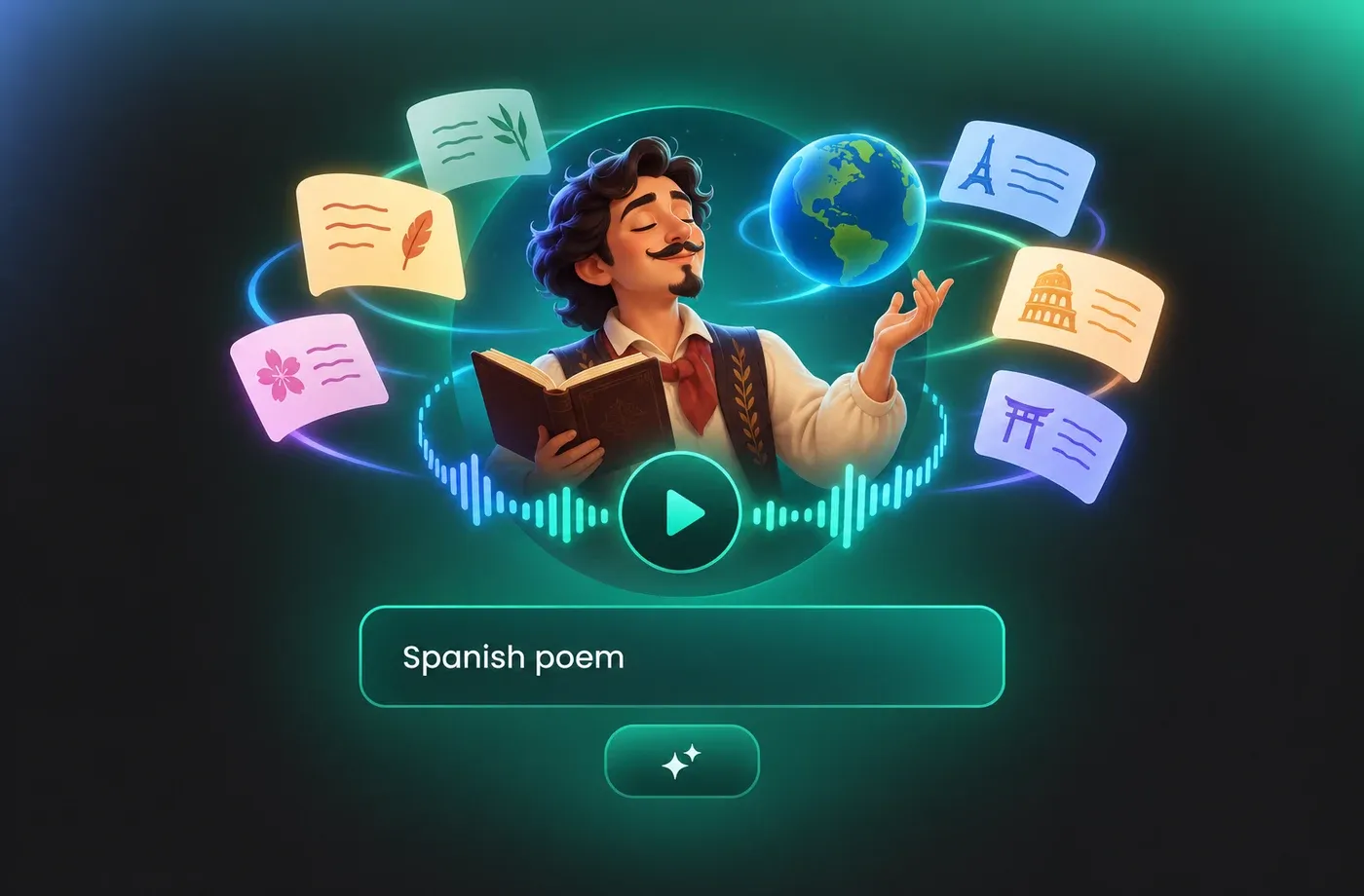
How to Use AI Voices for Poetic Voice Generator
Paste a poem, pick a natural narrator, tune speed, pitch and emotion, then convert text to speech and download MP3 or WAV — all in the browser.
1

Step 1: Paste Your Poem or Spoken-Word Script
Open the poetic voice generator, paste your verse or type directly into the text box, and keep the original line breaks. Punctuation and line endings are what the narrator uses to place natural pauses.
2

Step 2: Choose a Poetic Voice and Tune It
Pick a natural adult narrator from the library, then adjust speed, pitch and emotion until the delivery matches the tone of the poem. Preview the result and regenerate a single stanza if you want a different reading.
3

Step 3: Generate and Download the Reading
Generate the full reading, listen through in the browser, and download the finished file as MP3 or WAV for videos, podcasts, recital samples or spoken-word performances.
t0529.tools.voiceCategory.moreThan












Explore More Voice Categories
FAQs About Poetic AI Voice Generator
1. What is a poetic voice generator?
A poetic voice generator is a text to speech tool that reads verse aloud with natural pacing instead of flat, robotic delivery. FineVoice turns your typed lines into a narrated audio file using adult narrator voices, with pitch, speed and emotion controls you can adjust before exporting MP3 or WAV.
2. Do I need to install software to use the poetic voice generator?
3. How do I make text to speech narration sound more poetic?
4. Which languages does the poetic voice generator support?
5. Can I download the poetic voice audio I generate?
6. Can I use my own voice for poetry narration?
7. What kinds of writing work well with poetic voice text to speech?
8. Is the poetic voice generator different from a standard text to speech tool?
 FineVoice
Start Creating with AI Poetic Voices
Turn a poem into finished narration with the poetic voice generator — choose a natural adult narrator, tune pacing and emotion line by line, and download MP3 or WAV straight from your browser.
