

AI Voice Customer Service Voice Generator
Build phone-ready voice ai customer service audio without a recording booth. FineVoice gives you agent voices that stay calm and intelligible on tinny phone speakers, plus per-line pacing control so hold messages, verification prompts, and troubleshooting steps never rush the caller. Start with a support-ready voice and export MP3 or WAV in the same session.
文字转语音历史记录
示例:

设置
AI语音

- Voice Name
- 0 使用次数
免费创建您的AI语音。
模型
 FineVoice TTS Max
Agent Voices That Survive Phone Compression
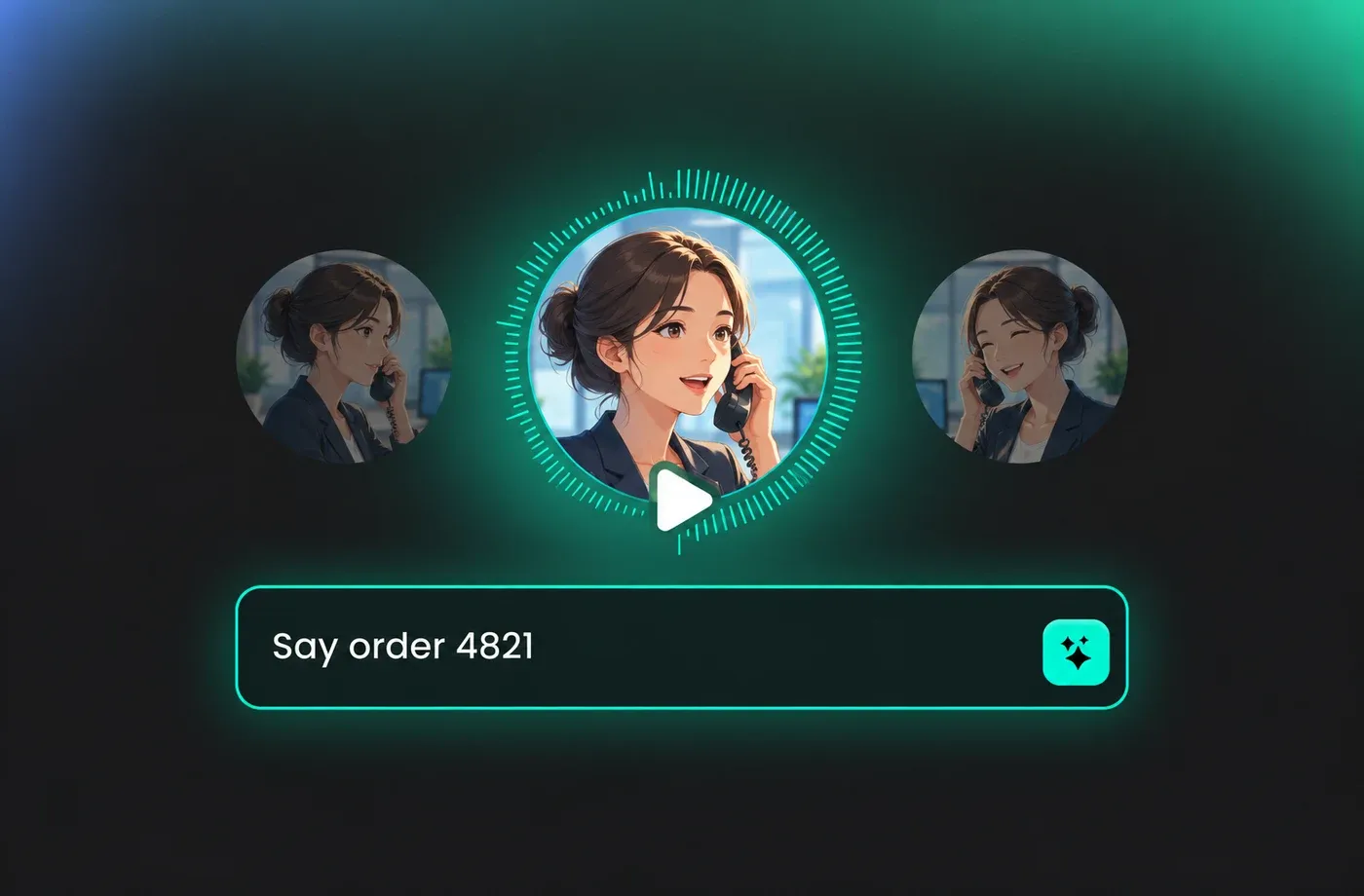
Most listeners hear your voice ai customer service lines through a handset speaker or a compressed VoIP stream, so clarity matters more than studio polish. These voices are tuned for intelligible consonants and steady volume, keeping names, order numbers, and dates easy to catch on the first pass.
Calm Delivery for Frustrated Callers
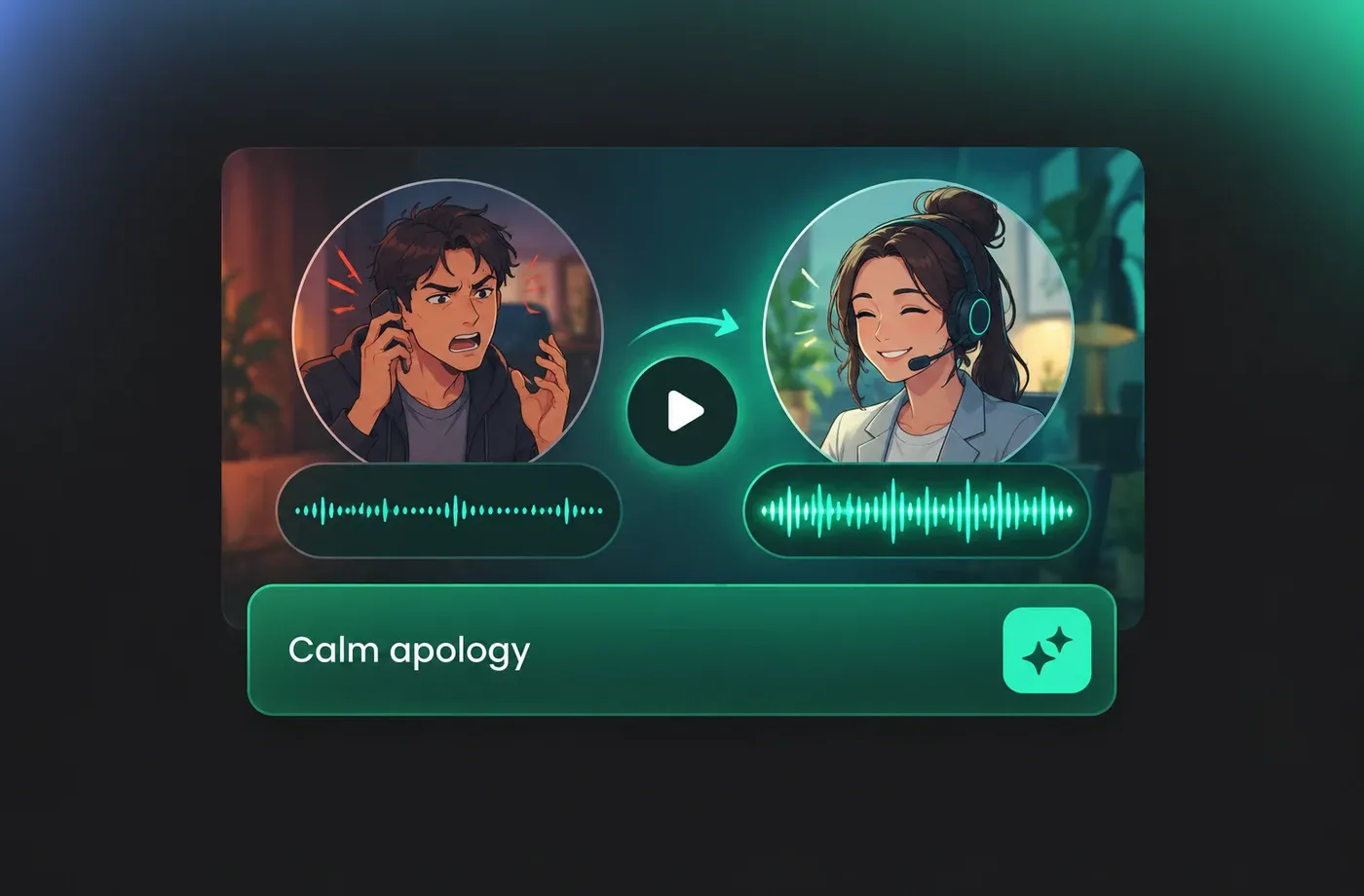
A voice ai customer service prompt sets the emotional temperature of an entire call. Pick a slow, even delivery for apology scripts and refund timelines, and a brighter, quicker read for confirmations and reminders so the caller knows the issue is already resolved.
Consistent Brand Sound Across Every Channel
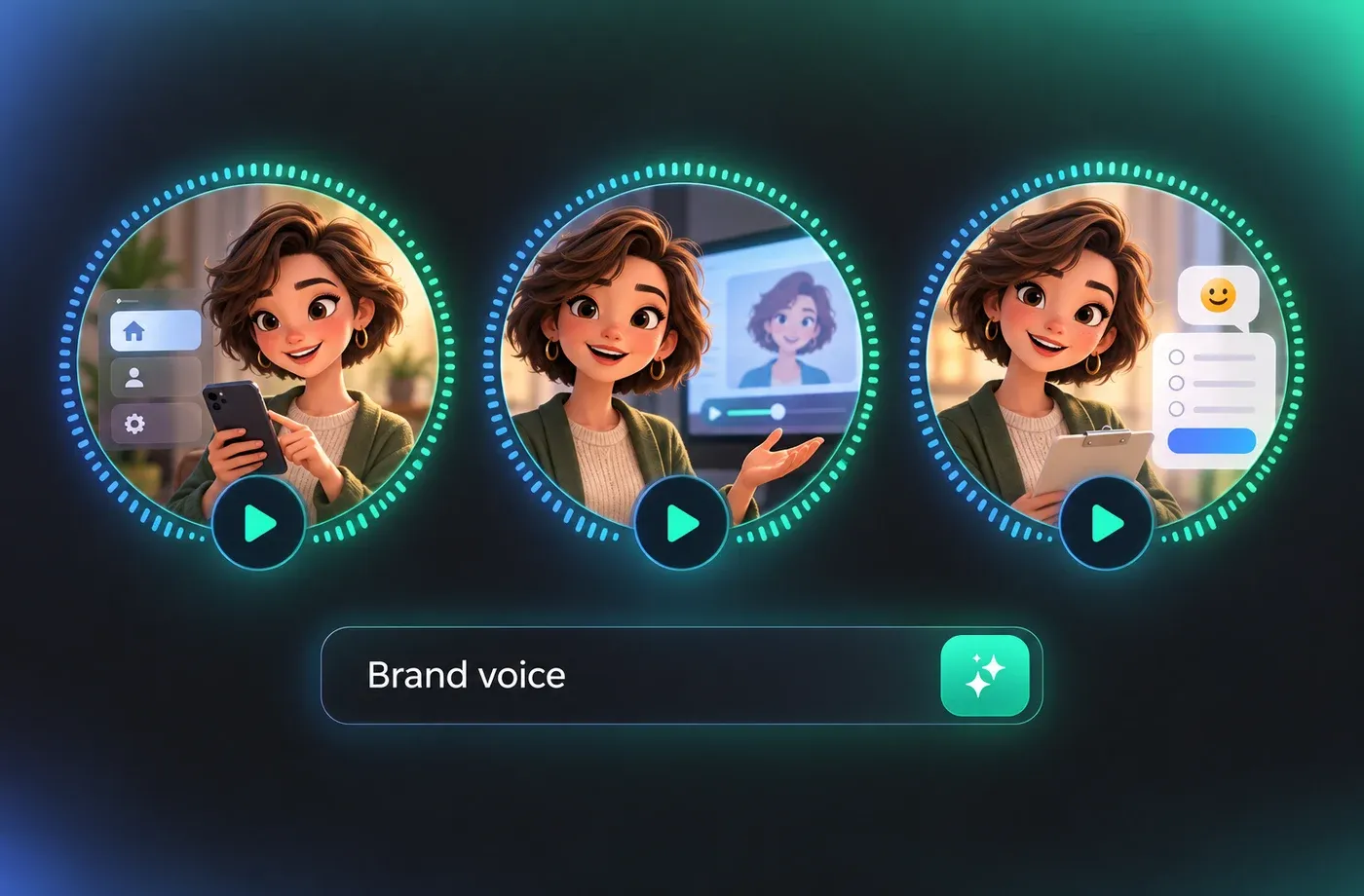
Use one voice for your IVR tree, your app's help videos, and your post-call survey invites so customers recognize you before the first sentence ends. FineVoice keeps the same timbre and accent across scripts, which is hard to guarantee when you rebook different human readers for each update.
Update Policy Scripts Without a New Session
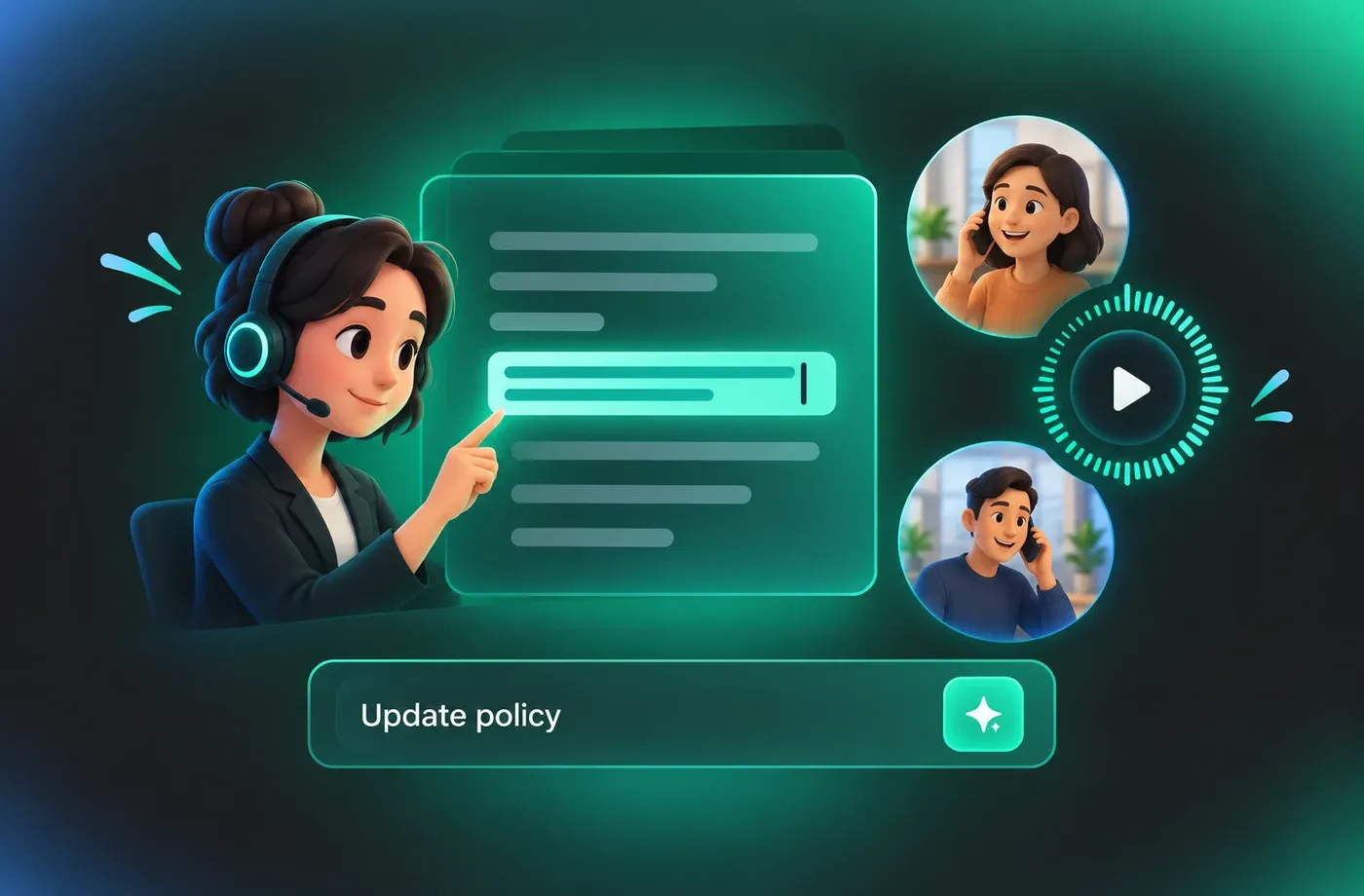
Hold times, return windows, and fee structures change constantly, and re-recording every line slows the rollout down. Edit the text, regenerate the voice ai customer service segment, and drop the new file into your phone system the same afternoon.
How to Make Customer Service Voice Lines
Turn a script into clear, caller-friendly customer service audio in three steps: pick an agent voice, set the pace, and export phone-ready files.
1

Step 1: Choose an Agent Voice
Preview the customer service voice library and shortlist two or three voices by gender, accent, and energy. Read a real line from your script — an apology, an order update — rather than the sample text, because pacing problems only show up on your own copy.
2

Step 2: Paste and Pace Your Script
Paste each prompt as its own segment and add commas or line breaks where the caller needs a beat to absorb information. Keep one decision per file so your IVR tree stays flexible, and write numbers and dates exactly as you want them spoken aloud.
3

Step 3: Preview and Export
Listen through once on a laptop speaker and once on a phone to catch anything that blurs at low bandwidth. When the delivery sounds right, export MP3 or WAV and load the files into your phone system, help center, or training library.




Explore More Voice Categories
Voice AI Customer Service FAQ
1. Will these voices sound natural on a phone line?
Yes. Each voice is checked for intelligible consonants and consistent volume at narrow bandwidth, which is where synthesized speech usually falls apart. Test a line through your own IVR or VoIP system before a full rollout, since your codec and handset model affect the final result more than the voice itself.
2. Can I use voice ai customer service audio for my IVR menu?
3. How do I choose between a male and female agent voice?
4. Does the voice handle numbers, dates, and account details correctly?
5. Can I match the voice to my existing brand recordings?
6. Is the generated audio suitable for training and QA material?
7. How long does it take to produce a full script set?
8. What file formats are available for export?
 FineVoice
Give Every Caller a Clear, Steady Voice
Your customers meet your brand through a phone speaker, often while frustrated. Generate voice ai customer service lines that stay understandable, calm, and consistent — and update them the same day your policy changes.
