

AI Sad Voice Generator
FineVoice gives you a sad voice you can direct, not just pick from a list. Start with a natural adult narrator, then shape the sad tone of voice with pace, pitch, pause and breath controls until the delivery matches your scene. Open the sad voice library to compare soft, restrained and quietly heartbroken variations before you generate a single line.
文字转语音历史记录
示例:

设置
AI语音

- Voice Name
- 0 使用次数
免费创建您的AI语音。
模型
 FineVoice TTS Max
Turn Any Line Into a Sad Voice
Paste a eulogy, a farewell letter, a quiet apology or a line of dialogue and FineVoice reads it in a believable sad voice without a recording booth. The engine keeps natural breath and micro-pauses intact, so the sadness sounds performed rather than processed. You can test three emotional intensities in a single session and keep the one that fits the scene.
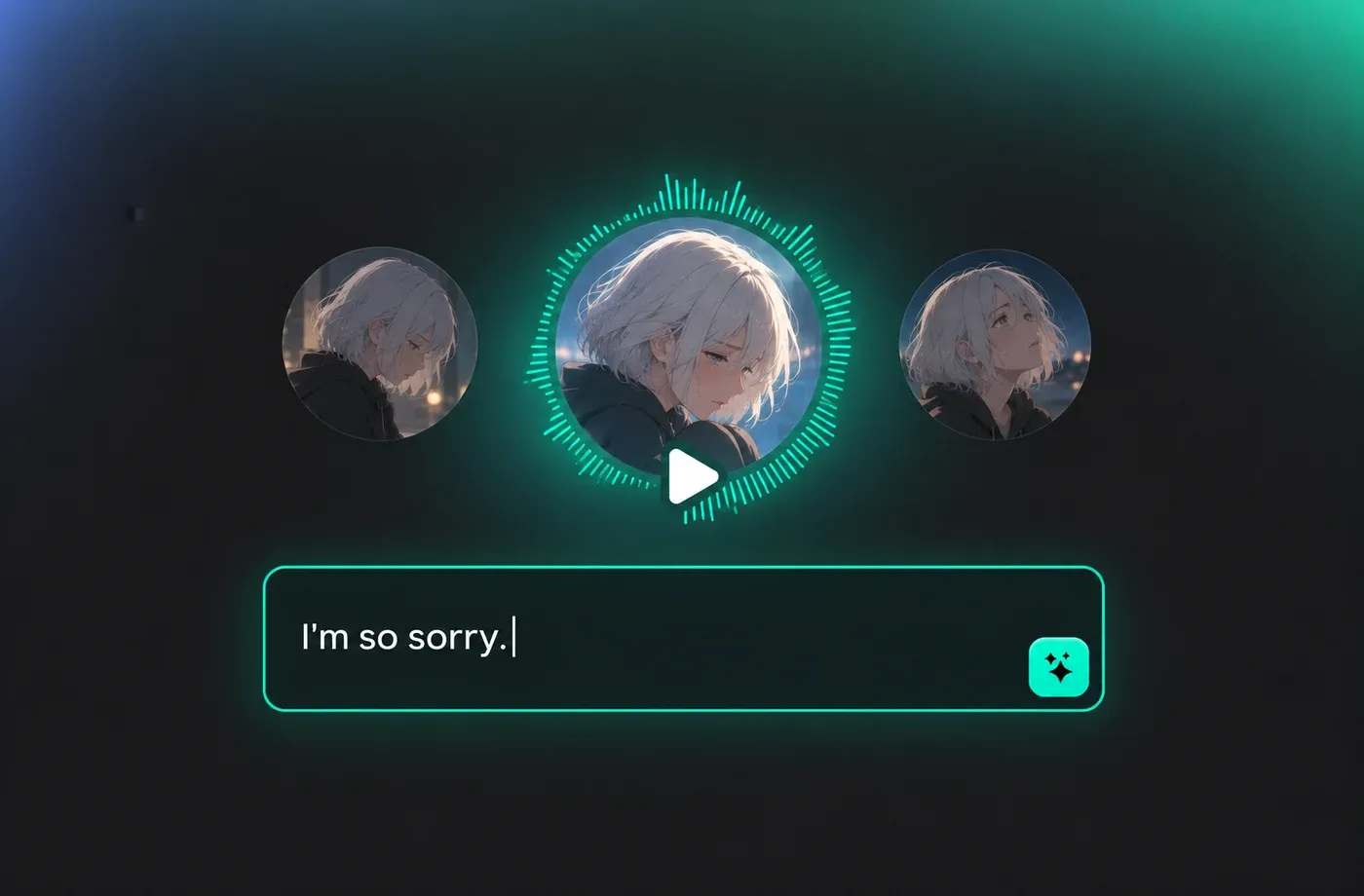
Direct the Sad Tone of Voice, Don't Just Pick It
Sadness lives in the details: a slower pace, a lower pitch, a trailing ending. FineVoice exposes those details with pace, pitch, pause and emphasis controls so you can dial in a sad tone of voice that reads as grief, regret or quiet resignation. Every change previews instantly, which means you can hear the difference between heartbroken and merely melancholy before you export.
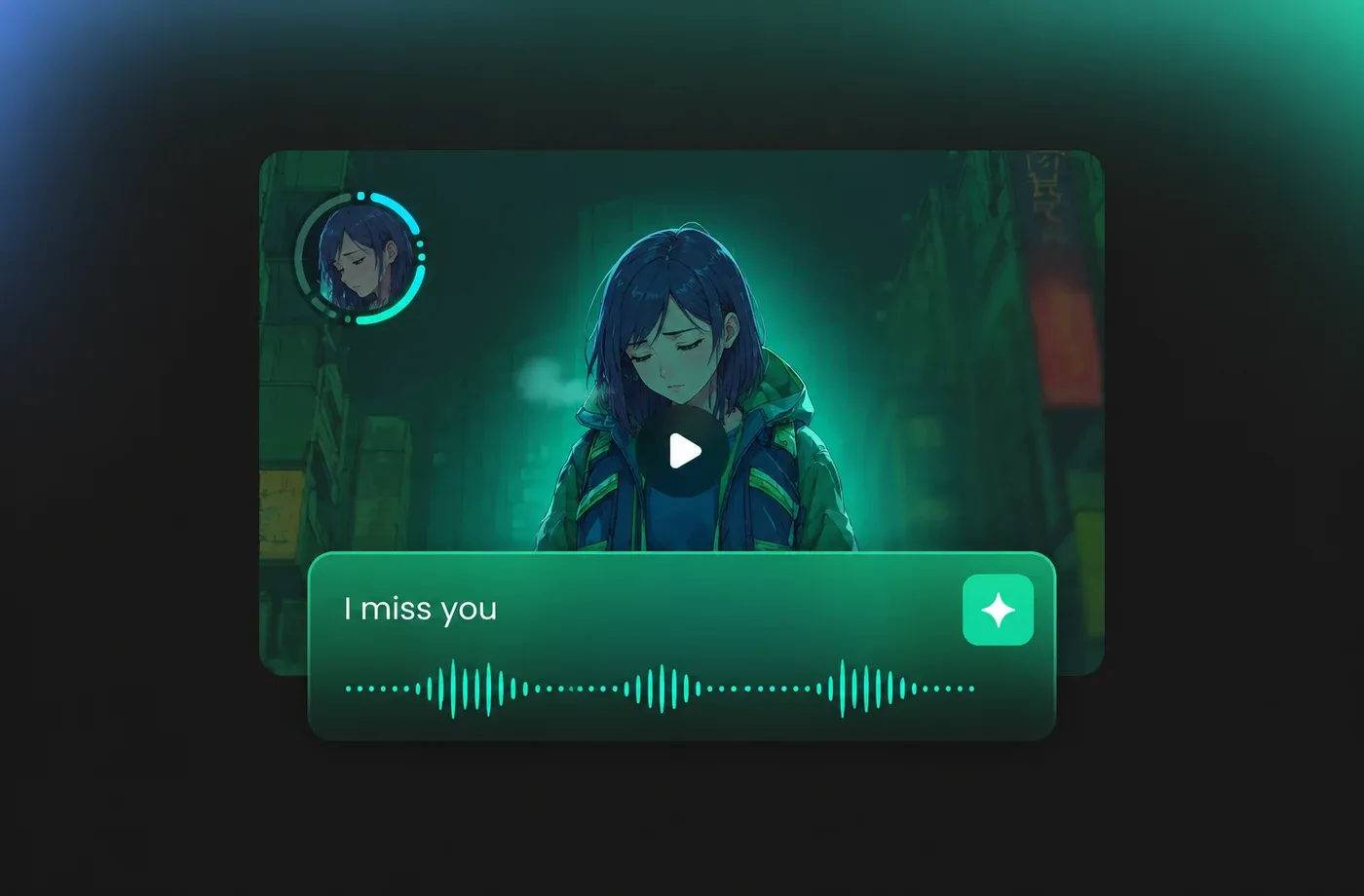
A Sad Voice for Film, Audiobooks and Games
Use the sad voice for memory sequences in short films, chapter endings in audiobooks, mourning NPCs in games or reflective voice-over for documentaries. Because the output is clean, isolated narration, it drops straight into your edit without de-noising or repair. Consistent character voices across chapters keep long-form sadness from drifting.
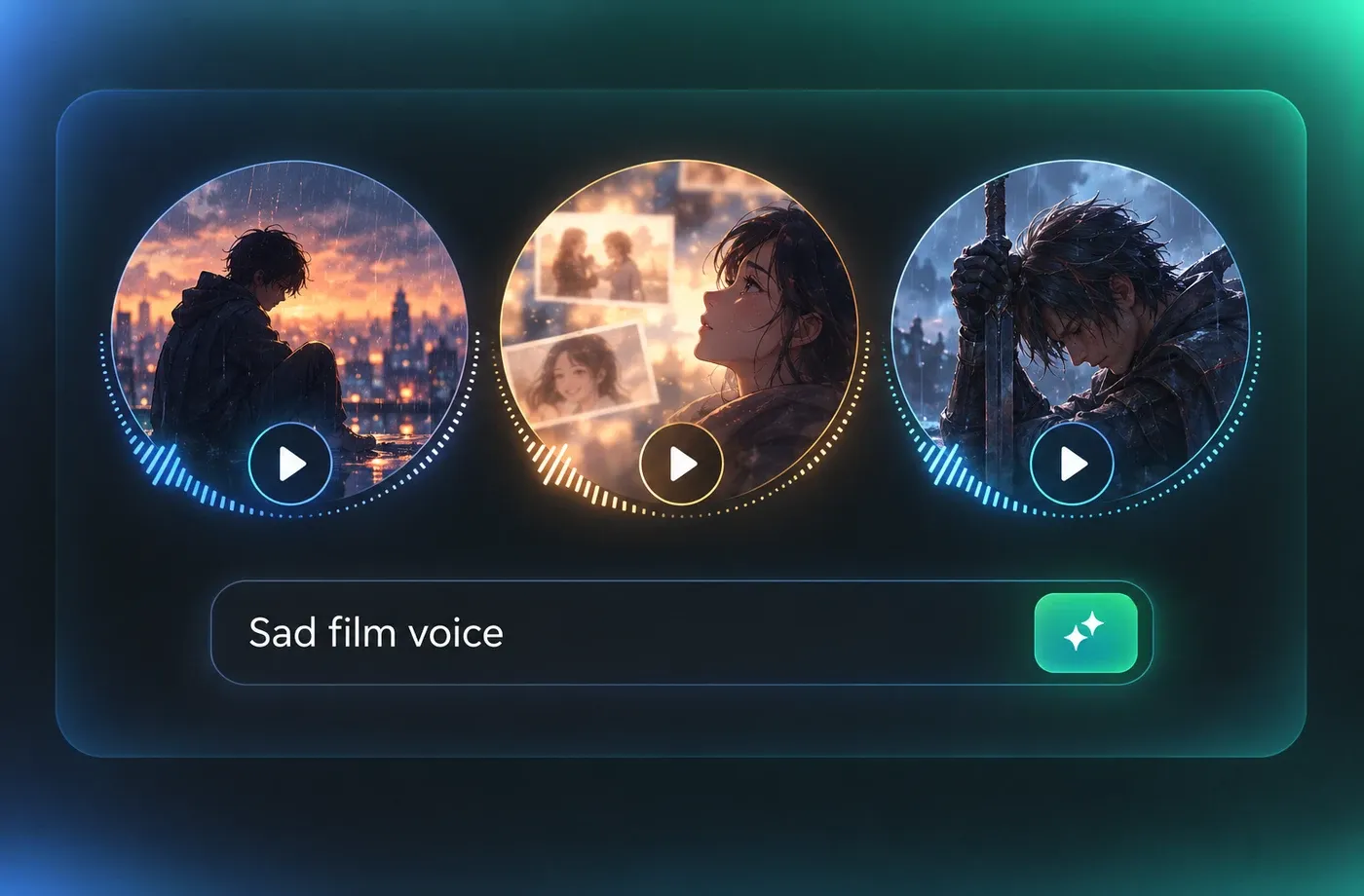
Save Your Sad Voice Presets and Reuse Them
Once a sad voice feels right, save the full setting — speaker, pace, pitch and pause profile — as a reusable preset. Every future scene, chapter or episode can return to exactly the same sad tone of voice, which matters when a story spans weeks of production. Teams can share presets so a whole project stays emotionally consistent.
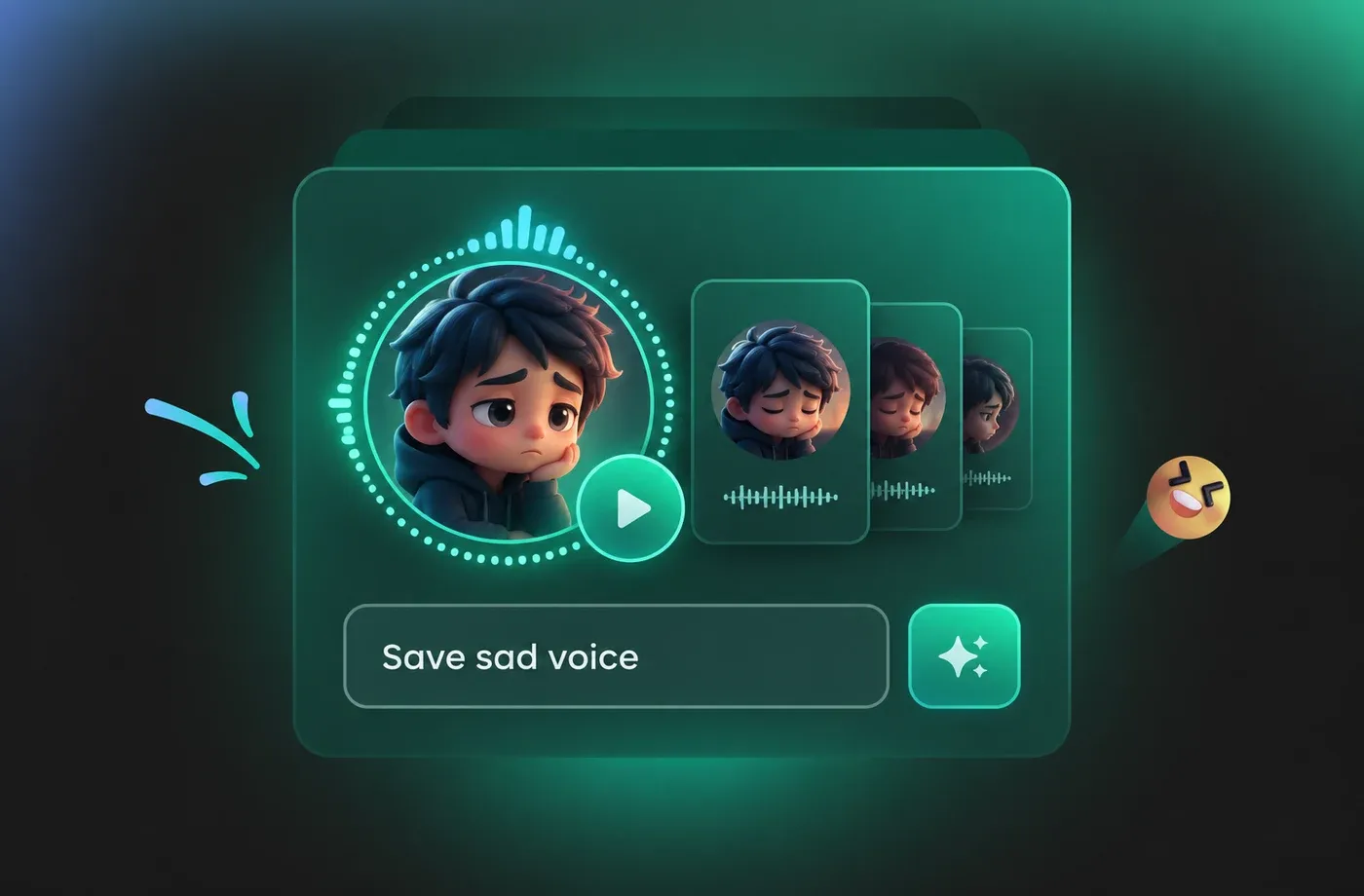
How to Make a Sad Voice in Three Steps
Write or paste your script, adjust the sad tone of voice, then export a clean, broadcast-ready sad voice track in minutes.
1

Step 1: Paste Your Script
Type or paste the lines you want spoken, then break them into short paragraphs where the speaker would naturally pause. Punctuation and line breaks guide the sad tone of voice more than any slider, so mark the beats you care about first.
2

Step 2: Choose a Speaker and Shape the Sad Voice
Pick a natural adult narrator from the library, then adjust pace, pitch, pause length and emphasis until the sadness sits where you want it — restrained, reflective or openly grieving. Preview as often as you like; changes apply instantly.
3

Step 3: Generate and Export
Render the final sad voice, review the full take, then download a clean audio file for your edit or save the settings as a preset so the same sad voice returns in the next chapter or episode.
t0529.tools.voiceCategory.moreThan





Explore More Voice Categories
Frequently Asked Questions About the Sad Voice
1. What does a sad voice sound like in FineVoice?
Our sad voice is built from natural adult narration: slower pacing, a slightly lower pitch, softer consonants and audible breath between phrases. Nothing is pitch-shifted or filtered, so the result sounds like a person holding back emotion rather than an effect. You can preview several intensities to hear the difference.
2. Can I control how sad the sad tone of voice is?
3. Is this sad voice good enough for audiobooks and film narration?
4. Do I need voice acting experience to get a convincing sad voice?
5. Which languages and accents does the sad voice support?
6. Can I use the generated sad voice commercially?
7. How do I keep the same sad voice across multiple scenes?
8. Can I combine a sad tone of voice with other emotions?
 FineVoice
Ready to Give Your Script a Real Sad Voice?
Bring a farewell, a memory or a final line to life with a sad voice that sounds human, not processed. Start free, shape the sad tone of voice until it fits, and export a clean track in minutes.
