

Free Mellow Voice Generator: Smooth, Relaxed Text to Speech Voices
Discover the best Mellow AI Voice Generator and Text to Speech tool! Type or paste your script, then shape a soft, low-pressure delivery with pitch, speed and emotion controls until the mellow voice tone matches your scene. Preview each take in the browser, compare options in the mellow voice library, and export the final track as MP3 or WAV in 154+ languages.
文字转语音历史记录
示例:

设置
AI语音

- Voice Name
- 0 使用次数
免费创建您的AI语音。
模型
 FineVoice TTS Max
Instantly Create Mellow Voiceovers
Paste a script and the generator returns a finished mellow voice track in seconds, with no recording booth or editing timeline involved. Pitch, speed and emotion controls let you move from lightly warm to deeply unhurried before you export the take you like best.
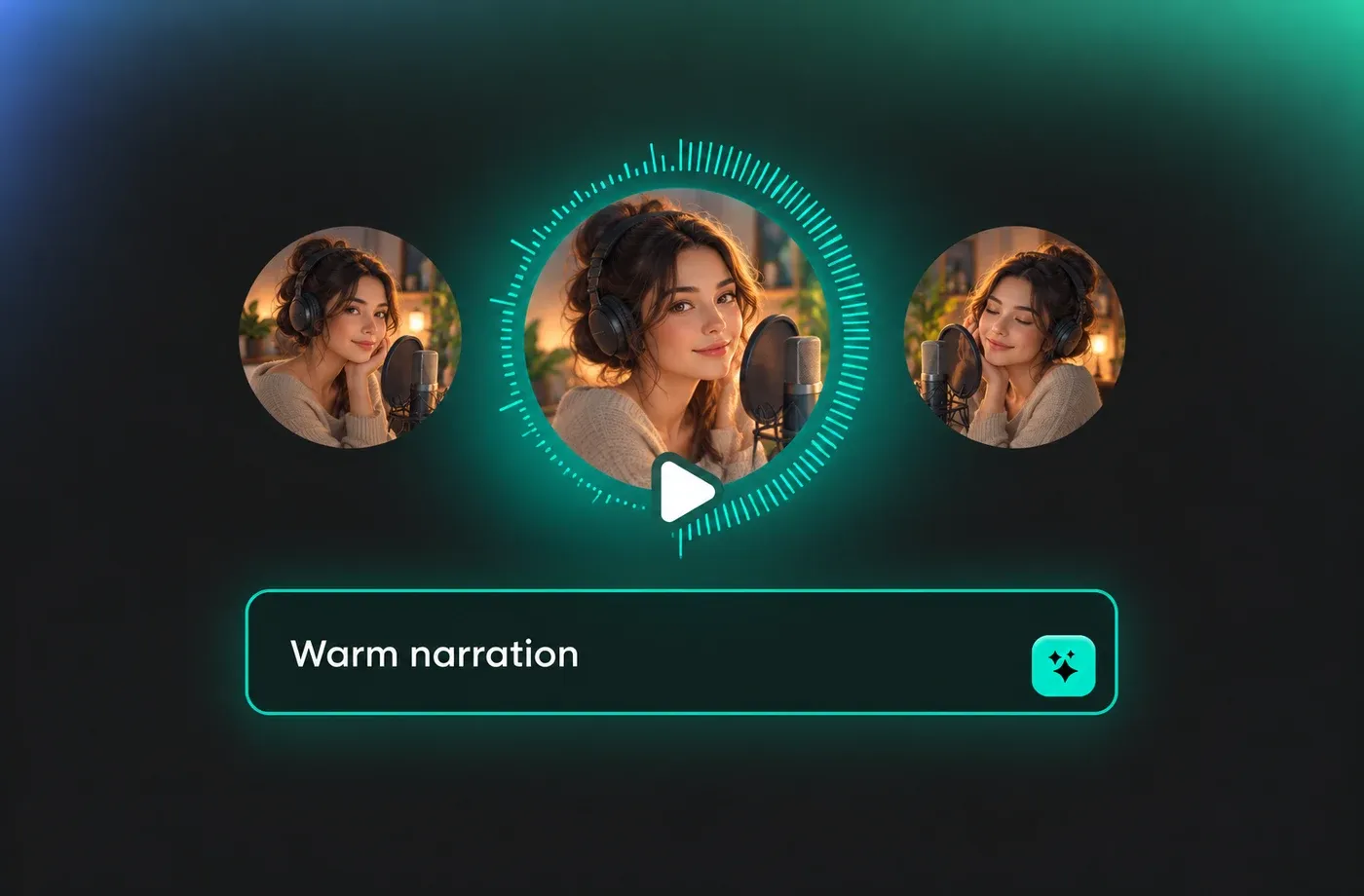
Text to Speech Mellow Voices
The mellow voice text to speech engine reads your script in 154+ languages and accents, so a soft English narration, a gentle Spanish voiceover or a quiet Japanese explainer all come from the same draft. Simply pick a language and accent, then let the generator keep the calm delivery intact.
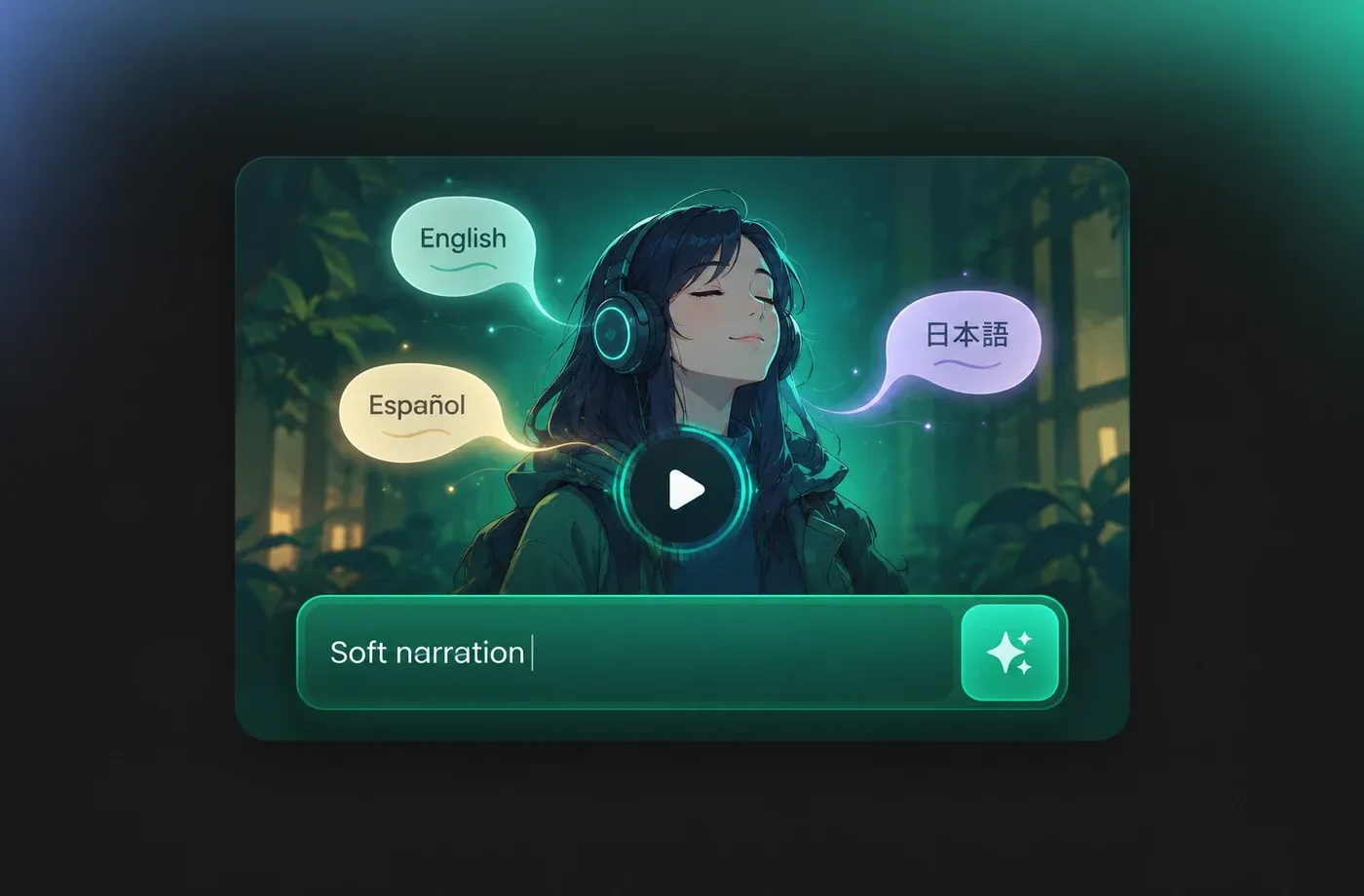
Mellow Voice for Narration and Wind-Down Audio
A mellow voice suits audiobook chapters, meditation and sleep content, documentary voiceover and gentle product explainers where a hard sell would break the mood. Lower the pace slightly and keep emotion mild to hold that steady, low-pressure tone across long scripts.
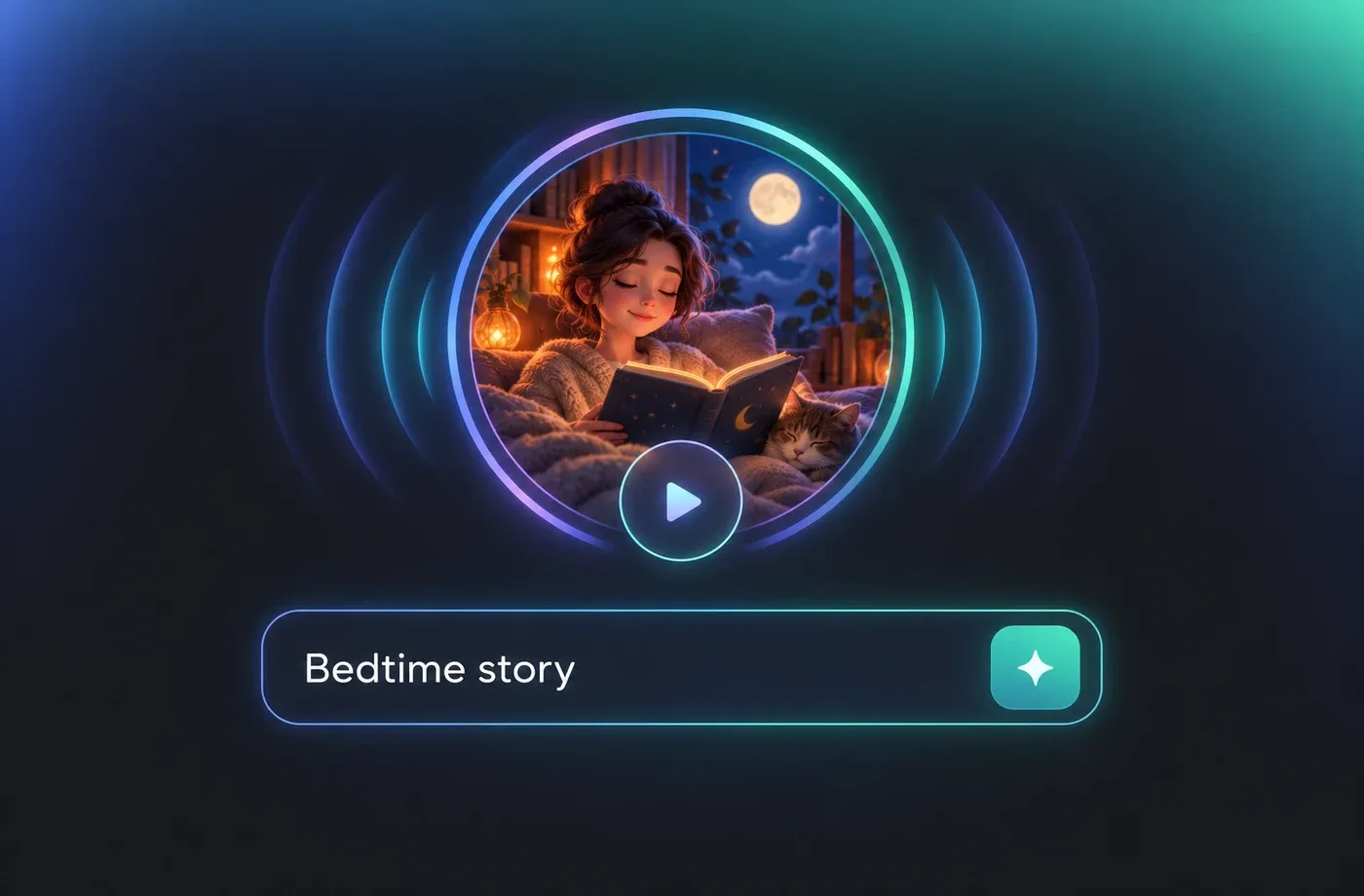
Download Mellow Voice as MP3 or WAV
Render your mellow voice track and download it as MP3 for quick sharing or WAV for editing in a video or audio timeline. Everything runs in the browser, so you can also clone a voice or design a new one and keep the same mellow character across episodes.
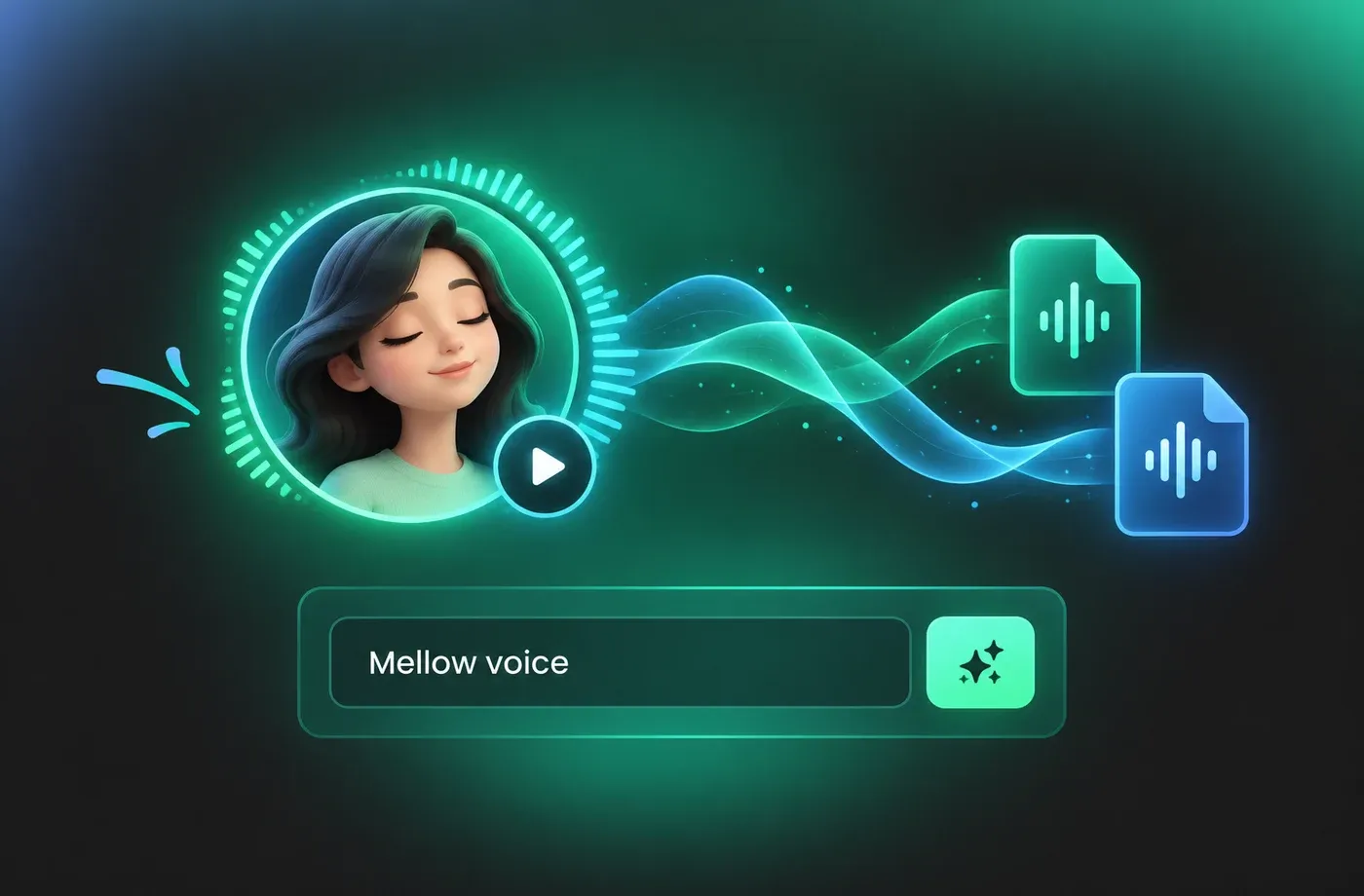
How to Use AI Voices for Mellow Voice Generator
Turn any script into a mellow voice track in three steps: paste your text, soften the delivery with pitch, pace and emotion settings, then preview and download.
1

Step 1: Paste your script into the mellow voice generator
Add the text you want spoken, from a single line of dialogue to a full chapter. Punctuation carries the pauses, so keep commas and full stops where you want the mellow voice to breathe.
2

Step 2: Shape the mellow tone
Pick a calm voice, then lower the speed a little and keep pitch and emotion close to the middle. Generate a couple of variations so you can hear how each setting changes the mellow voice.
3

Step 3: Preview and download your mellow audio
Listen to the full take in the browser, adjust anything that feels rushed, and export the final track as MP3 or WAV for your video, podcast or audiobook project.
t0529.tools.voiceCategory.moreThan












Explore More Voice Categories
FAQs About Mellow AI Voice Generator
1. What is a mellow voice generator?
A mellow voice generator is a text to speech tool that converts written scripts into a soft, low-pressure spoken delivery instead of a bright or punchy one. FineVoice lets you type your text, choose a calm voice and adjust pitch, speed and emotion so the mellow voice matches your pacing.
2. How do I make my text sound mellow in the voice generator?
3. Which languages does the mellow voice text to speech support?
4. Can I change pitch, speed and emotion for a mellow voice?
5. Can I download mellow voice audio as MP3 or WAV?
6. Do I need to install anything to use the mellow voice generator?
7. Can I clone a voice and keep a mellow tone?
8. What is a mellow voice best used for?
 FineVoice
Start Creating with AI Mellow Voices
Write a script, choose a soft voice and shape the pace until the delivery feels unhurried. Preview the mellow voice in your browser, then download MP3 or WAV whenever the take sounds right.
